Save time and money with our discounts!
In cart {{totalProductsCount}} item(s)
Your cart is empty
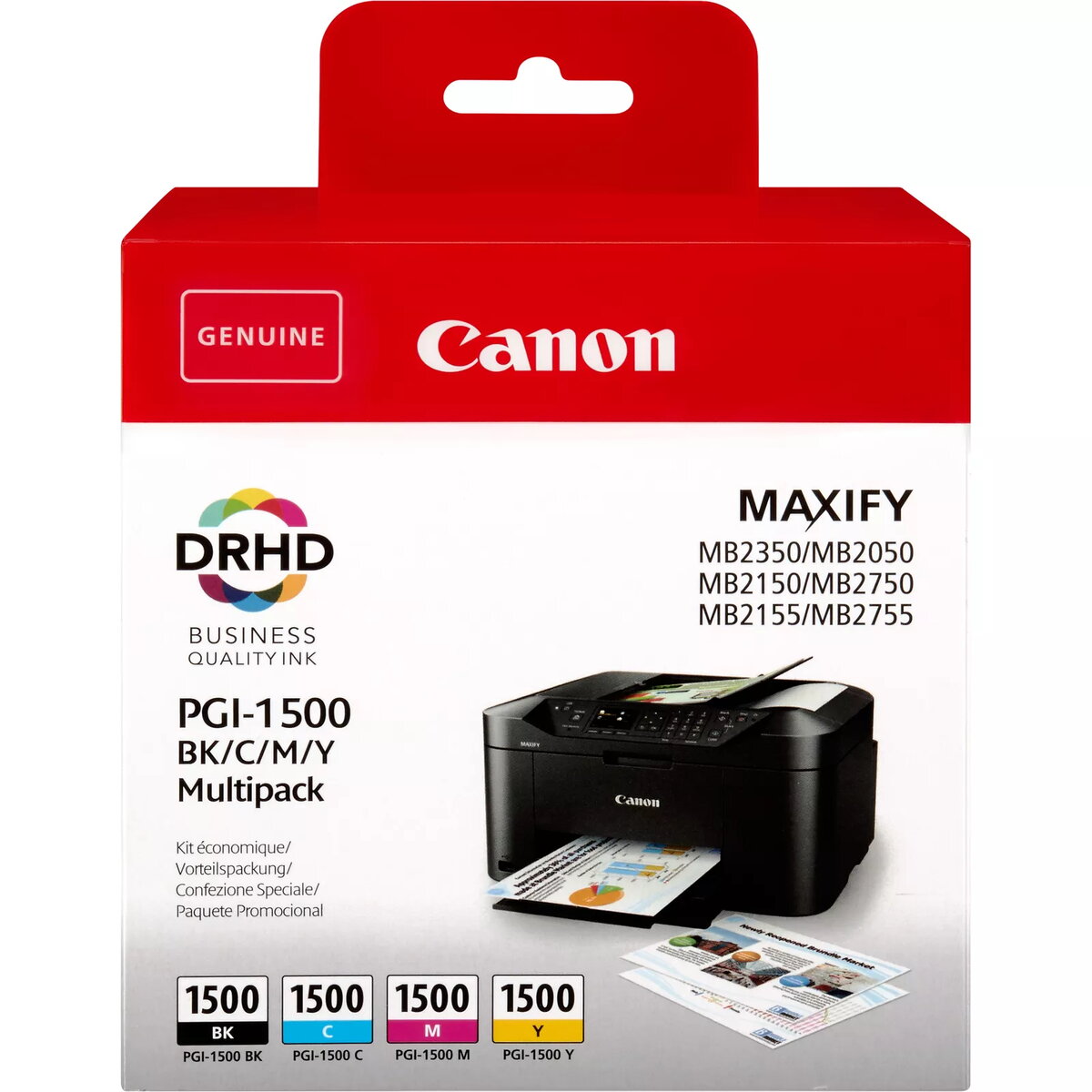
Cartridge Canon PGI-1500 Multipack BK/C/M/Y
The Canon PGI-1500 Multipack provides a comprehensive solution for your printing requirements, containing black, cyan, magenta, and yellow ink cartridges. These original Canon cartridges utilize DRHD pigment ink technology, which is specifically engineered to produce professional-grade business documents on plain paper. By combining these four essential colors, the multipack ensures that your text remains crisp and sharply defined, while graphics and charts are rendered with vibrant accuracy and consistent quality.
Choosing this original multipack offers significant benefits, including seamless compatibility and reliable performance with your Canon printer. The use of genuine DRHD pigment inks guarantees that your documents are resistant to fading and smudging, maintaining a professional appearance over time. Because these cartridges are designed by the manufacturer, they provide optimal flow and print head protection, reducing the risk of clogging and ensuring that every page meets high standards of clarity and color precision.
This multipack is specifically formulated for use with compatible Canon inkjet printers and may not be suitable for devices from other manufacturers. It is also optimized for plain paper printing, so users requiring specialized photo printing on glossy or heavy-weight photo paper may find that other ink series provide better results for those specific media types.
To install the cartridges, open the printer cover and wait for the carriage to move to the replacement position. Remove the empty cartridge by pressing the release tab and lifting it out. Take the new cartridge out of its packaging, remove the protective orange tape or cap as indicated by the manufacturer, and insert it into the corresponding color slot. Press down firmly until you hear a click, then close the printer cover. The printer will automatically detect the new ink and perform a brief initialization process.
For the best results, always use genuine Canon paper and ink products together. If the printer is not used frequently, perform a nozzle check once a month to maintain print head health and ensure consistent ink quality.
{{highlightedFeature.featureTitle}}:
{{getProductFeatureValueById(product, highlightedFeature.featureId)}}
{{ productComparisonGenerationError }}