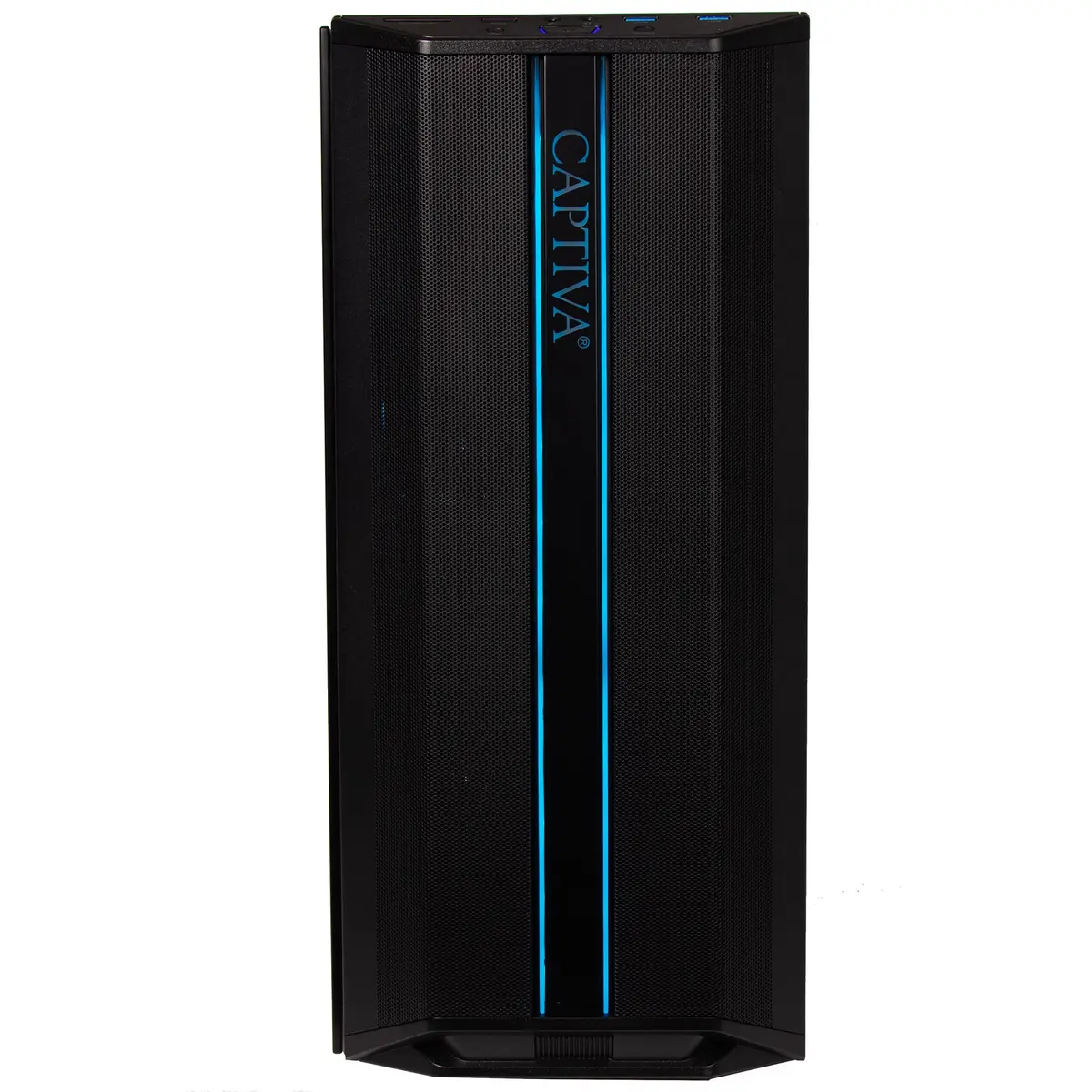
The Captiva Entry Gaming R10-4028 desktop computer is compared with several alternative models in the Captiva lineup, including versions R10-4032, R10-4031, R10-4030, R10-4036, and the R10-2817. All of these computers share the same underlying AMD Ryzen 5 5500 processor platform and NVIDIA GeForce RTX 5050 8GB GDDR6 graphics card, ensuring identical base gaming and daily task performance across the board. The main differences between the models lie in their RAM capacity, storage size, built-in WLAN connectivity, and whether they include a pre-installed Windows 11 Home operating system.
⚙️ Below is a comparison of technical specifications such as the processor, graphics subsystem, memory capacity, storage size, networking features, and operating system inclusion to help evaluate practical differences between the models.
| Parameter | Captiva R10-4028 | Captiva R10-4032 | Captiva R10-4031 | Captiva R10-4030 | Captiva R10-4036 | Captiva R10-2817 | Practical Conclusion |
|---|
| Processor | AMD Ryzen 5 5500 | AMD Ryzen 5 5500 | AMD Ryzen 5 5500 | AMD Ryzen 5 5500 | AMD Ryzen 5 5500 | AMD Ryzen 5 5500 | Base processor performance level is identical across all models. |
| Graphics Card | NVIDIA GeForce RTX 5050 8GB | NVIDIA GeForce RTX 5050 8GB | NVIDIA GeForce RTX 5050 8GB | NVIDIA GeForce RTX 5050 8GB | NVIDIA GeForce RTX 5050 8GB | NVIDIA GeForce RTX 5050 8GB | Visual capabilities for gaming and applications are completely equal. |
| RAM | 8GB RAM | 16GB RAM | 16GB RAM | 8GB RAM | 32GB RAM | 16GB RAM | Models with 16GB and 32GB suit heavy multitasking better, while 8GB requires an upgrade for demanding workflows. |
| Storage | 500GB SSD | 500GB SSD | 500GB SSD | 500GB SSD | 1TB SSD | 500GB SSD | The R10-4036 version offers double the storage space for games and files. |
| Wireless Connectivity | WLAN | WLAN | WLAN | WLAN | WLAN | No Wi-Fi | The R10-2817 model lacks built-in WLAN, limiting wireless connectivity options. |
| Operating System | Windows 11 Home | Windows 11 Home | Without OS | Without OS | Windows 11 Home | Windows 11 Home | Models without OS require custom software installation, while others are ready to use immediately. |
◎ The table below evaluates how well each model matches various usage scenarios and buyer profiles to help you choose the most suitable option.
| Use case | Recommended product | Why |
|---|
| Out-of-the-box basic gaming with pre-installed OS | Captiva R10-4028 | An optimal choice for users looking for a ready-to-go PC with Windows and standard memory for gaming and productivity. |
| Advanced multitasking with ready-to-use OS | Captiva R10-4032 | The upgraded 16GB RAM capacity ensures smooth execution of demanding applications and heavy multitasking. |
| Custom software setup with 16GB RAM | Captiva R10-4031 | Delivered without an operating system, allowing you to install custom software, and equipped with 16GB memory. |
| Budget-friendly setup without OS and standard memory | Captiva R10-4030 | Suits users who prefer to install their own operating system while maintaining standard memory capacity. |
| Maximum performance and storage capacity | Captiva R10-4036 | Provides the highest RAM capacity (32GB) and a spacious 1TB storage drive for intensive tasks and large game libraries. |
| Wired network preference over wireless | Captiva R10-2817 | An alternative for those who do not need built-in WLAN but value having 16GB RAM and Windows 11. |
The comparison shows that the Captiva Entry Gaming R10-4028 is a balanced entry-level solution featuring pre-installed Windows 11 Home and WLAN support, though it comes with less RAM (8GB) compared to many alternatives. Choose the Captiva Entry Gaming R10-4028 if you need a fully ready-to-use PC for basic gaming and daily tasks without the hassle of installing an OS yourself. If you require higher multitasking performance, consider models with 16GB or 32GB of RAM, and choose the operating-system-free versions if you prefer to set up your own software environment.