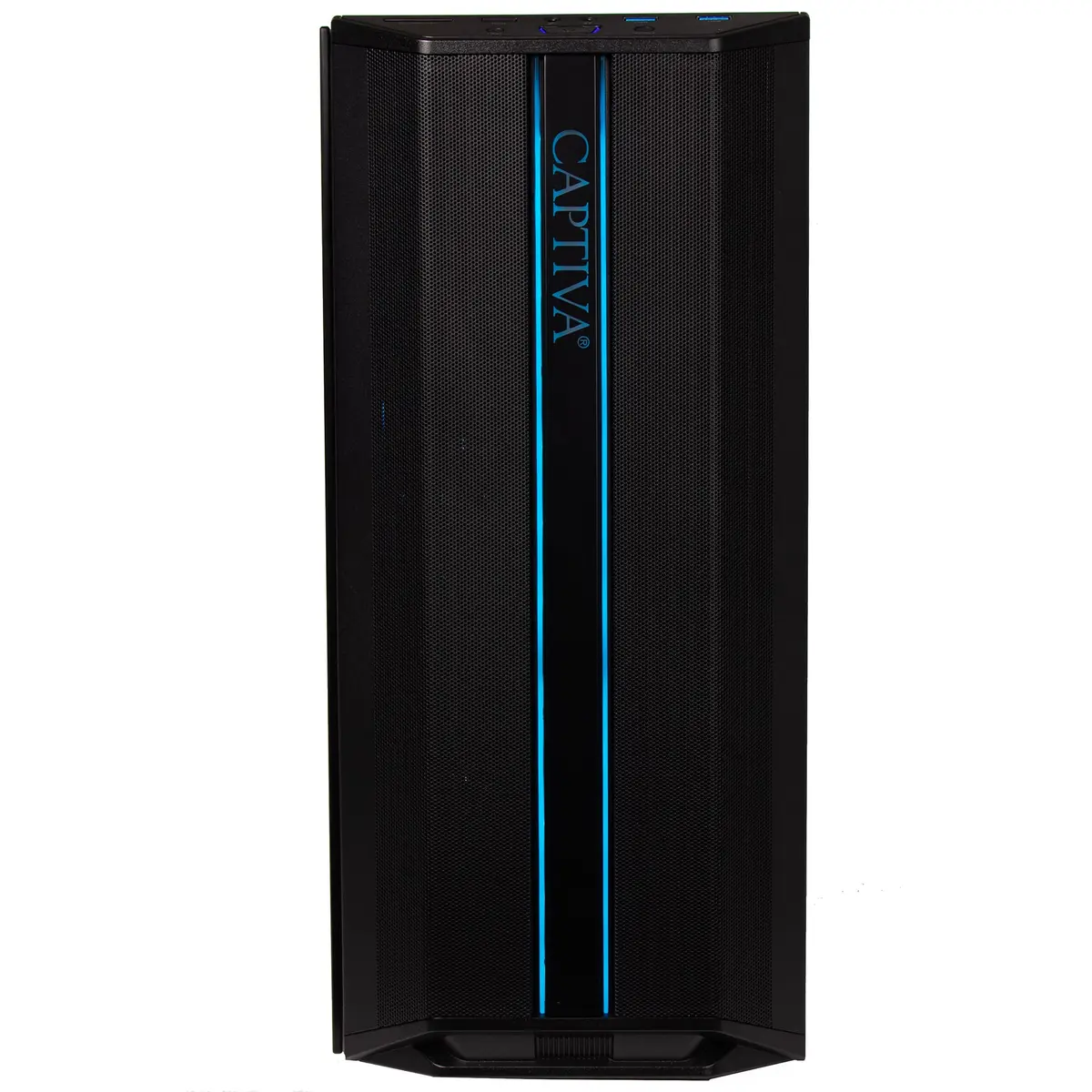
The Captiva Entry Gaming R10-4031 desktop PC is compared against several similar alternative systems within the Captiva Entry Gaming lineup. All these computers share essential hardware foundations, including the capable NVIDIA GeForce RTX 5050 graphics card with 8GB of GDDR6 memory, a fast 500GB SSD storage drive, and built-in WLAN connectivity. The primary differences lie in the RAM capacity (8GB or 16GB), the processor type (AMD Ryzen 5 5500 or Ryzen 7 5700X), and the presence or absence of a pre-installed Windows 11 Home operating system.
⚙️ The technical specifications of this model compared with alternatives across processor type, memory, storage, graphics, operating system, and a practical conclusion are shown in the table below.
| Specification | Captiva Entry Gaming R10-4031 | Captiva Entry Gaming R10-3823 | Captiva Entry Gaming R10-4030 | Captiva Entry Gaming R10-4028 | Captiva Entry Gaming R10-3869 | Captiva Entry Gaming R10-4032 | Practical conclusion |
|---|
| Processor | AMD Ryzen 5 5500 | AMD Ryzen 5 5500 | AMD Ryzen 5 5500 | AMD Ryzen 5 5500 | AMD Ryzen 7 5700X | AMD Ryzen 5 5500 | The Ryzen 7 5700X in the R10-3869 offers higher multi-threaded processing power for demanding tasks, whereas the Ryzen 5 5500 handles everyday gaming and multitasking efficiently. |
| Graphics | NVIDIA GeForce RTX 5050 8GB | NVIDIA GeForce RTX 5050 8GB | NVIDIA GeForce RTX 5050 8GB | NVIDIA GeForce RTX 5050 8GB | NVIDIA GeForce RTX 5050 8GB | NVIDIA GeForce RTX 5050 8GB | All compared models feature the identical graphics card, ensuring consistent visual performance across modern gaming titles. |
| Memory | 16GB RAM | 16GB RAM | 8GB RAM | 8GB RAM | 16GB RAM | 16GB RAM | The 16GB RAM capacity provides smoother multitasking and prevents memory bottlenecks in demanding applications compared to 8GB versions. |
| Storage | 500GB SSD | 500GB SSD | 500GB SSD | 500GB SSD | 500GB SSD | 500GB SSD | A uniform 500GB fast SSD across all systems ensures identical quick boot times and rapid application loading. |
| Operating System | Without OS | Without OS | Without OS | Windows 11 Home | Without OS | Windows 11 Home | Versions featuring pre-installed Windows 11 Home offer immediate out-of-the-box usability without requiring manual OS installation. |
◎ An analysis of user needs, usage scenarios, and buyer profiles mapped to the most suitable product configuration is presented in the suitability table below.
| Use case | Recommended product | Why |
|---|
| Balanced gaming without pre-installed OS | Captiva Entry Gaming R10-4031 | Provides a strong combination of 16GB RAM and a capable Ryzen 5 processor while avoiding unnecessary operating system licensing costs. |
| Budget-focused setup with custom OS | Captiva Entry Gaming R10-3823 | Delivers identical technical specifications to the main model under an alternative manufacturer part number. |
| Entry-level gaming with lower initial RAM | Captiva Entry Gaming R10-4030 | Suitable for buyers who prefer an 8GB system with the intention of upgrading memory independently later. |
| Ready-to-use system with Windows | Captiva Entry Gaming R10-4028 | Includes pre-installed Windows 11 Home, though paired with an 8GB RAM configuration. |
| High-performance processing needs | Captiva Entry Gaming R10-3869 | Upgrades to an AMD Ryzen 7 5700X processor for enhanced capability in heavier productivity or gaming workloads. |
| Maximum performance and ready-to-use OS | Captiva Entry Gaming R10-4032 | Combines 16GB RAM with pre-installed Windows 11 Home for a complete and uncompromised immediate setup. |
Choose the Captiva Entry Gaming R10-4031 if you need a well-rounded gaming desktop with 16GB of RAM and prefer the flexibility of installing your own operating system. This model outperforms 8GB alternatives in multitasking convenience and saves on software costs compared to pre-configured Windows bundles.