Powerful EcoFlow stations for energy anywhere!
In cart {{totalProductsCount}} item(s)
Your cart is empty
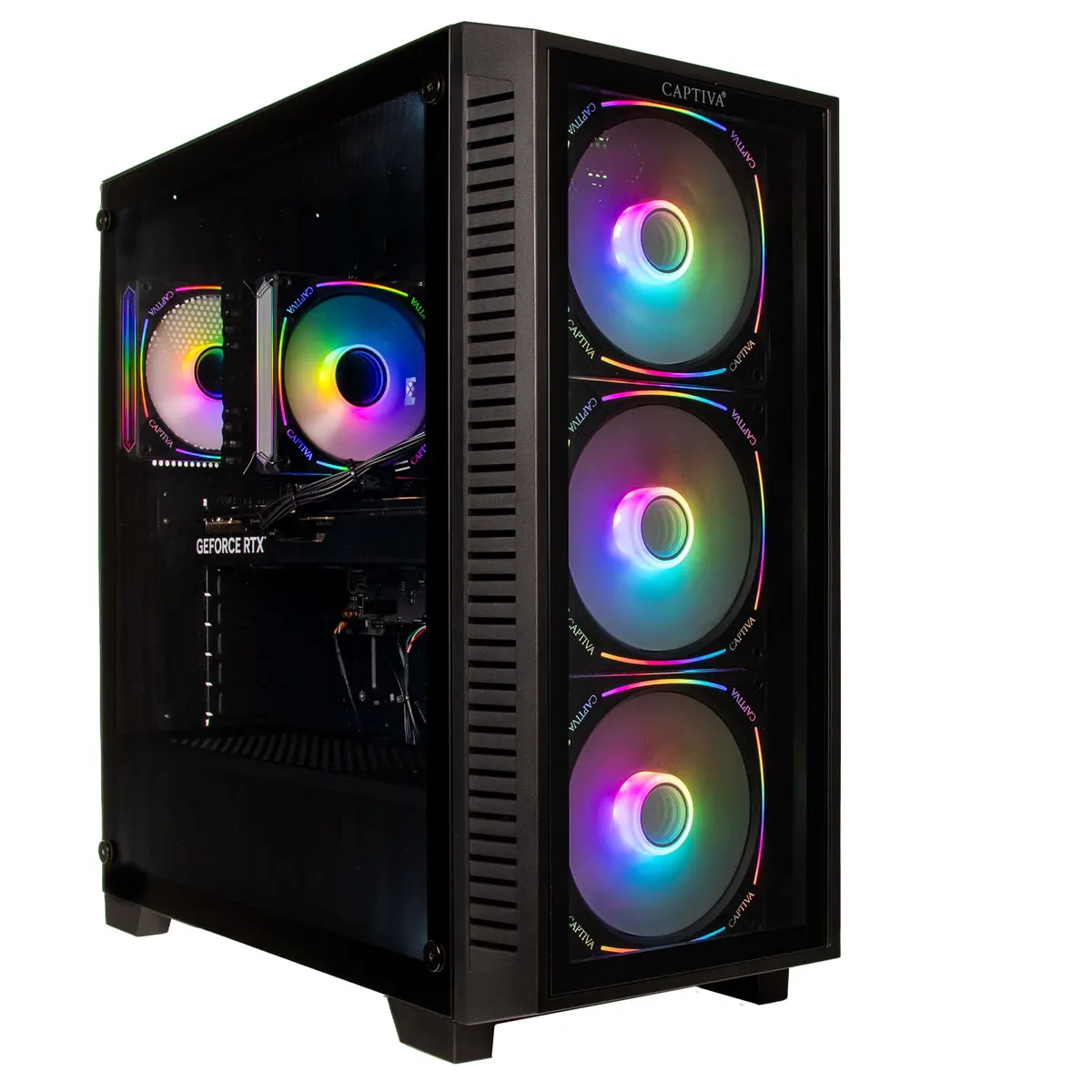
Computer Captiva PC Highend Gaming I89-538 Ultra 7 265KF 64GB 2TB RTX5070 Ti w/o OS
The Captiva PC Highend Gaming I89-538 Ultra 7 265KF 64GB 2TB RTX5070 Ti w/o OS is a high-performance desktop configured for demanding gaming and professional workloads. It features an Ultra 7 265KF processor, 64GB of system memory and a 2TB solid-state drive for responsive storage. The dedicated RTX5070 Ti graphics delivers accelerated rendering and high frame rates for modern titles. Supplied without an operating system, the system is ready for user installation and configuration to fit specific software or platform needs.
The combination of a high-frequency Ultra 7 265KF CPU and 64GB RAM supports complex multitasking and heavy application loads while reducing bottlenecks during content creation or streaming. A 2TB SSD provides ample, fast local storage for large game libraries and project files, improving load times and system responsiveness. The RTX5070 Ti GPU offers advanced graphics performance including hardware-accelerated ray tracing and AI-driven features suitable for gaming at high settings, VR, and GPU-accelerated compute tasks. Delivered without a preinstalled operating system, the system allows full control over OS choice, partitioning and driver setup.
Install your preferred operating system first, following the OS vendor's installation instructions and ensuring the latest chipset and GPU drivers are obtained from the manufacturer. Configure BIOS/UEFI settings as required for storage mode (AHCI/RAID), memory profiles (XMP/DOCP) and boot order. After OS installation, install the motherboard chipset drivers and the latest graphics drivers for the RTX5070 Ti to enable full performance and feature support. Use system monitoring tools to verify temperatures and voltages during initial setup and adjust cooling or fan curves if necessary.
For optimal gaming and workstation performance, keep GPU and CPU drivers up to date, maintain at least 20% free space on the SSD to preserve performance, and use a reliable UPS or surge protector to protect the system hardware. When installing intensive applications or overclocking, monitor thermals closely and ensure adequate case airflow.
{{highlightedFeature.featureTitle}}:
{{getProductFeatureValueById(product, highlightedFeature.featureId)}}
{{ productComparisonGenerationError }}