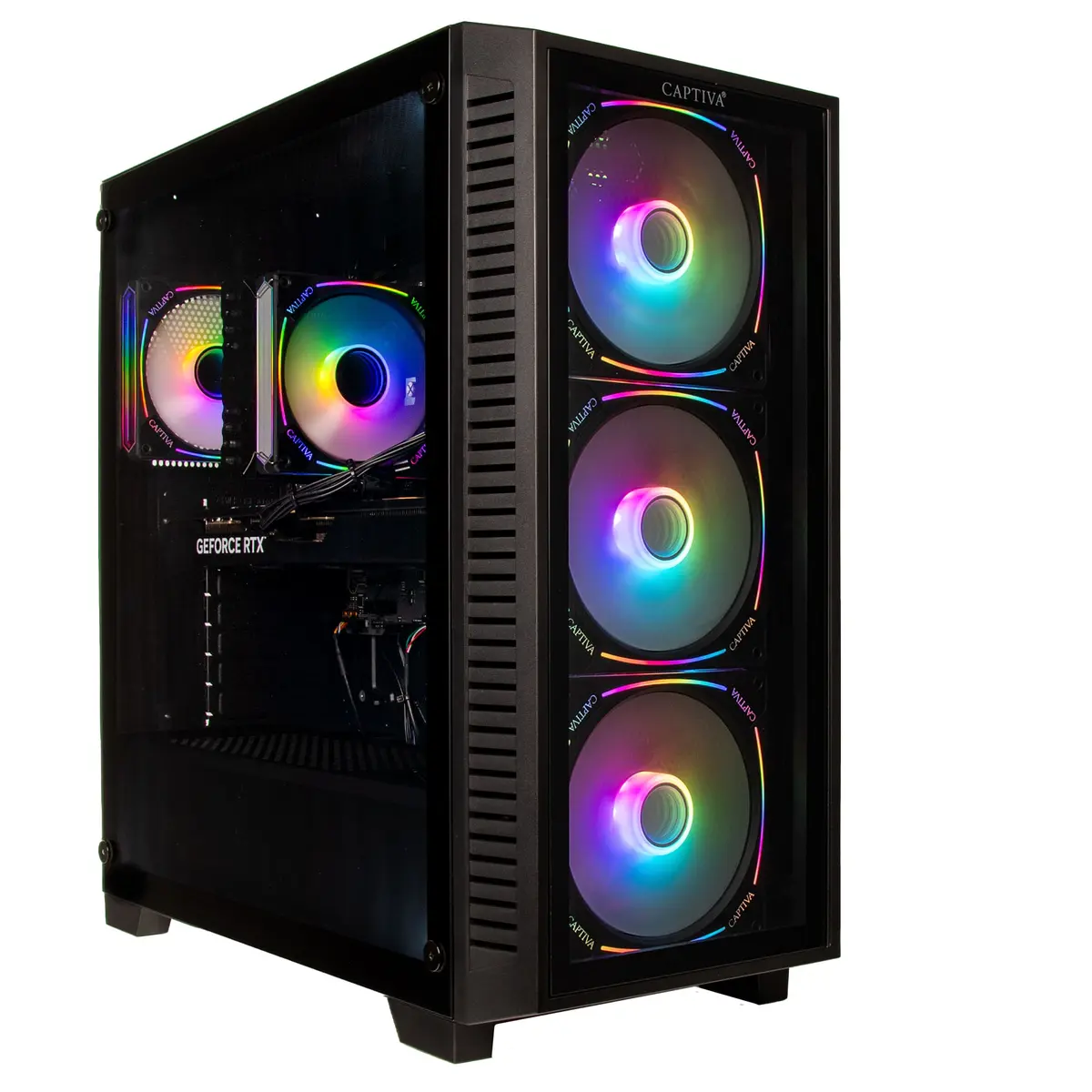
The Captiva PC Highend Gaming I89-596 i7-14700KF 64GB 2TB RTX5070 Ti w/o OS is a high-performance desktop system built for demanding gaming and content-creation workloads. Equipped with an Intel i7-14700KF processor, a large 64GB memory pool and a 2TB solid-state drive, this configuration delivers fast load times, smooth multitasking and headroom for modern AAA titles. The NVIDIA RTX5070 Ti graphics card provides hardware-accelerated ray tracing and high frame-rate rendering for detailed visuals. The system ships without an operating system, giving users flexibility to install their preferred platform and configure settings to specific needs.
Advantages
High single-thread and multi-thread CPU performance from the Intel i7-14700KF enables both gaming and productivity tasks to run responsively. Large 64GB RAM capacity supports heavy multitasking, streaming and memory-intensive applications. A 2TB SSD provides extensive fast storage for games, media and project files while reducing loading times. The dedicated RTX5070 Ti GPU delivers advanced graphics features, smooth performance at high settings and hardware support for accelerated rendering workflows. Integrated WLAN connectivity allows immediate access to networks without additional adapters. The absence of a preinstalled operating system allows customized installation, imaging and privacy control.
Suitable for
- High-end gaming at high settings and competitive frame rates
- 3D rendering, video editing and GPU-accelerated content creation
- Software development, virtualization and heavy multitasking
- Streaming gameplay while running background applications
Key specifications
- Processor: Intel i7-14700KF, high-performance desktop CPU
- Memory: 64GB RAM suitable for multitasking and large projects
- Storage: 2TB solid-state drive for fast system and application load times
- Graphics: NVIDIA RTX5070 Ti for hardware ray tracing and high-framerate rendering
- Connectivity: Built-in WLAN for wireless network access
- Form factor: Desktop tower with expansion capability for additional drives or cards
How to use
Install your preferred operating system using a USB installer or network image, then install the latest chipset and graphics drivers from the manufacturer to ensure optimal performance. Configure BIOS/UEFI settings as needed for storage mode, boot order and fan profiles. Use dedicated GPU driver software to adjust display, performance and power settings. For gaming, install titles on the SSD to benefit from reduced load times. For content creation, allocate scratch disks and project locations on the 2TB SSD and configure applications to use available RAM effectively.
Usage recommendations
Keep system drivers and firmware up to date and maintain adequate cooling and ventilation. If you plan to overclock or run sustained heavy loads, monitor temperatures and consider additional case airflow or an upgraded CPU cooler. Back up important data regularly and create a system image after initial OS setup to simplify future recovery or migrations.