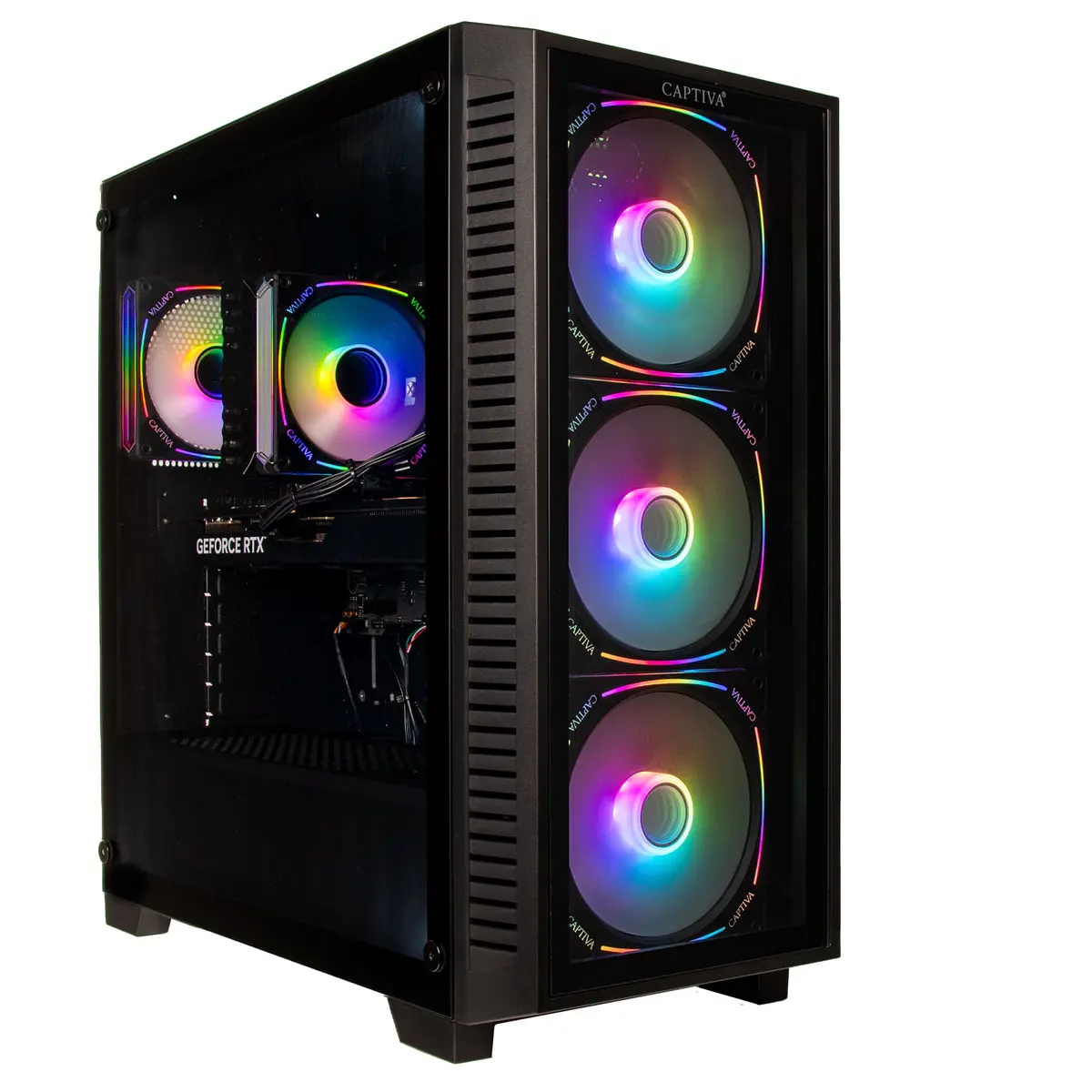
The Captiva PC Highend Gaming I89-602 i9-14900KF 32GB 1TB RTX5070 Ti w/o OS is a desktop workstation built for demanding gaming and professional workloads. Equipped with an Intel Core i9-14900KF processor, 32GB of system memory and a 1TB solid-state drive, this system delivers high single-thread and multi-thread performance, fast storage response and ample memory for modern applications. The included RTX5070 Ti graphics card provides hardware-accelerated ray tracing, AI-assisted features and high frame-rate rendering for contemporary games and graphics tasks. The unit is supplied without an operating system to allow custom OS installation or deployment in managed environments.
Advantages
The combination of a 14th-generation Intel Core i9 processor and 32GB RAM supports intensive gaming, content creation and multitasking with reduced latency and consistent performance under sustained load. A 1TB NVMe SSD provides rapid system boot and application load times, while the RTX5070 Ti ensures high-resolution rendering and support for advanced graphics APIs. The absence of a preinstalled operating system allows users to choose or image their preferred platform, making the system flexible for both consumer and professional setups.
Suitable for
- High-frame-rate gaming at 1440p and capable performance at 4K
- Video editing and rendering projects
- 3D modelling and GPU-accelerated workflows
- Software development, virtual machines and multitasking
- Custom OS installation and corporate imaging
Key specifications
- Processor: Intel Core i9-14900KF — high-performance desktop CPU with multiple performance and efficiency cores
- Memory: 32GB DDR (dual-channel configuration for improved bandwidth)
- Storage: 1TB NVMe solid-state drive for system and application storage
- Graphics: NVIDIA RTX5070 Ti — dedicated GPU with ray tracing and AI acceleration
- Operating system: shipped without preinstalled OS to allow custom installation
- Expansion: standard desktop chassis with room for additional drives and PCIe cards
- Connectivity: multiple USB ports, video outputs compatible with modern monitors, and Ethernet networking
How to use
Unpack the desktop and place it on a stable, ventilated surface near the display and power outlet. Connect power, monitor, keyboard and mouse, then configure BIOS/UEFI settings if needed before installing an operating system of your choice. Install drivers for the chipset, GPU and other components after OS installation to ensure optimal performance. Use available vendor or open-source tools to monitor temperatures and fan speeds during initial setup and under load.
Usage recommendations
For gaming, update GPU drivers regularly and enable in-game performance settings appropriate for your target resolution and frame rate. For content creation or rendering tasks, consider adding additional storage or a dedicated scratch drive and ensure adequate cooling when running prolonged workloads. When installing an operating system, follow vendor guidelines for secure configuration and enable firmware updates to maintain system stability and security.