Powerful EcoFlow stations for energy anywhere!
In cart {{totalProductsCount}} item(s)
Your cart is empty
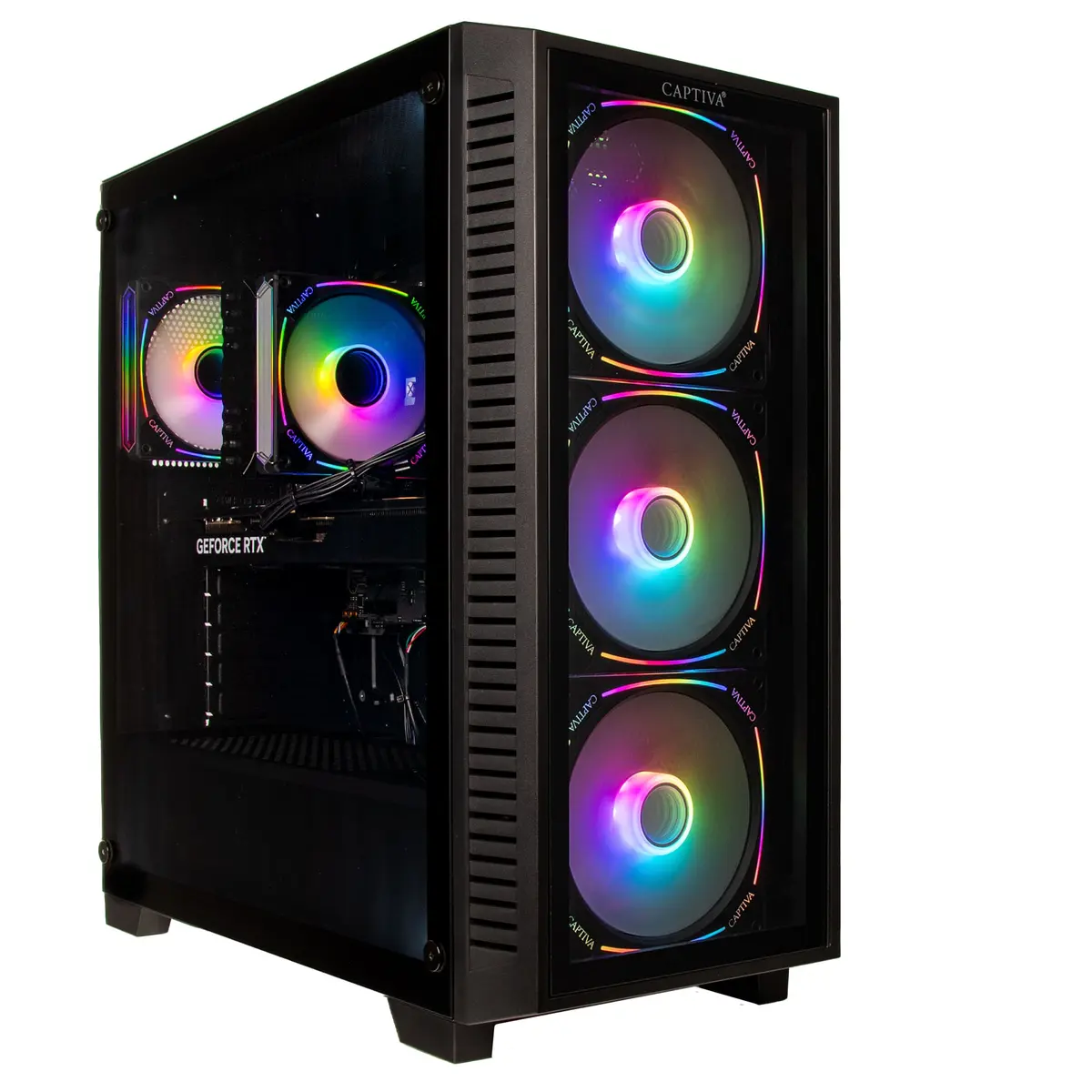
Computer Captiva PC Highend Gaming I89-605 i9-14900KF 32GB 2TB RTX5070 Ti w/o OS
The Captiva PC Highend Gaming I89-605 i9-14900KF 32GB 2TB RTX5070 Ti w/o OS is a desktop gaming system engineered for high-performance play and demanding applications. It pairs an Intel Core i9-14900KF processor with 32GB of system memory and an NVIDIA RTX5070 Ti graphics card with 16GB GDDR7 video memory. A 2TB solid-state drive provides high-capacity, fast storage while the system is shipped without a pre-installed operating system to allow for custom OS installation and configuration.
This configuration delivers multi-core CPU performance suitable for heavy multitasking and modern game engines, while the RTX5070 Ti GPU supports high-fidelity graphics and hardware-accelerated ray tracing. The 32GB RAM capacity reduces memory bottlenecks during gaming, streaming, and content creation. A 2TB SSD offers fast load times and ample space for large game libraries and applications. The absence of a pre-installed OS gives users flexibility to install their preferred operating system and set up a tailored environment.
Install your chosen operating system using a bootable USB drive or other installation media, and follow the OS installation steps to configure users, drivers and basic settings. After OS installation, install the latest chipset and GPU drivers from the motherboard and GPU manufacturer websites to ensure system stability and performance. Use system management utilities to configure power profiles, fan curves and RGB or peripheral settings if applicable. Keep backups of important data and create a recovery plan before making major system changes.
For optimal gaming performance, use the latest graphics drivers and enable game-specific settings such as DLSS or frame-rate smoothing where supported. Maintain adequate case airflow and regularly clean dust filters to preserve cooling efficiency. When running heavy workloads like rendering or large-scale simulations, monitor CPU and GPU temperatures and consider adjusting fan curves or using performance thermal profiles. Install an OS and security updates promptly and use reliable backup solutions for important files.
{{highlightedFeature.featureTitle}}:
{{getProductFeatureValueById(product, highlightedFeature.featureId)}}
{{ productComparisonGenerationError }}