
Save time and money with our discounts!
In cart {{totalProductsCount}} item(s)
Your cart is empty
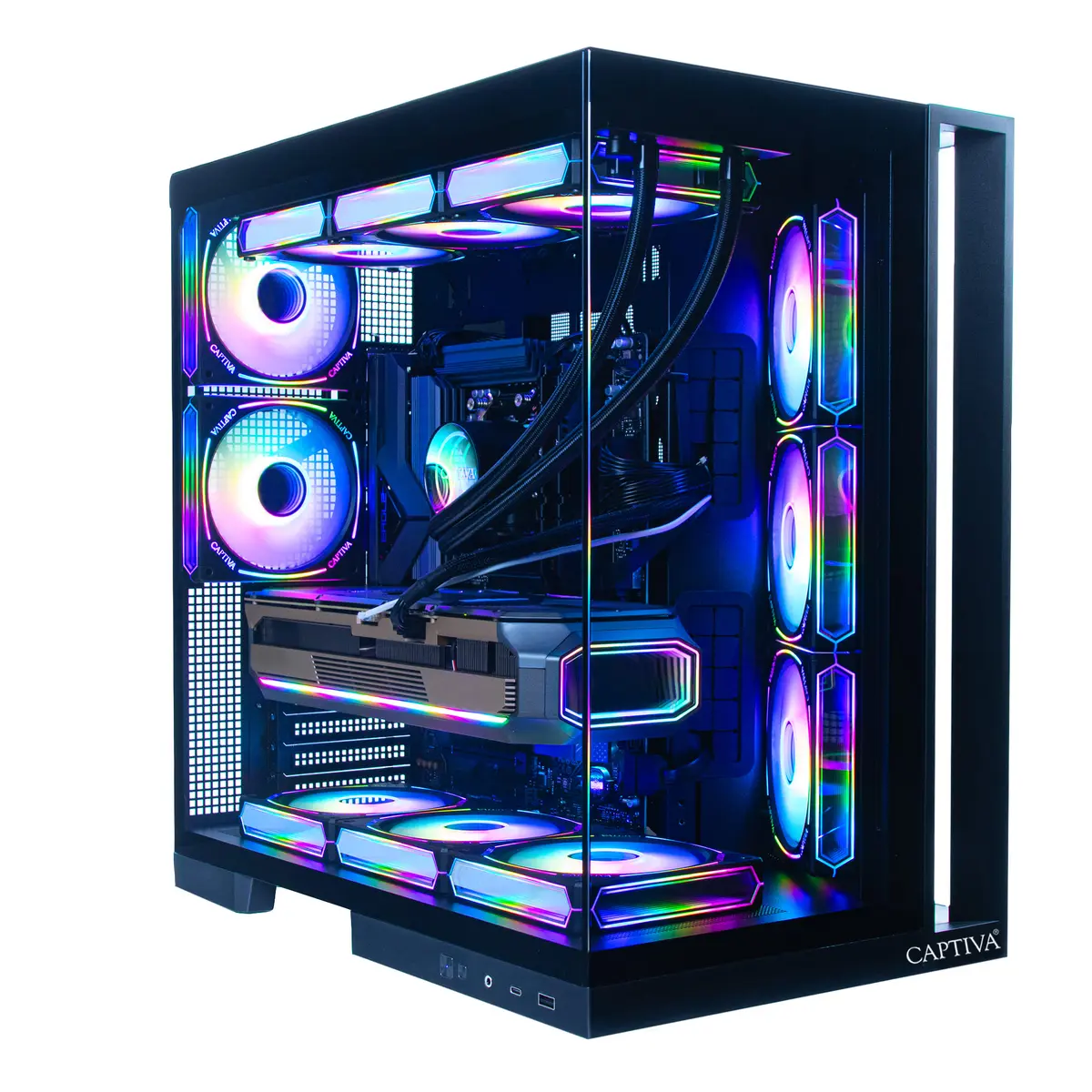
Computer Captiva PC Highend Gaming I89-755 i9-14900KF 32GB 1TB RTX5070 Ti w/o OS
The Captiva PC Highend Gaming I89-755 is a high-performance desktop built for demanding gaming and creative workflows. Powered by an Intel Core i9-14900KF processor and paired with 32GB of system memory, this configuration provides fast multitasking and low-latency responsiveness. A 1TB solid-state drive supplies quick system and application load times, while the NVIDIA RTX 5070 Ti with 16GB GDDR7 memory delivers advanced graphics performance for modern games and GPU-accelerated applications. This unit ships without an operating system, allowing users to install a preferred OS and customize software environments.
The combination of a 14th-generation Intel i9 CPU and a high-memory GPU enables sustained frame rates in demanding titles and improved rendering speeds in content creation tools. The 1TB SSD balances capacity and speed for operating system files, applications, and active projects. With 32GB of RAM, the system supports heavy multitasking and memory-intensive workloads such as virtual machines, large datasets, or multi-application streaming setups. The absence of a preinstalled operating system gives flexibility for custom installations and specific driver setups.
Install a compatible operating system of your choice and then install the latest chipset and GPU drivers from the manufacturer websites to ensure system stability and optimal performance. Connect your display(s), peripherals and network prior to first boot. Use system utilities to confirm memory and storage are recognized and healthy. For gaming, install game clients and update drivers; for creative work, install and configure your preferred editing or rendering applications. Regularly apply firmware and driver updates to maintain compatibility and performance.
For sustained performance in long gaming sessions or extended rendering tasks, ensure adequate case ventilation and consider using a high-quality CPU cooler. When installing an operating system, create recovery media and back up important data. Monitor GPU and CPU temperatures during heavy loads and verify that power supply capacity matches the selected components.
{{highlightedFeature.featureTitle}}:
{{getProductFeatureValueById(product, highlightedFeature.featureId)}}
{{ productComparisonGenerationError }}