
This is due to long delivery times and limited product warranties.
Hurry and order now – up to 50% off!
In cart {{totalProductsCount}} item(s)
Your cart is empty
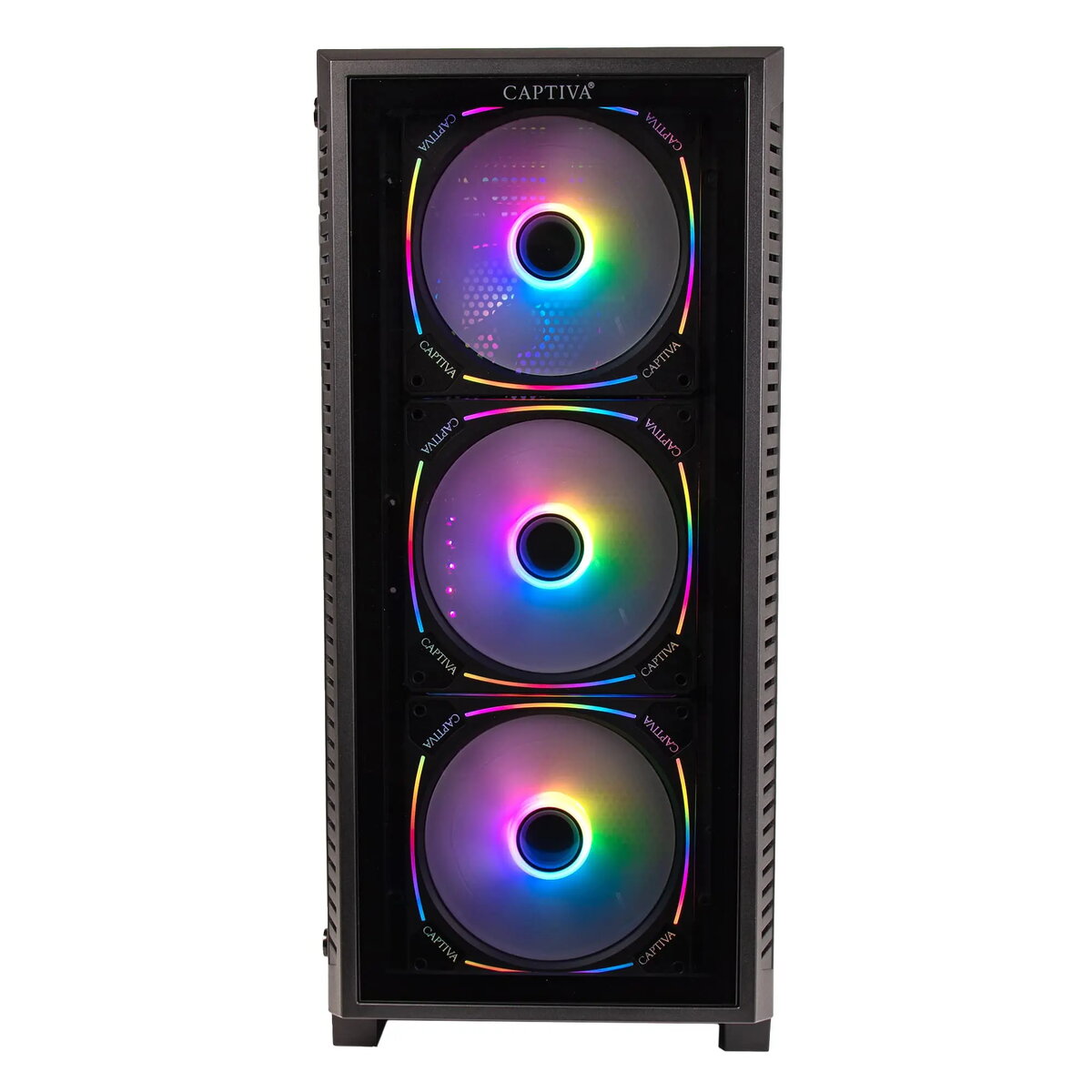
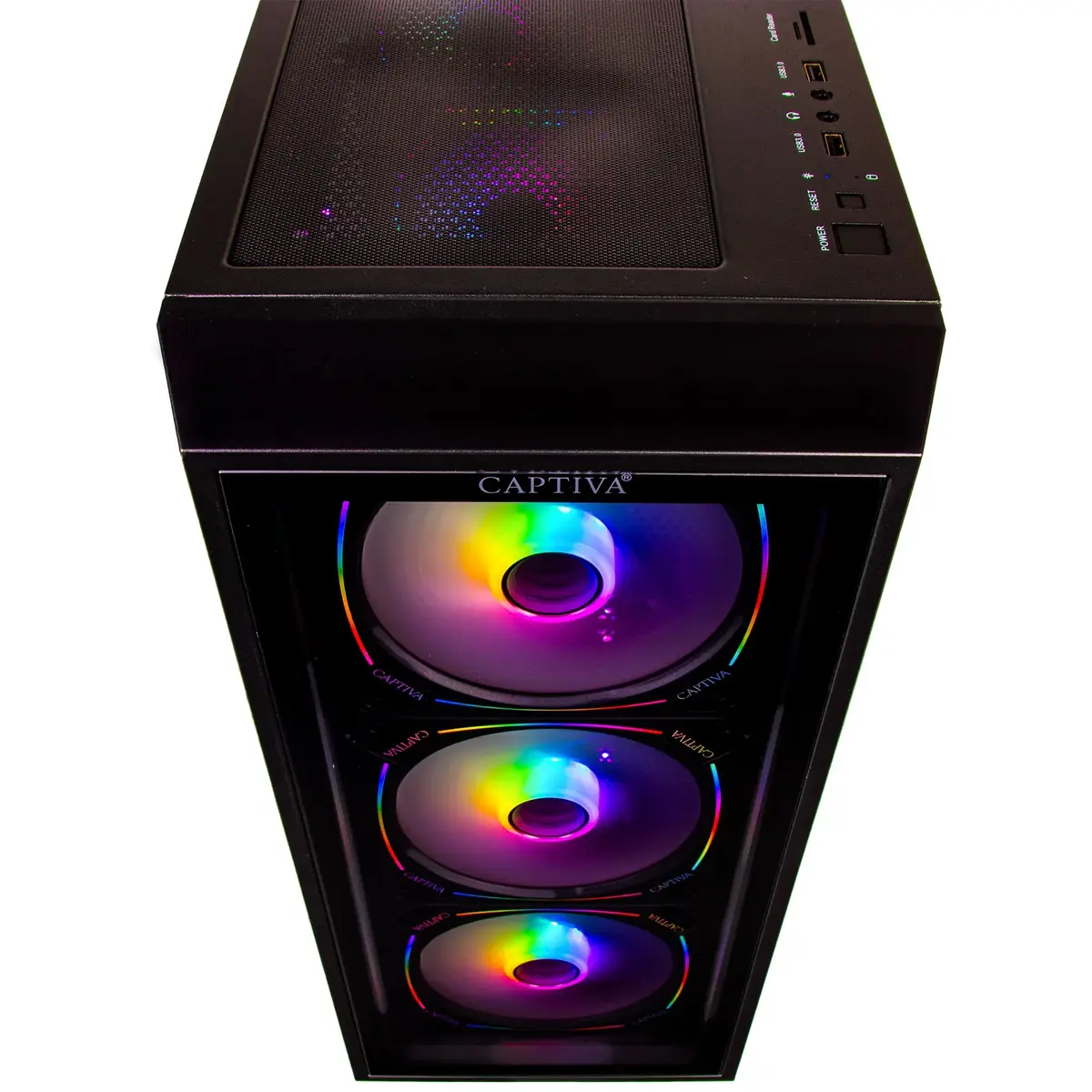
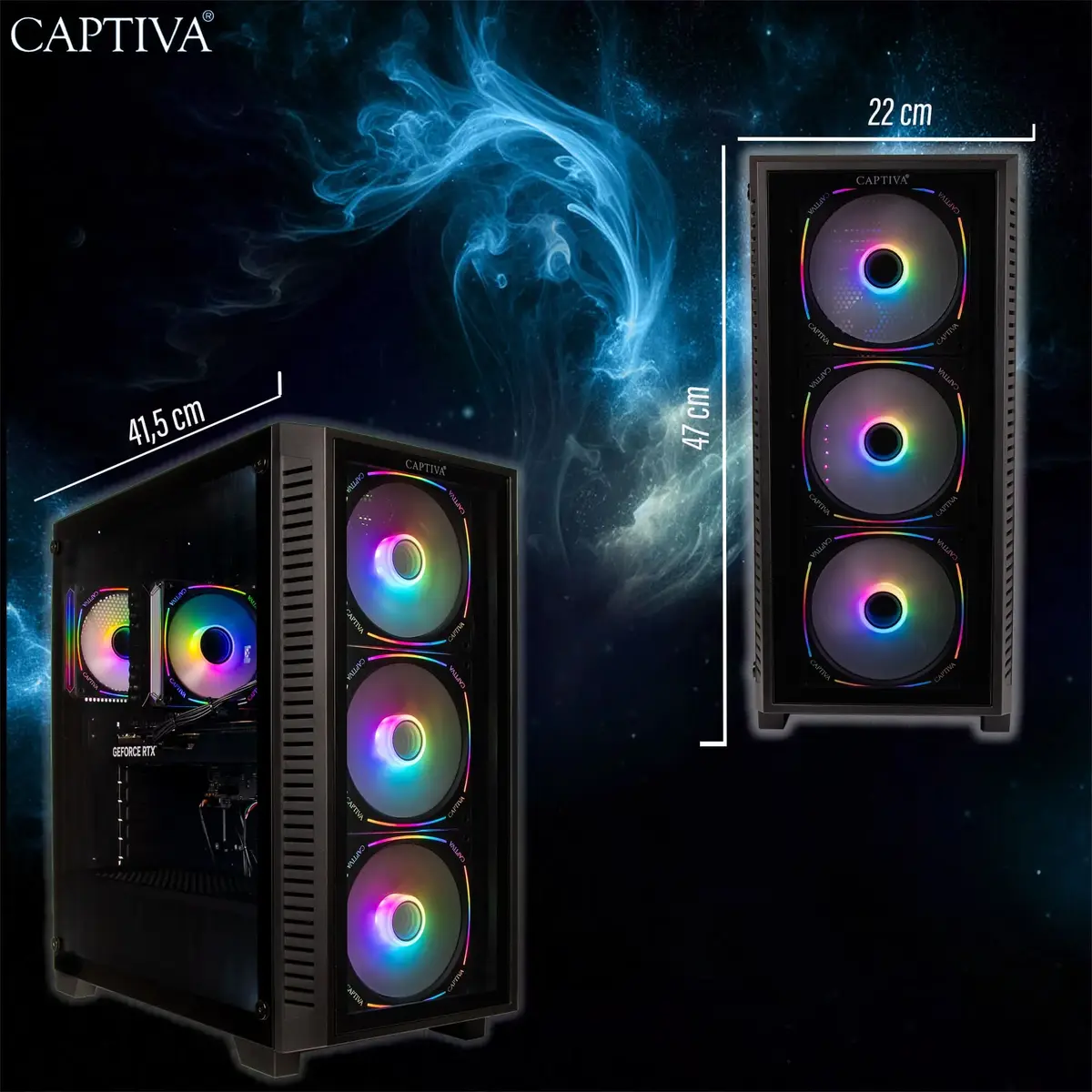
PC/workstation CAPTIVA 95275 95275 Captiva
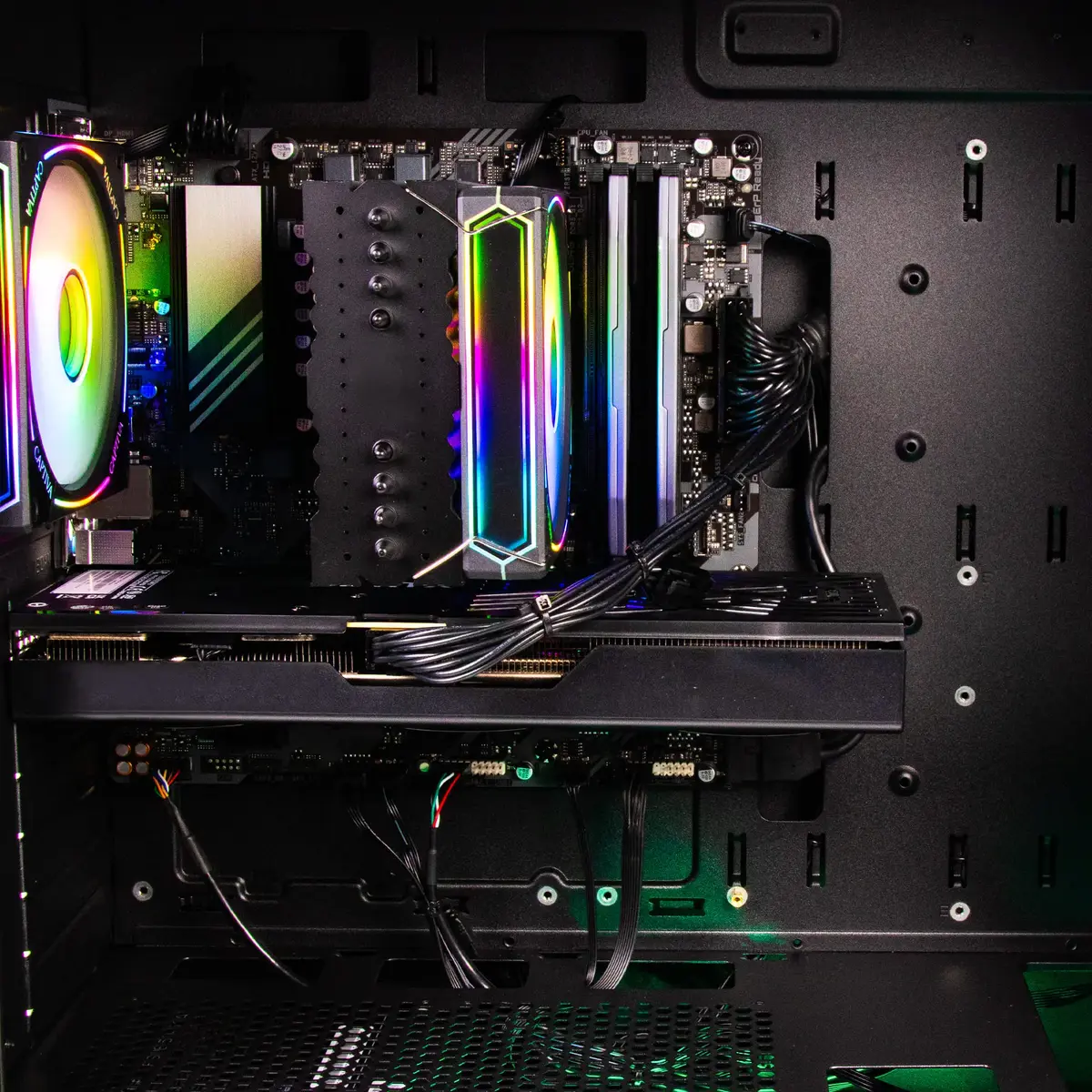
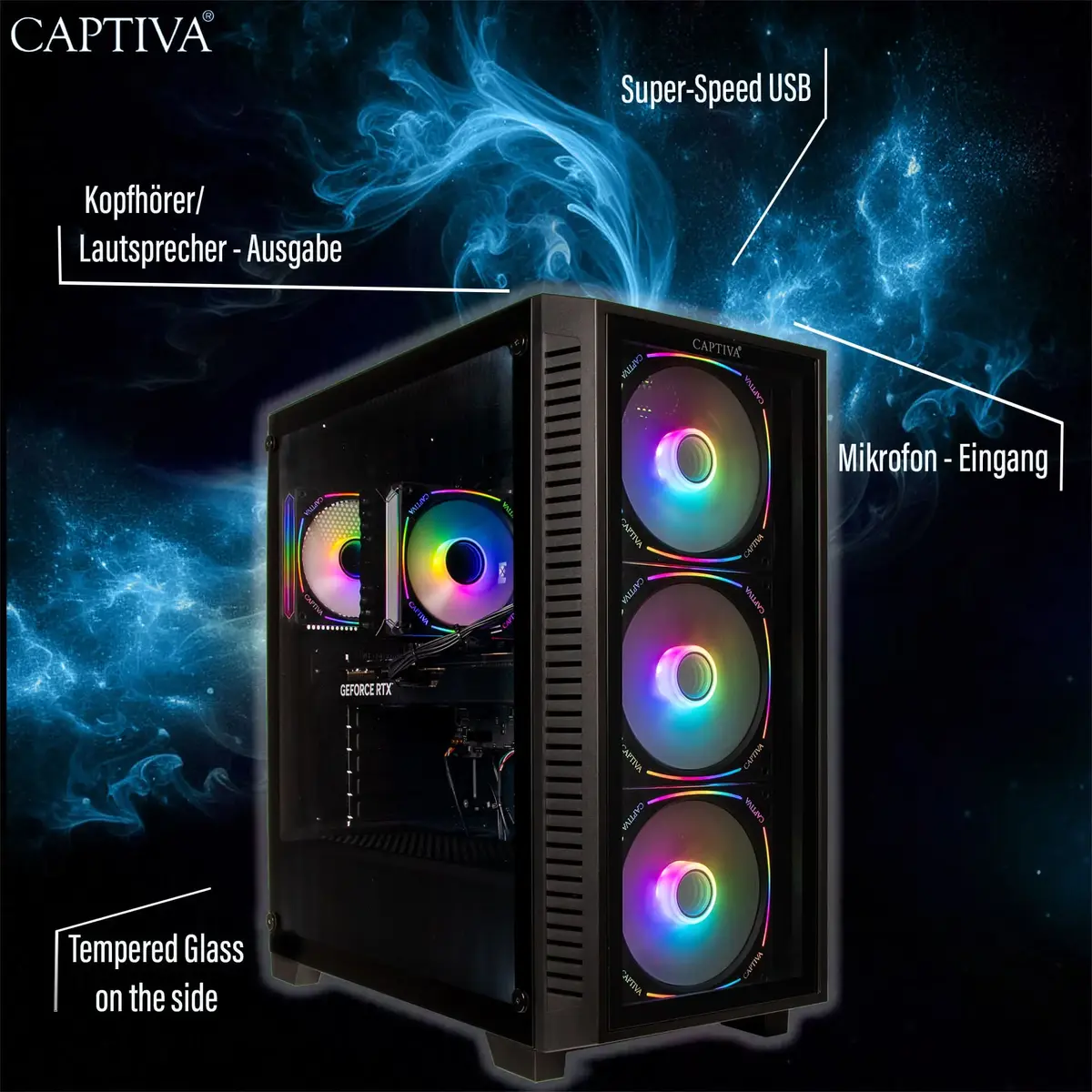
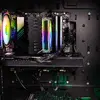
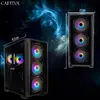
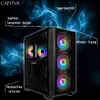
The CAPTIVA 95275 is a desktop PC/workstation engineered for demanding professional workloads and high-performance tasks. Featuring a 1 TB solid-state drive and a modern Intel Core i5 processor configuration in the Advanced Gaming I95-275 offer, this system balances storage capacity, responsive boot times and application loading with graphics performance suitable for content creation and GPU-accelerated tasks. It is supplied with ample system memory in its typical configuration and includes local wireless networking and a recent Windows 11 Home 64-bit installation for immediate productivity.
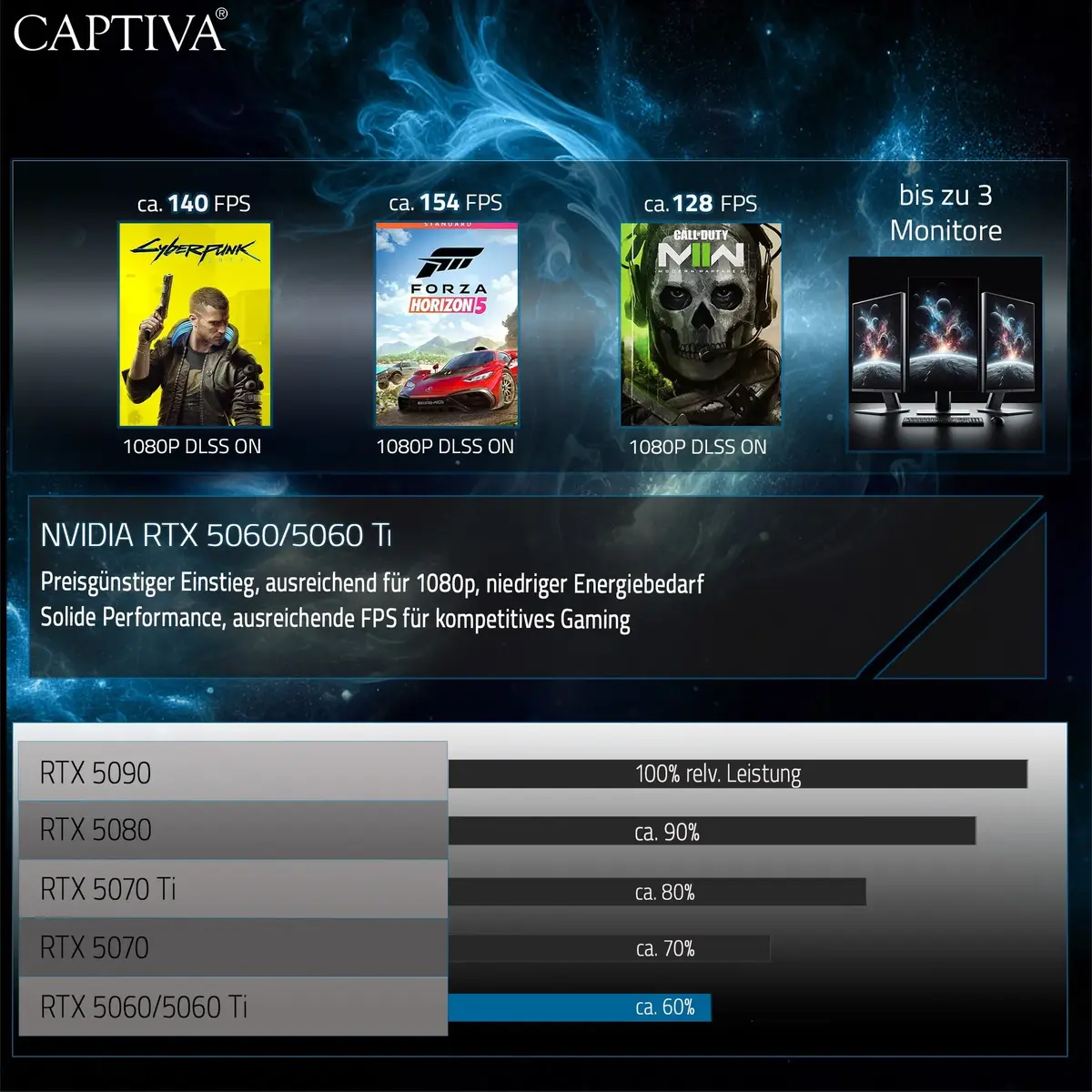
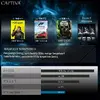
The system delivers fast storage access via a 1 TB SSD, reducing load and save times and improving overall system responsiveness. A discrete GPU tailored for demanding graphical workloads provides hardware acceleration for rendering, video editing and 3D visualization. The configuration supports multitasking and complex workflows while the preinstalled operating system and integrated WLAN simplify setup and connectivity.
This workstation may be larger and consume more power than compact systems, making it less appropriate for space-constrained or energy-sensitive environments. It is configured for professional and high-performance use; if your needs are limited to basic web browsing and light office tasks, a lower-specification laptop or mini PC could be more cost-effective.
Unpack the desktop and place it on a stable surface with adequate ventilation. Connect a monitor, keyboard and mouse to the available ports, and attach power. On first boot, follow the Windows 11 setup prompts to configure user accounts, regional settings and network connections. Install or update drivers from the manufacturer if necessary, then install your professional applications and restore or migrate data to the 1 TB SSD. For graphics-intensive workflows, enable GPU acceleration within your software settings and verify that the latest graphics drivers are installed.
For best results in content creation or rendering tasks, keep system drivers and Windows updates current, use high-performance power profiles during intensive workloads, and consider adding additional RAM or secondary storage if project sizes grow significantly.
{{highlightedFeature.featureTitle}}:
{{getProductFeatureValueById(product, highlightedFeature.featureId)}}