{{ totalProductsCount }}

In cart {{totalProductsCount}} item(s)

Total:
{{sum | formatAmount}}

Your cart is empty

header-product Desktop PC Captiva CAPTIVA 99566 workstation, no OS installed, onboard/discrete GPU not available
2,058.49 €

Desktop PC Captiva CAPTIVA 99566 workstation, no OS installed, onboard/discrete GPU not available

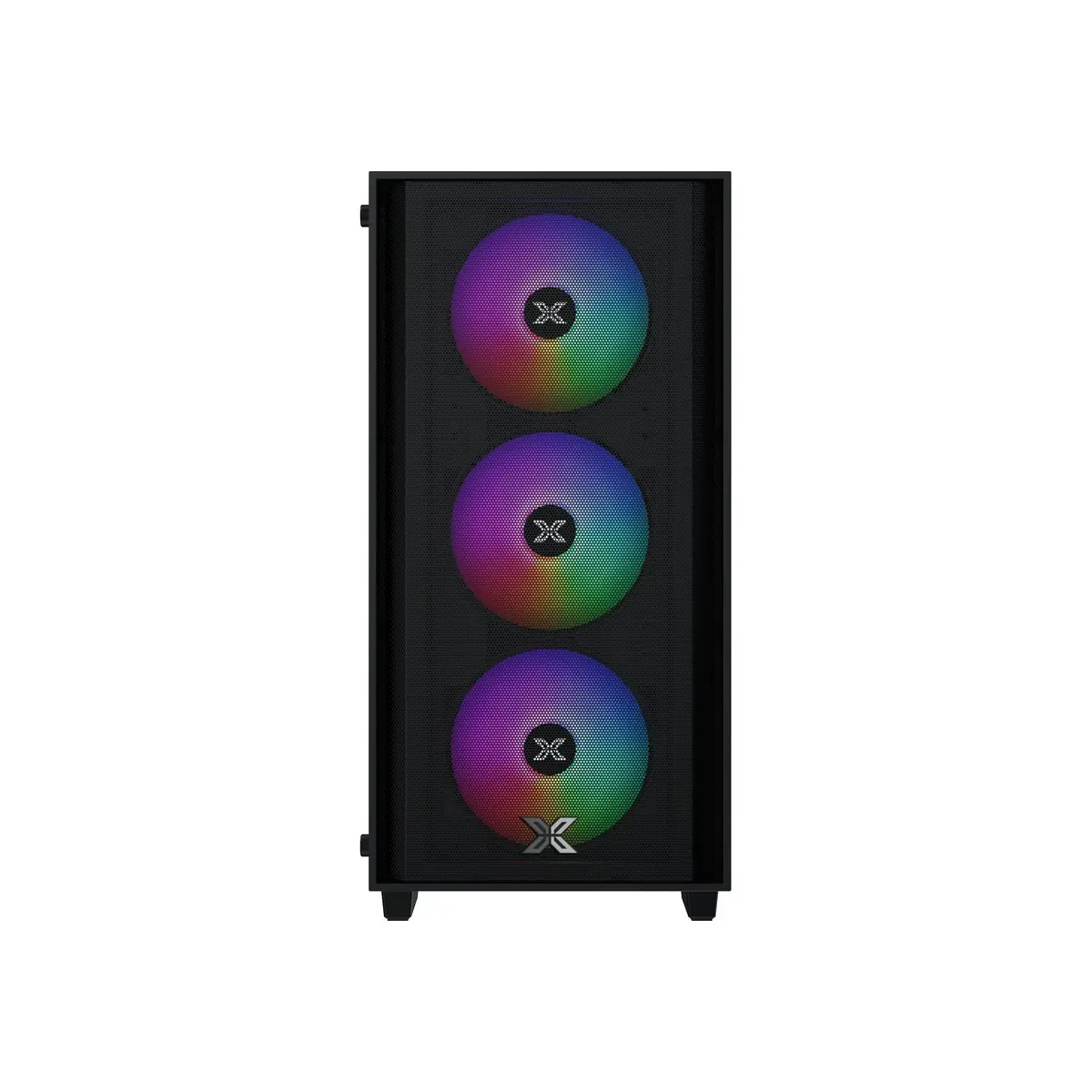
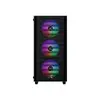
Captiva CAPTIVA 99566 desktop PC/workstation Photo 1
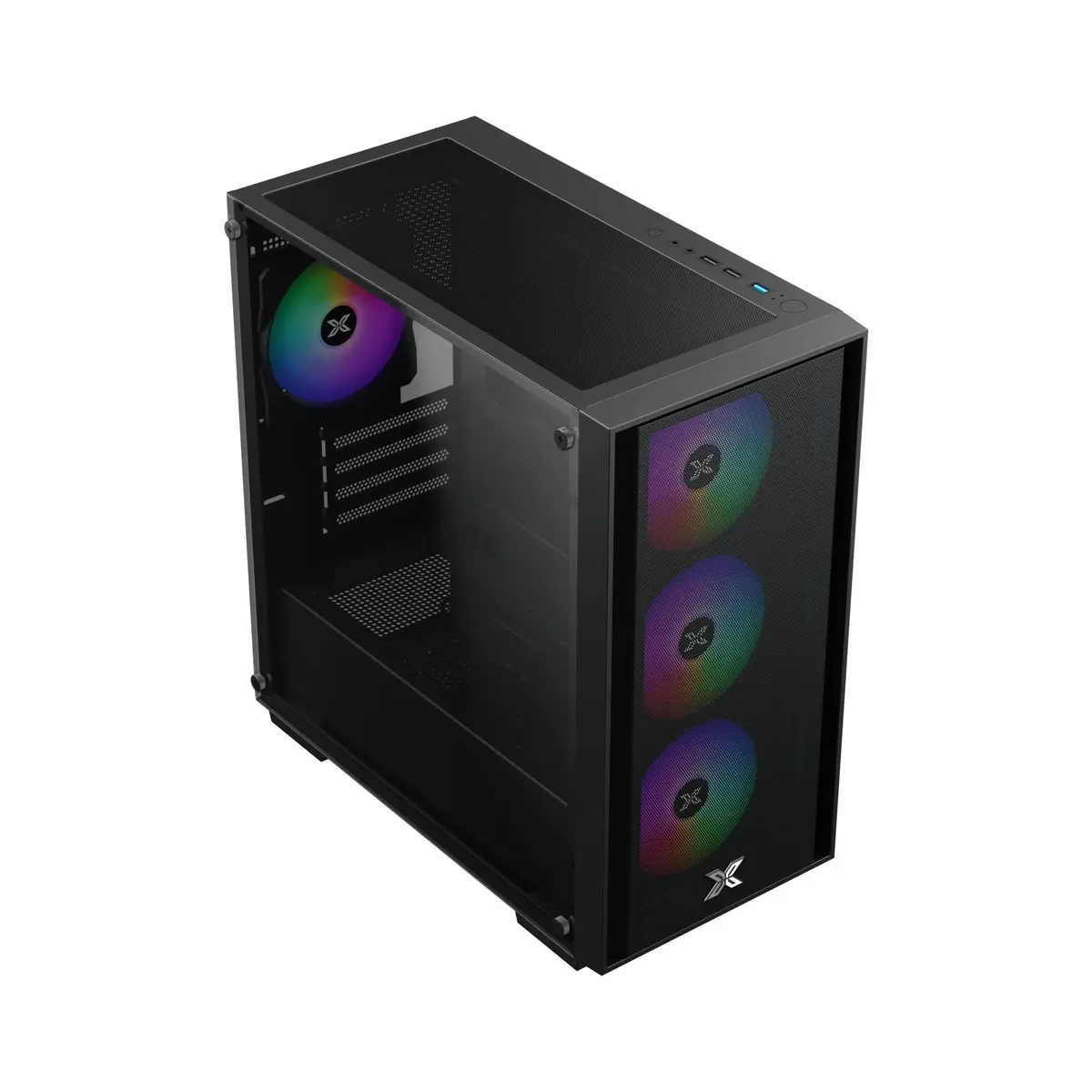
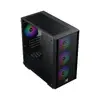
Captiva CAPTIVA 99566 desktop PC/workstation Photo 2
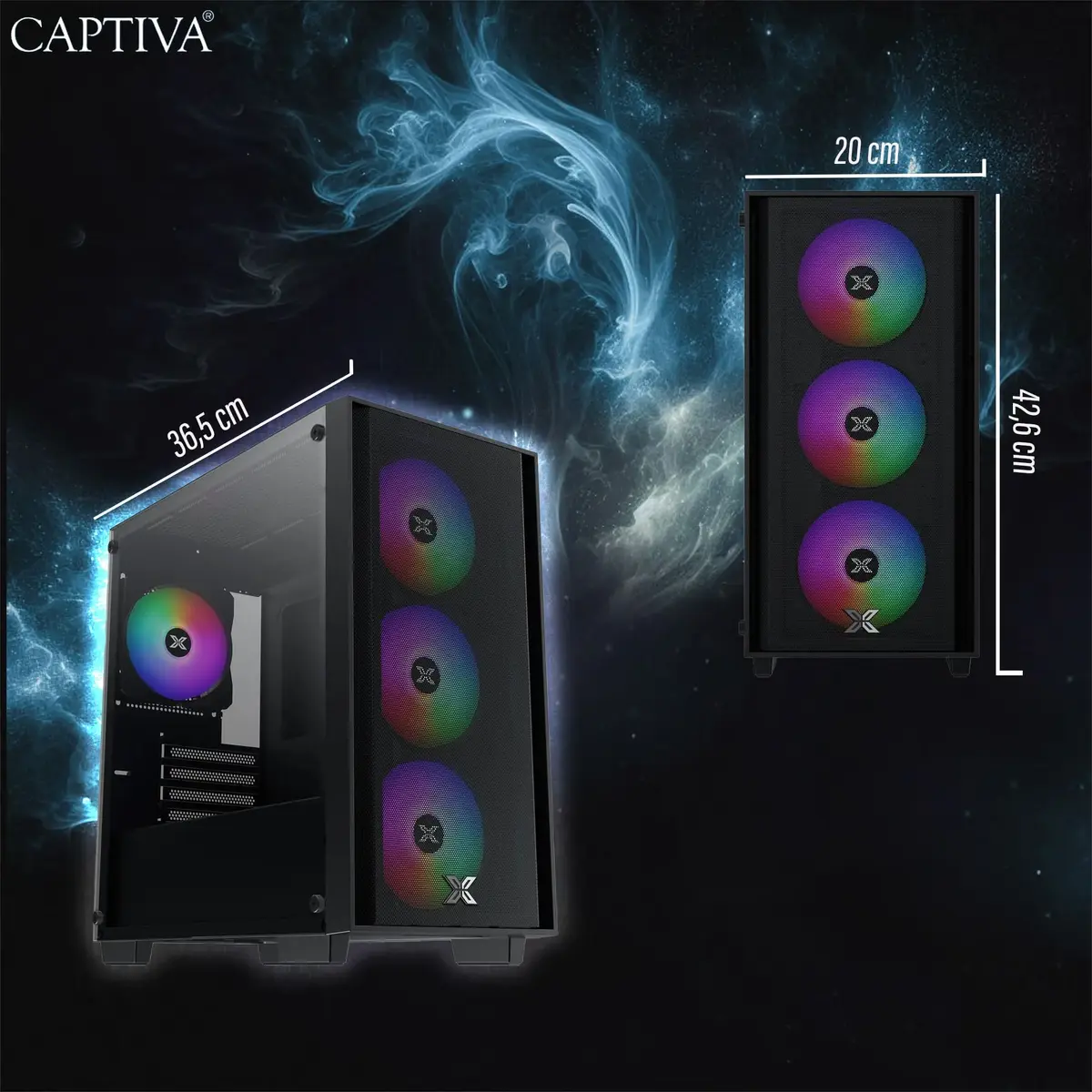
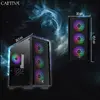
Captiva CAPTIVA 99566 desktop PC/workstation Photo 3
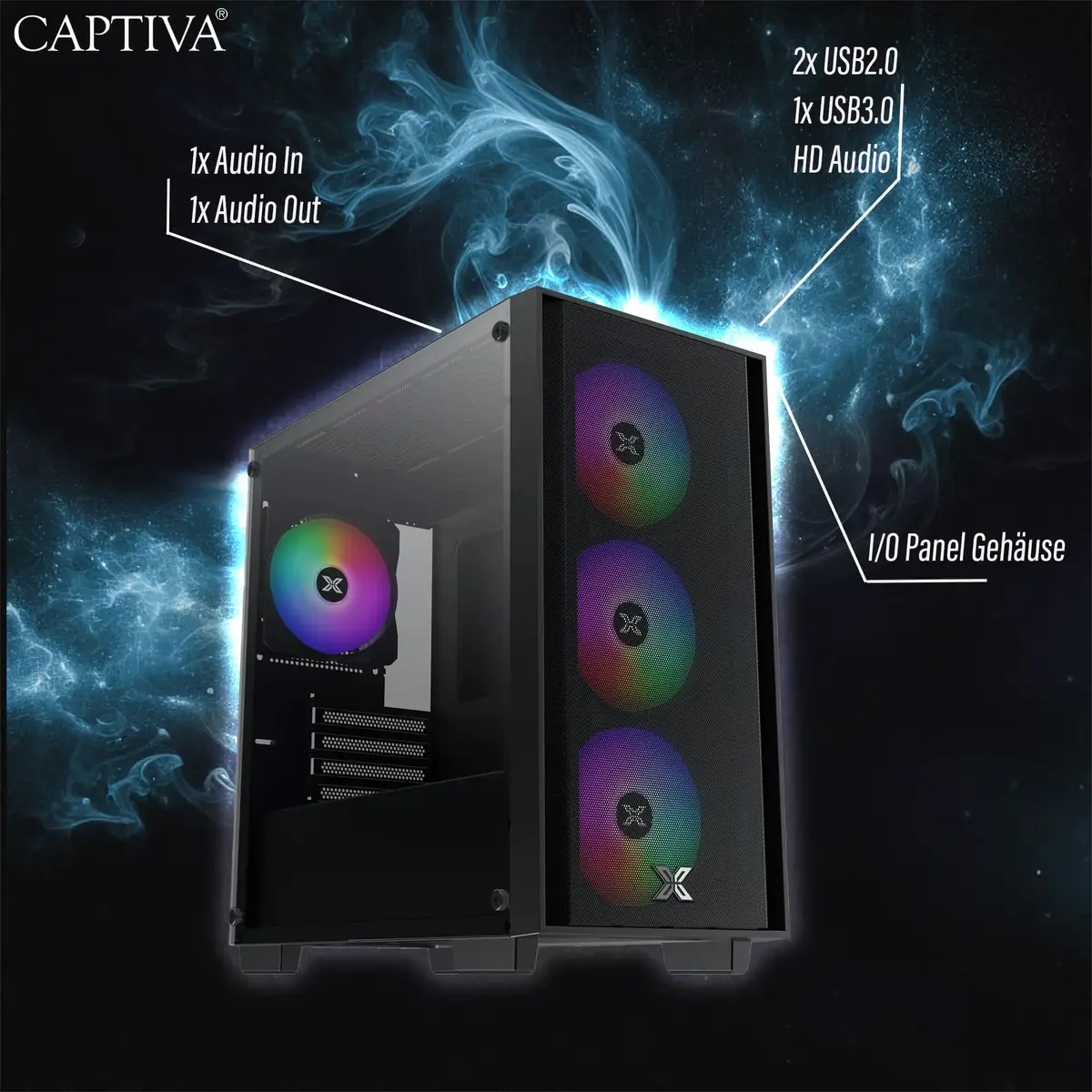
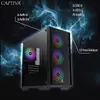
Captiva CAPTIVA 99566 desktop PC/workstation Photo 4
Captiva CAPTIVA 99566 desktop PC/workstation Photo 1
Captiva CAPTIVA 99566 desktop PC/workstation Photo 2
Captiva CAPTIVA 99566 desktop PC/workstation Photo 3
Captiva CAPTIVA 99566 desktop PC/workstation Photo 4
Keep track of price changes You keep track of price changes
Watch the price drop

Leave your address - as soon as the price of the product goes down, you'll know about it right away

You keep track of price changes

Desktop PC Captiva CAPTIVA 99566 workstation, no OS installed, onboard/discrete GPU not available

{{email}}
You keep track of price changes

Desktop PC Captiva CAPTIVA 99566 workstation, no OS installed, onboard/discrete GPU not available

{{email}}
{{selectedOffer && selectedOffer.price | formatAmount}}

Short description

Captiva CAPTIVA 99566 is a desktop PC/workstation intended for general computing and professional tasks. The system ships without an operating system installed and has no onboard or discrete graphics specified, so a GPU or driver-supported display solution may be required. Suitable for users who will customize hardware and install their own OS for office, development, or light workstation use.
Available for order: 31 pcs.
Warranty: 2 Years
SKU: 11697412
Manufacturer: Captiva
free shipment

Cheapest delivery:

Unisend LV

Pick-up points

Unisend LV

Cost

1.79 €

Deliver

{{selectedOffer.parcelStationDeliveryString}}

Customer service center
2b. Kengaraga str., Riga, Latvia, LV-1063
25.08.2026 {{selectedOffer.officeDeliveryString}}
free
Courier Delivery Please note that in case of a large parcel additional delivery costs may apply!
28.08.2026 {{selectedOffer.courierDeliveryString}}
From 4.99 € (Weight: 1.00 kg)
Parcel couriers
Unisend LV / Venipak Pickup LV / Venipak Locker LV / Latvijas Pasts pakomāts / DPD Paku skapis / Omniva LV / Latvijas Pasts nodaļa
28.08.2026 {{selectedOffer.parcelStationDeliveryString}}
From 1.79 €
payment
Payment Methods:
Bank transfer, Leasing for legal entities
Leasing for legal entities: from 71.64 euros per month
Together cheaper
{{product.price | formatAmount}}
{{product.title}}
{{productBundle.reference.specialPrice | formatAmount}}
{{productBundle.title}}
{{productBundlePreviousPrice | formatAmount}}
{{productBundleSpecialPrice | formatAmount}}

You saving {{productBundleYouSave | formatAmount}}

Product information

Description

Captiva CAPTIVA 99566 is a desktop PC/workstation intended for general computing and professional use. The system is delivered without an operating system and does not include on-board or discrete graphics, so a compatible graphics solution and appropriate drivers are required for video output. The chassis and core components provide a base platform for custom hardware configuration, OS installation and deployment in office, development or light workstation environments.

Advantages

Being supplied without an operating system allows organisations and advanced users to install their preferred OS image and drivers, enabling standardized deployments or customized setups. The absence of built-in or discrete graphics makes the unit flexible for integration with a range of GPU options, from basic display adapters to professional accelerators, depending on user needs. As a blank-slate workstation, the system supports component upgrades and hardware customization to match specific performance, storage or connectivity requirements.

Подходит для

  • Офисных приложений и повседневной работы с документами
  • Настройки и установки пользовательских операционных систем и образов
  • Разработки ПО и тестирования в локальной среде при необходимости установки GPU
  • Лёгких рабочих нагрузок и задач, где графика обеспечивается внешним адаптером

Key specifications

  • Form factor: Desktop workstation platform suitable for internal upgrades
  • Graphics: No onboard or discrete graphics provided — requires external GPU or supported display adapter
  • Operating system: Supplied without an operating system preinstalled
  • Customization: Designed to accept user-selected components and expansion cards
  • Intended use: General computing and professional light workstation tasks after configuration

How to use

Install a compatible operating system of your choice and then add necessary drivers starting with chipset, storage and any installed graphics adapter. If a discrete GPU is required, fit a supported card into an available expansion slot and connect display outputs to your monitor. Use the motherboard BIOS/UEFI to confirm component recognition, adjust boot order and enable required interfaces. After OS installation, verify device drivers and perform firmware updates recommended by component manufacturers.

Usage recommendations

Before first use, verify power supply capacity and cooling are adequate for any additional components you plan to install, particularly graphics cards. Use manufacturer drivers for chipset and GPU, create installation media for your operating system, and set up regular backups after deployment.

Specifications

HDMI ports quantity: The number of sockets (ports) for HDMI connections. HDMI (High-Definition Multimedia Interface) is a compact audio/video interface for transferring uncompressed video data and compressed/uncompressed digital audio data from a HDMI-compliant device ("the source device") to a compatible computer monitor, video projector, digital television, or digital audio device. HDMI is a digital replacement for existing analog video standards.
0
USB 2.0 ports quantity: Number of USB 2.0 ports (connecting interfaces) in the device. USB 2.0 was released in April 2000 (now called "Hi-Speed"), adding higher maximum signaling rate of 480 Mbit/s (effective throughput up to 35 MB/s or 280 Mbit/s), USB 2.0 ports are usually black.
0
Ethernet LAN: An Ethernet LAN (Local Area Network) interface is present, for a wired conection via a cable.
No
Wi-Fi: Popular technology that allows an electronic device to exchange data or connect to the internet wirelessly using radio waves.
No
On-board graphics card: Graphics hardware which is built into the motherboard or CPU, as opposed to a separate graphics adapter (video card). On-board graphics uses CPU and RAM for graphics processing.
No
Discrete graphics card:
No
Operating system installed: Type of operating system on a device e.g. IOS on Apple devices, Android for mobile devices.
No
All features

Performance

Optical drive type: An optical drive uses laser to read optical discs such as CDs, DVDs and Blu-Ray. Some types of optical drive are: CD ROM drive, CR-RW (CD writer) drive, DVD-ROM.
No

Ports & interfaces

HDMI ports quantity: The number of sockets (ports) for HDMI connections. HDMI (High-Definition Multimedia Interface) is a compact audio/video interface for transferring uncompressed video data and compressed/uncompressed digital audio data from a HDMI-compliant device ("the source device") to a compatible computer monitor, video projector, digital television, or digital audio device. HDMI is a digital replacement for existing analog video standards.
0
USB 2.0 ports quantity: Number of USB 2.0 ports (connecting interfaces) in the device. USB 2.0 was released in April 2000 (now called "Hi-Speed"), adding higher maximum signaling rate of 480 Mbit/s (effective throughput up to 35 MB/s or 280 Mbit/s), USB 2.0 ports are usually black.
0
USB 3.2 Gen 2 (3.1 Gen 2) Type-C ports quantity: Number of USB 3.1 (3.1 Gen 2) ports with Type-C connector. USB 3.1 (3.1 Gen 2) is USB interface version which supports transfer rate up to 10 Gbit/s (SuperSpeed+). USB Type-C connector has symmetrical design architecture and compatible with Thunderbolt 3 interface.
0
USB 3.2 Gen 2 (3.1 Gen 2) Type-A ports quantity:
0
USB 3.2 Gen 1 (3.1 Gen 1) Type-C ports quantity: Number of USB 3.0 (3.1 Gen 1) ports with Type-C connector. USB 3.0 (3.1 Gen 1) is USB interface version which supports transfer rate up to 5 Gbit/s (SuperSpeed). USB Type-C connector has symmetrical design architecture and compatible with Thunderbolt 3 interface.
0
USB 3.2 Gen 1 (3.1 Gen 1) Type-A ports quantity:
0

Network

Ethernet LAN: An Ethernet LAN (Local Area Network) interface is present, for a wired conection via a cable.
No
Top Wi-Fi standard: Connection of this device is done via Wi-Fi in a high standard.
Not available
Wi-Fi: Popular technology that allows an electronic device to exchange data or connect to the internet wirelessly using radio waves.
No

Graphics

On-board graphics card: Graphics hardware which is built into the motherboard or CPU, as opposed to a separate graphics adapter (video card). On-board graphics uses CPU and RAM for graphics processing.
No
Discrete graphics card model: A graphics adapter (often known as a video card) generates images for a display. A discrete graphics adapter plugs into the motherboard, and usually produces much better graphics than an integrated graphics adapter. There are various models of discrete graphics adapters.
Not available
On-board graphics card model: "Graphic adapter" is the hardware that produces images on a display. "On-board" means that the graphics adapter is intergrated inside the motherboard.
Not available
Discrete graphics card:
No

Software

Operating system installed: Type of operating system on a device e.g. IOS on Apple devices, Android for mobile devices.
No

Description

Machine translation. Load original

Similar products

{{product.title}} Show details Hide details

{{highlightedFeature.featureTitle}}:

{{getProductFeatureValueById(product, highlightedFeature.featureId)}}

{{product.price | formatAmount}}
Might be useful
{{product.manufacturerName}}
{{product.categoryName}}
{{product.title}}
{{product.specialPrice}}
{{product.price}}

Customer reviews

Customer questions

FAQ

How much does the Captiva CAPTIVA 99566 desktop PC/workstation cost, and is it available for purchase?

The price is 2,058.49 € (valid at the time of publication and already includes all taxes). The item is available for order — 31 pcs. are in stock, and you can place your purchase right now with delivery across Latvia and Europe or choose pickup at the Riga collection point. We offer favorable purchase terms, including the option to split the payment into convenient monthly installments. Availability and price are updated in real time, so we recommend placing your order in advance.

If I order this product today, when will I receive my order?

If you place your order today, delivery will be as fast and convenient as possible. You will be able to pick up your order on 25.08.2026 at the Riga pickup point or choose delivery across Latvia and Europe. We carefully inspect every purchase and pack it securely for safe transportation.

What payment options are available?

AiO.lv offers several payment methods: Bank transfer, Leasing for legal entities. All transactions are 100% secure and encrypted.

Can this product be purchased for a company (with VAT)?

Yes. AiO.lv works with legal entities in Latvia and across Europe. The product price already includes VAT. For certain product categories, as well as for companies from other EU countries with a valid VAT number, a 0% VAT rate may apply. We issue the invoice immediately after the order is placed, support electronic BIS invoices, and automatically generate all necessary accounting documents. You can complete the purchase for a company online — simply select the company profile and choose bank transfer as the payment method during checkout.

What is the warranty period?

All Captiva products come with an official 2 Years warranty. It covers all manufacturing defects and malfunctions that may occur during use. The warranty is valid at all authorized Captiva service centers and through AiO.lv

Can the product be returned after purchase?

Yes, you can return the product within 14 days of purchase if you bought it as a consumer (not a legal entity). Returns are possible without giving any reason — the main condition is that the product retains its original appearance and full set of accessories. We will make the process as simple and convenient as possible: just contact our customer support team, and we will help you arrange the return.

Where should I contact for warranty service?

For warranty-related questions you can contact the AiO.lv (SIA VSPRO) customer support team. We will assist with consultation, warranty claim processing, and coordination with certified service centers.

How can I tell if this product suits my needs?

When making a choice, we recommend paying attention to the key features: hdmi ports quantity, usb 2.0 ports quantity, ethernet lan, wi-fi, on-board graphics card, discrete graphics card, operating system installed, compatibility with your devices or usage conditions, material quality, functionality, and warranty terms. These characteristics will help you determine how well the model meets your needs.

warranty
14-Day Return Policy We are confident in our quality, but if the purchase doesn’t fit — you have 14 days to return the product with peace of mind.
shipping
Fast Delivery Get your orders as quickly as possible — right to your door, parcel lockers, or pickup points across Latvia and the EU.
payment
Secure Payment Pay the way you prefer: cash, VISA, MasterCard, Apple Pay, Google Pay, bank transfer, or 0% installment plan.
warranty
Quality Since 2008 AiO.lv has been on the market for over 18 years and has earned trust — with more than 6000 genuine positive reviews on Google.