
This is due to long delivery times and limited product warranties.
Hurry and order now – up to 50% off!
In cart {{totalProductsCount}} item(s)
Your cart is empty
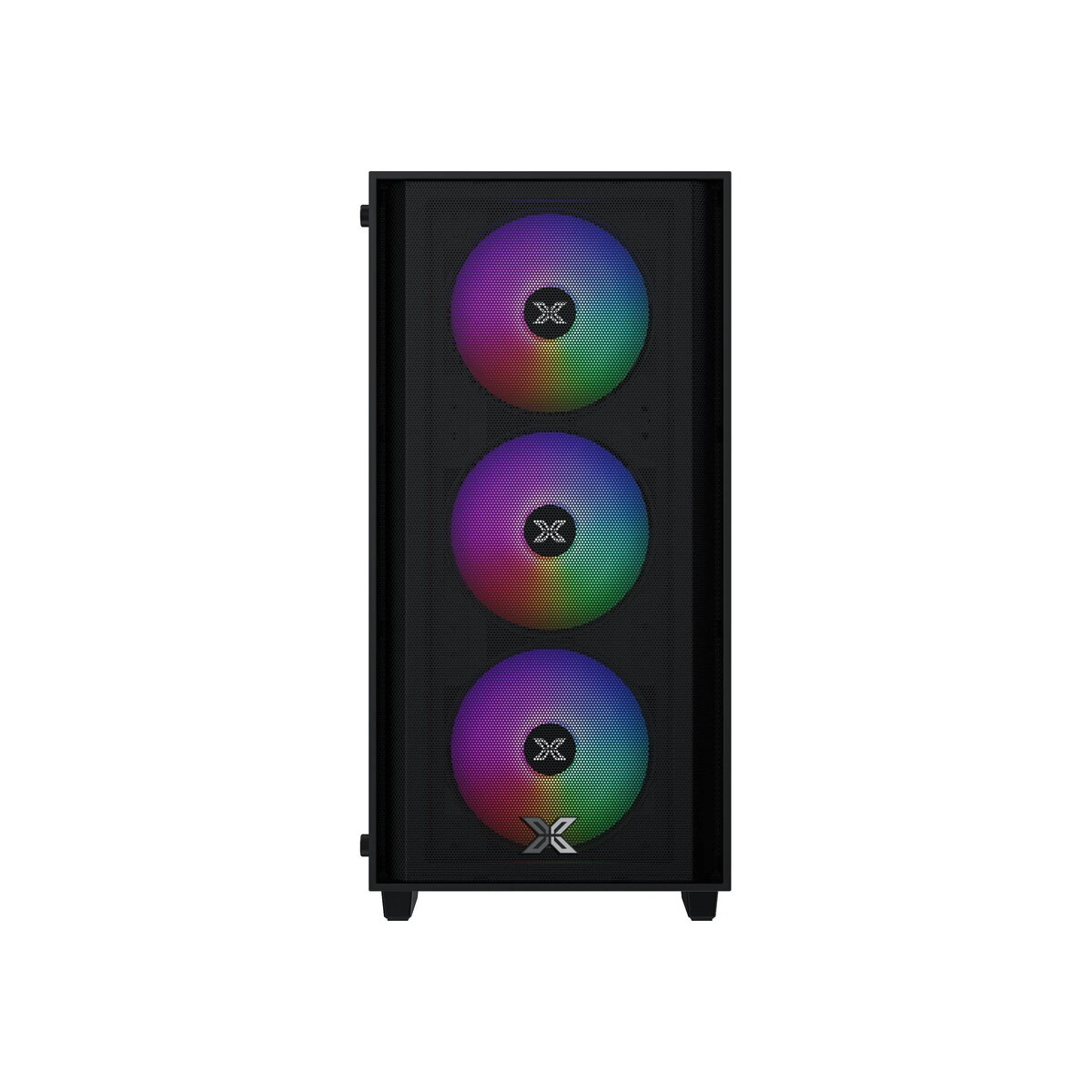
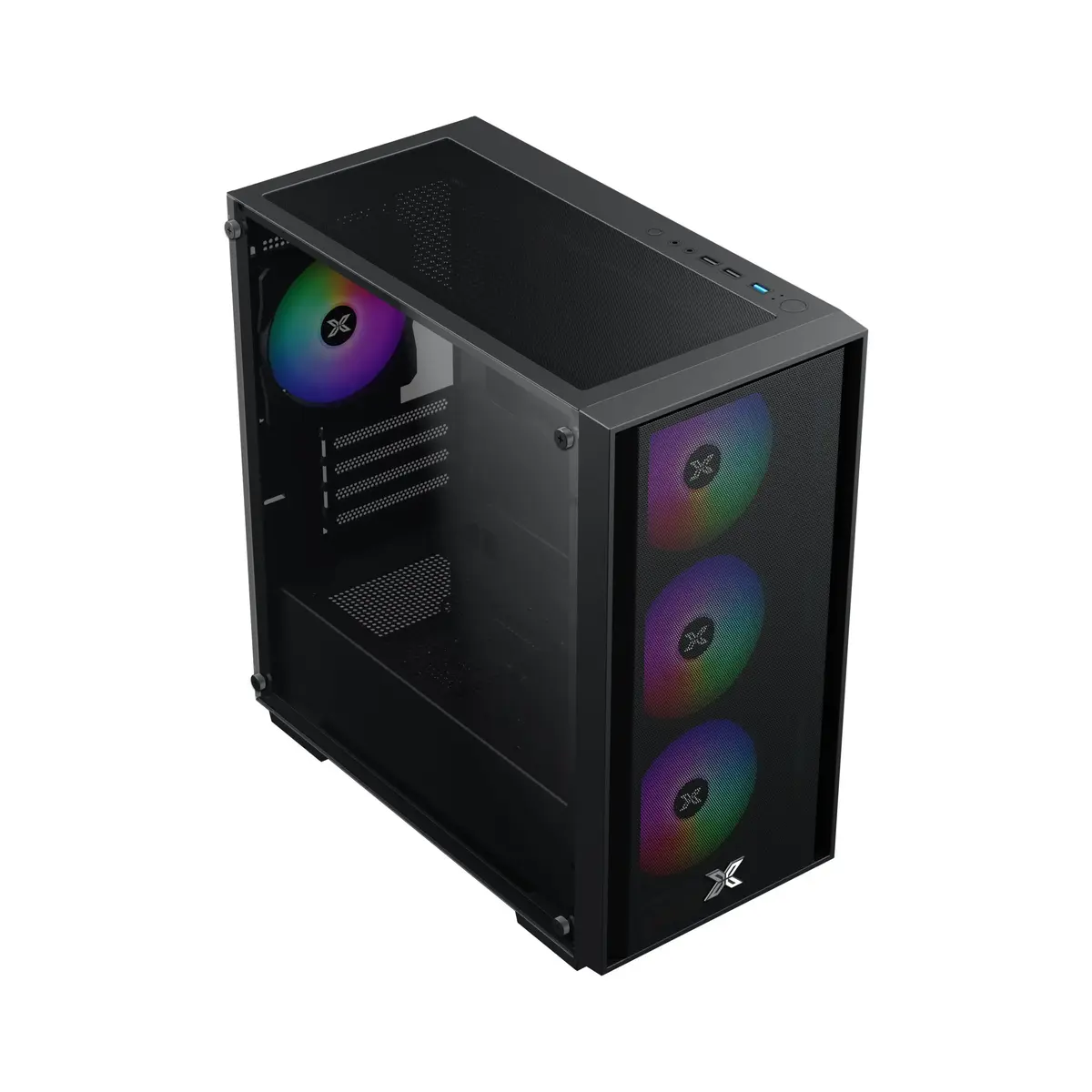
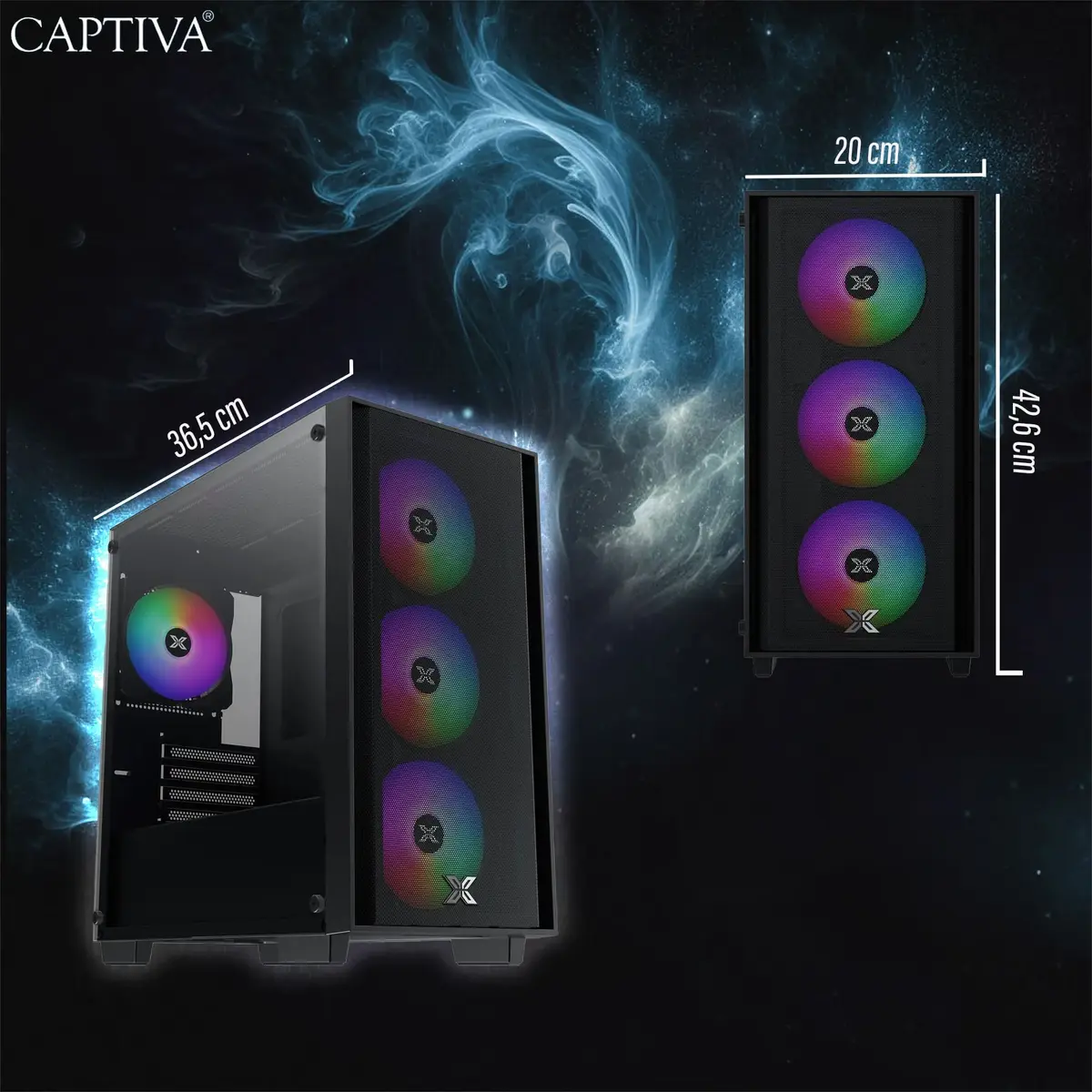
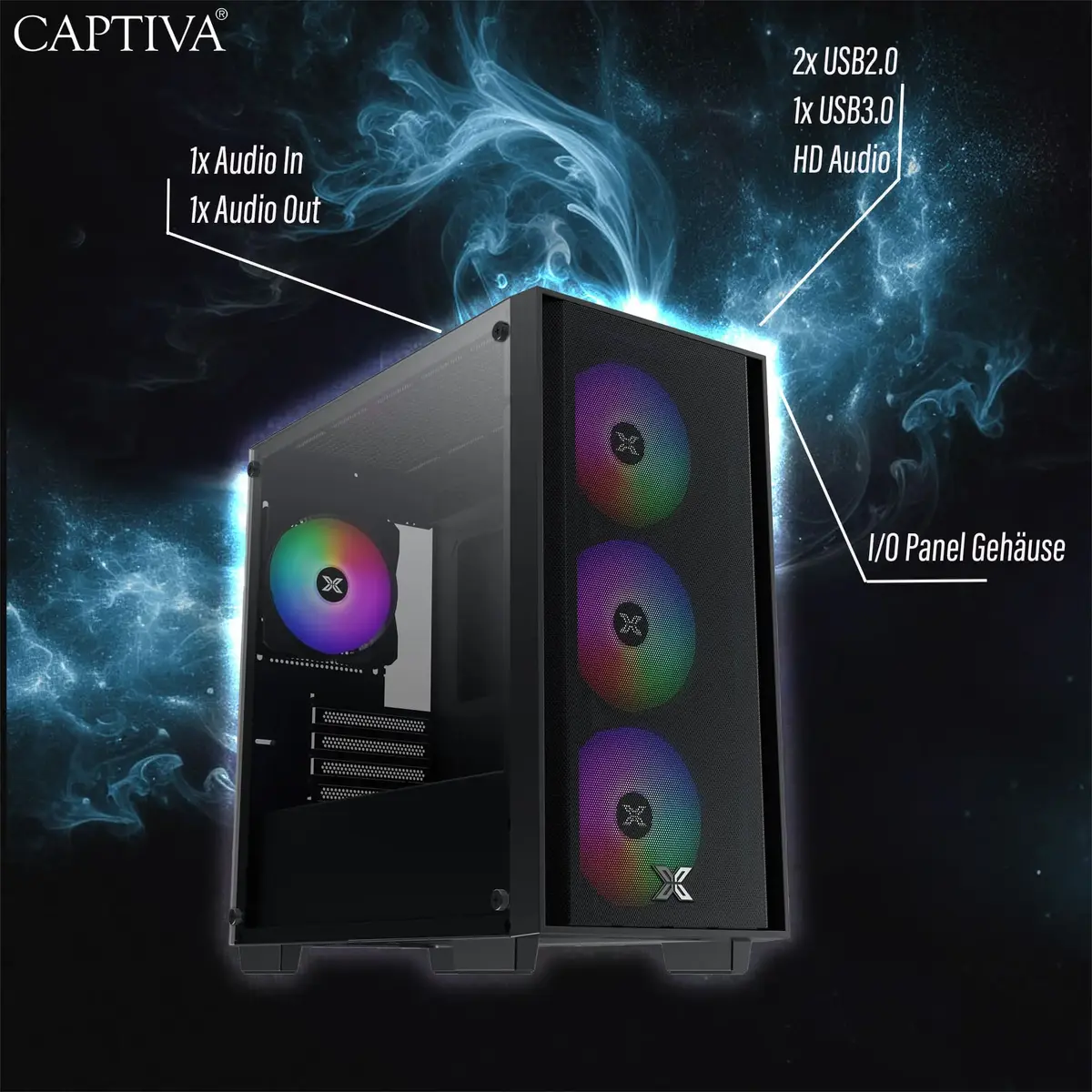
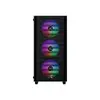
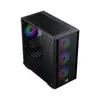
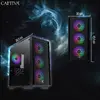
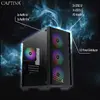
CAPTIVA 99655 PC/workstation
CAPTIVA 99655 PC/workstation is a desktop system designed as a base platform for general computing and professional workflows. The unit is offered without a preinstalled operating system and does not include on-board or discrete graphics, making it adaptable for customers who prefer to install a chosen OS and select a dedicated graphics solution to meet specific performance needs.
This CAPTIVA 99655 PC/workstation provides a flexible foundation for custom configuration. Supplied without an operating system, it allows integration of preferred software environments. The absence of built-in graphics hardware enables straightforward installation of a discrete graphics card or use in headless server-style setups. Its positioning in the Desktop PCs & Workstations category reflects suitability for both office and technical environments where system customization and compatibility with third-party components are required.
Install necessary internal components such as a compatible processor, memory modules, storage devices and, if required, a discrete graphics card according to your performance needs and the system's hardware compatibility. After hardware installation, connect peripherals (monitor, keyboard, mouse) and power on the system to proceed with installation of your chosen operating system and drivers. Follow manufacturer or component vendor instructions for BIOS/UEFI configuration and driver updates to ensure full functionality.
Select an operating system and graphics solution that match your intended workload: choose workstation-class GPUs for graphics-intensive design and rendering tasks, or configure the system in a headless mode for server and automation applications. Ensure components are compatible with the chassis and power supply capacity, and apply standard electrostatic precautions during installation.
{{highlightedFeature.featureTitle}}:
{{getProductFeatureValueById(product, highlightedFeature.featureId)}}