
This is due to long delivery times and limited product warranties.
JBL speakers and headphones for pure and deep sound!
In cart {{totalProductsCount}} item(s)
Your cart is empty
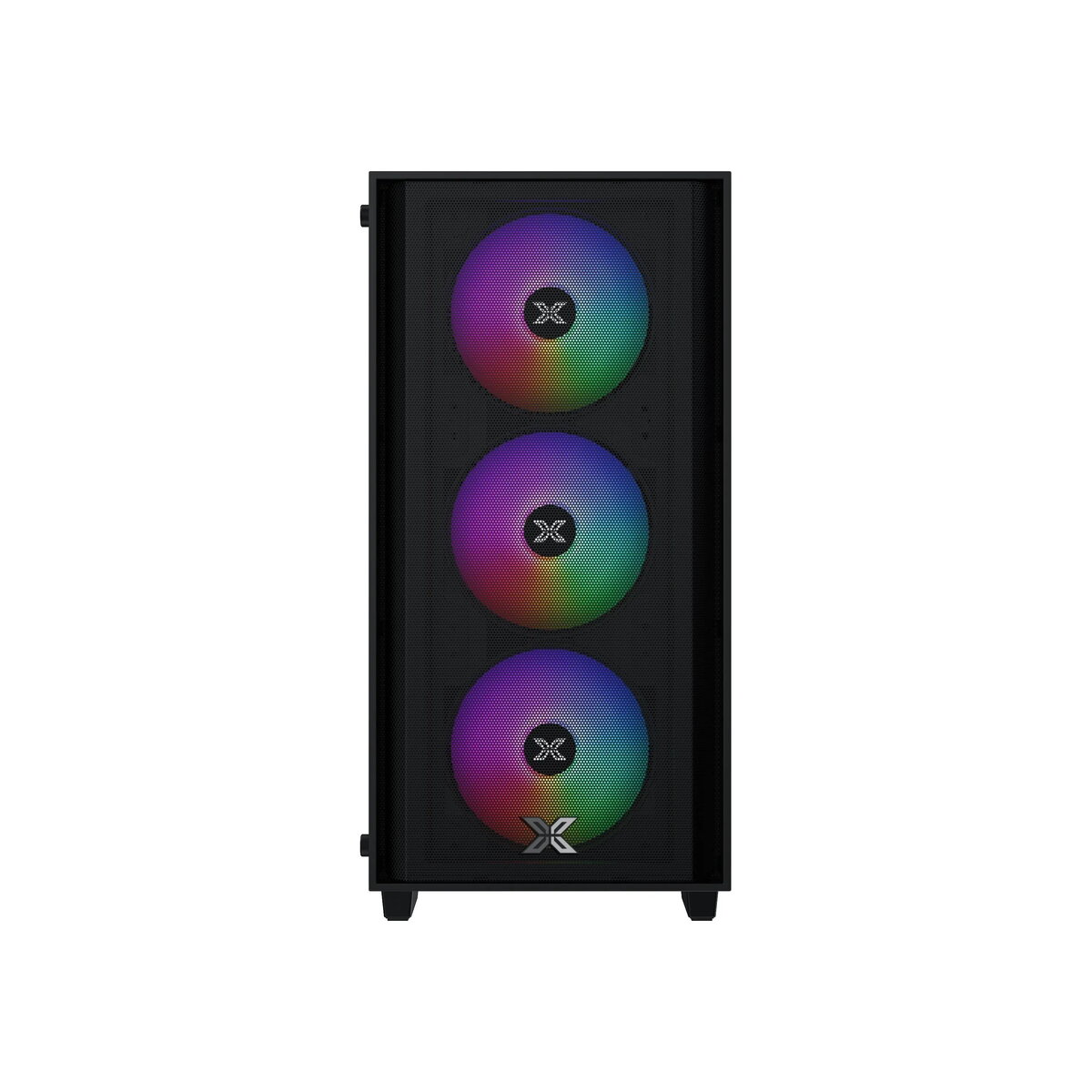
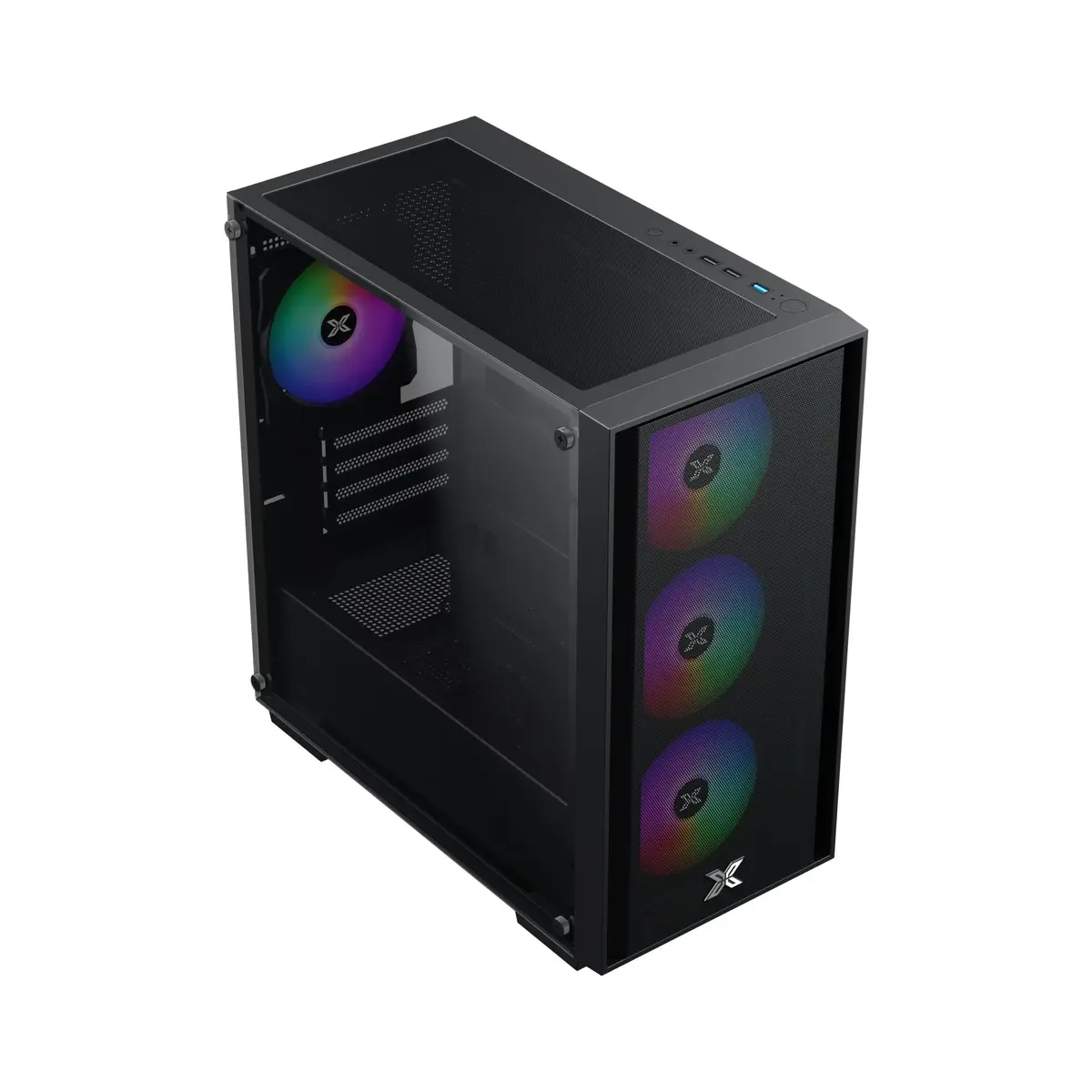
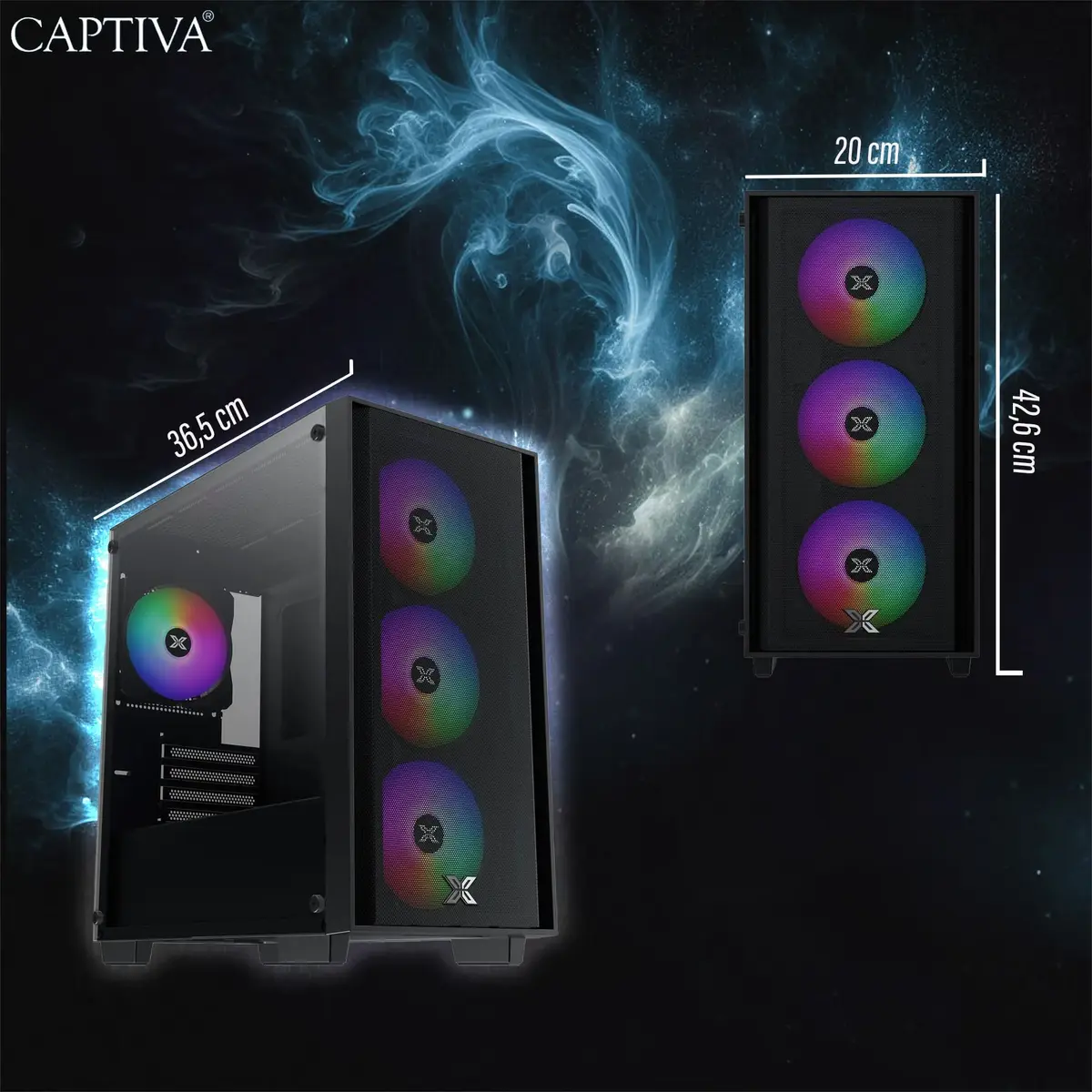
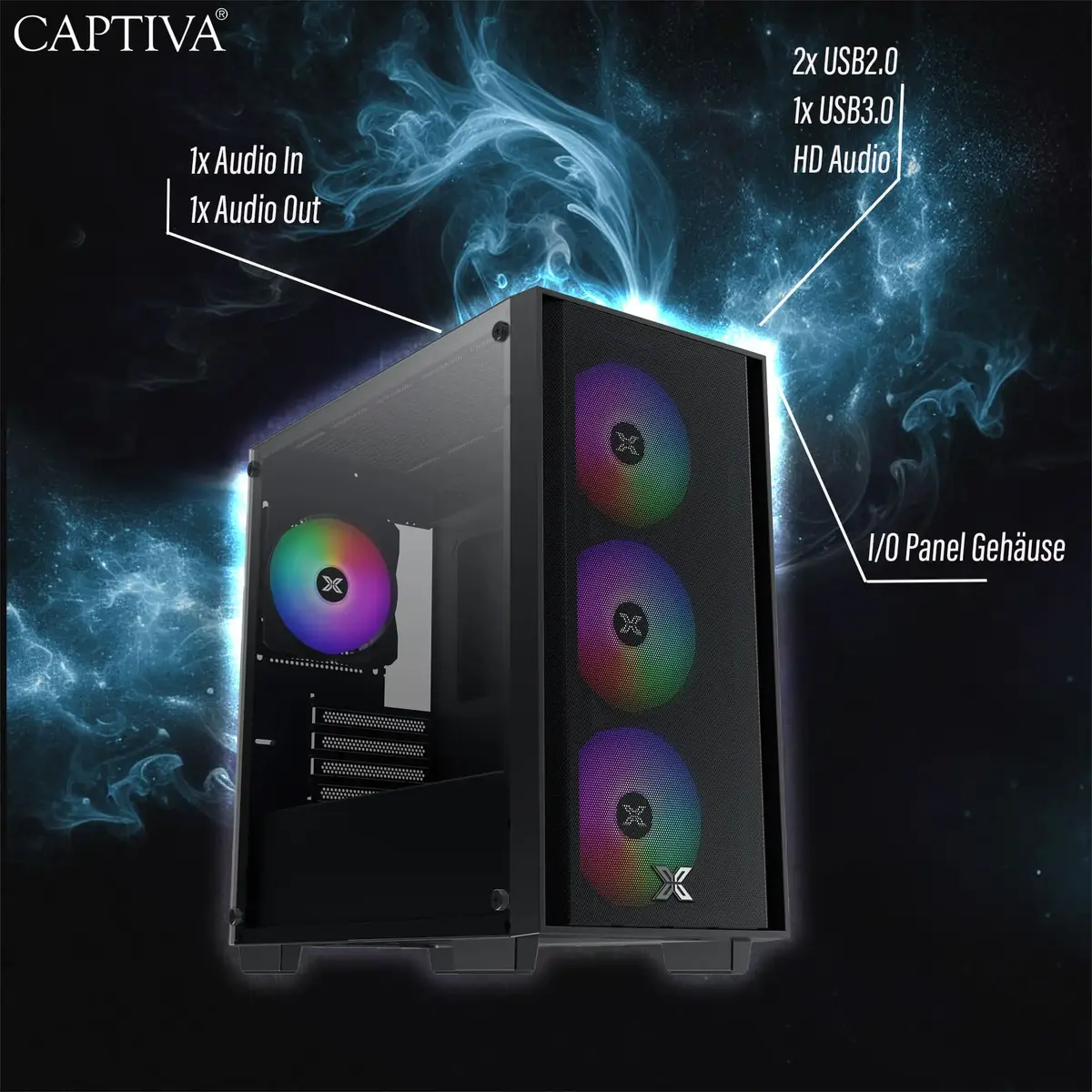
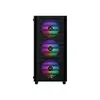
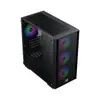
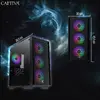
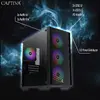
CAPTIVA 99658 PC/workstation
CAPTIVA 99658 PC/workstation is a desktop system designed for general-purpose computing and workstation tasks. The product is supplied without a preinstalled operating system and does not include integrated or discrete graphics, providing a base platform for custom software installation and external display solutions. The compact specification focuses on core desktop functionality and expandability for environments where users will choose their own OS and graphics hardware.
The CAPTIVA 99658 offers a neutral, configurable platform that can be adapted to a variety of software environments. Without an operating system installed, the workstation allows IT professionals and system builders to deploy the specific OS image required for their workflows. The absence of built-in graphics modules reduces power draw and heat output and simplifies hardware customization, enabling the addition of an appropriate graphics card or the use of external display adapters as needed.
Install the preferred operating system by connecting external media (USB/DVD) or network-based installation tools, then proceed with driver installation for chipset, storage controllers and any added peripherals. If a dedicated graphics card is required, power down the system, install the compatible PCIe graphics card into an available slot and connect the display to the new card. Configure BIOS/UEFI settings as needed to set boot sequence and hardware options before finalizing software setup.
For best results, plan the installation workflow in advance: select a compatible operating system image, verify driver availability for your peripherals, and ensure adequate cooling and power capacity when adding discrete graphics or storage drives. Use trusted OS images and keep firmware up to date to maintain system stability.
{{highlightedFeature.featureTitle}}:
{{getProductFeatureValueById(product, highlightedFeature.featureId)}}