Powerful EcoFlow stations for energy anywhere!
In cart {{totalProductsCount}} item(s)
Your cart is empty
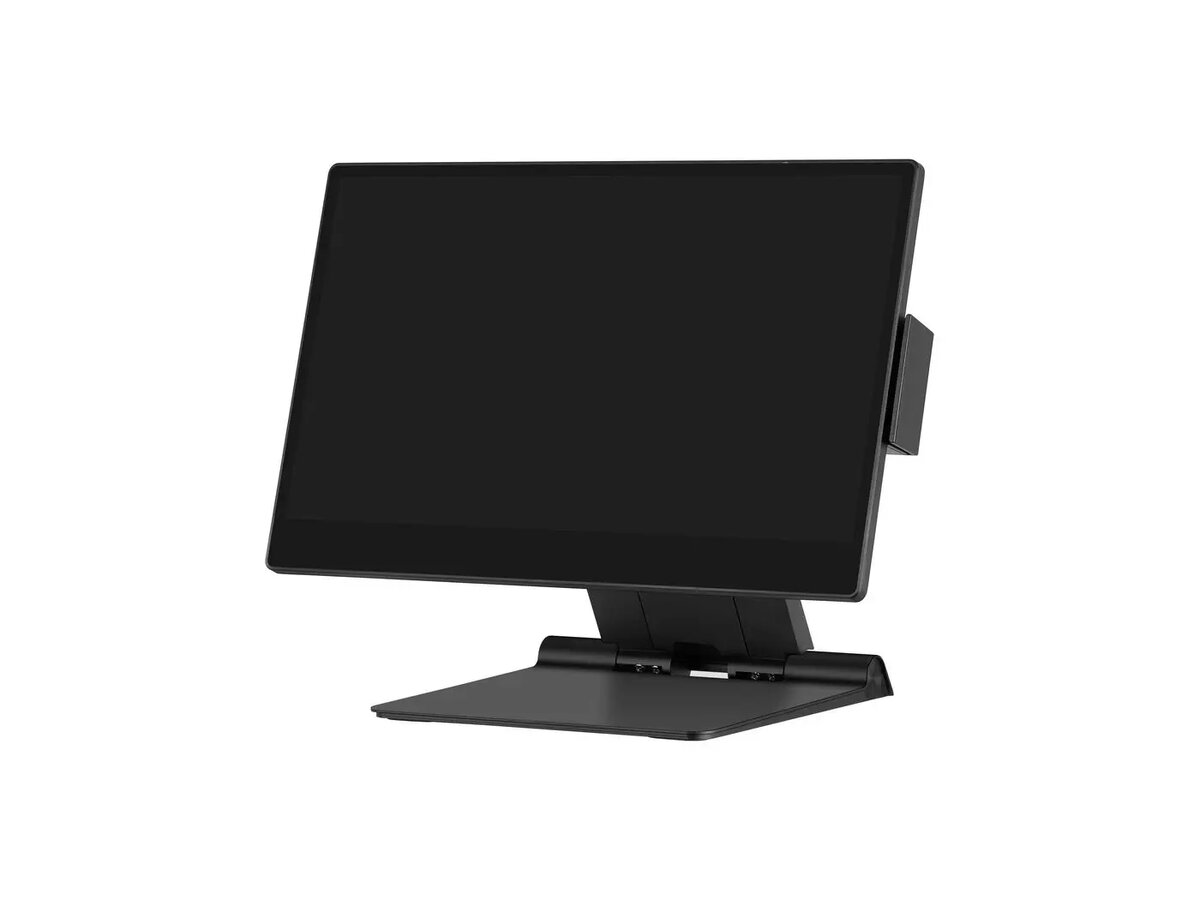
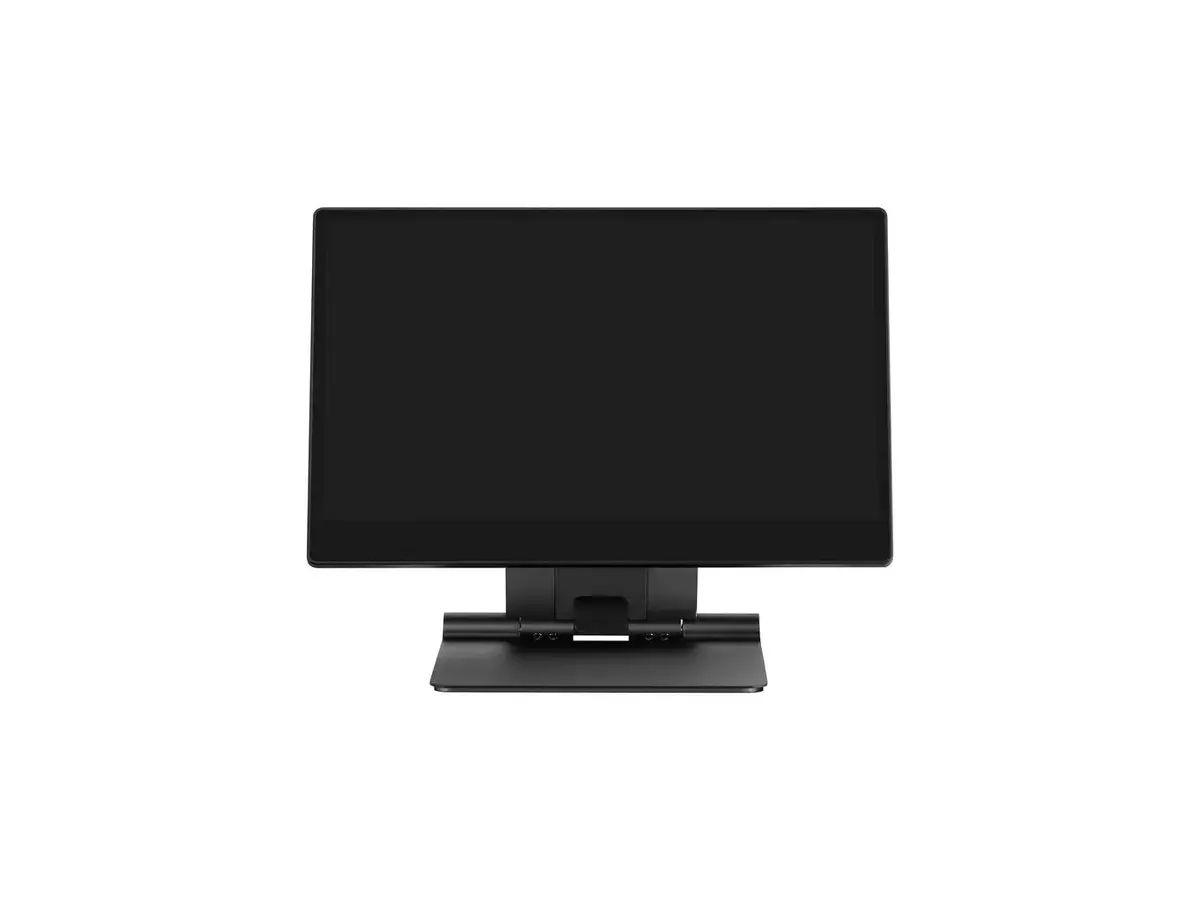
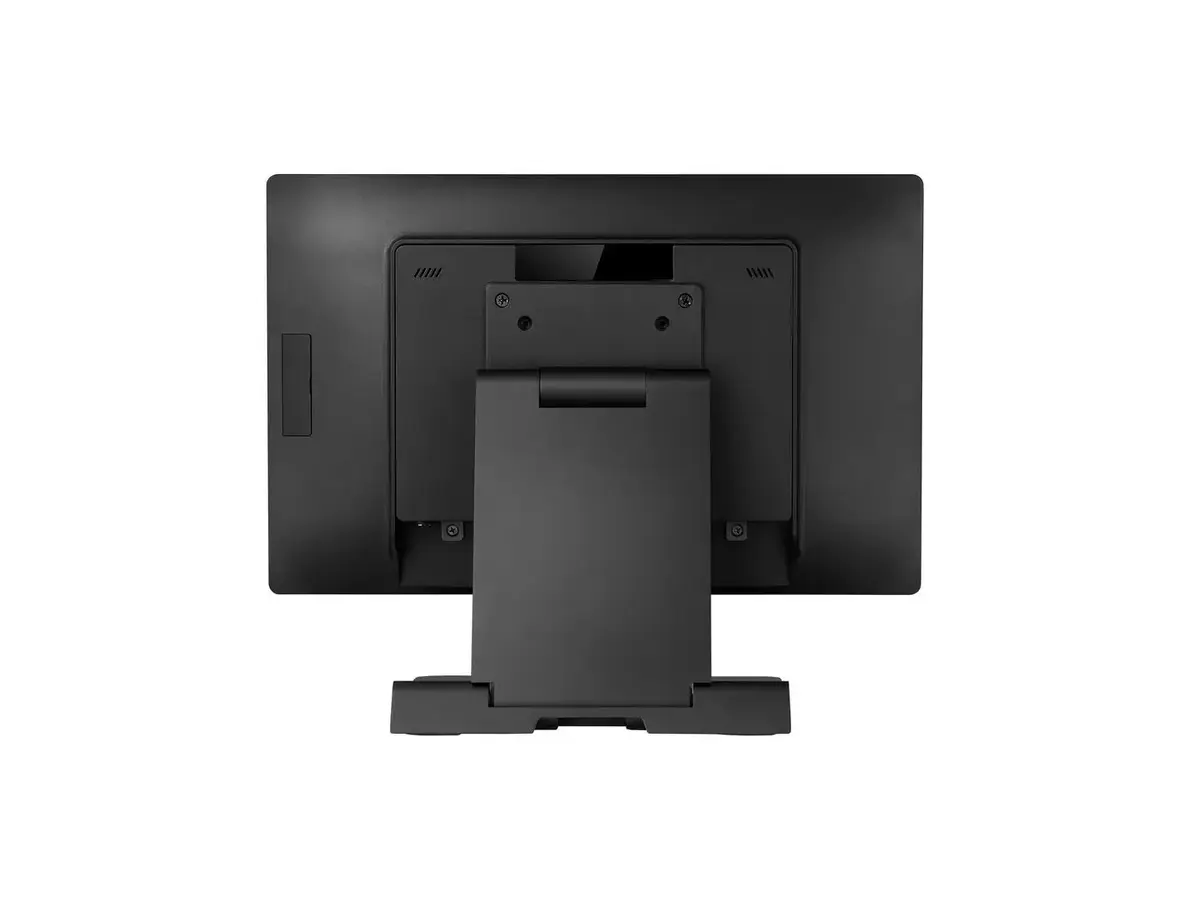
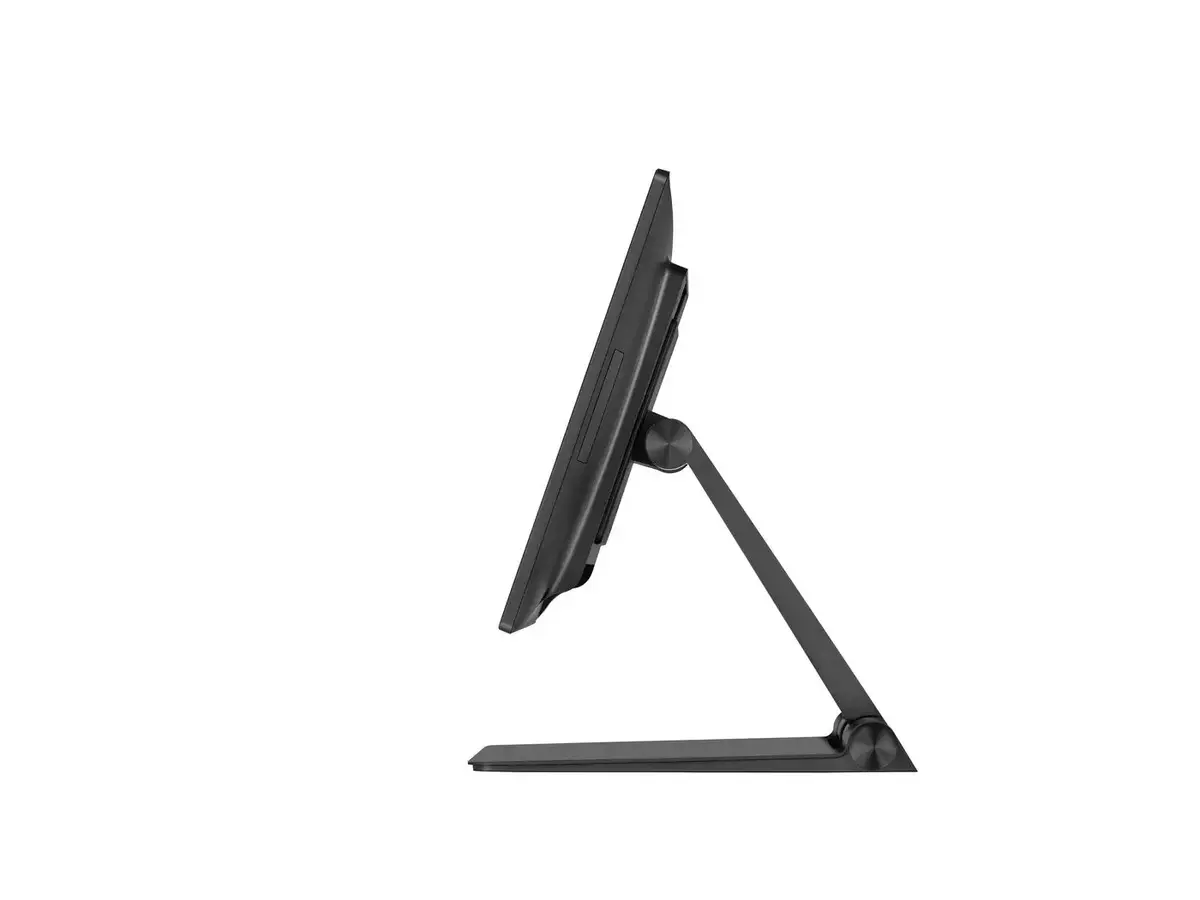
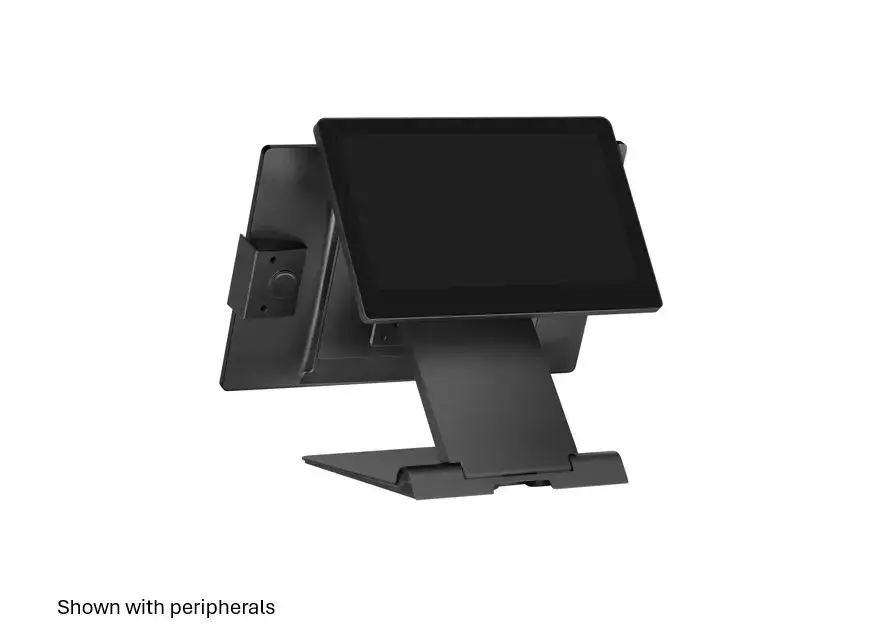
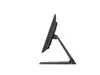
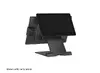
Capture CA-M6B-5214 POS System 15.6 Inch Full HD LCD Intel Core i5-1235U 8GB RAM 256GB SSD Windows 11 Black
The Capture CA-M6B-5214 POS System is a reliable terminal designed for efficient transaction management and business automation in retail and hospitality environments. Featuring a 15.6-inch Full HD LCD touchscreen with a resolution of 1920 x 1080 pixels, it provides a clear and responsive interface for daily operations. Powered by an Intel Core i5-1235U processor, 8GB of RAM, and a 256GB SSD, this system ensures smooth performance for running modern point-of-sale software and handling customer checkouts quickly. Pre-installed with Windows 11 and presented in a sleek black finish, it integrates seamlessly into professional counter setups while delivering the computing power needed for demanding commercial tasks.
The Capture CA-M6B-5214 POS System offers dependable processing power through its Intel Core i5 processor and ample memory, allowing fast transaction speeds and reliable multitasking. The 15.6-inch Full HD LCD screen provides generous screen real estate for order entry, inventory checks, and application navigation with high visual clarity. With a pre-installed Windows 11 operating system, the terminal is ready for immediate deployment and compatibility with a wide range of standard business software. Its solid-state drive ensures quick boot times and reliable data storage, while the robust physical build and black color scheme offer a professional appearance suited for modern retail and hospitality environments.
This POS system may not be suitable for heavy mobile outdoor usage, as it is designed as a stationary countertop terminal requiring a steady power source. It is also not optimized for high-end graphic design tasks, video editing, or heavy gaming, as its hardware configuration is specifically tailored for business transactions and point-of-sale applications.
To use the Capture CA-M6B-5214 POS System, place it securely on a stable, flat checkout counter with access to a reliable power supply. Connect necessary peripheral devices such as barcode scanners, receipt printers, and cash drawers using the available ports. Power on the unit and follow the standard Windows 11 setup instructions if required, then launch your preferred point-of-sale software to begin processing transactions and managing daily business operations.
Usage recommendations: Keep the touchscreen clean by wiping it regularly with a dry, lint-free microfiber cloth and avoid using harsh chemical cleaners. Ensure the terminal is placed in a well-ventilated area to prevent overheating during extended operating hours.
{{highlightedFeature.featureTitle}}:
{{getProductFeatureValueById(product, highlightedFeature.featureId)}}
{{ productComparisonGenerationError }}