Save time and money with our discounts!
In cart {{totalProductsCount}} item(s)
Your cart is empty
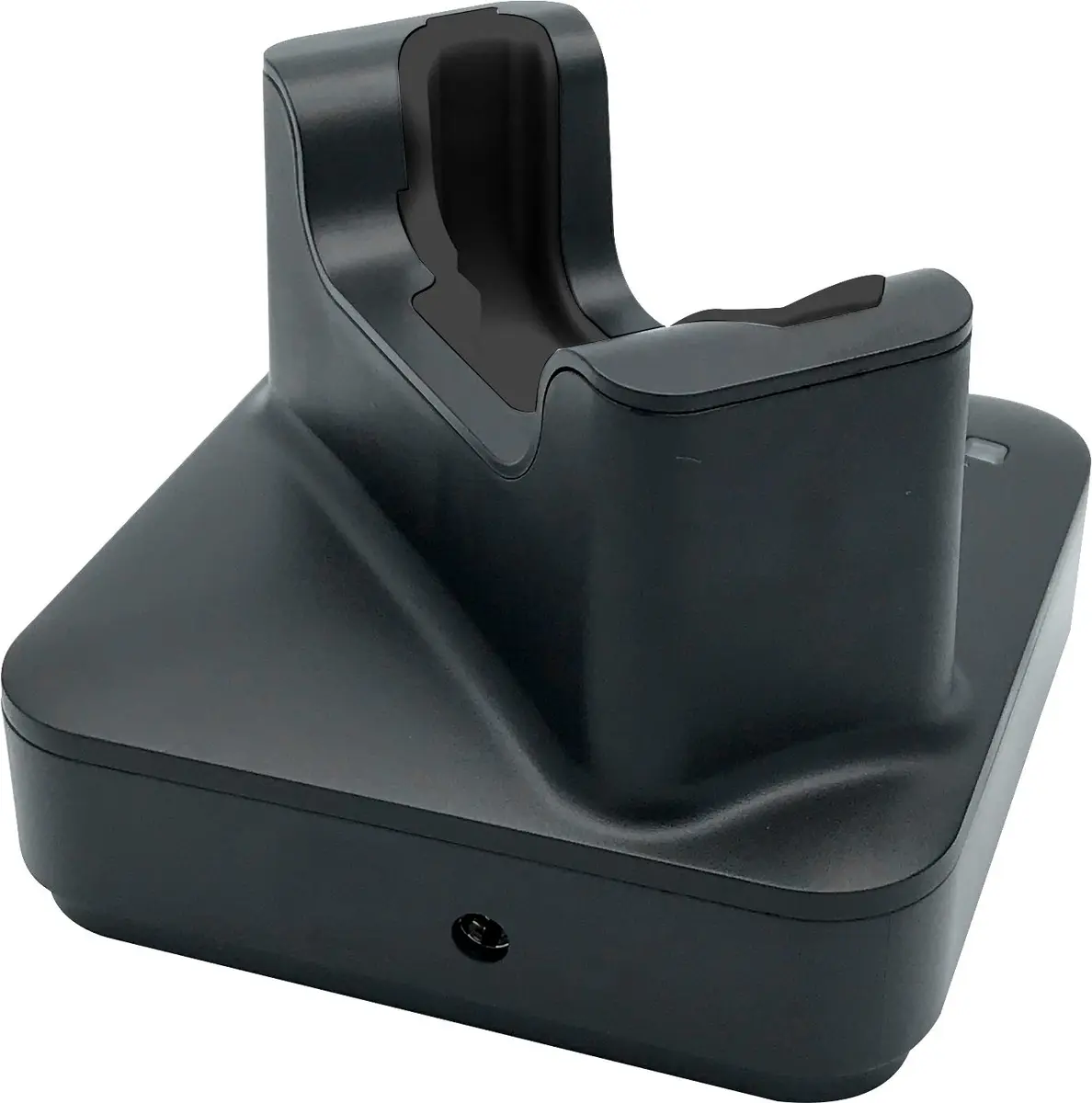
Capture CA-MTAC-RBC Charging Cradle for Handheld Mobile Computer
The Capture CA-MTAC-RBC charging cradle is a dedicated desktop docking and power replenishment accessory designed specifically for the Eagle handheld mobile computer and data terminals. This hardware solution ensures that your device remains securely positioned, fully charged, and ready for continuous operation during intensive barcode scanning and data collection workflows. Featuring a compact desktop footprint with physical dimensions of 174 mm width, 115 mm depth, and 80 mm height, and a lightweight construction of 0.174 kg, it integrates seamlessly into existing workspace setups without occupying excessive room.
This charging cradle offers a reliable and organized way to dock handheld mobile computers, reducing the risk of cable damage and misplaced hardware in busy operational environments. The unit includes a preinstalled pogopin interface that guarantees stable electrical contact for efficient power delivery every time the device is docked. Additionally, the inclusion of an EU and UK charging adapter ensures out-of-the-box compatibility across different regions. Designed to accommodate operational flexibility, the cradle supports use with the Eagle Terminal both with and without the Rugged Rubber Boot and handstrap attached, eliminating the need to remove protective accessories prior to charging.
This charging cradle is not designed for multi-slot charging environments where several devices need to be powered simultaneously from a single hub, as it is a single-bay unit intended for one terminal at a time. Furthermore, it is not compatible with handheld mobile computers from manufacturers other than the specified Eagle series.
Place the charging cradle on a stable, flat desktop surface near a standard electrical power outlet. Connect the appropriate EU or UK charging adapter provided with the unit to the cradle and plug it into the power source. Take your Eagle handheld mobile computer, ensuring it is aligned with the docking slot, and insert it gently into the cradle until the preinstalled pogopin makes secure contact with the charging terminals on the device. Verify that the charging indicator on the mobile computer activates to confirm power replenishment is underway. When work is finished or the battery is fully charged, simply lift the terminal straight up and out of the dock for deployment.
Usage recommendations: Position the charging cradle in a clean, dry indoor environment away from direct sunlight, excessive dust, and moisture to ensure optimal electrical performance and longevity. Always use the original EU or UK charging adapter supplied with the unit to prevent power irregularities.
{{highlightedFeature.featureTitle}}:
{{getProductFeatureValueById(product, highlightedFeature.featureId)}}
{{ productComparisonGenerationError }}