Save time and money with our discounts!
In cart {{totalProductsCount}} item(s)
Your cart is empty
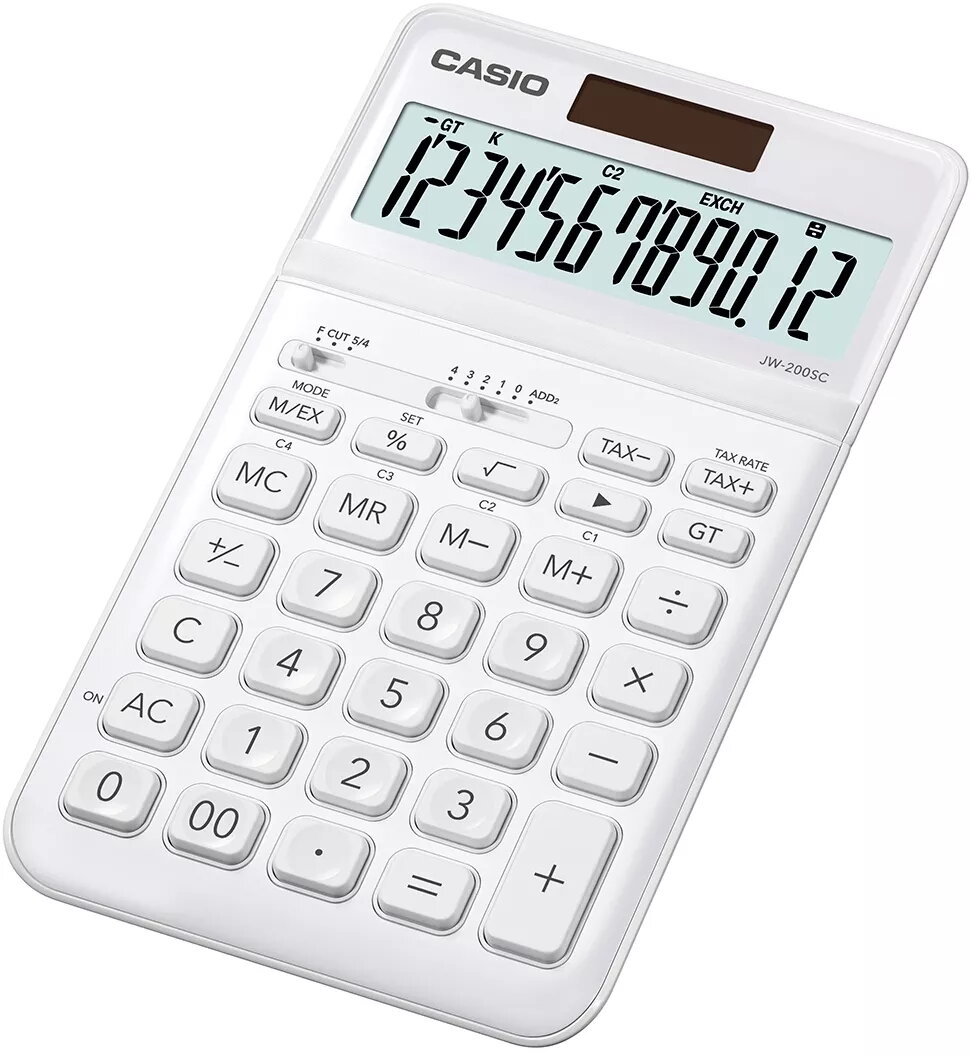
Basic Calculator Casio JW-200SC Desktop White
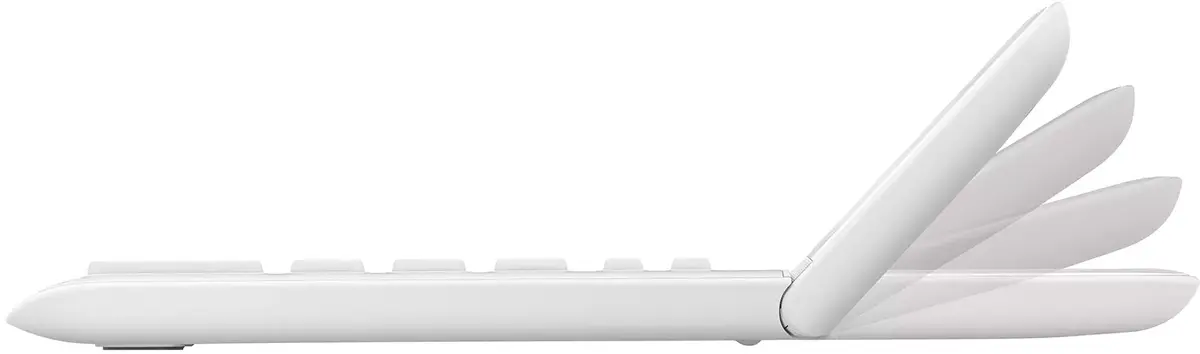
The Casio JW-200SC Desktop White is a basic desktop calculator designed for everyday arithmetic, financial calculations and simple office tasks. It features a 12-digit single-line display with a tilting design for improved viewing angle and a protective cover to keep the keypad and display safe during transport or storage. Dual power from solar cells and a battery ensures reliable operation in varied lighting conditions. Built-in functions include currency conversion, tax calculation and profit computation, making the unit suitable for home, small office and retail use.
The JW-200SC provides a clear 12-digit display for extended numeric results and a tilt mechanism that reduces glare and improves readability on a desktop. Dual power supply (solar + battery) enhances reliability and reduces the risk of sudden power loss. Practical financial functions such as currency conversion, tax calculation and profit calculation simplify routine accounting tasks without needing a separate device or software. The included protective cover extends the life of the calculator by shielding the keys and display from dust and impacts.
Place the calculator on a flat surface and adjust the tilt of the display for comfortable viewing. Remove the protective cover when using and replace it for transport or storage. Use the numeric keys and arithmetic function keys for basic calculations. For tax calculations, enter the amount and use the dedicated tax keys according to the sequence shown on the device. For currency conversion and profit calculation, follow the function key prompts on the display; these functions typically require entering the base amount and the applicable rate or percentage, then pressing the corresponding function key to obtain the result.
Keep the calculator in moderate lighting to allow the solar panel to assist the battery and prolong battery life. Clean the cover and keypad with a soft, dry cloth; avoid using abrasive chemicals. Replace the battery if the display dims or functions become unreliable. Store the device with the protective cover on to prevent dust accumulation and accidental key presses during transport.
{{highlightedFeature.featureTitle}}:
{{getProductFeatureValueById(product, highlightedFeature.featureId)}}