
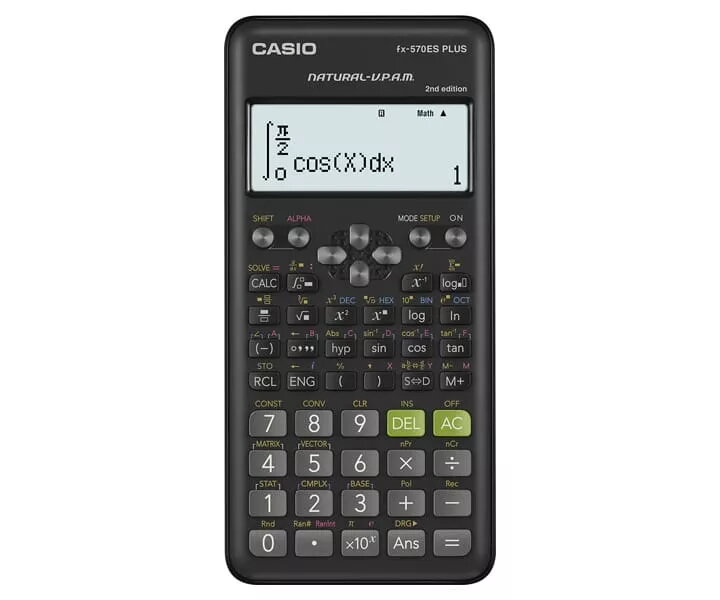
Scientific Calculator Casio FX-570ESPLUS-2
26.99 €
{{selectedOffer && selectedOffer.price | formatAmount}}
Short description
The Casio FX-570ESPLUS-2 is a desktop scientific calculator featuring a 12-digit display and powered by a battery. Its sleek black design includes a protective cover, making it ideal for students and professionals alike. With advanced functions and easy-to-use interface, it supports various calculations including fractions, statistics, and complex numbers, enhancing productivity in academic and technical tasks.
Available for order:
408 pcs.
Warranty:
2 Years
SKU:
3631253


Cheapest delivery:
Unisend LV
Pick-up points
Unisend LV
Cost
1.79 €
Deliver
{{selectedOffer.parcelStationDeliveryString}}
Customer service center
2b. Kengaraga str., Riga, Latvia, LV-1063
14.09.2026
{{selectedOffer.officeDeliveryString}}
free
Courier Delivery
Please note that in case of a large parcel additional delivery costs may apply!
From 4.99 € (Weight: 0.11 kg)
Parcel couriers
Unisend LV / Venipak Pickup LV / Venipak Locker LV / Latvijas Pasts pakomāts / DPD Paku skapis / Omniva LV / Latvijas Pasts nodaļa
17.09.2026
{{selectedOffer.parcelStationDeliveryString}}
From 1.79 €

Payment Methods:
Bank transfer, Bank cards on-line, Apple Pay, Google Pay


