
Save time and money with our discounts!
In cart {{totalProductsCount}} item(s)
Your cart is empty
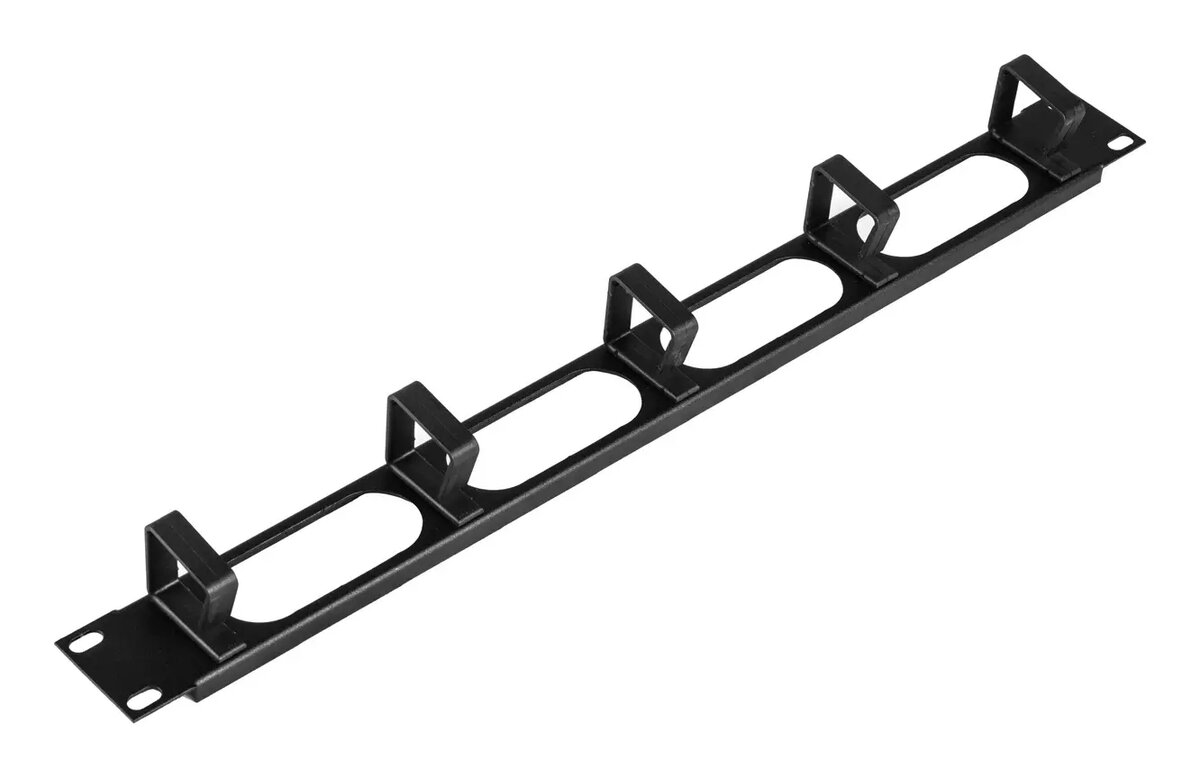
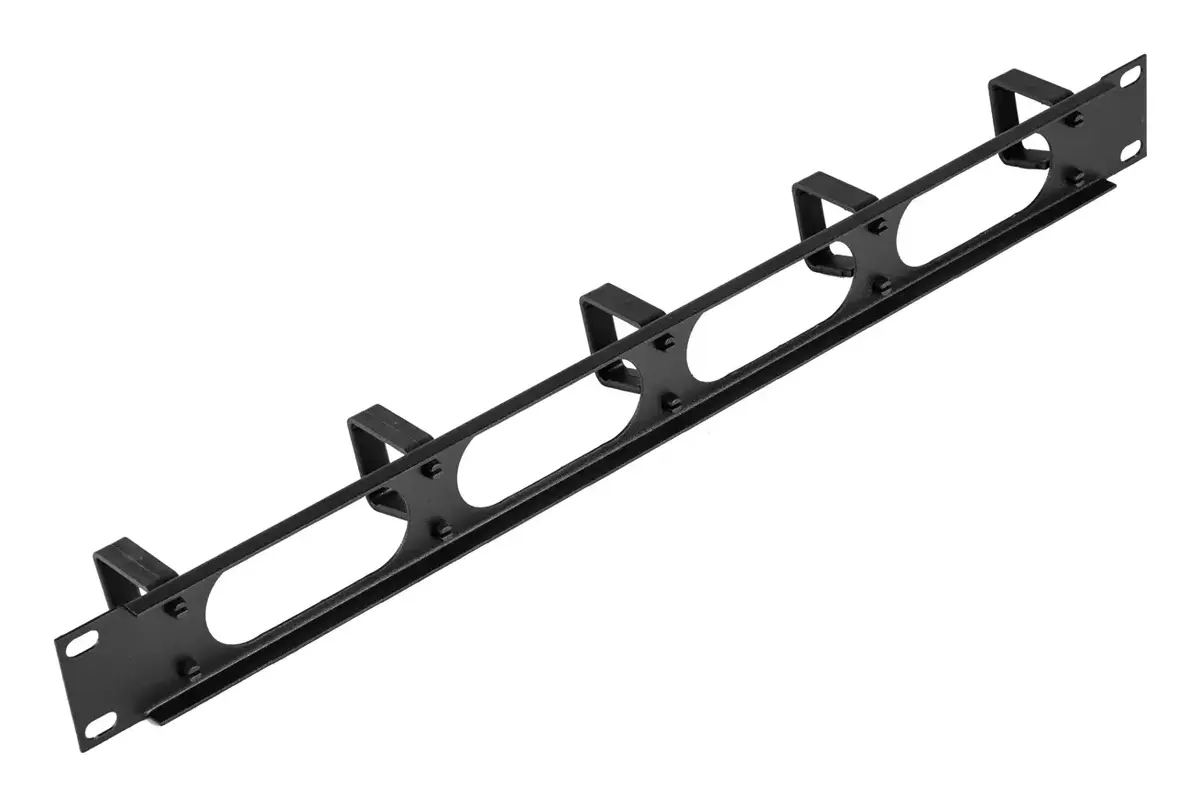
Cable organizer 1U vertical, CATerpillar TN-19-ORG-1U-P-BK, black
The CATerpillar Cable organizer 1U vertical (TN-19-ORG-1U-P-BK) is a rack-mounted vertical cable management panel in black designed for 19-inch racks. With a 1U height and single-piece construction, it routes and secures network and power cables to keep cabinets and server racks orderly. The unit's 40 mm height and 40 mm depth provide a compact profile that fits standard data cabinets and telecom enclosures while freeing horizontal space for equipment and improving access for maintenance.
This vertical cable organizer offers a durable, single-piece design that simplifies installation and reduces the number of separate components required. Its compact 1U size and black finish allow for seamless integration into existing racks without occupying excessive rack units. The defined routing channels help separate and support individual cables, reducing strain and preventing tangling while facilitating organized cable runs and quicker troubleshooting.
Install the CATerpillar 1U vertical cable organizer by mounting it to the 19-inch rack rails at the desired vertical position using standard rack screws. Route network and power cables into the organizer's channels, grouping cables by type or destination to maintain separation and reduce electromagnetic interference risks. Ensure cables are gently laid into the channels without sharp bends and that strain relief is provided at patch panels and equipment connectors.
For best results, plan cable paths before installation, avoid overfilling the organizer beyond its intended capacity, and use additional organizers or horizontal management panels where cable volume is high. Periodically inspect routed cables to confirm secure placement and to reorganize as equipment is added or changed.
{{highlightedFeature.featureTitle}}:
{{getProductFeatureValueById(product, highlightedFeature.featureId)}}
{{ productComparisonGenerationError }}