
Leave your address - as soon as the price of the product goes down, you'll know about it right away
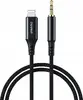
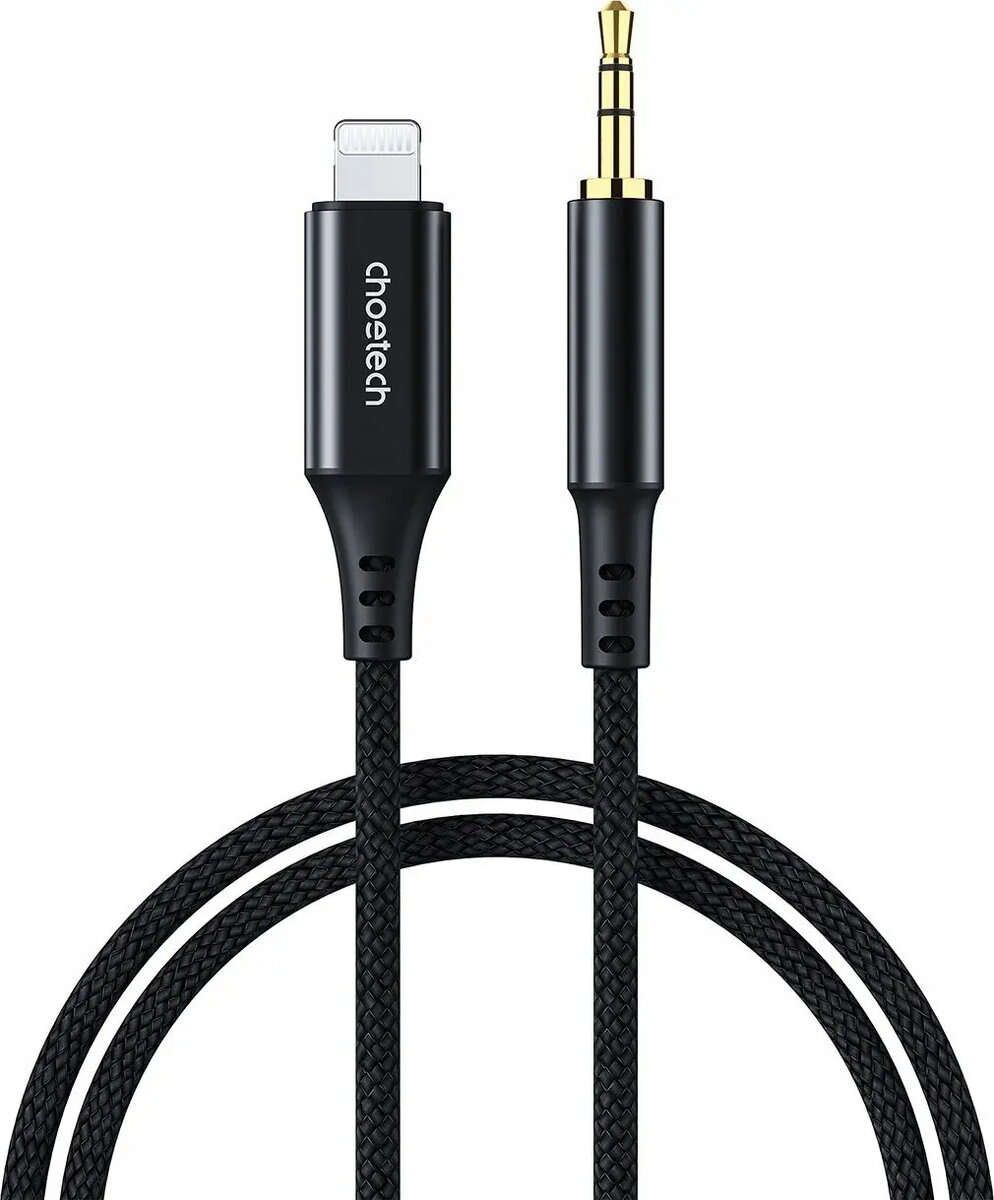
Audio cable CHOETECH AUX007 Lighting to 3.5mm mini‑jack, 1 m, black
In cart {{totalProductsCount}} item(s)
Your cart is empty
Audio cable CHOETECH AUX007 Lighting to 3.5mm mini‑jack, 1 m, black
Leave your address - as soon as the price of the product goes down, you'll know about it right away
Audio cable CHOETECH AUX007 Lighting to 3.5mm mini‑jack, 1 m, black
The CHOETECH AUX007 audio cable provides a direct wired connection between devices with a Lightning port and headphones, speakers or car audio systems with a 3.5 mm mini‑jack input. At 1 meter length and finished in black, the cable is designed for stereo audio output and reliable signal transmission when a Lightning‑to‑3.5mm connection is required.
The cable delivers a compact, single‑cable solution for connecting Lightning‑equipped smartphones and tablets to standard analog audio inputs without requiring separate adapters or wireless pairing. Its 1 m length balances portability and reach for everyday use, while the molded connectors provide a consistent electrical contact and reduced risk of accidental disconnection. The black finish offers a neutral appearance that integrates with common audio equipment.
Insert the Lightning plug into the compatible device’s Lightning port and plug the 3.5 mm mini‑jack into the headphone or line‑in socket of the target audio device. Once physically connected, select the wired audio output on the source device if required by the operating system or app. Adjust volume levels on both the source device and the receiving device to achieve the desired listening level. Disconnect by gently pulling the connectors without bending the cable at the junctions.
Use the cable with devices that support audio output via the Lightning port. Avoid excessive bending or twisting near the connector ends and store the cable loosely coiled to prolong service life. For improved audio quality, set the source device volume to a moderate level and perform any further gain adjustments on the receiving device.
{{highlightedFeature.featureTitle}}:
{{getProductFeatureValueById(product, highlightedFeature.featureId)}}