







Dreame vacuums for fast and efficient cleaning!
In cart {{totalProductsCount}} item(s)
Your cart is empty
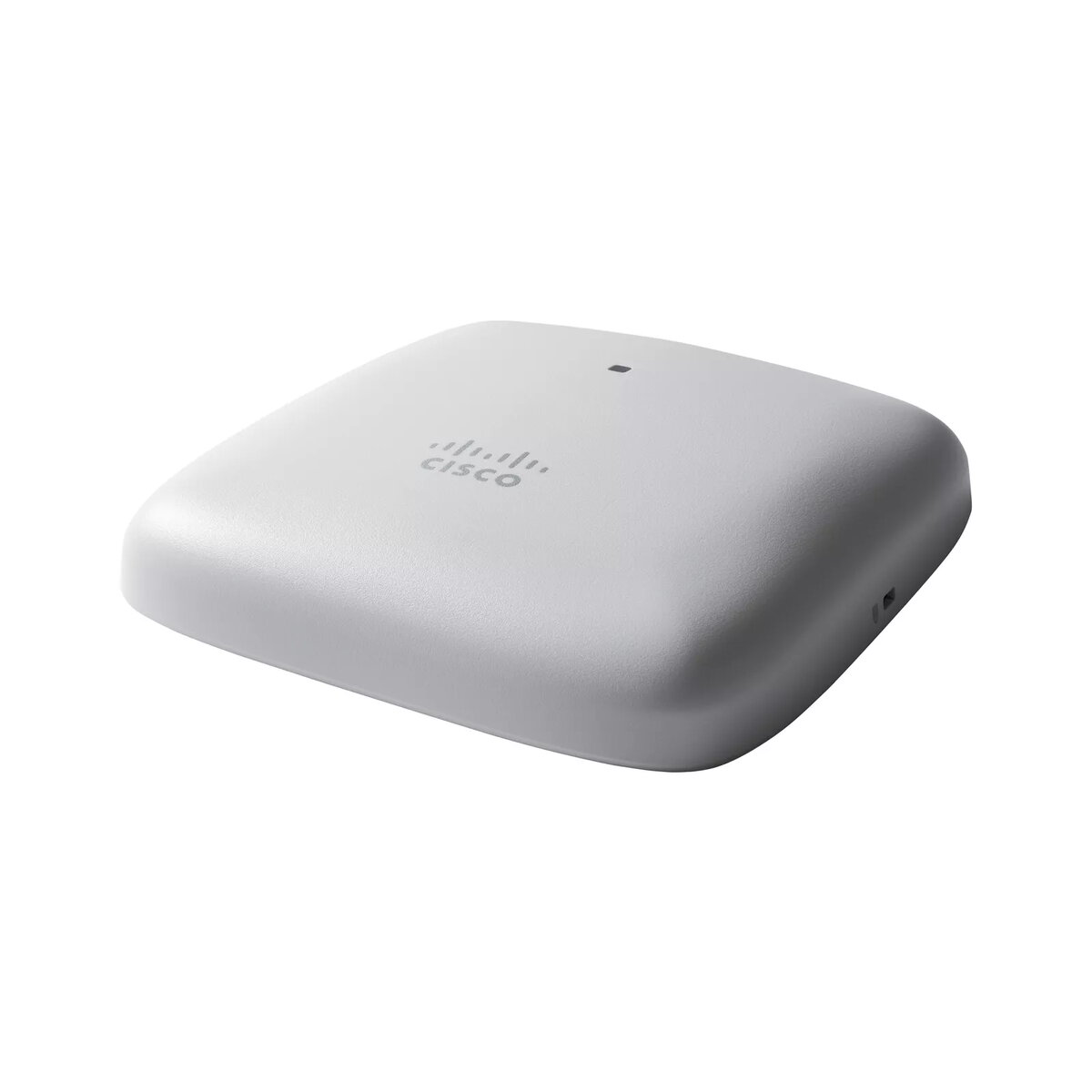
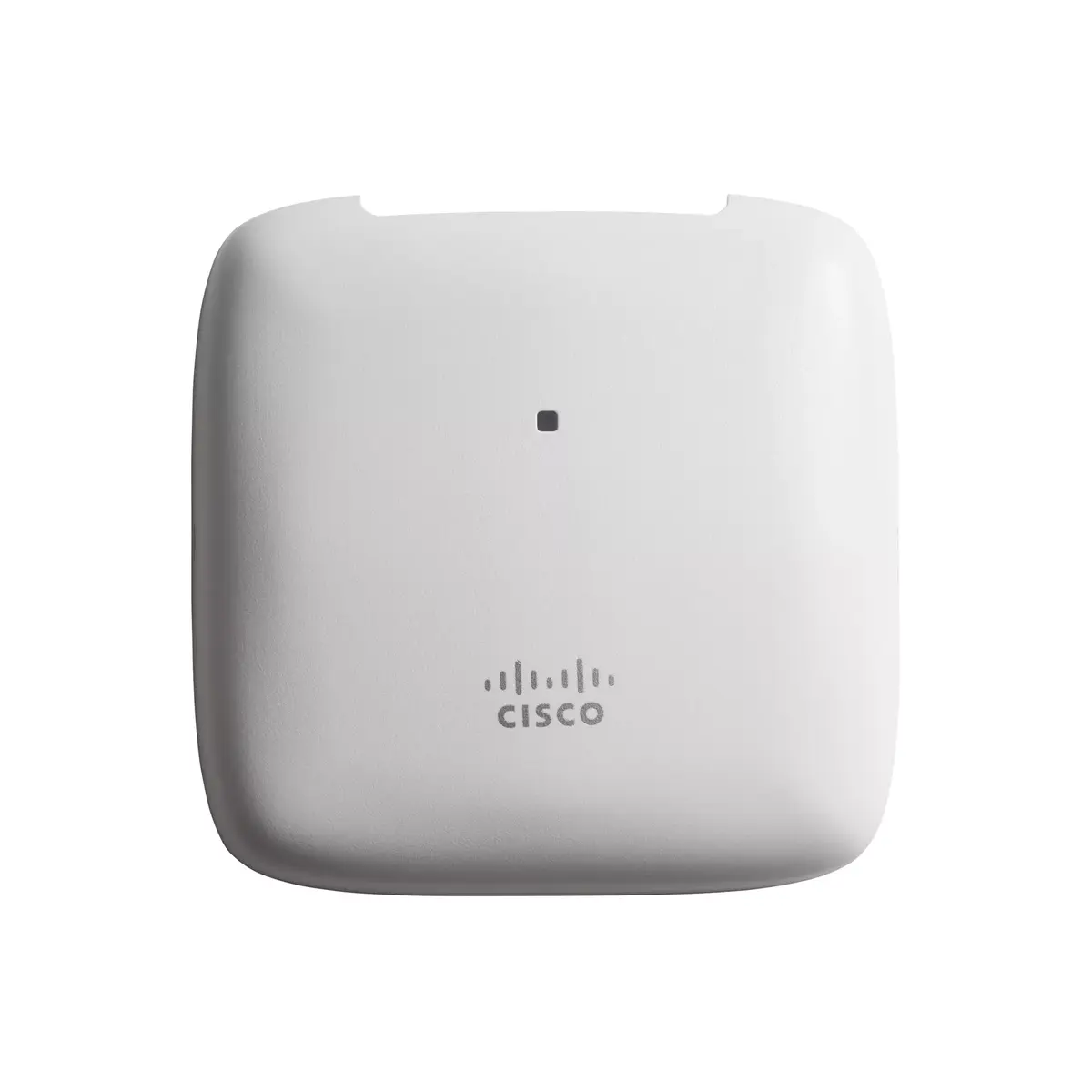
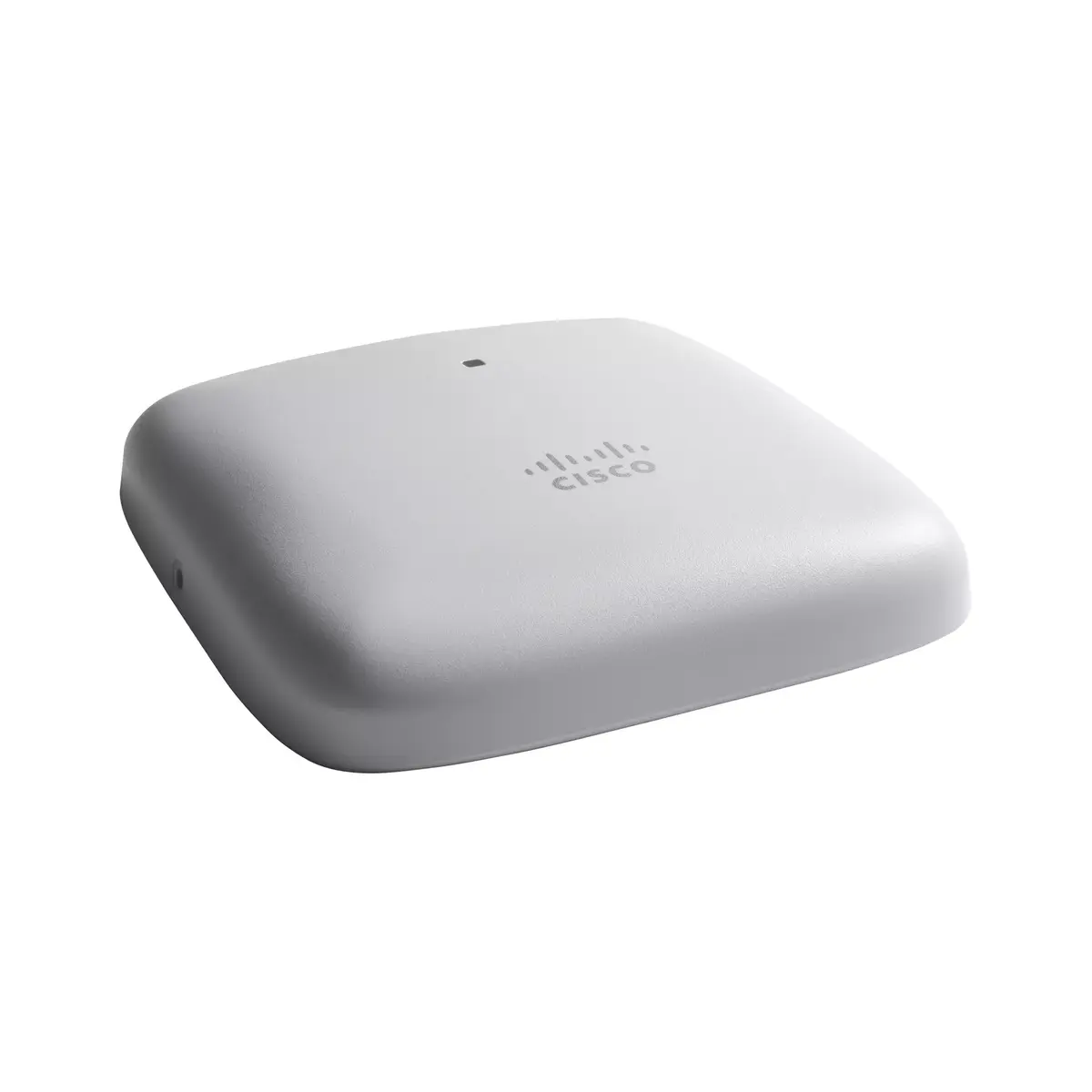
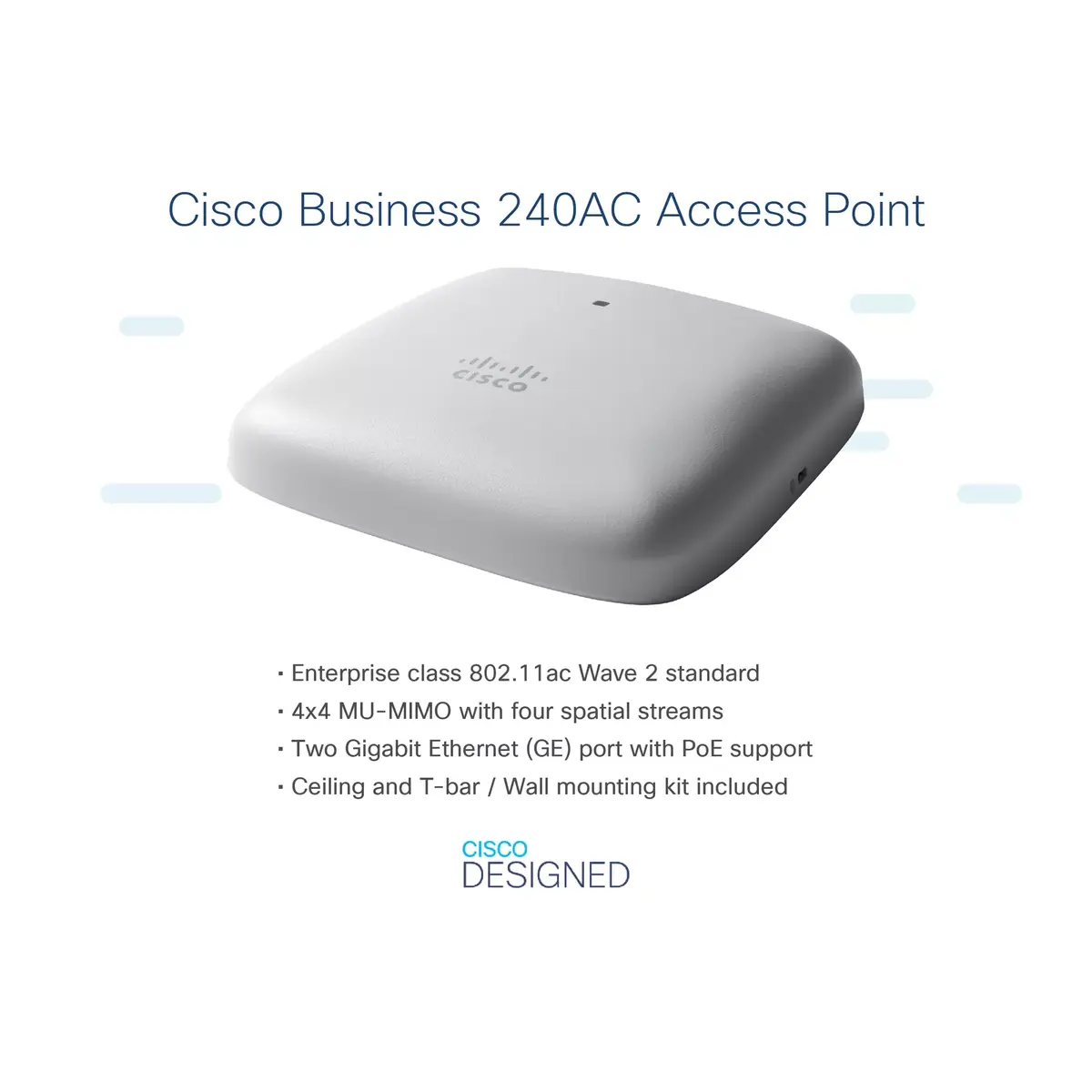
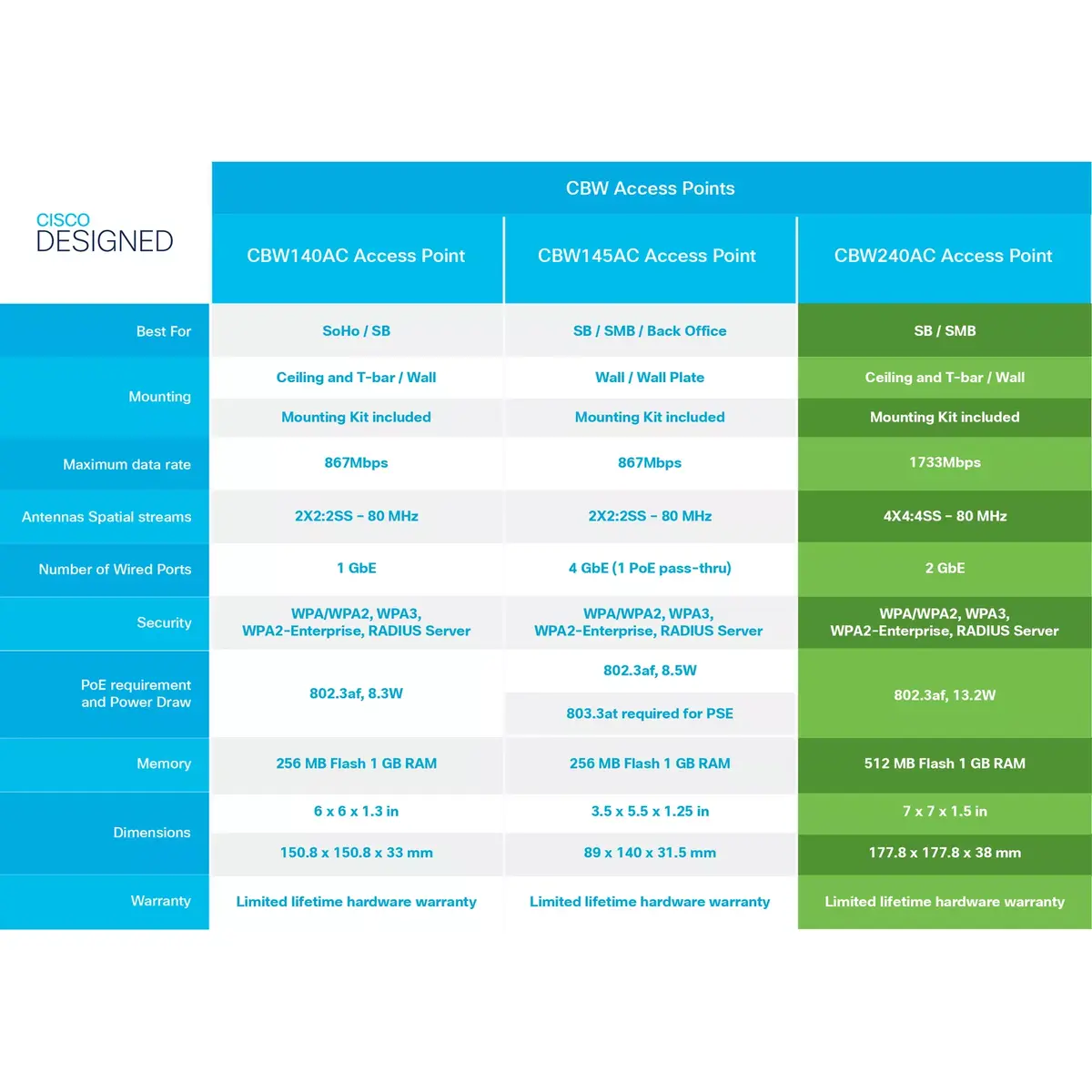
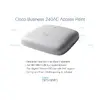
Cisco Business 240AC Wireless Access Point 802.11ac 4x4 Wave 2 Dual-Band 1733 Mbit/s 2 GbE Ports PoE Ceiling Mount Grey
The Cisco Business 240AC Wireless Access Point is a high-performance networking device designed to deliver reliable dual-band Wi-Fi connectivity for small and medium business environments. Operating across 2.4 GHz and 5 GHz frequencies, this ceiling and wall-mountable access point utilizes 802.11ac 4x4 Wave 2 technology to achieve maximum data transfer rates of up to 1733 Mbit/s. It is engineered to provide stable wireless coverage, seamless roaming, and robust network capacity for modern offices and professional workspaces.
This wireless access point stands out through its advanced 4x4 MU-MIMO architecture, which allows efficient handling of multiple connected devices simultaneously without compromising speed or stability. The inclusion of two Gigabit Ethernet ports ensures wired integration options, while Power over Ethernet support simplifies installation by combining power and data over a single cable. Enterprise-grade security algorithms safeguard network integrity against potential external threats, ensuring safe data transmission for business operations.
This device may not be suitable for large-scale enterprise campuses requiring controller-based enterprise architectures outside the Cisco Business ecosystem, or for residential users seeking a basic plug-and-play home router without advanced business management features.
Installation involves mounting the unit securely to a wall or ceiling using appropriate hardware, followed by connecting it to a Power over Ethernet switch or injector and an existing router. Initial configuration and ongoing management can be handled through standard web interfaces or compatible mobile management tools to establish secure SSIDs, guest networks, and bandwidth priorities according to organizational requirements.
For optimal network performance, position the access point centrally within the coverage area, ensure firmware is regularly updated, and configure security settings in accordance with organizational compliance policies.
{{highlightedFeature.featureTitle}}:
{{getProductFeatureValueById(product, highlightedFeature.featureId)}}
{{ productComparisonGenerationError }}