Save time and money with our discounts!
In cart {{totalProductsCount}} item(s)
Your cart is empty
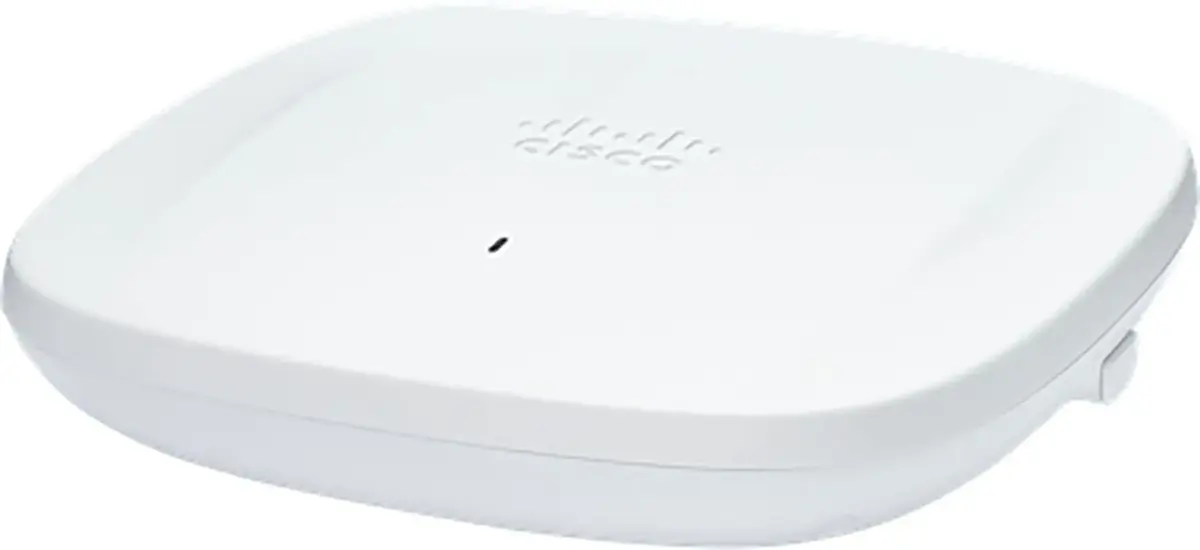
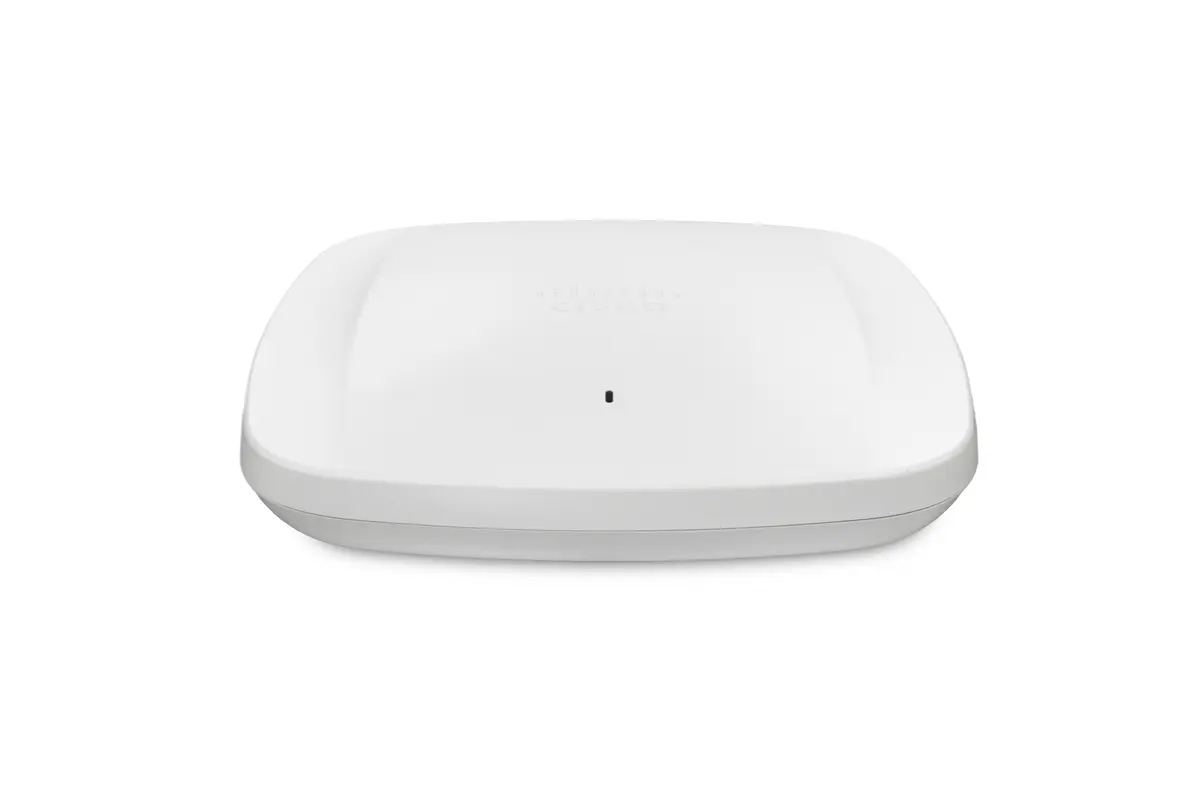
Cisco Meraki CW9164I-E-RF Wireless Access Point Tri-Band Wi-Fi 6E 7490 Mbit/s White Internal Antenna Ceiling Mount
The Cisco Meraki CW9164I-E-RF wireless access point delivers high-performance connectivity with a maximum data transfer rate of 7490 Mbit/s. Operating across three frequency bands including 2.4 GHz, 5 GHz, and 6 GHz, this tri-band Wi-Fi 6E device is designed for seamless ceiling placement in modern enterprise environments. Equipped with internal antennas, robust security algorithms such as WPA3 and EAP, a high-speed Ethernet LAN port supporting up to 2500 Mbit/s, and a USB port, it ensures reliable and secure wireless coverage for demanding professional workspaces.
This wireless access point offers exceptional throughput and reduced network interference by utilizing the 6 GHz frequency band alongside traditional 2.4 GHz and 5 GHz bands. The inclusion of advanced security protocols ensures that enterprise data remains protected against unauthorized access. Cloud management capabilities simplify deployment, remote diagnostics, and firmware updates, allowing administrators to monitor and manage the network efficiently without requiring constant on-site IT intervention.
This device may not be suitable for small residential setups where advanced enterprise-grade cloud management and tri-band Wi-Fi 6E capabilities exceed typical home networking requirements. Additionally, installations that strictly require external directional antennas for long-range outdoor coverage will need alternative hardware.
Mount the access point securely to the ceiling using appropriate mounting hardware in the desired indoor location. Connect an Ethernet cable from a compatible network switch to the LAN port on the device to provide data and power over Ethernet. Access the cloud management platform to complete the initial setup configuration, register the device, and apply desired network policies, security settings, and traffic shaping rules.
Usage recommendations: Regularly monitor network performance through the cloud dashboard and ensure that firmware updates are applied automatically to maintain optimal security and device stability. Position the access point centrally within the coverage area to maximize signal distribution and minimize interference.
{{highlightedFeature.featureTitle}}:
{{getProductFeatureValueById(product, highlightedFeature.featureId)}}
{{ productComparisonGenerationError }}