Dreame vacuums for fast and efficient cleaning!
In cart {{totalProductsCount}} item(s)
Your cart is empty
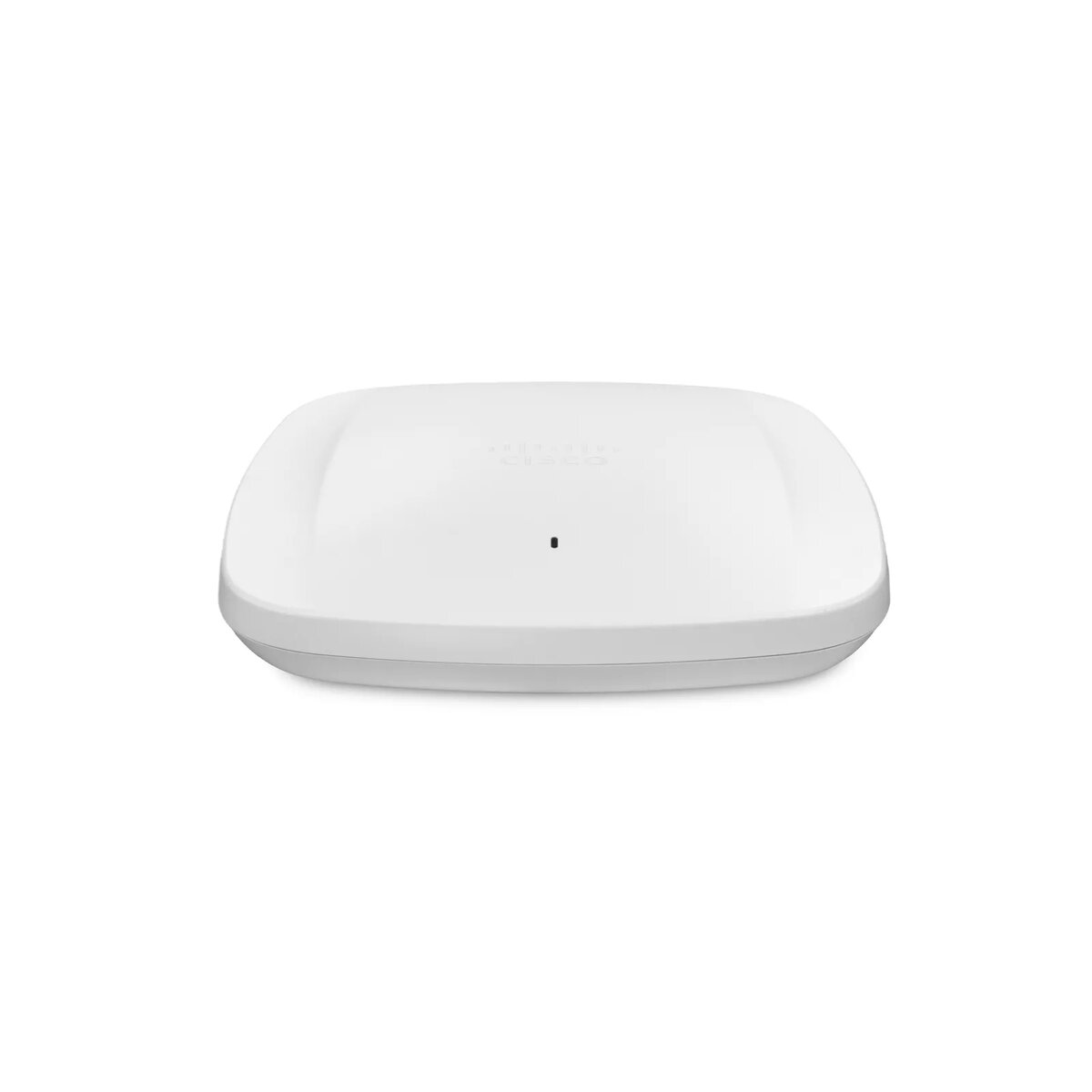
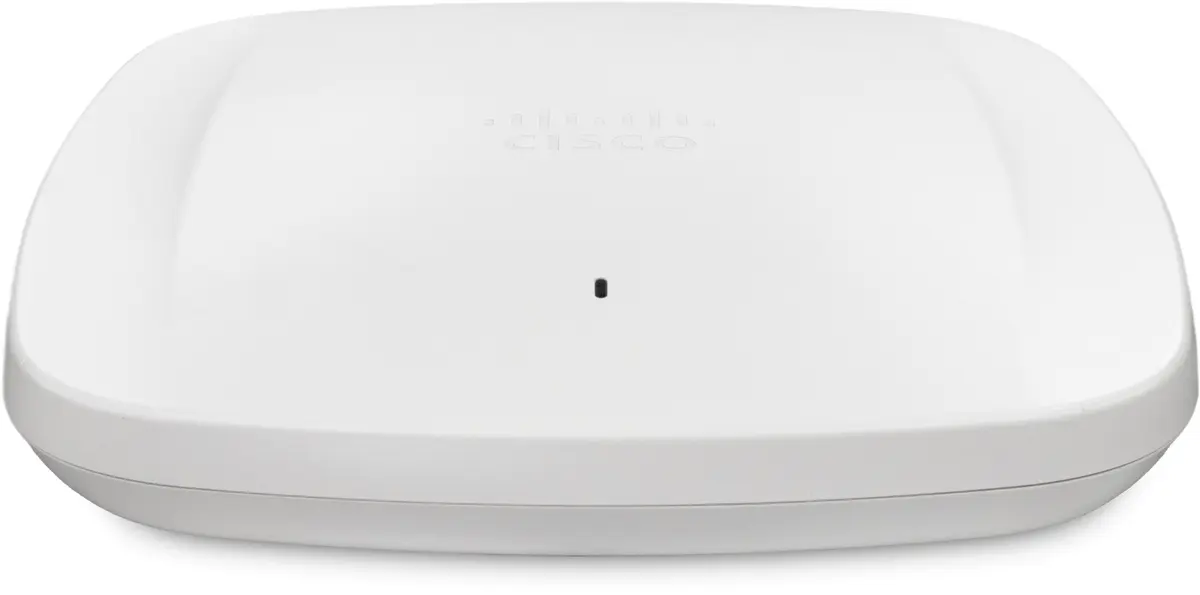
Wireless Access Point Cisco Meraki CW9166D1-E 2.4GHz 5GHz 6GHz
The Cisco Meraki CW9166D1-E (Catalyst 9166 Series) is a tri-band Wi‑Fi 6E access point that operates on 2.4 GHz, 5 GHz and the 6 GHz band to deliver higher throughput, increased capacity and reduced device interference. The CW9166D1-E model includes three 4x4 radios, integrated environmental sensors and IoT radios, and features a built‑in directional antenna designed for high‑ceiling and large open spaces such as auditoriums and warehouses, eliminating the need for external antennas. The device supports advanced security algorithms (including AES-128, WPA and WPA3), multiple Ethernet LAN speeds and Power over Ethernet (PoE) for simplified deployment.
The access point provides expanded spectrum with 6 GHz operation for improved reliability and lower congestion, three 4x4 radios for high client density and throughput, and an internal directional antenna on the CW9166D1-E that removes the requirement for additional external antenna hardware. Flexible management options allow migration between on‑premises Catalyst and cloud‑based Meraki management without replacing hardware. Compact white housing and PoE support simplify installation and integration into existing networks.
Mount the CW9166D1-E in the target location suitable for directional coverage (for example, oriented toward audience seating in an auditorium or along aisles in a warehouse). Connect a single Ethernet cable to the RJ‑45 port for data and PoE power. Configure the device using the chosen management platform — either on‑premises Cisco Catalyst or Meraki cloud — and apply SSID, security and RF settings. Use built‑in sensors and IoT radio settings as needed for environmental monitoring and connected devices.
Place the unit where the built‑in directional antenna can cover the intended area without obstruction and select the management mode (Catalyst or Meraki cloud) prior to provisioning to streamline deployment. For highest performance in dense deployments, enable Wi‑Fi 6E features and configure appropriate channel planning for the 6 GHz band.
{{highlightedFeature.featureTitle}}:
{{getProductFeatureValueById(product, highlightedFeature.featureId)}}
{{ productComparisonGenerationError }}