{{ totalProductsCount }}

In cart {{totalProductsCount}} item(s)

Total:
{{sum | formatAmount}}

Your cart is empty

header-product Compulocks Galaxy Tab A9+ Apex Enclosure Tablet Printer Kiosk for Samsung Galaxy Tab A9 Plus (11", 2023, SM-X210/SM-X215/SM-X216B)

Compulocks Galaxy Tab A9+ Apex Enclosure Tablet Printer Kiosk for Samsung Galaxy Tab A9 Plus (11", 2023, SM-X210/SM-X215/SM-X216B)

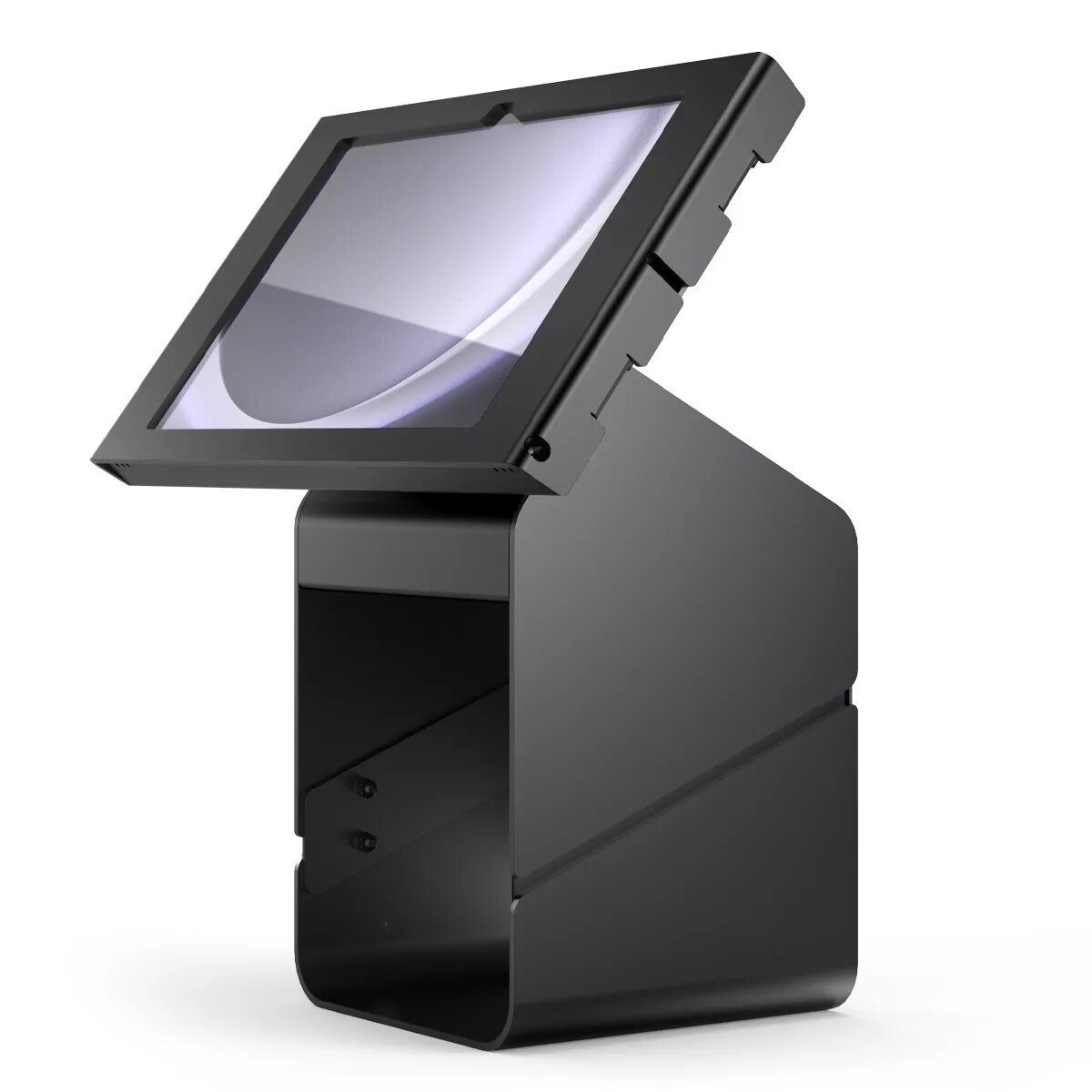
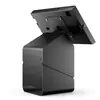
Compulocks PK0111GAPX9B tablet security enclosure PK0111GAPX9B Photo 1
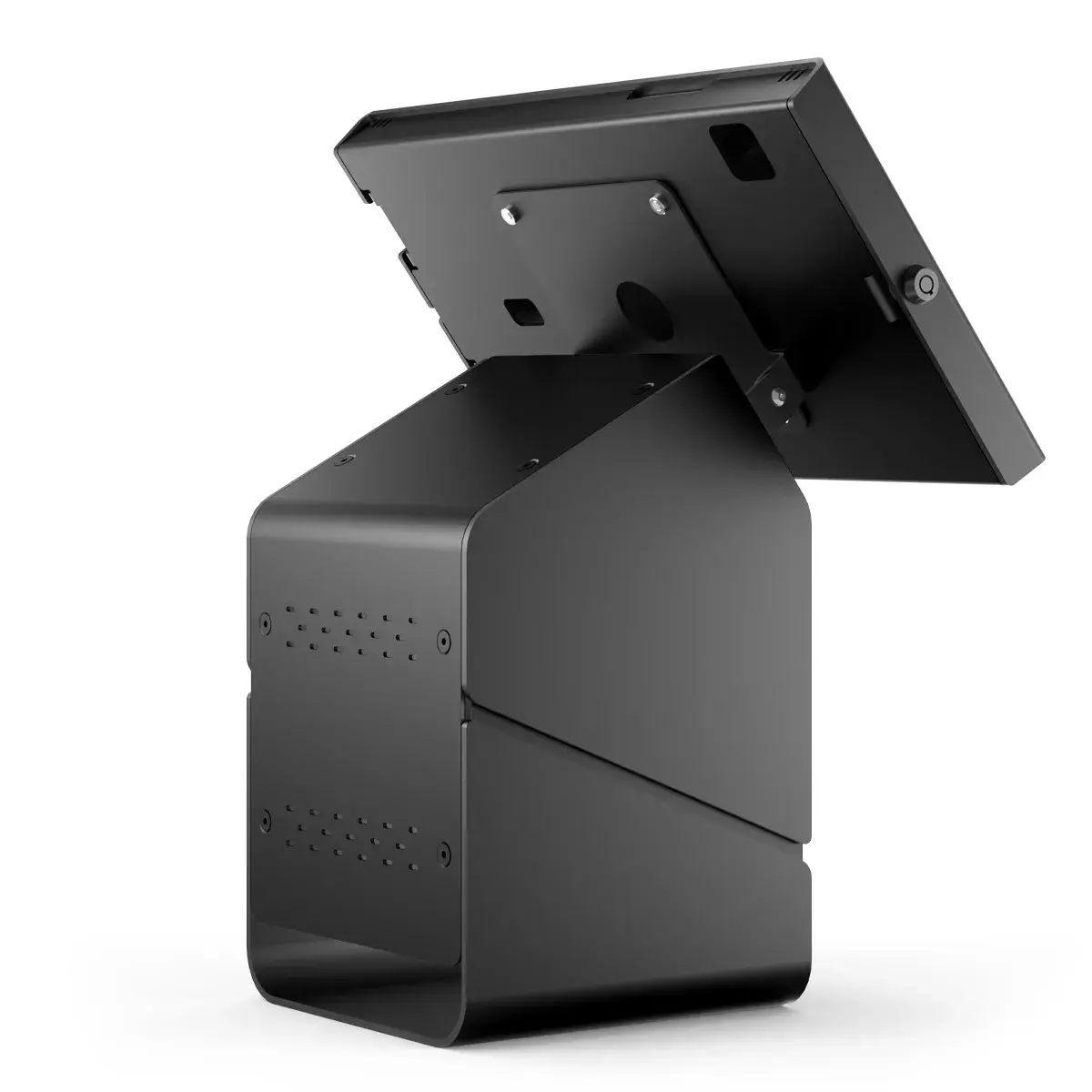
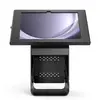
Compulocks PK0111GAPX9B tablet security enclosure PK0111GAPX9B Photo 2
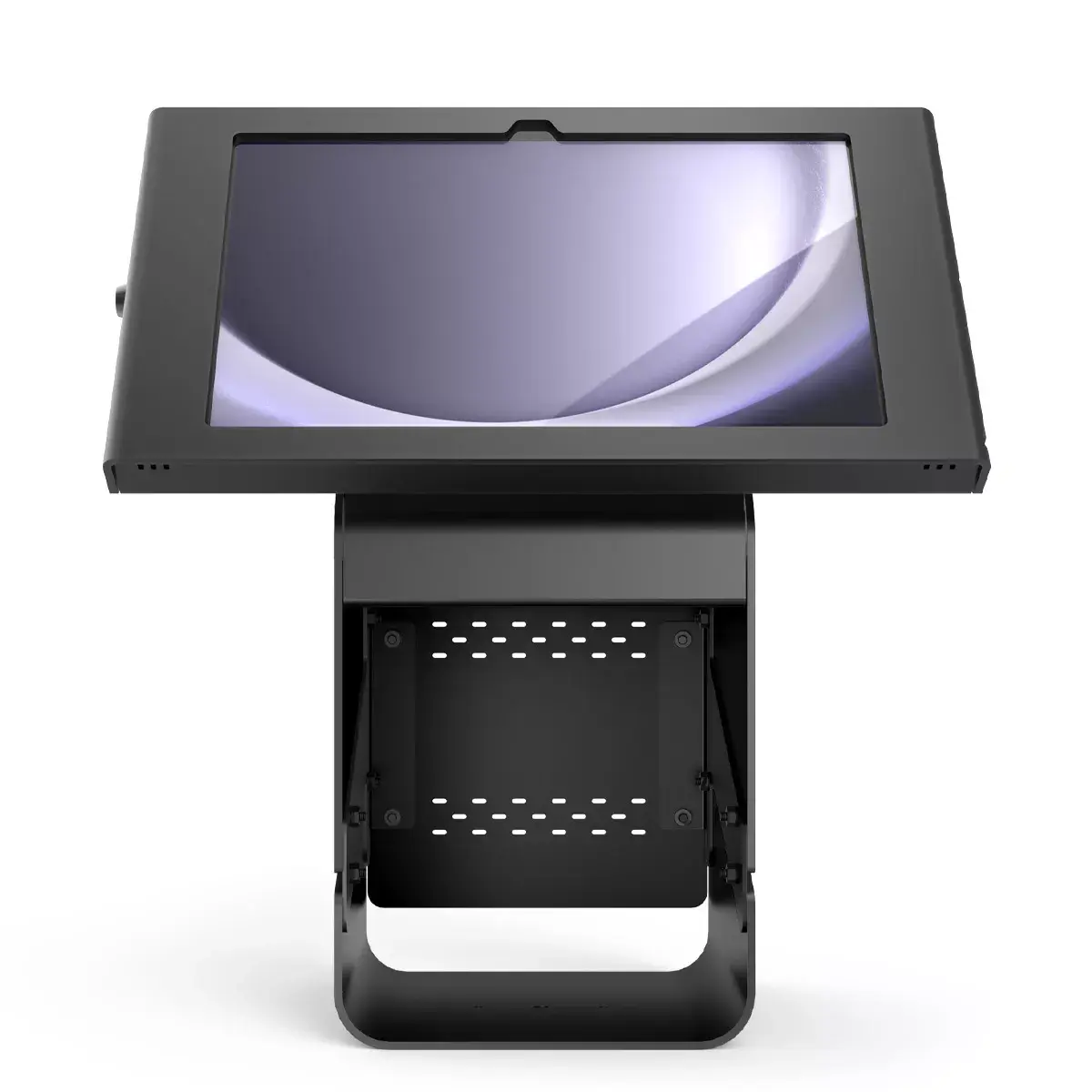
Compulocks PK0111GAPX9B tablet security enclosure PK0111GAPX9B Photo 3
Compulocks PK0111GAPX9B tablet security enclosure PK0111GAPX9B Photo 1
Compulocks PK0111GAPX9B tablet security enclosure PK0111GAPX9B Photo 2
Compulocks PK0111GAPX9B tablet security enclosure PK0111GAPX9B Photo 3
Out of stock.
View similar!

Short description

A Compulocks Apex enclosure and printer kiosk designed for Samsung Galaxy Tab A9 Plus (11", 2023 models SM-X210, SM-X215, SM-X216B). Supports tablets with up to 27.9 cm (11") screens and provides a secure mount and integrated printer kiosk functionality for retail, hospitality, check-in, ticketing, POS and self-service stations.
Warranty: 2 Years
SKU: 11201371
delivery
Information regarding the items availability for purchase will be posted on this site
price
Item cost information will be published on this site
Together cheaper
{{product.price | formatAmount}}
{{product.title}}
{{productBundle.reference.specialPrice | formatAmount}}
{{productBundle.title}}
{{productBundlePreviousPrice | formatAmount}}
{{productBundleSpecialPrice | formatAmount}}

You saving {{productBundleYouSave | formatAmount}}

Product information

Description

Compulocks Galaxy Tab A9+ Apex enclosure with integrated printer kiosk is designed for the Samsung Galaxy Tab A9 Plus (11", 2023). The high-grade aluminum enclosure provides a secure mount for the tablet and houses a compact receipt or ticket printer, creating a single countertop unit suitable for retail, hospitality, check-in, ticketing, POS and self-service stations. The design allows the charging cable to be concealed and the entire kiosk to be fastened directly to a counter for stable, professional installation.

Advantages

The unit uses a high-grade aluminum enclosure for durable protection while remaining lightweight. A keyed lock provides quick, reliable securement and easy access when authorized. The integrated printer compartment can accept a compact printer with internal dimensions up to H 160 mm × W 130 mm × D 150 mm, allowing a clean, space-saving all-in-one kiosk. Cable routing is arranged to hide the charging cable and reduce clutter on the counter.

Suitable for

  • Retail checkout and point of sale terminals
  • Hospitality guest check-in and concierge desks
  • Event ticketing and registration desks
  • Self-service kiosks for information or ordering

When it may not be suitable

This enclosure is sized specifically for the Samsung Galaxy Tab A9 Plus (11") models and compatible tablets with similar dimensions. It is not suitable for larger tablets or devices that exceed the physical dimensions of the enclosure or for printers larger than the specified internal printer space. If you require advanced printer types or larger receipt rolls, confirm compatibility with the printer dimensions before purchase.

Key specifications

  • Compatible tablet screen size: up to 11" (27.9 cm)
  • Enclosure material: high-grade aluminum
  • Printer compartment internal dimensions: H 160 mm × W 130 mm × D 150 mm
  • Lock type: keyed quick lock
  • Cable management: concealed charging cable routing
  • Mounting: secures directly to a counter

How to use

Install the Galaxy Tab A9 Plus into the enclosure and route the charging cable through the provided cable channel to keep wiring hidden. Place the compatible compact printer inside the printer compartment, ensuring its dimensions do not exceed H 160 mm × W 130 mm × D 150 mm. Secure the enclosure to the countertop using appropriate fasteners through the base, then lock the keyed mechanism to protect the tablet and printer. Connect power and any necessary network or POS peripherals according to your setup requirements.

What to consider before purchase

  • Confirm your tablet model is Samsung Galaxy Tab A9 Plus (11") or has equivalent dimensions
  • Verify the printer you plan to use fits within H 160 mm × W 130 mm × D 150 mm
  • Ensure your counter can be drilled or fastened to allow secure mounting
  • Decide on required cable routing and peripheral connections (power, network, POS)

Usage recommendations

Use the enclosure in staffed or monitored locations where the keyed lock can be managed; regularly check that cables are routed correctly and the printer fits securely. For best results in retail or hospitality environments, test the printer model and roll size in the compartment before final installation.
All features
Compatibility:
Galaxy Tab A9 Plus | 11"| 2023 | SM-X210, SM-X215, SM-X216B
Maximum screen size:
11 "
Brand compatibility:
Samsung

Description

Machine translation. Load original

Similar products

{{product.title}} Show details Hide details

{{highlightedFeature.featureTitle}}:

{{getProductFeatureValueById(product, highlightedFeature.featureId)}}

{{product.price | formatAmount}}
Might be useful
{{product.manufacturerName}}
{{product.categoryName}}
{{product.title}}
{{product.specialPrice}}
{{product.price}}

Customer reviews

Customer questions

FAQ

What payment options are available?

AiO.lv offers several payment methods: Bank transfer. All transactions are 100% secure and encrypted.

Can this product be purchased for a company (with VAT)?

Yes. AiO.lv works with legal entities in Latvia and across Europe. The product price already includes VAT. For certain product categories, as well as for companies from other EU countries with a valid VAT number, a 0% VAT rate may apply. We issue the invoice immediately after the order is placed, support electronic BIS invoices, and automatically generate all necessary accounting documents. You can complete the purchase for a company online — simply select the company profile and choose bank transfer as the payment method during checkout.

What is the warranty period?

All Compulocks products come with an official 2 Years warranty. It covers all manufacturing defects and malfunctions that may occur during use. The warranty is valid at all authorized Compulocks service centers and through AiO.lv

Can the product be returned after purchase?

Yes, you can return the product within 14 days of purchase if you bought it as a consumer (not a legal entity). Returns are possible without giving any reason — the main condition is that the product retains its original appearance and full set of accessories. We will make the process as simple and convenient as possible: just contact our customer support team, and we will help you arrange the return.

Where should I contact for warranty service?

For warranty-related questions you can contact the AiO.lv (SIA VSPRO) customer support team. We will assist with consultation, warranty claim processing, and coordination with certified service centers.

warranty
14-Day Return Policy We are confident in our quality, but if the purchase doesn’t fit — you have 14 days to return the product with peace of mind.
shipping
Fast Delivery Get your orders as quickly as possible — right to your door, parcel lockers, or pickup points across Latvia and the EU.
payment
Secure Payment Pay the way you prefer: cash, VISA, MasterCard, Apple Pay, Google Pay, bank transfer, or 0% installment plan.
warranty
Quality Since 2008 AiO.lv has been on the market for over 18 years and has earned trust — with more than 6000 genuine positive reviews on Google.