
Leave your address - as soon as the price of the product goes down, you'll know about it right away
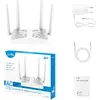
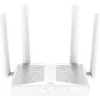
Wireless Access Point Cudy AP1300D AC1300 Dual‑Band Gigabit Ethernet
In cart {{totalProductsCount}} item(s)
Your cart is empty
Wireless Access Point Cudy AP1300D AC1300 Dual‑Band Gigabit Ethernet
Leave your address - as soon as the price of the product goes down, you'll know about it right away
Wireless Access Point Cudy AP1300D AC1300 Dual‑Band Gigabit Ethernet
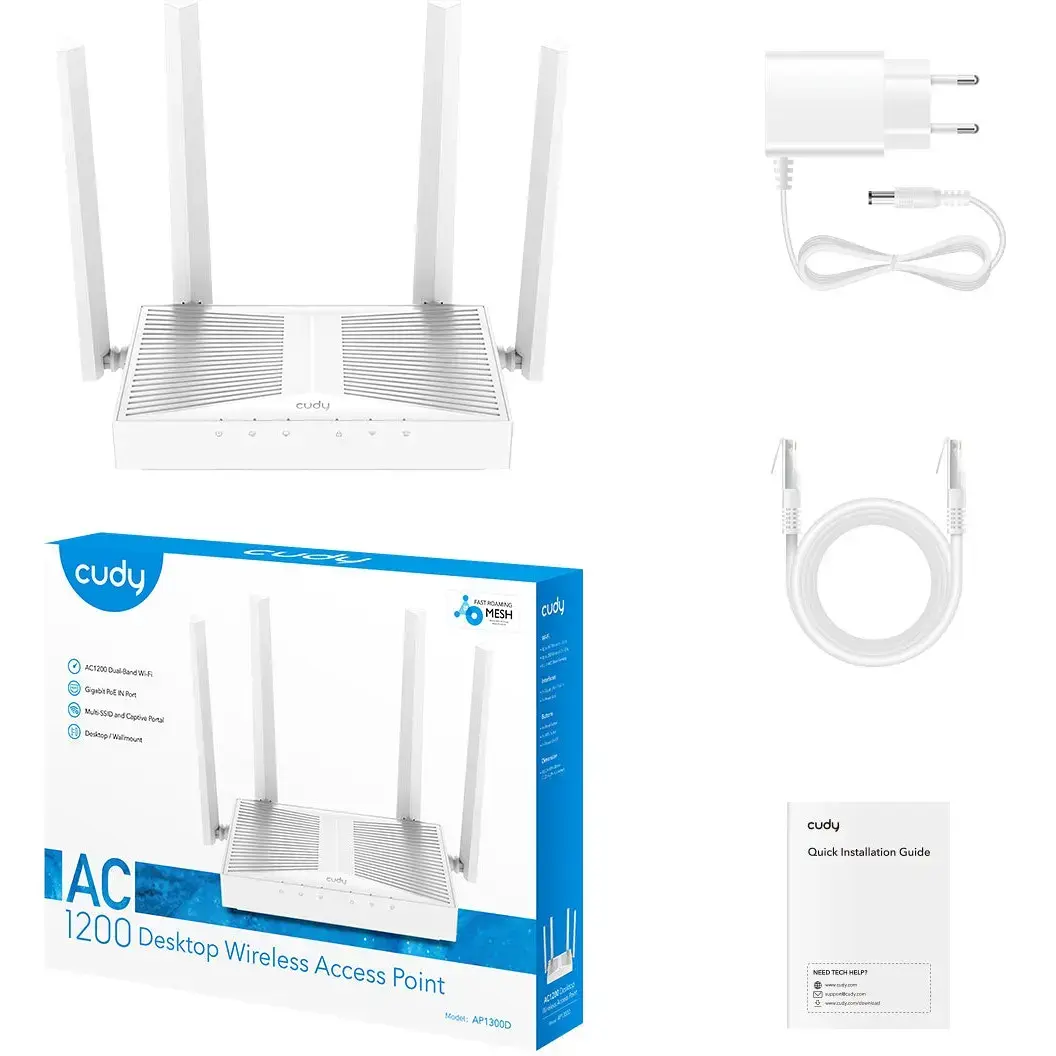
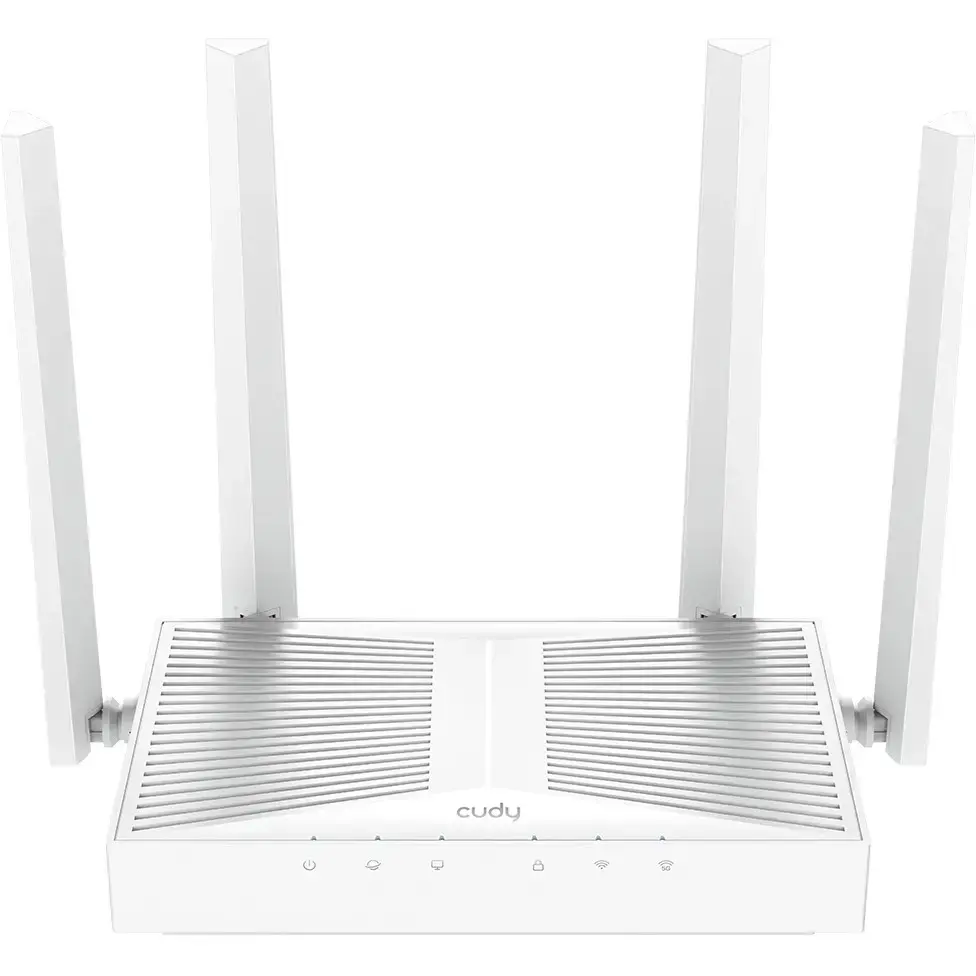
Cudy AP1300D AC1300 Dual‑Band Gigabit Ethernet wireless access point provides dual‑band Wi‑Fi coverage with simultaneous 2.4 GHz and 5 GHz operation and a Gigabit Ethernet uplink. Designed for extending wireless networks in homes, offices and small businesses, the unit supports AC1300 performance to improve indoor wireless capacity and allow separate SSIDs for main and guest access. The compact form and PoE support (when available from the local network) make deployment flexible for wall or ceiling mounting in areas where improved signal and wired backhaul are required.
The access point delivers combined dual‑band throughput consistent with AC1300 class devices, enabling better distribution of devices across 2.4 GHz and 5 GHz channels and reducing local congestion. A Gigabit Ethernet port ensures a high‑speed wired uplink to a router or switch. Centralized management options and support for multiple SSIDs simplify deployment of guest networks and segmented wireless access. The device's compact design and mounting options support unobtrusive installation in residential and commercial interiors.
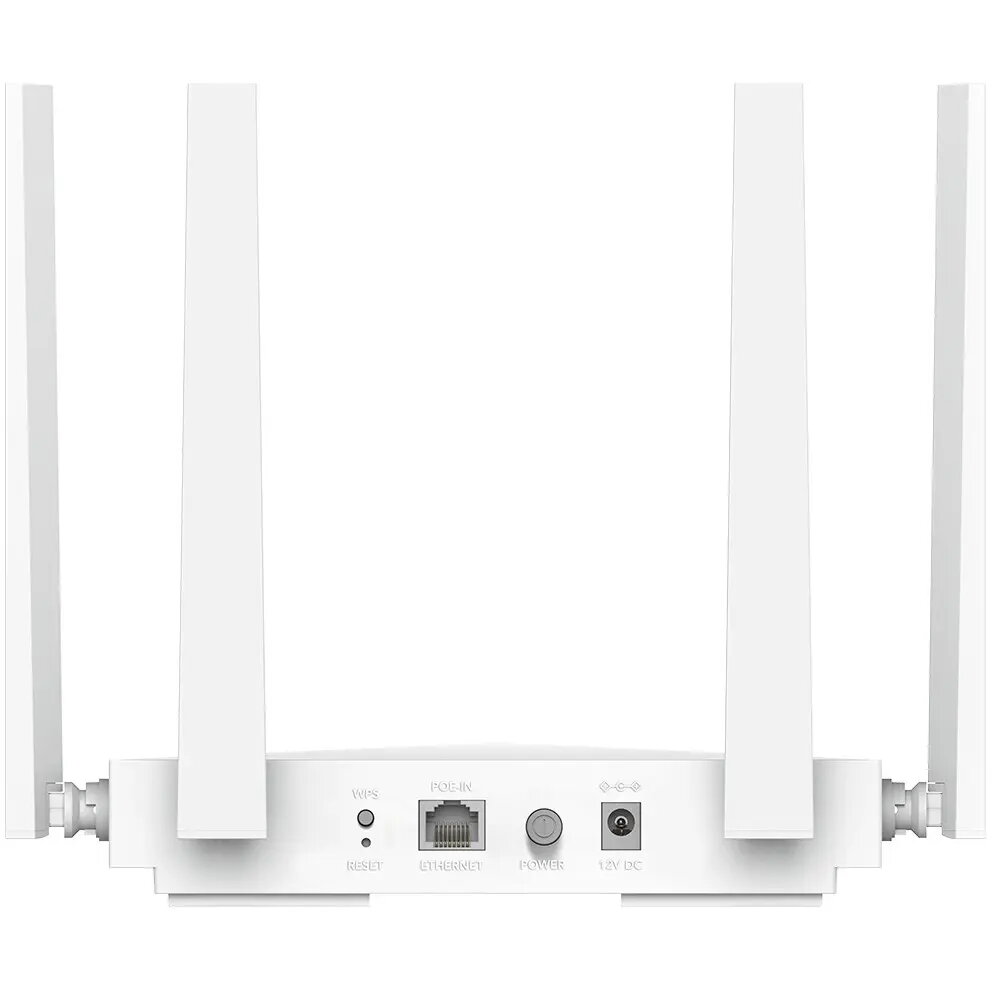
Connect the AP1300D to your network using the Gigabit Ethernet port; power can be supplied via a local adapter or PoE if available from your switch or injector. Configure the device through the web interface or the supported management system following the quick start instructions: set region and wireless channels, create SSIDs for main and guest access, and apply appropriate security settings such as WPA2/WPA3 where supported. Place the unit centrally within the coverage area and avoid large obstacles to maximize signal distribution across 2.4 GHz and 5 GHz bands.
For optimal performance, place the access point at ceiling height or on a high wall location away from metal objects and large appliances. Use the 5 GHz band for high‑bandwidth devices close to the access point and reserve 2.4 GHz for longer range and legacy devices. When deploying multiple access points, plan channel allocation and enable band steering or load balancing features if available to reduce interference and improve overall network stability.
{{highlightedFeature.featureTitle}}:
{{getProductFeatureValueById(product, highlightedFeature.featureId)}}