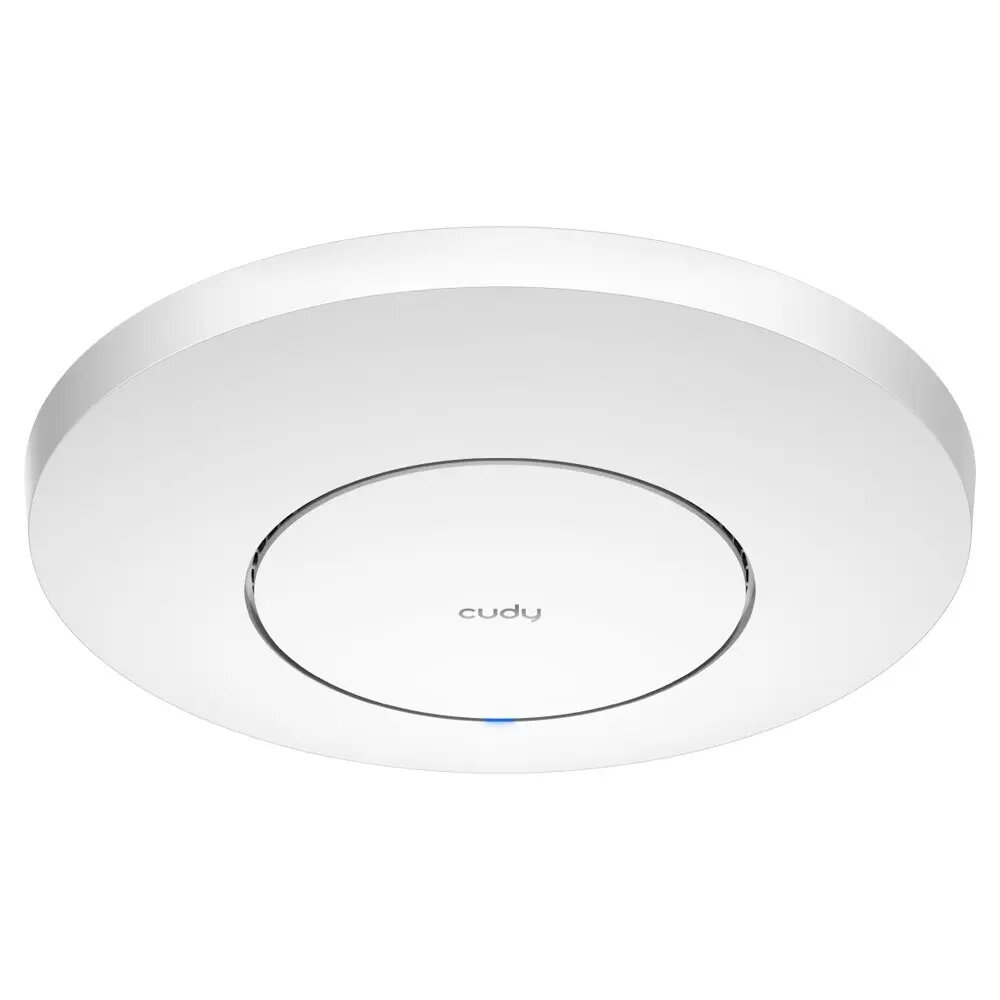
The Cudy WiFi 6 2.5G AX3000 AP3000 is a high-performance wireless access point designed to provide fast and reliable internet connectivity for modern homes and professional office environments. Utilizing advanced WiFi 6 technology, this device ensures efficient data transmission and reduced latency, even when multiple devices are connected simultaneously. With its integrated 2.5G Ethernet port, the access point eliminates potential bottlenecks in wired backhaul, allowing users to take full advantage of high-speed internet plans.
Advantages
This access point stands out due to its ability to handle high-density network traffic with ease, ensuring a stable connection for streaming, gaming, and video conferencing. The inclusion of a 2.5G port provides future-proof connectivity, supporting faster data transfer rates compared to standard gigabit connections. Its compact and professional design allows for discreet placement, while the intuitive management interface simplifies the setup process for users of all technical levels.
Suitable for
- High-speed home internet setups
- Small to medium-sized office network expansion
- Environments with multiple simultaneous wireless devices
- Users requiring low-latency connections for streaming and gaming
When it may not be suitable
This device may not be the optimal choice for extremely large enterprise environments that require centralized cloud-based management systems for hundreds of access points. Additionally, it is not intended for outdoor use and should be installed in a dry, indoor environment to ensure longevity and performance.
Key specifications
- Wireless Standard: WiFi 6 (802.11ax)
- Speed Rating: AX3000
- Wired Interface: 2.5G Ethernet port
- Dual-band operation for optimized traffic management
- Designed for indoor wall or ceiling mounting
How to use
To begin using the Cudy AP3000, connect the device to your router or network switch using a high-quality Ethernet cable connected to the 2.5G port. Power on the device using the provided power adapter. Access the web-based configuration interface through a browser on a connected computer to set your network name and security password. Once configured, the access point will broadcast a high-speed wireless signal to your designated area.
What to consider before purchase
- Ensure your existing router or switch supports 2.5G speeds to fully utilize the wired port capacity.
- Verify that your internet service provider plan supports speeds that justify the use of WiFi 6 technology.
- Check the physical installation location to ensure it is within reach of an Ethernet cable and power source.
Usage recommendations
For the best performance, place the access point in a central, elevated location away from large metal objects or thick concrete walls that may obstruct the wireless signal. Regularly check for firmware updates through the management interface to ensure optimal security and performance.