Dreame vacuums for fast and efficient cleaning!
In cart {{totalProductsCount}} item(s)
Your cart is empty
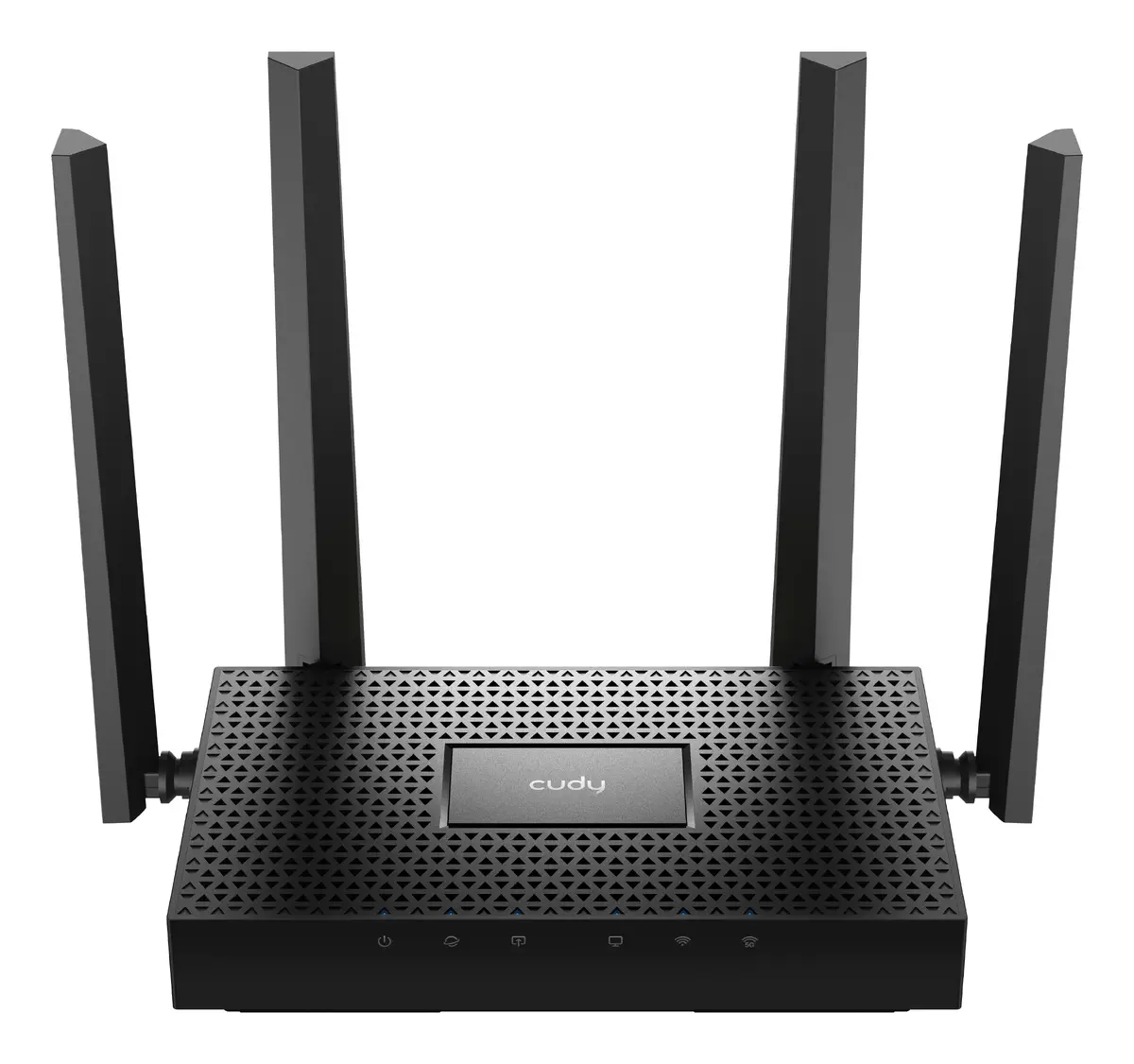
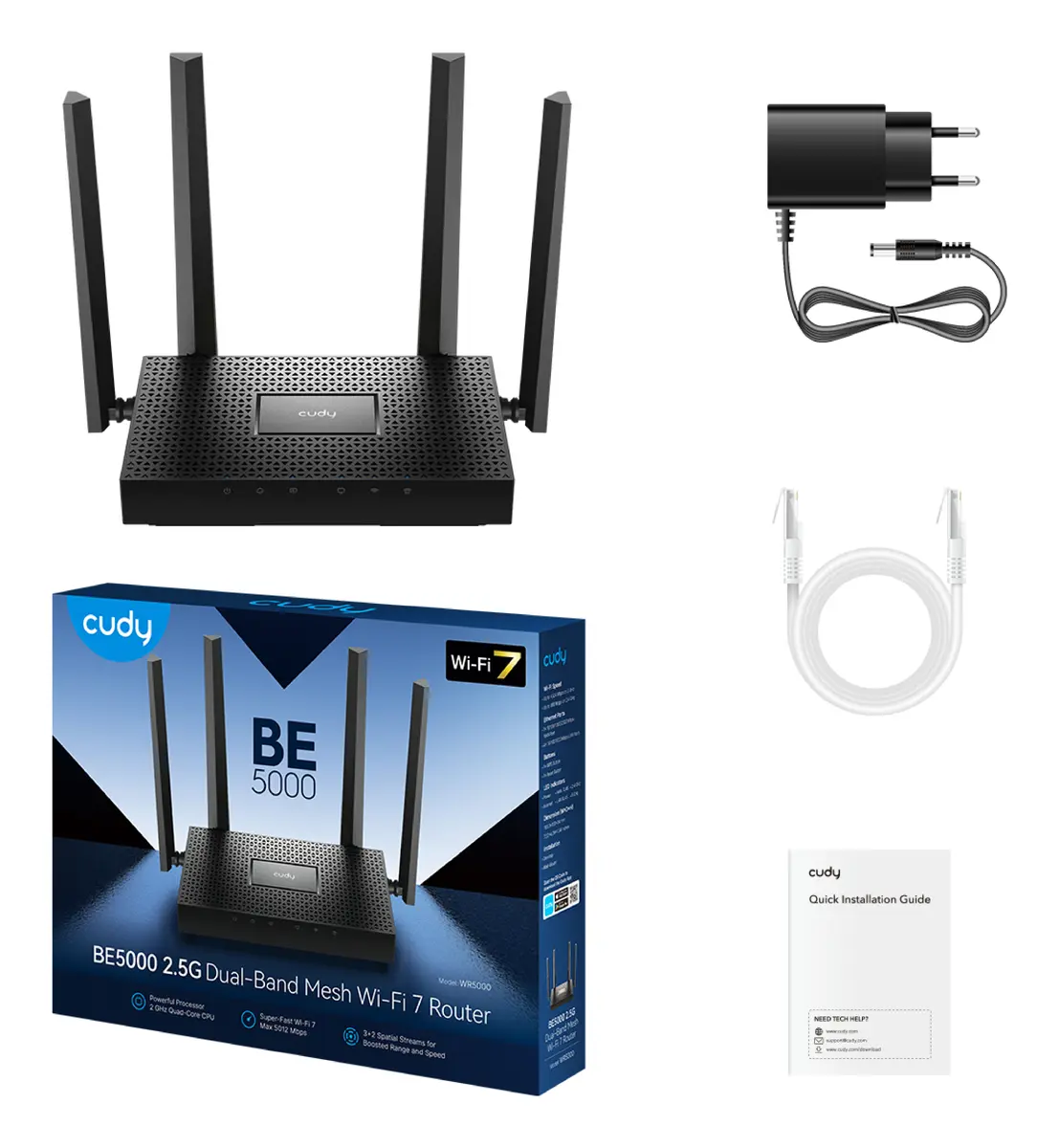
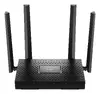
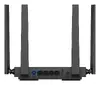
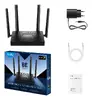
Cudy WR5000 BE5000 Dual-Band Wi-Fi 7 Mesh Router with 2.5 Gigabit Ethernet, External Antennas, and 5012 Mbit/s Maximum Transfer Rate in Black
The Cudy WR5000 BE5000 Dual-Band Wi-Fi 7 Mesh Router is designed to deliver advanced networking performance for demanding home and office environments. Featuring dual-band connectivity across 2.4 GHz and 5 GHz frequencies, this tabletop router achieves a maximum data transfer rate of 5012 Mbit/s. Equipped with 2.5 Gigabit Ethernet ports and external antennas, it ensures reliable, high-speed wired and wireless connections for multiple devices simultaneously.
This router utilizes the latest Wi-Fi 7 standard to provide exceptional speed and efficiency for data-heavy tasks. The inclusion of 2.5 Gigabit Ethernet ports allows for ultra-fast wired connections, making it well-suited for high-bandwidth applications. External antennas help extend wireless coverage throughout the space, while built-in security features such as WPA3 encryption safeguard the network against unauthorized access. Additionally, management tools like MU-MIMO, guest networks, and parental controls offer enhanced usability and network administration.
This device may not be necessary for basic internet browsing or households with limited bandwidth requirements where older Wi-Fi standards are sufficient. It also lacks a built-in DSL modem or SIM card slot, meaning it cannot connect directly to DSL lines or cellular mobile networks without a separate compatible modem.
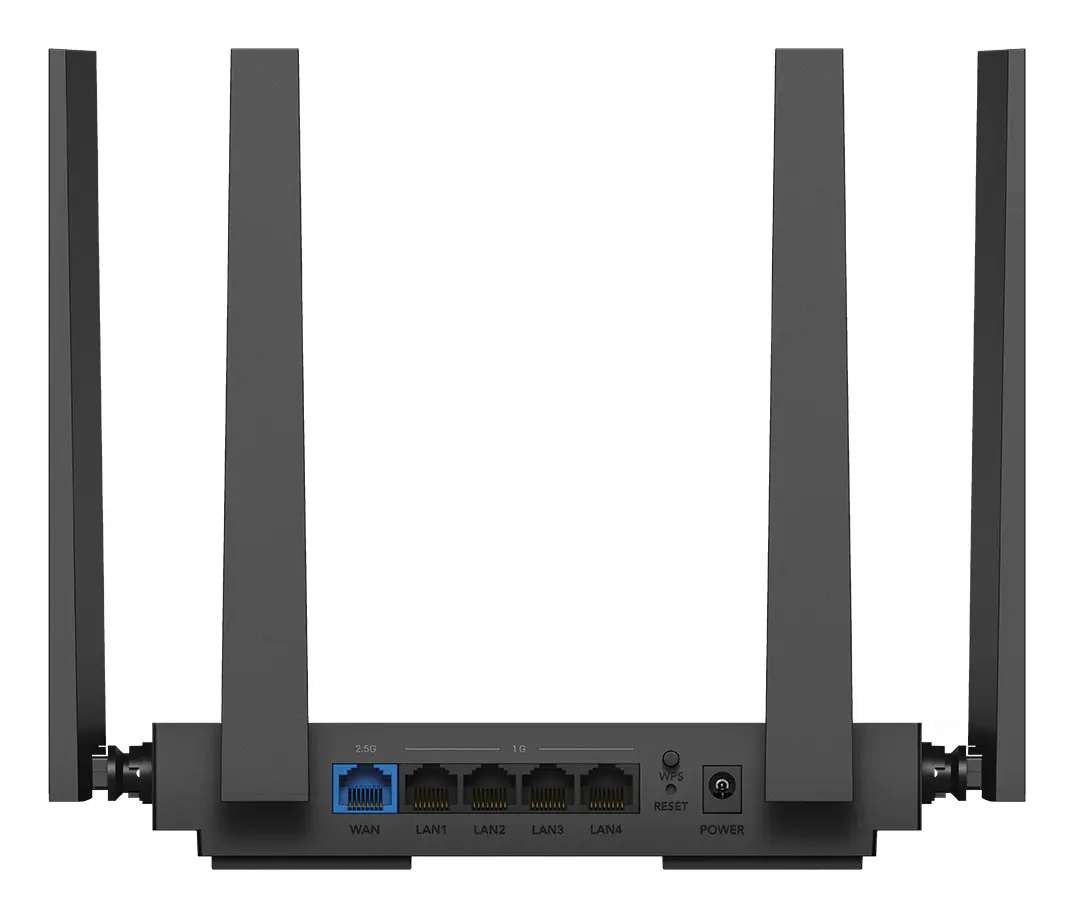
Place the tabletop router on a flat surface in a central location for optimal wireless signal distribution. Connect the device to your internet source using an Ethernet cable plugged into the WAN port, then plug the power adapter into a standard electrical outlet. Use a web browser or the companion mobile application to complete the initial setup, configure your network name and password, and adjust security settings according to your preferences.
For best performance, position the router away from large metal objects and thick walls, and keep the firmware updated through the management interface to ensure optimal security and stability.
{{highlightedFeature.featureTitle}}:
{{getProductFeatureValueById(product, highlightedFeature.featureId)}}
{{ productComparisonGenerationError }}