
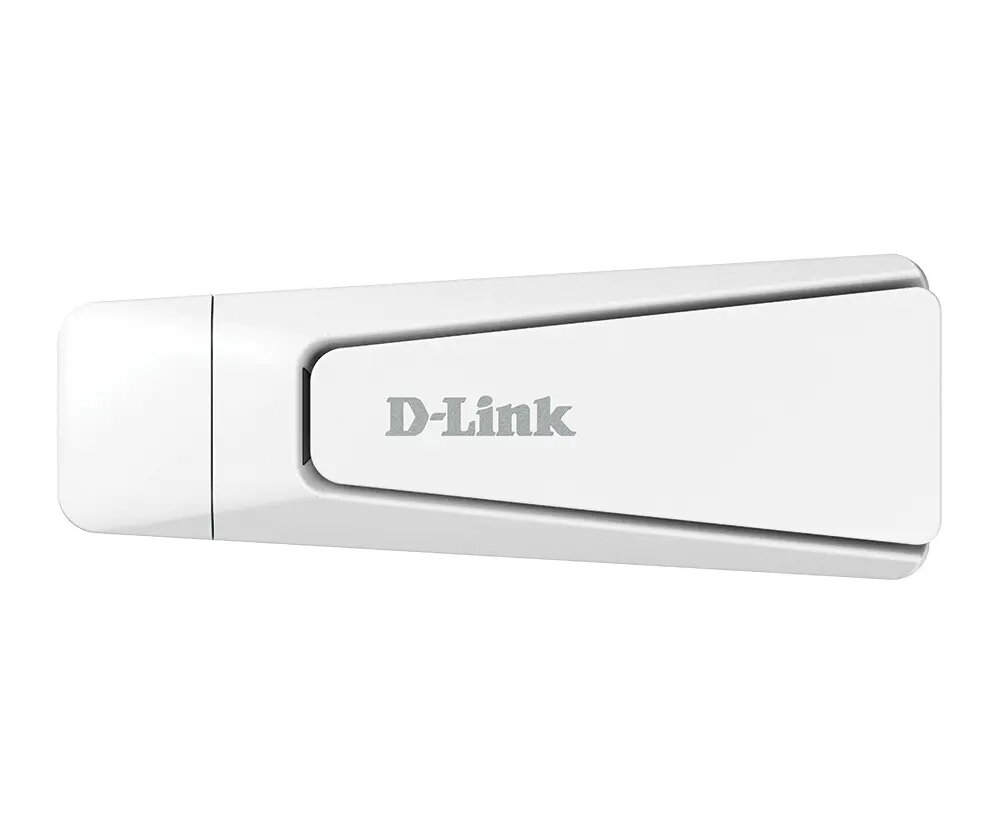
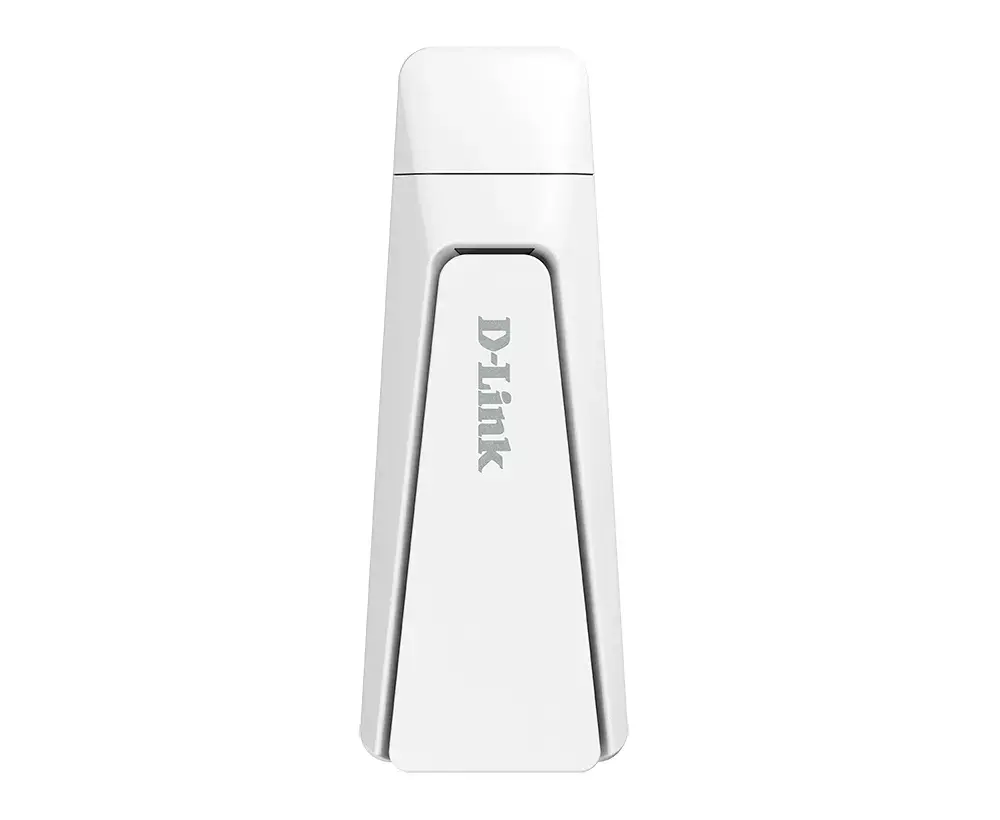
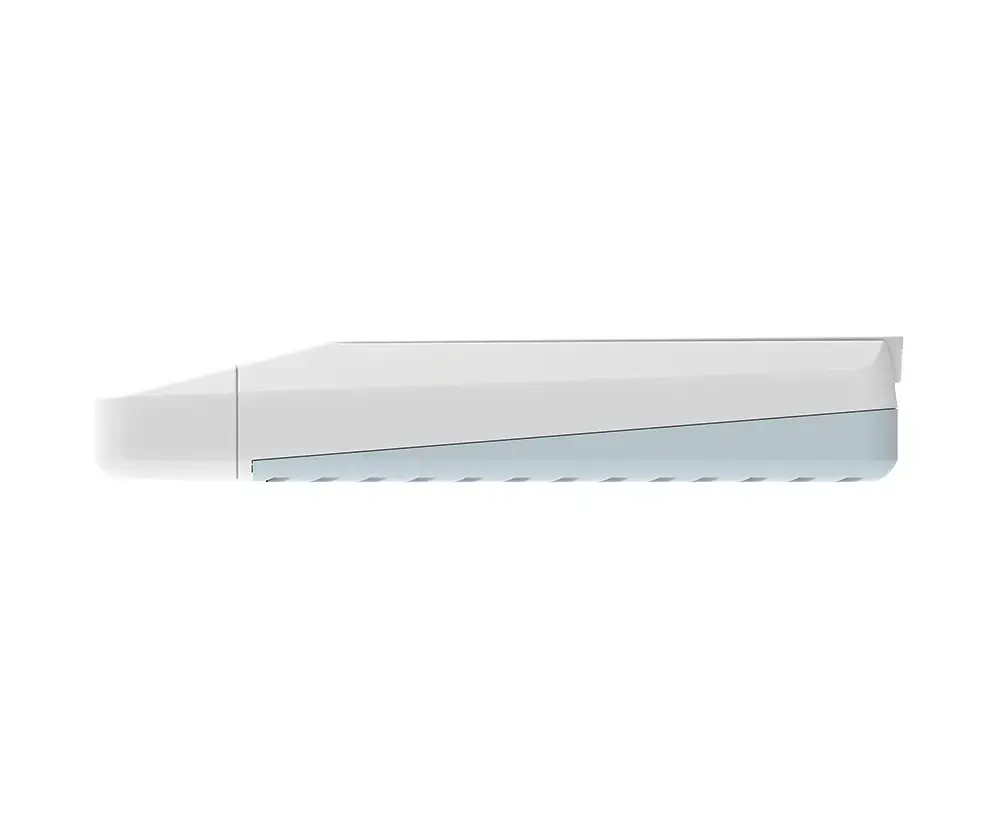
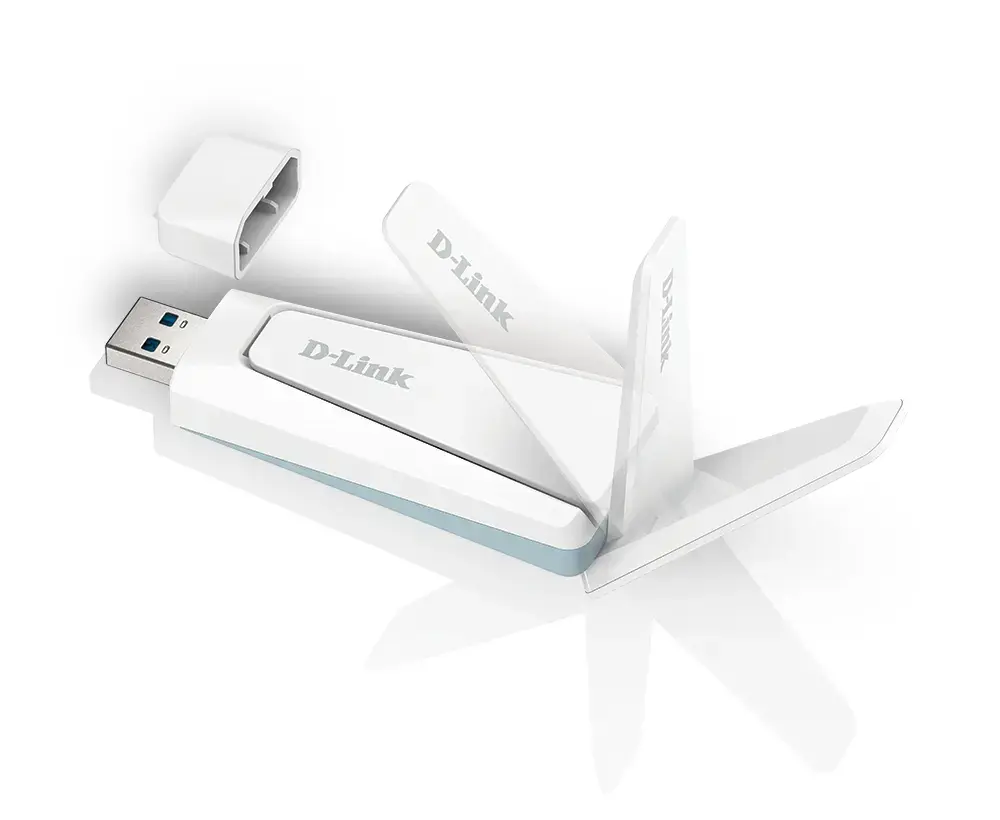
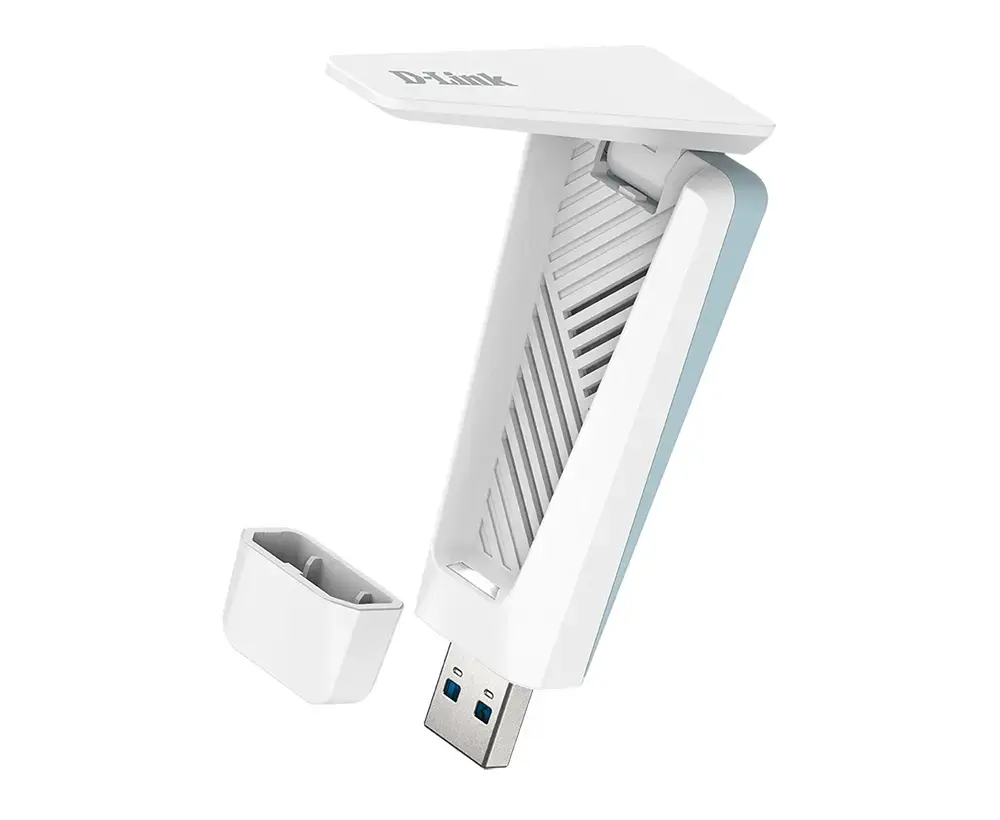
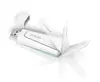
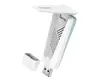
D-Link AX1800 Wi-Fi 6 USB 3.0 Adapter
{{selectedOffer && selectedOffer.price | formatAmount}}
{{selectedOffer && selectedOffer.price | formatAmount}}
Short description
The D-Link AX1800 Wi-Fi 6 USB 3.0 adapter provides high-speed wireless connectivity for your computer. Featuring Wi-Fi 6 technology, it supports data transfer rates up to 1800 Mbit/s. This compact dongle connects via a USB 3.0 interface, ensuring efficient performance for streaming, gaming, and browsing. It is an ideal solution for upgrading desktop or laptop network capabilities to the latest wireless standards.
Available for order:
16 pcs.
Warranty:
2 Years
SKU:
12429714


Cheapest delivery:
Unisend LV
Pick-up points
Unisend LV
Cost
1.99 €
Deliver
{{selectedOffer.parcelStationDeliveryString}}
- Delivery country: {{ userCountryName }}
Customer service center
2b. Kengaraga str., Riga, Latvia, LV-1063
27.10.2026
{{selectedOffer.officeDeliveryString}}
free
Courier Delivery
Please note that in case of a large parcel additional delivery costs may apply!
From 4.99 € (Weight: 0.10 kg)
Parcel couriers
Unisend LV / Venipak Pickup LV / Venipak Locker LV / DPD Paku skapis / Omniva LV / Latvijas Pasts pakomāts / Latvijas Pasts nodaļa
30.10.2026
{{selectedOffer.parcelStationDeliveryString}}
From 1.99 €

Payment Methods:
Bank transfer, Bank cards on-line, Apple Pay, Google Pay


