Filters you can trust. Pure water every day.
In cart {{totalProductsCount}} item(s)
Your cart is empty
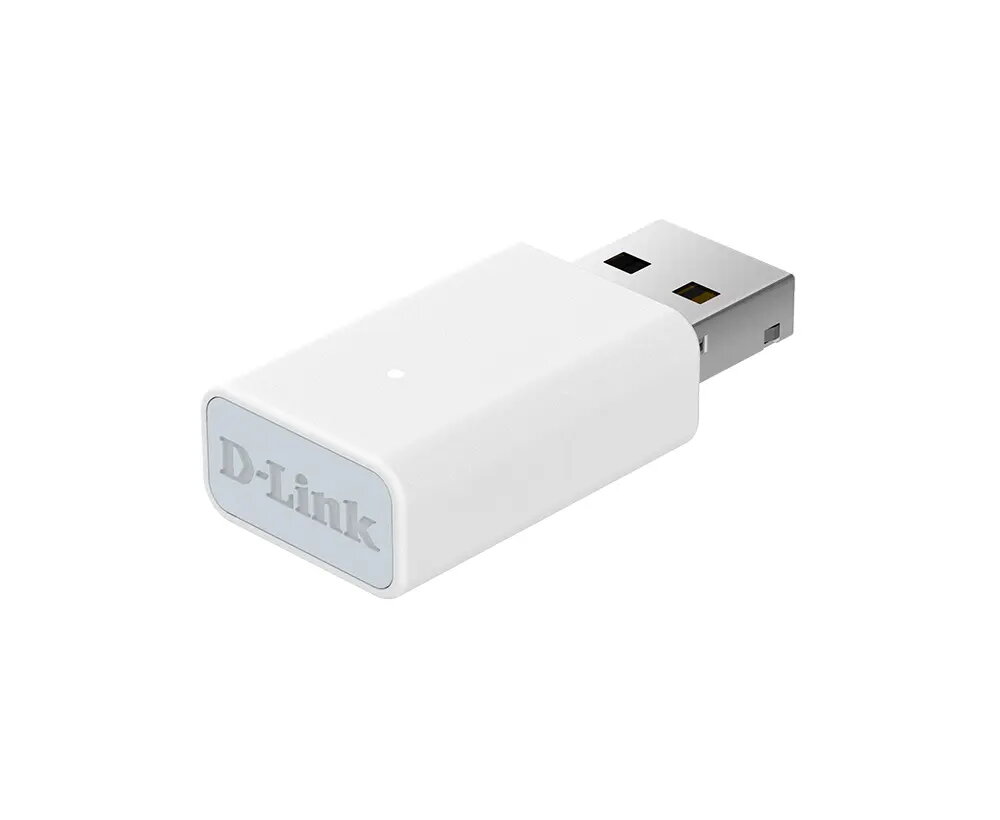
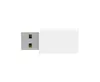
D-Link AX900 Wi-Fi 6 USB Adapter, Dual-Band WLAN and Bluetooth
The D-Link AX900 Wi-Fi 6 USB Adapter is a compact and efficient solution designed to upgrade your desktop or laptop computer to the latest wireless standards. By utilizing the Wi-Fi 6 (802.11ax) protocol, this adapter ensures that your device can handle modern network demands with ease. It features a dual-band design, allowing it to operate on both 2.4 GHz and 5 GHz frequencies for optimal flexibility and signal stability. With its integrated USB interface, the adapter provides a straightforward way to enhance your existing hardware without the need for complex internal installations.
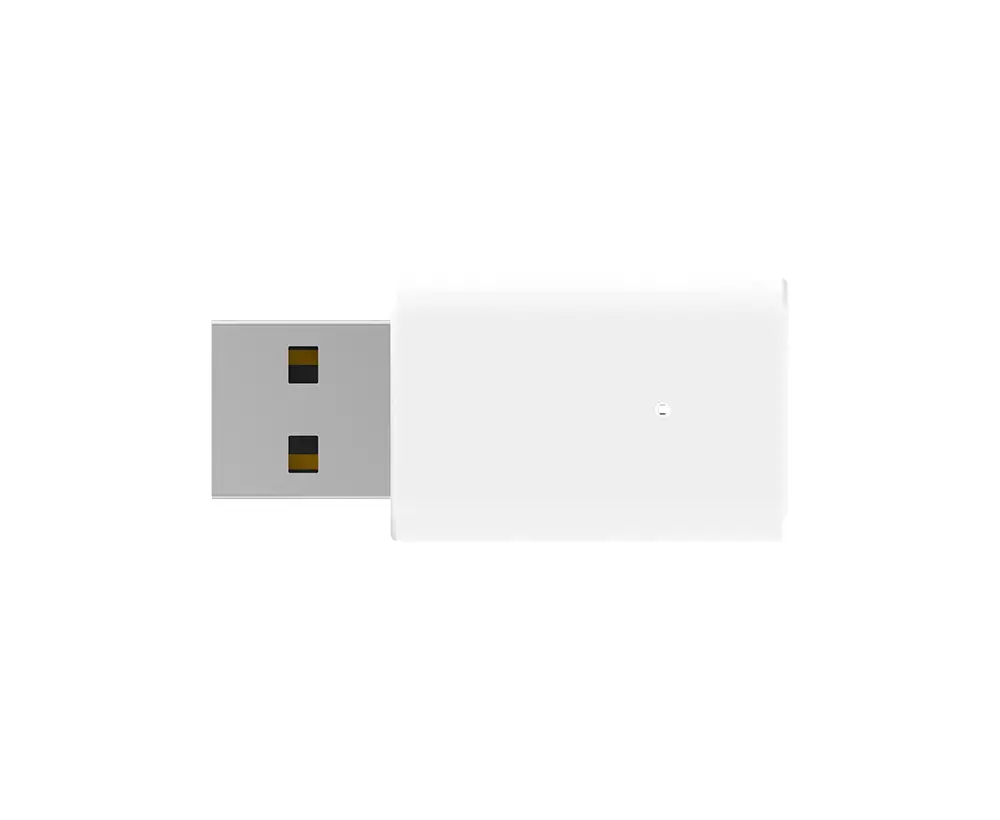
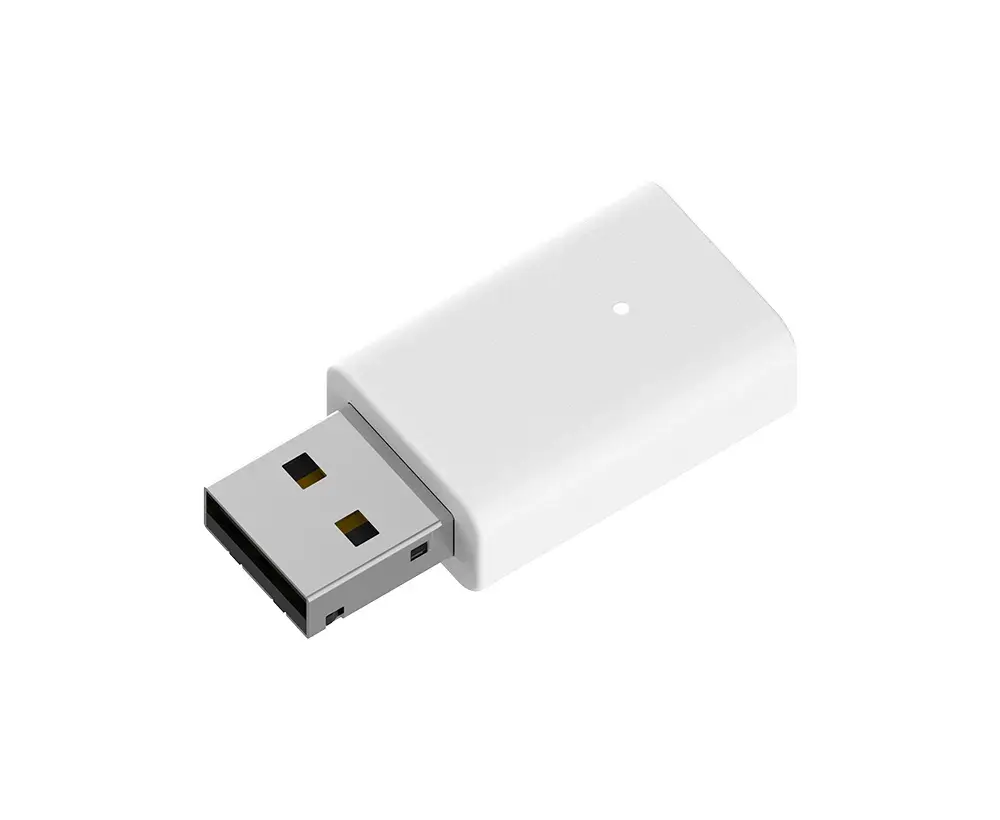
This adapter offers significant performance improvements by leveraging Wi-Fi 6 technology, which is engineered for higher data throughput and better management of multiple connected devices. The dual-band capability allows users to switch between bands to avoid interference, ensuring a more stable connection in crowded environments. Furthermore, the inclusion of Bluetooth 5.3 support adds a layer of versatility, enabling the seamless connection of wireless peripherals such as headphones, mice, and keyboards. The compact white design is unobtrusive, making it an ideal choice for users who prioritize a clean workspace and portability.
This adapter may not be the optimal choice for users requiring high-speed wired Ethernet connections, as it is primarily designed for wireless networking. Additionally, performance may be limited if the host computer's USB port does not meet the necessary power or data transfer standards for full Wi-Fi 6 throughput.
To use the D-Link AX900, simply insert the device into an available USB port on your computer. The adapter is designed for easy integration, and in many modern operating systems, the necessary drivers will be recognized automatically. Once plugged in, your computer should detect the new network interface, allowing you to scan for and connect to your local Wi-Fi networks through your system's network settings menu. For Bluetooth functionality, ensure that the drivers are correctly installed to pair your wireless devices.
For the best performance, it is recommended to use the adapter in a USB port that supports high-speed data transfer. Keep the adapter away from large metal objects or other electronic devices that may cause signal interference to maintain a stable and fast connection.
{{highlightedFeature.featureTitle}}:
{{getProductFeatureValueById(product, highlightedFeature.featureId)}}