
Powerful EcoFlow stations for energy anywhere!
In cart {{totalProductsCount}} item(s)
Your cart is empty
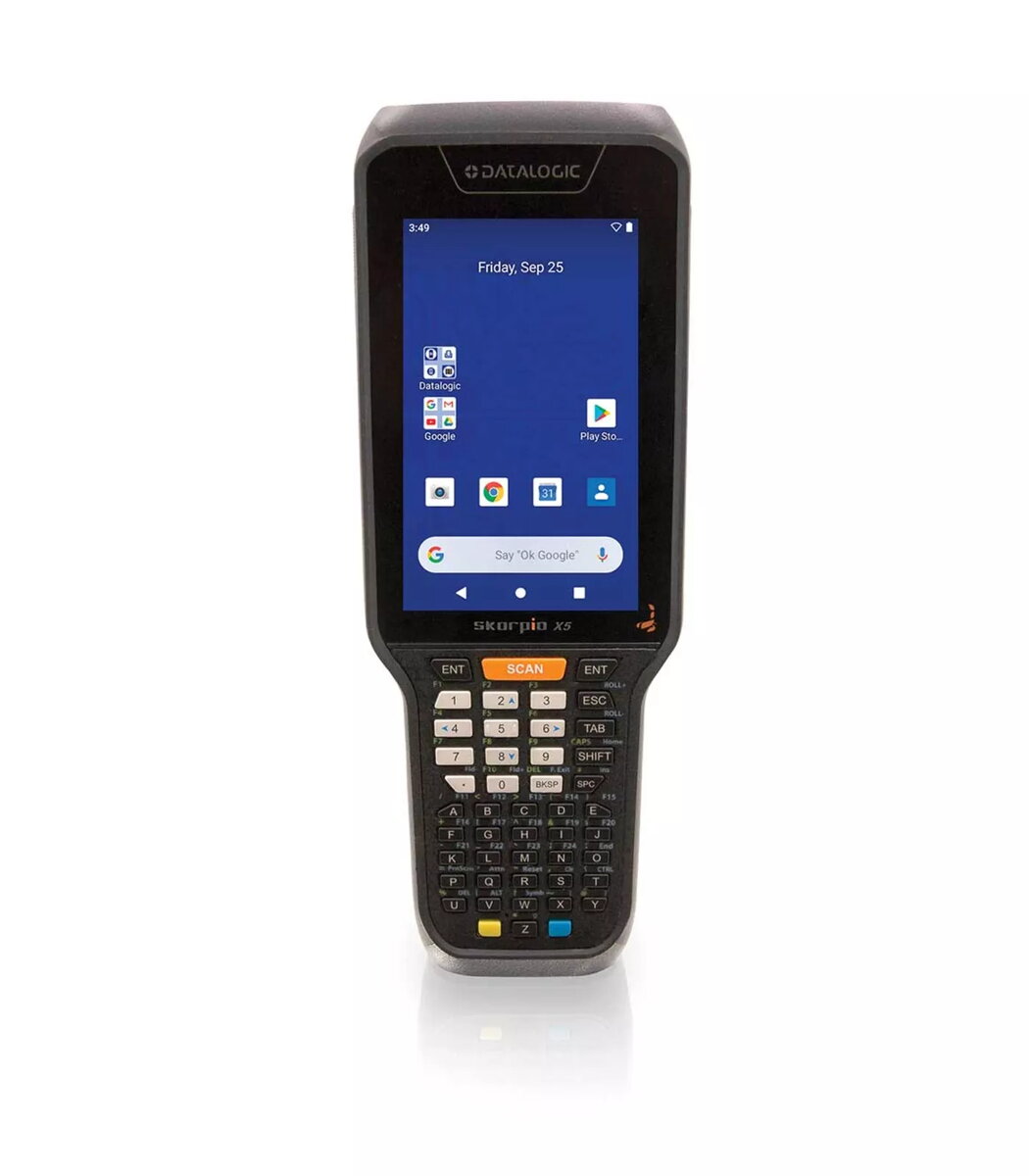
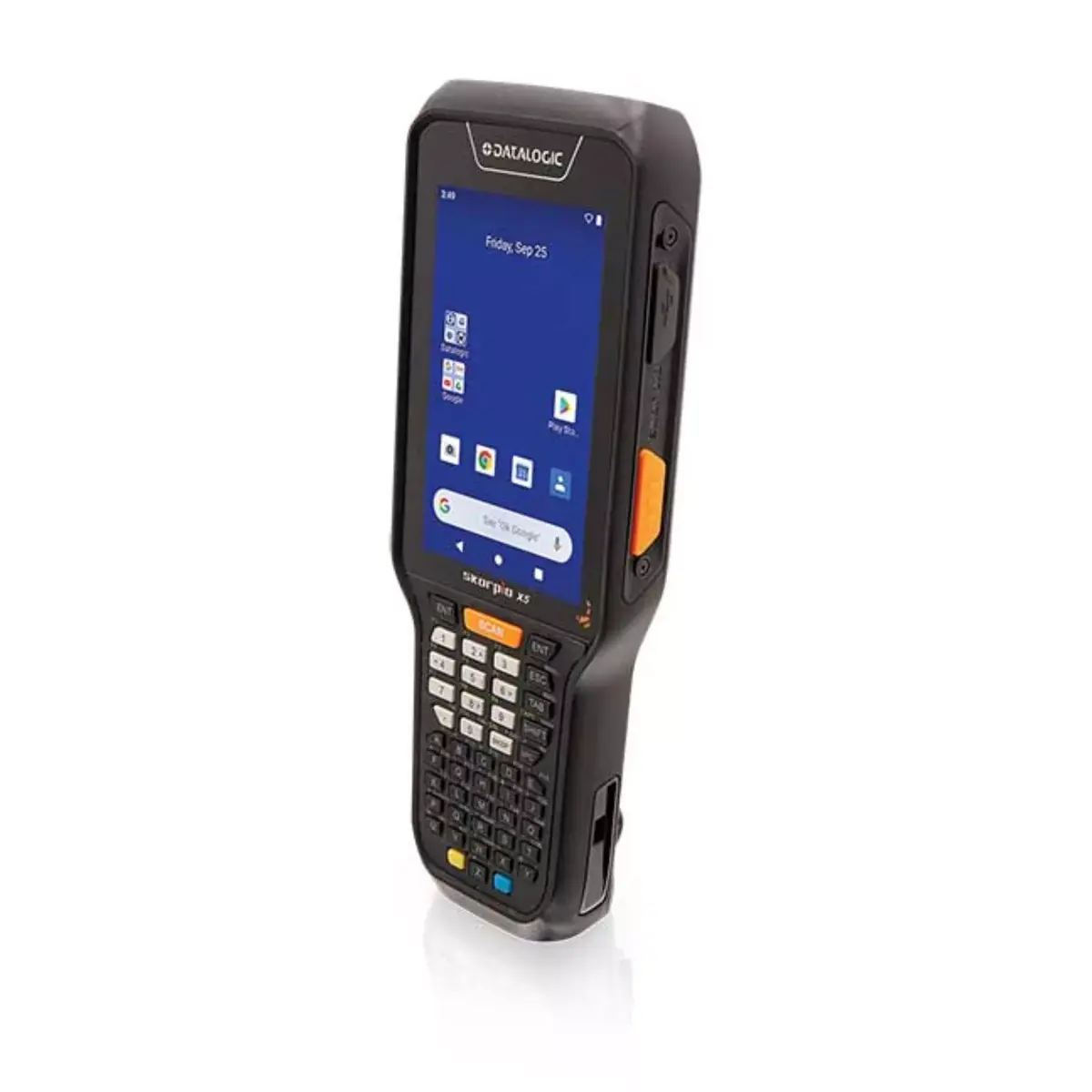
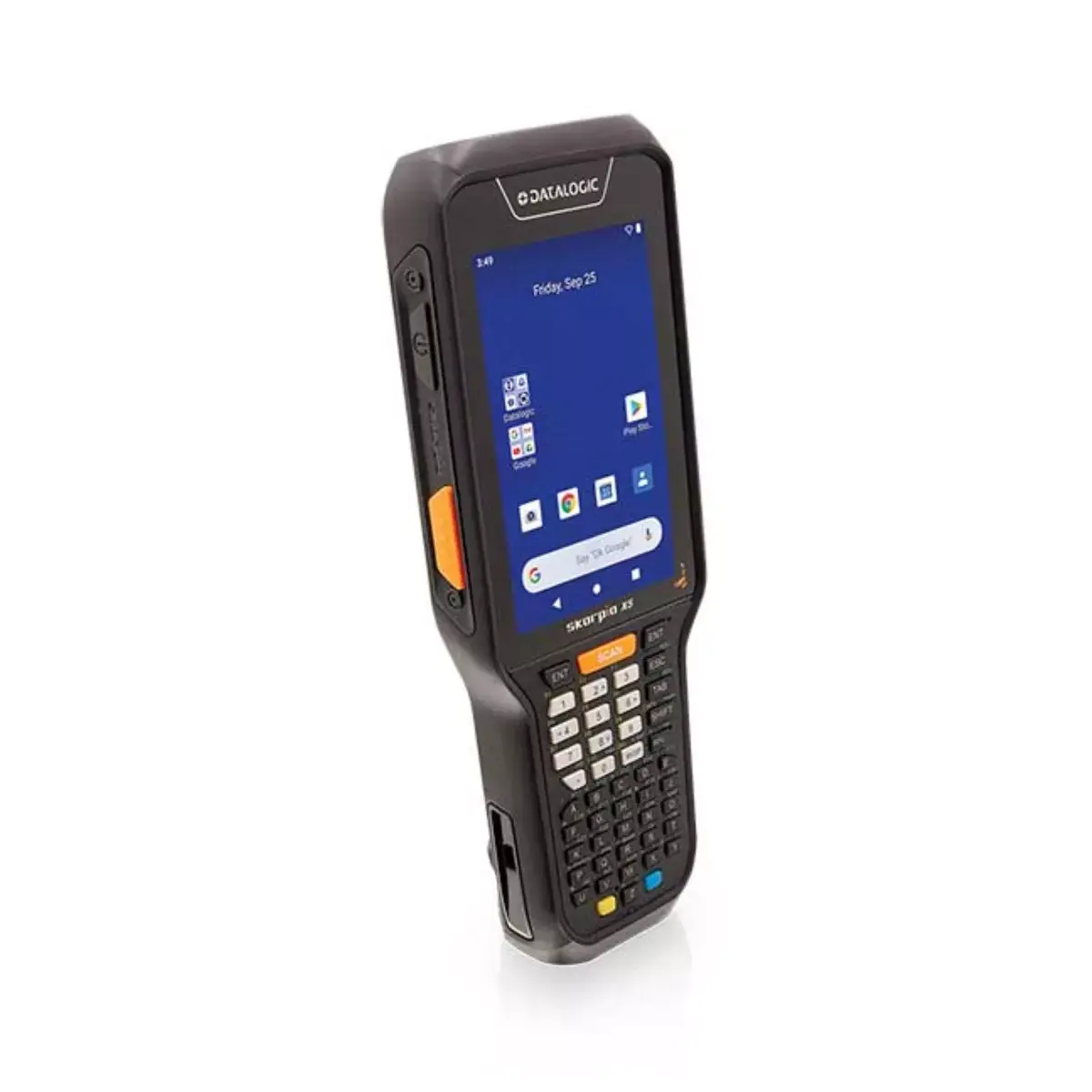
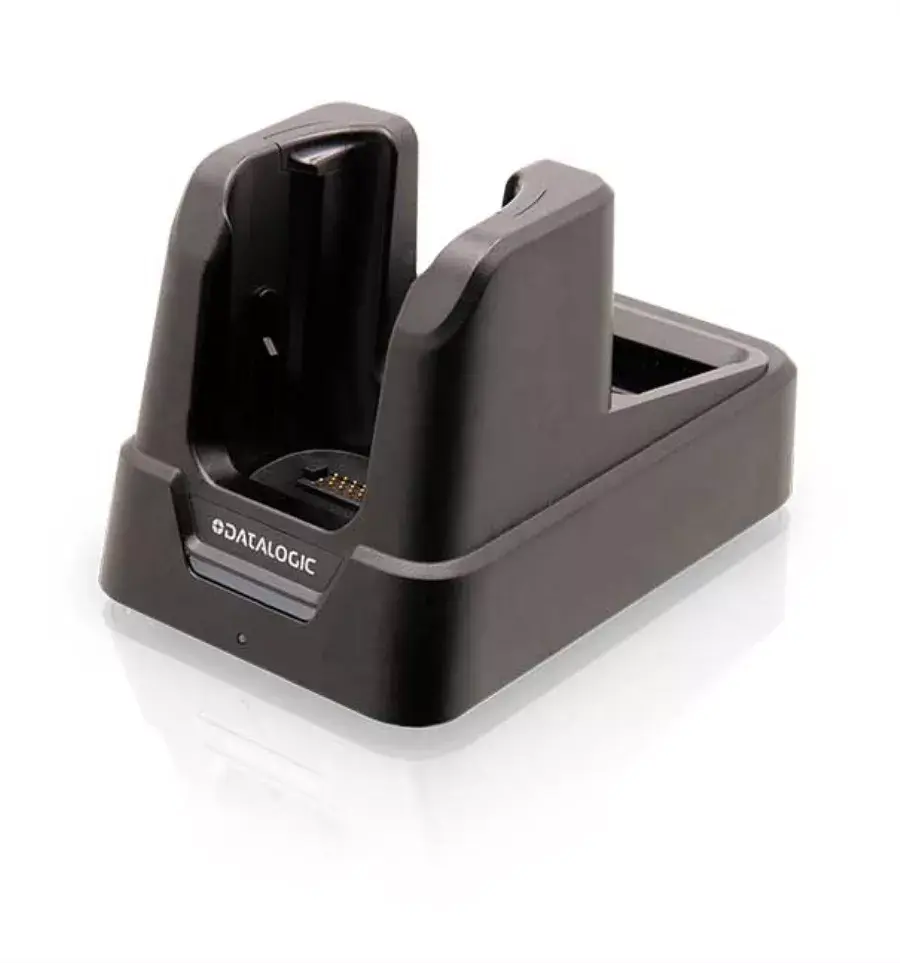
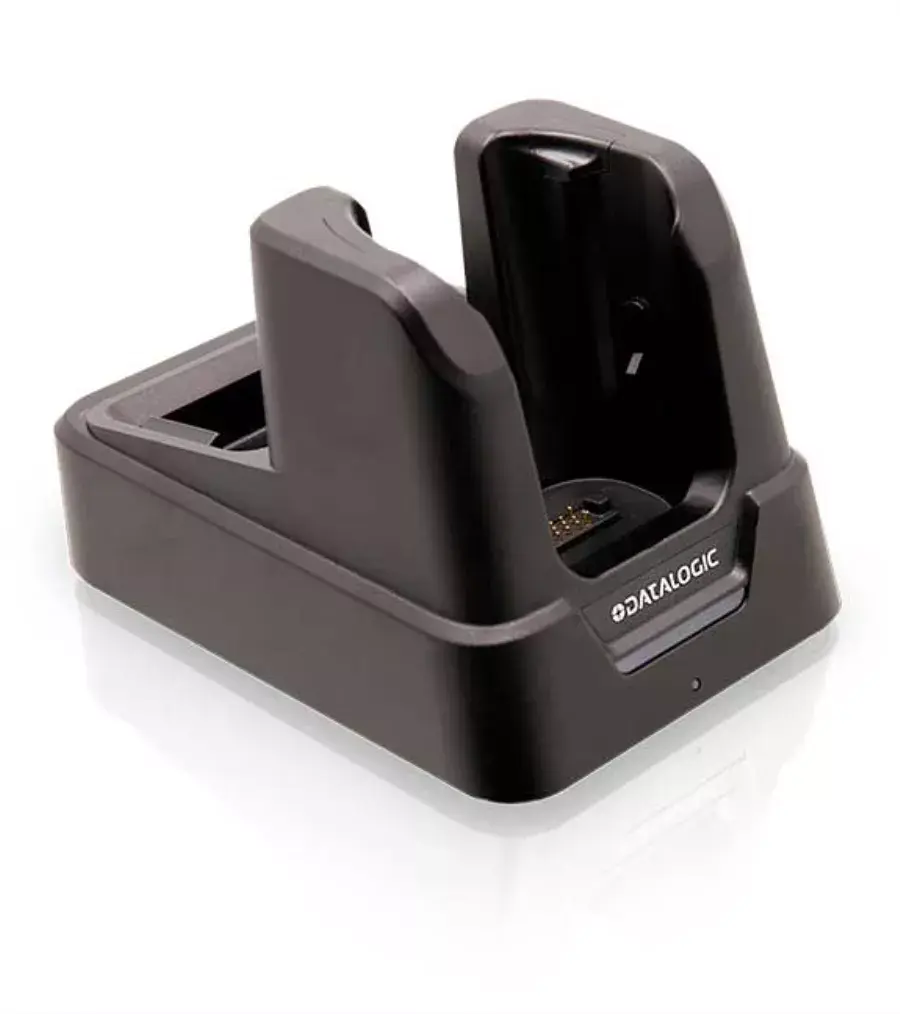
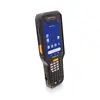
Datalogic Skorpio X5 handheld mobile computer 4.3" 800x480 4GB 64GB
The Datalogic Skorpio X5 is a key-based handheld mobile computer with a 4.3-inch multi-touch Gorilla Glass display and an 800 x 480 resolution. Designed for retail, transportation and logistics, manufacturing and healthcare, the Skorpio X5 combines a high-performance Qualcomm Snapdragon processor, generous memory and multiple scanning options to support intensive mobile applications and demanding workflows. The device offers rugged construction, long-shift battery capabilities and choices of keypads and scan key configurations to match specific operational needs.
The Skorpio X5 provides a large, bright display for improved readability in varied lighting conditions, including outdoor environments. It offers multiple scan engine options — including a linear imager, a standard 2D imager and a unique mid-range imager — to read barcodes from close-up to mid distances. Wireless contactless charging and hot-swappable battery technology reduce downtime and maintenance needs. The device runs Android with Google Mobile Services and meets Android Enterprise Recommended criteria for security and deployment. Rugged design with Gorilla Glass, IP65 protection and drop resistance support reliable use in harsh environments.
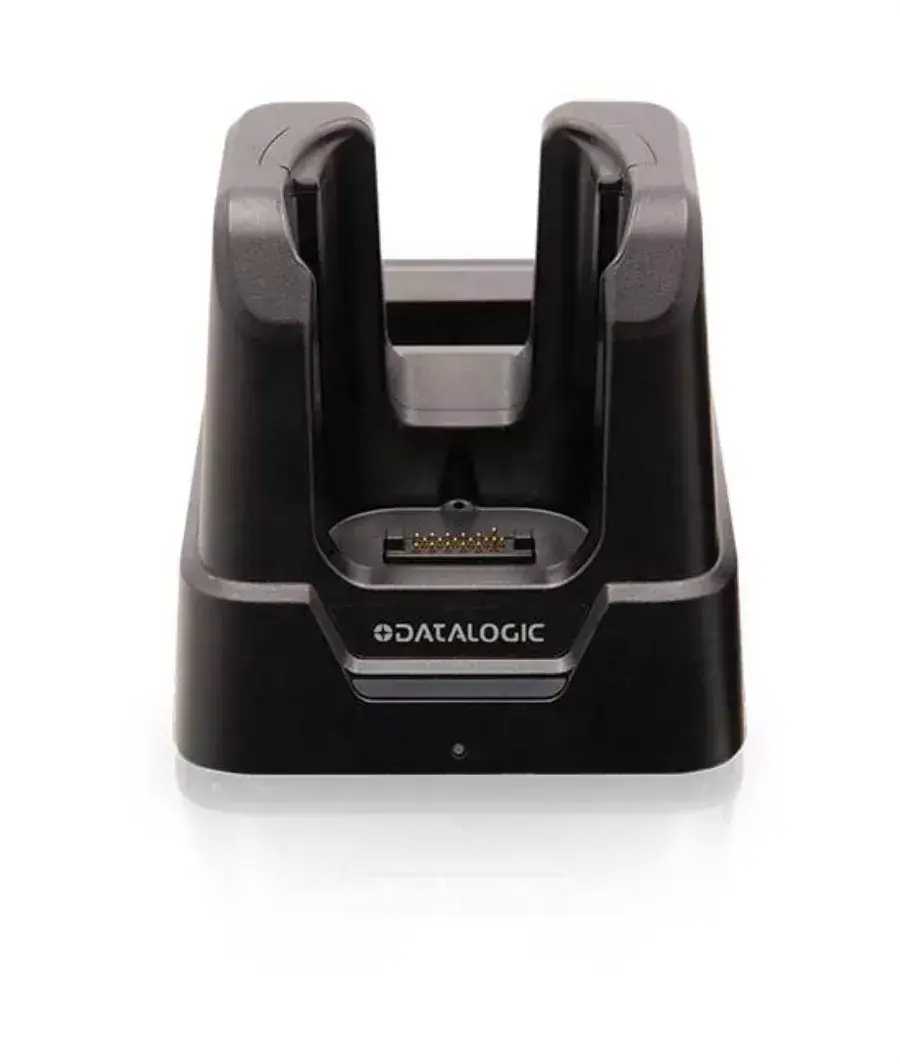
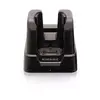
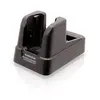
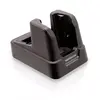
Turn on the Skorpio X5 and configure Wi‑Fi and security settings according to your enterprise policies. Choose the keypad and scan key layout that fits your workflow, insert an SDXC card if additional storage is required, and select the appropriate scan engine for the expected scanning distance. Use the multi-touch screen to run and switch between Android applications; use the physical scan keys or soft spot to trigger barcode reads. For long shifts, use the hot-swappable batteries or place the device in the contactless charger if available.
For best performance, select the Mid-Range imager when regular scanning distances approach 1–2 meters; choose the standard 2D or linear imager for close-range tasks. Keep the display and scan window clean and use the optional rubber boot for additional drop protection in rough environments. Follow your IT policies for Android updates and device management to maintain security and stability.
{{highlightedFeature.featureTitle}}:
{{getProductFeatureValueById(product, highlightedFeature.featureId)}}
{{ productComparisonGenerationError }}
