
Dreame vacuums for fast and efficient cleaning!
In cart {{totalProductsCount}} item(s)
Your cart is empty
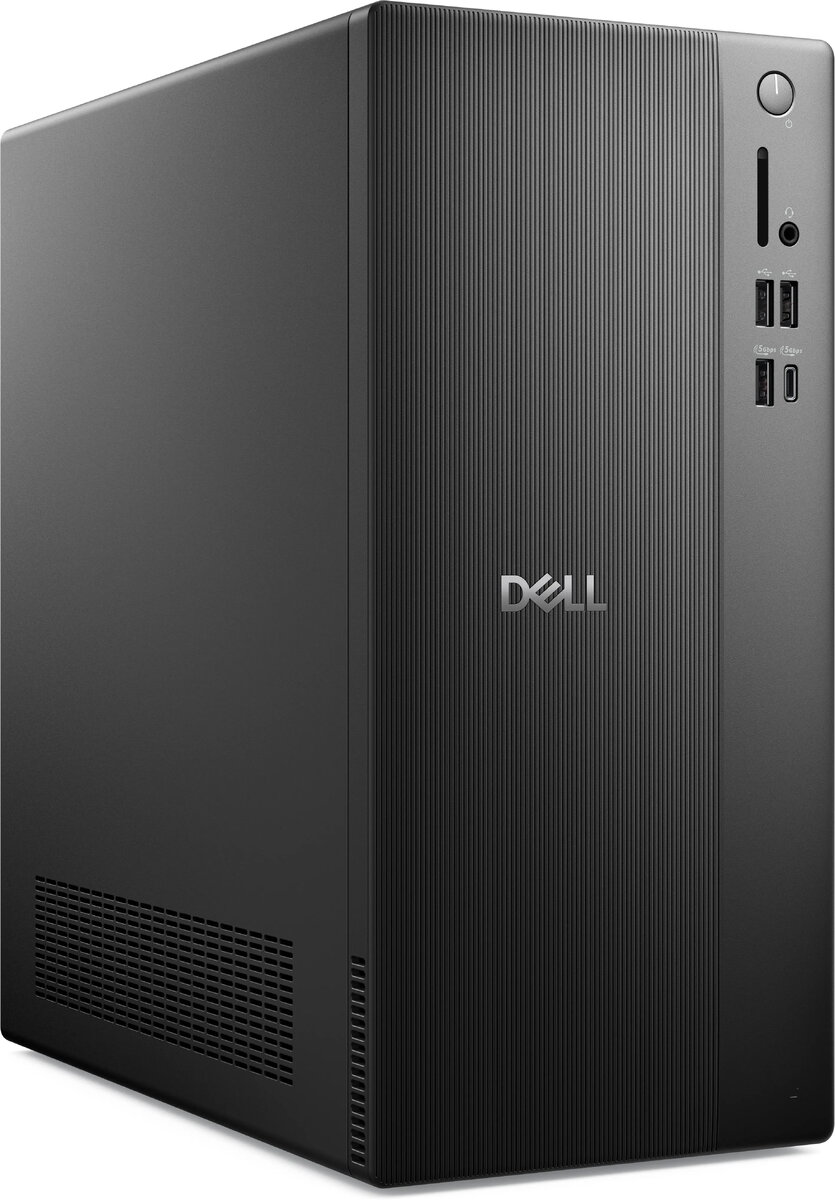
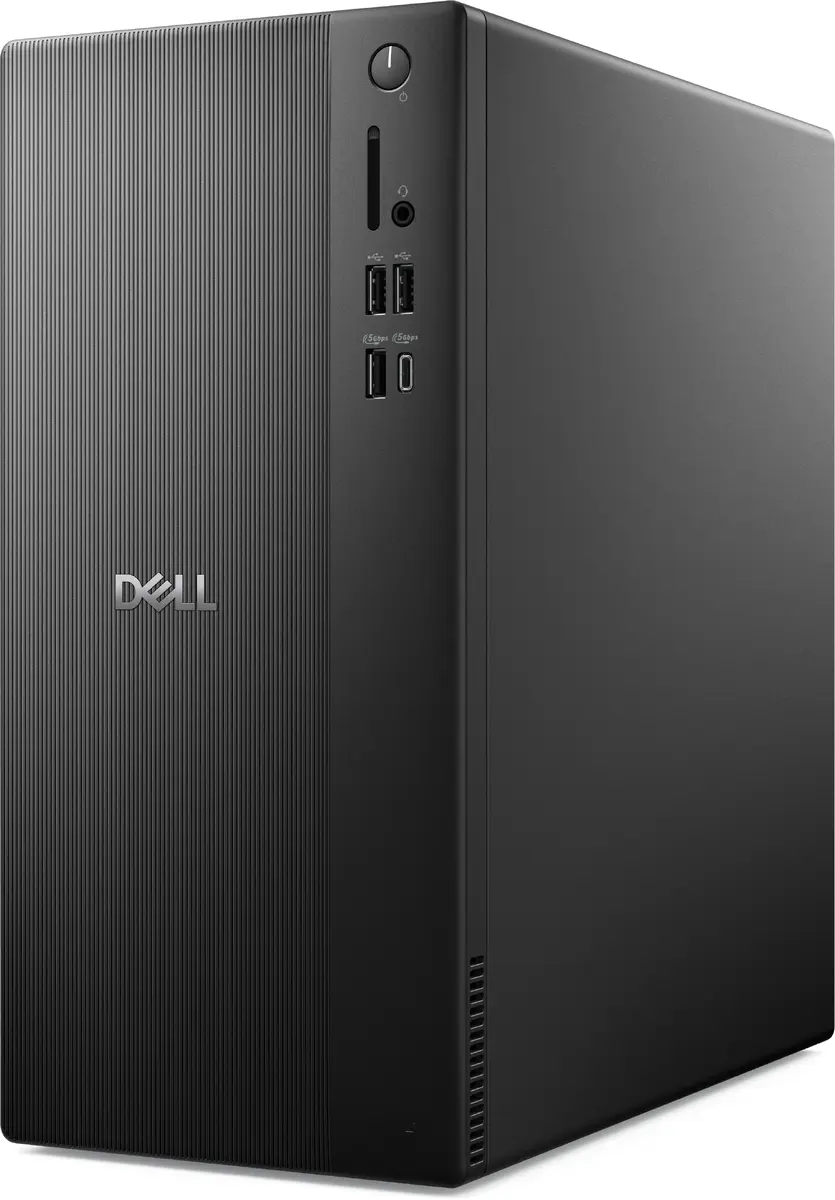
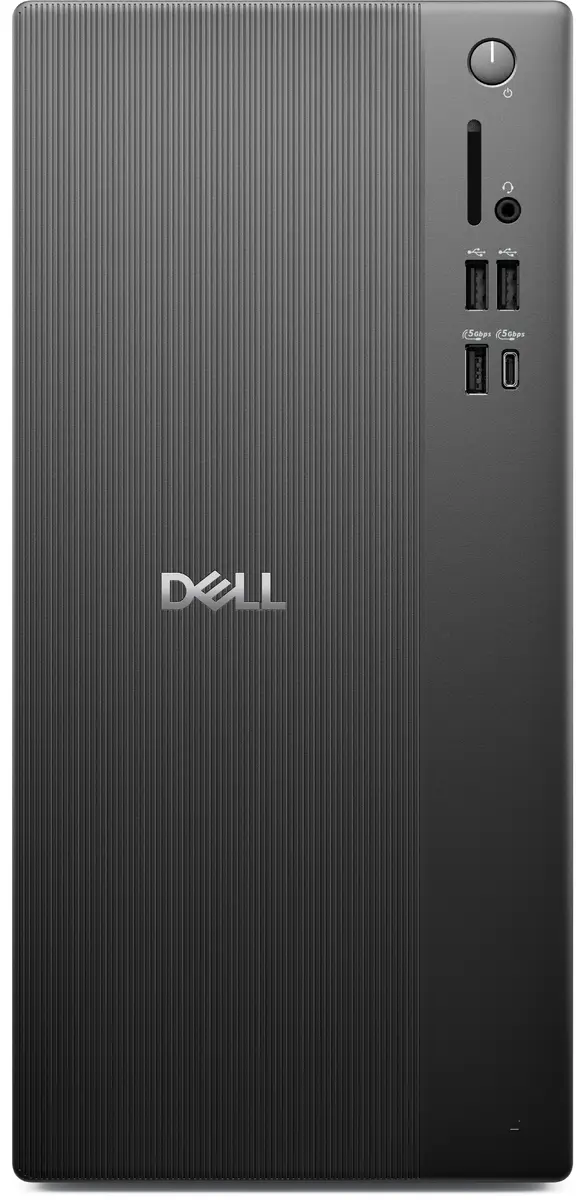
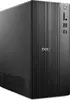
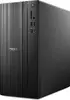
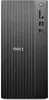
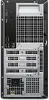
Dell Pro QVT1260 Desktop PC Intel Core Ultra 5 225 16 GB DDR5-SDRAM 512 GB SSD Windows 11 Pro Black
The Dell Pro QVT1260 Desktop PC is a reliable and efficient professional workstation designed to handle everyday business applications and demanding office tasks with ease. Equipped with an Intel Core Ultra 5 225 processor and 16 GB of high-speed DDR5-SDRAM memory, this desktop computer ensures smooth multitasking and responsive performance. Featuring a fast 512 GB solid-state drive, it provides ample storage space for essential files and applications while offering quick system boot times and rapid data access. Preinstalled with the Windows 11 Pro operating system, the computer delivers advanced security features and management tools suitable for modern workplace environments.
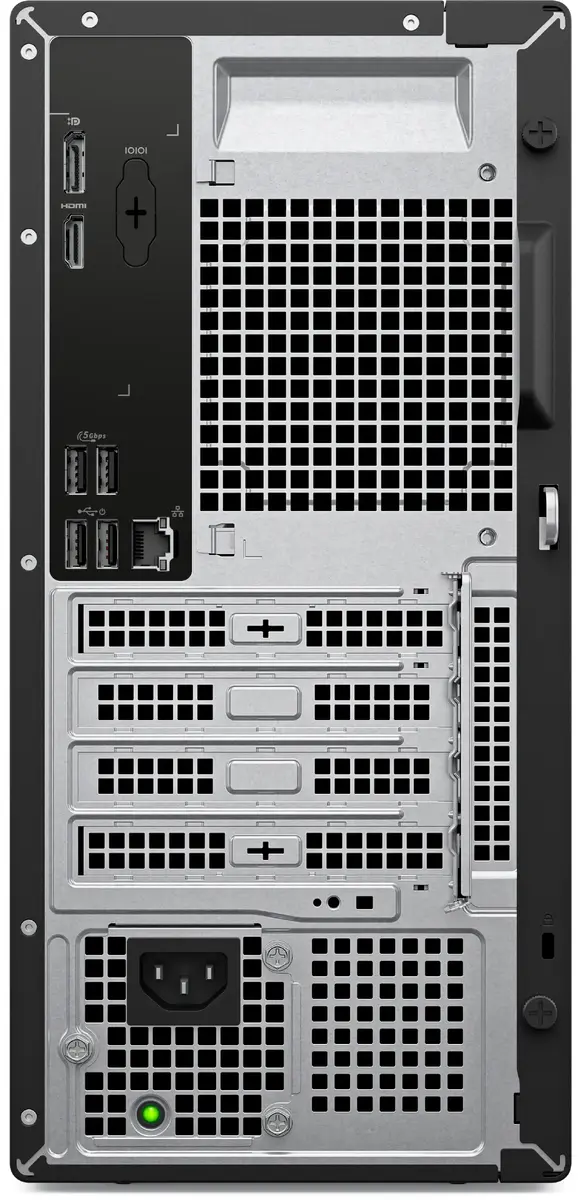
This Dell Pro desktop computer combines robust processing power with modern memory technology to support productivity across various professional workflows. The inclusion of DDR5-SDRAM ensures higher bandwidth and improved energy efficiency compared to older memory generations. Built-in Wi-Fi and Ethernet LAN connectivity options allow for flexible network integration, whether connecting via a secure wired office network or a wireless router. The sleek black chassis integrates seamlessly into any professional workspace without occupying excessive desk space.
This desktop computer is not designed for resource-intensive tasks such as high-end 3D gaming, professional video editing, or heavy CAD rendering, as it relies on integrated graphics and lacks a discrete graphics card. It may also not be suitable for users requiring extensive internal hardware expansion beyond its maximum memory limit.
Unpack the desktop computer and place it on a stable, flat surface with adequate ventilation around the chassis. Connect the power cable to a grounded electrical outlet and attach your monitor using the available HDMI port. Connect standard peripherals such as a keyboard and mouse using the provided USB ports. Power on the system and follow the initial on-screen setup instructions for the Windows 11 Pro operating system to configure your user profile and network connections.
Place the desktop in a well-ventilated area away from direct sunlight and heat sources to maintain optimal operating temperatures and prolong system lifespan.
{{highlightedFeature.featureTitle}}:
{{getProductFeatureValueById(product, highlightedFeature.featureId)}}
{{ productComparisonGenerationError }}
