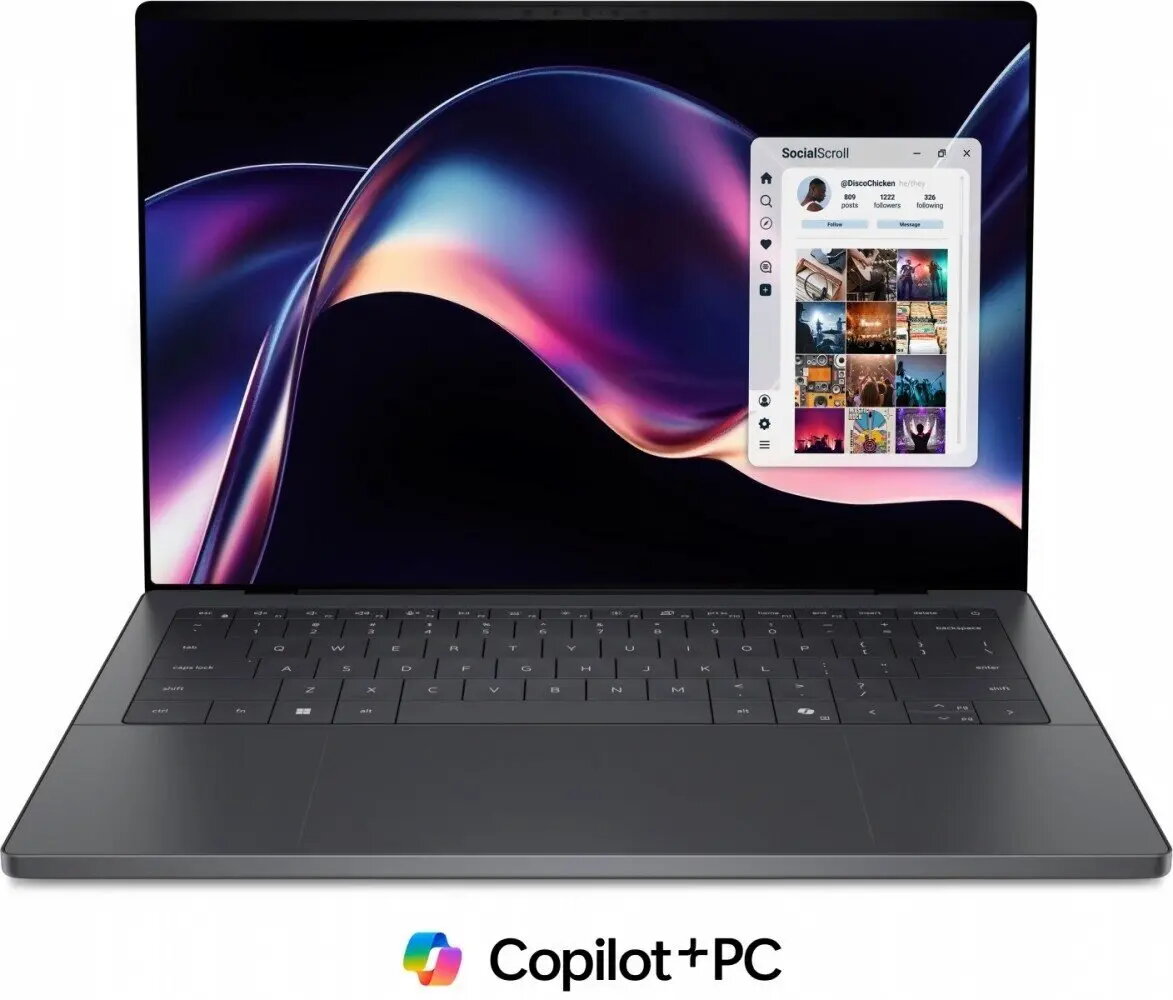
The Dell XPS 14 DA14260 is a 14-inch ultraportable laptop designed for mobile professional use, combining a high-resolution 2.8K touch display with modern Intel hardware and a compact chassis. It runs Windows 11 Pro and is powered by an Intel Core Ultra X7 358H processor, complemented by 32 GB of RAM and a 1 TB solid-state drive. Intel Arc graphics provide acceleration for creative workflows and multimedia playback, while integrated features such as a fingerprint reader, webcam with microphone, backlit keyboard and a 3-cell battery support everyday productivity and secure login.
Advantages
The combination of a high-resolution 14" 2.8K touch display and a powerful Intel Core Ultra X7 358H enables crisp visuals and responsive performance for multitasking and content editing. A 1 TB SSD offers fast boot times and ample storage for professional files, and 32 GB of RAM supports demanding applications and smooth switching between tasks. The inclusion of Intel Arc graphics improves media and light GPU-accelerated workloads. Built-in security with a fingerprint reader and Windows 11 Pro features facilitate secure access and device management, while the compact, ultraportable form factor makes the laptop suitable for frequent travel.
Suitable for
- Business professionals who need a portable Windows 11 Pro device for productivity and secure access.
- Content creators and designers requiring a high-resolution touch display and GPU acceleration for photo and light video editing.
- Students and remote workers who value long battery life and fast storage for documents and applications.
- Presentations and client meetings where a 14" touch screen and compact size improve mobility and interaction.
When it may not be suitable
This model may not be the best choice for users whose workflows require heavy GPU compute or high-end gaming performance; Intel Arc in this configuration provides improved media acceleration but is not a desktop-class discrete GPU. It may also be less suitable for users who need very long battery runtimes beyond typical business use or specialized port configurations absent from ultrathin designs.
Key specifications
- Processor: Intel Core Ultra X7 358H
- Memory: 32 GB RAM
- Storage: 1 TB solid-state drive (SSD)
- Display: 14" 2.8K touch panel
- Graphics: Intel Arc integrated graphics
- Operating system: Windows 11 Pro
- Security: Integrated fingerprint reader
- Input/output and features: Built-in webcam and microphone, backlit keyboard
- Battery: 3-cell battery
How to use
Start by setting up Windows 11 Pro using the on-screen setup assistant and register your user account. Use the fingerprint reader to enable Windows Hello for quick, secure sign-in. For everyday productivity, install your office applications and cloud storage clients to sync documents with the 1 TB SSD. Use the 14" 2.8K touch screen for direct interaction with touch-enabled applications and for precise image or layout adjustments. For best performance in content creation tasks, keep the system updated with the latest drivers from Dell and Intel and monitor background applications to preserve available memory and GPU resources.
What to consider before purchase
- Ensure the Intel Arc graphics meet your needs for photo or video editing workloads; for heavy GPU rendering or high-end gaming, a laptop with a more powerful discrete GPU may be preferable.
- Confirm the number and type of ports required for your peripherals, docking station, or external displays, as ultraportable designs may have limited physical connectors.
- Evaluate battery life expectations for your typical use case; ultraportable 3-cell batteries prioritize form factor over maximum runtime.
- Consider warranty and support options appropriate to professional use; Dell ProSupport may be available depending on configuration.
Usage recommendations
Keep the system firmware and graphics drivers up to date, use power profiles suited to your workload (performance mode for intensive tasks, balanced for general use), and store large media files on the internal 1 TB SSD or on external drives/cloud to maintain system responsiveness. For presentation or collaborative work, calibrate the touch display in Windows settings if precise color or touch accuracy is required.