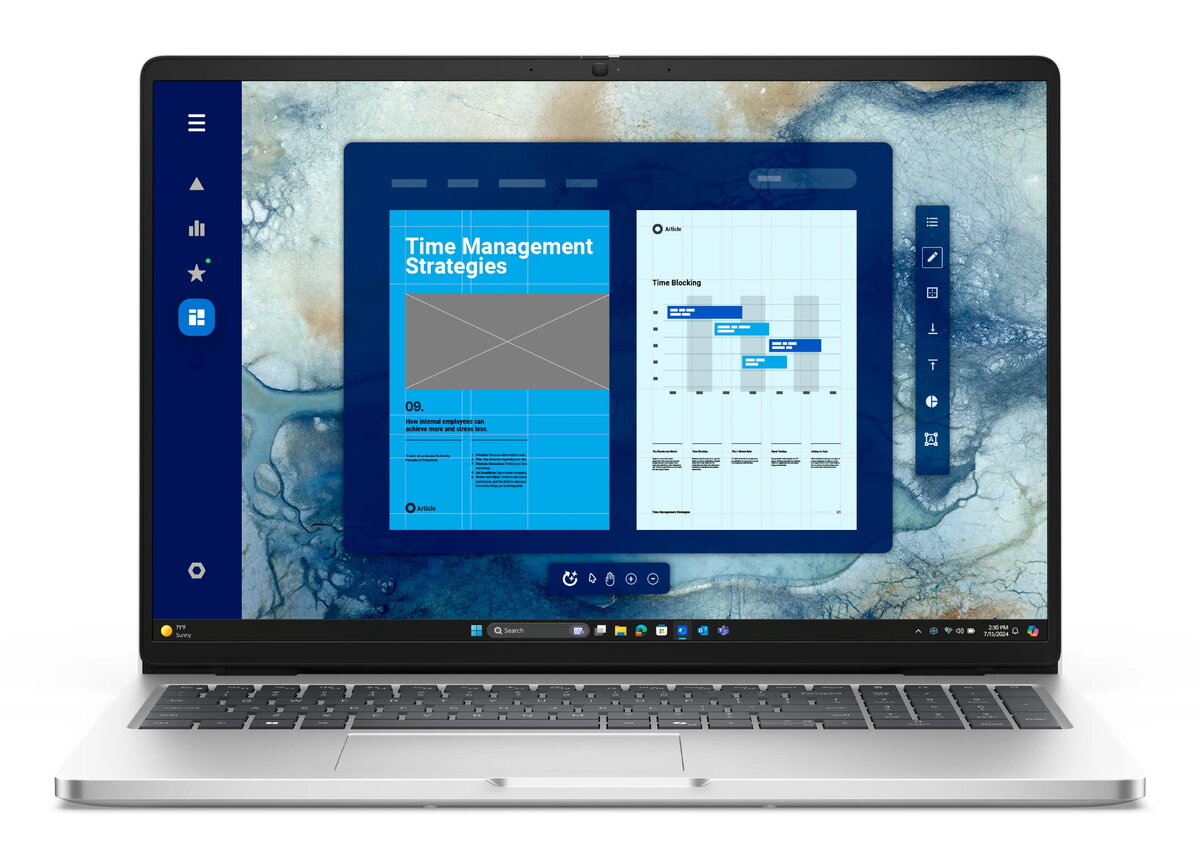
The Dell Pro 16 PC16250 is a business-class desktop PC configured for office productivity and secure hybrid work. It combines 32GB of RAM and a 512GB SSD to provide responsive multitasking and fast local storage, and includes a 16.0" FHD+ display with an FHD IR camera and integrated microphone for video conferencing. Built-in WLAN and Bluetooth support common wireless connectivity needs, while a fingerprint reader and smart card support enable multi-factor authentication. The system ships with Windows 11 Pro and a three-year ProSupport plan for enterprise maintenance.
Advantages
This desktop delivers a balance of performance and security for corporate users. Large system memory and SSD storage reduce application load times and improve multitasking, while the FHD IR camera and microphone support clear virtual meetings. Hardware authentication options—fingerprint reader and smart card support—offer stronger access control for sensitive environments. A Nordic backlit keyboard and business-grade support complete the setup for consistent daily use.
Suitable for
- Office productivity: spreadsheets, email, document editing and web applications
- Remote meetings and video conferencing with the FHD IR camera and microphone
- Secure corporate environments requiring multi-factor authentication
- Multitasking workflows and light-to-moderate multitasking with multiple applications open
When it may not be suitable
The Dell Pro 16 PC16250 is optimized for business and office tasks rather than graphics-intensive workloads. It may not be appropriate as a primary machine for high-end 3D rendering, professional-grade video editing, or modern gaming that require a discrete high-performance GPU. If a workstation-class GPU or very large local storage beyond 512GB is essential, consider a system specifically configured for those needs.
Key specifications
- System memory: 32GB RAM
- Internal storage: 512GB solid-state drive (SSD)
- Display: 16.0" FHD+ integrated display
- Camera and audio: FHD IR camera with integrated microphone
- Connectivity: integrated WLAN and Bluetooth
- Security features: fingerprint reader and smart card support
- Keyboard: Nordic backlit keyboard
- Operating system: Windows 11 Pro
- Support: includes three-year ProSupport
How to use
Set up the desktop on a stable desk surface and connect power and any required peripherals such as external monitors, wired Ethernet, mouse or headset. Use Windows 11 Pro setup to create or join a corporate domain and configure user accounts. Enroll biometric and smart card credentials through the operating system or enterprise management tools to enable fingerprint and smart card authentication. Connect to your WLAN or wired network and install corporate software and security agents as recommended by IT.
What to consider before purchase
- Confirm that 32GB RAM and 512GB SSD meet your application and storage needs; consider additional external or network storage for large datasets
- Verify whether a discrete GPU is required for your workloads; this model is targeted at office productivity rather than GPU-accelerated tasks
- Ensure the provided security features (fingerprint and smart card) integrate with your organization's authentication systems
- Check corporate provisioning and support policies to take full advantage of the included three-year ProSupport
Usage recommendations
For best day-to-day performance, keep the operating system and drivers up to date, enable SSD firmware updates, and use enterprise backup solutions for critical data. Use the biometric and smart card options for secure sign-in and combine them with endpoint security policies enforced by IT.