Hurry and order now – up to 50% off!
In cart {{totalProductsCount}} item(s)
Your cart is empty
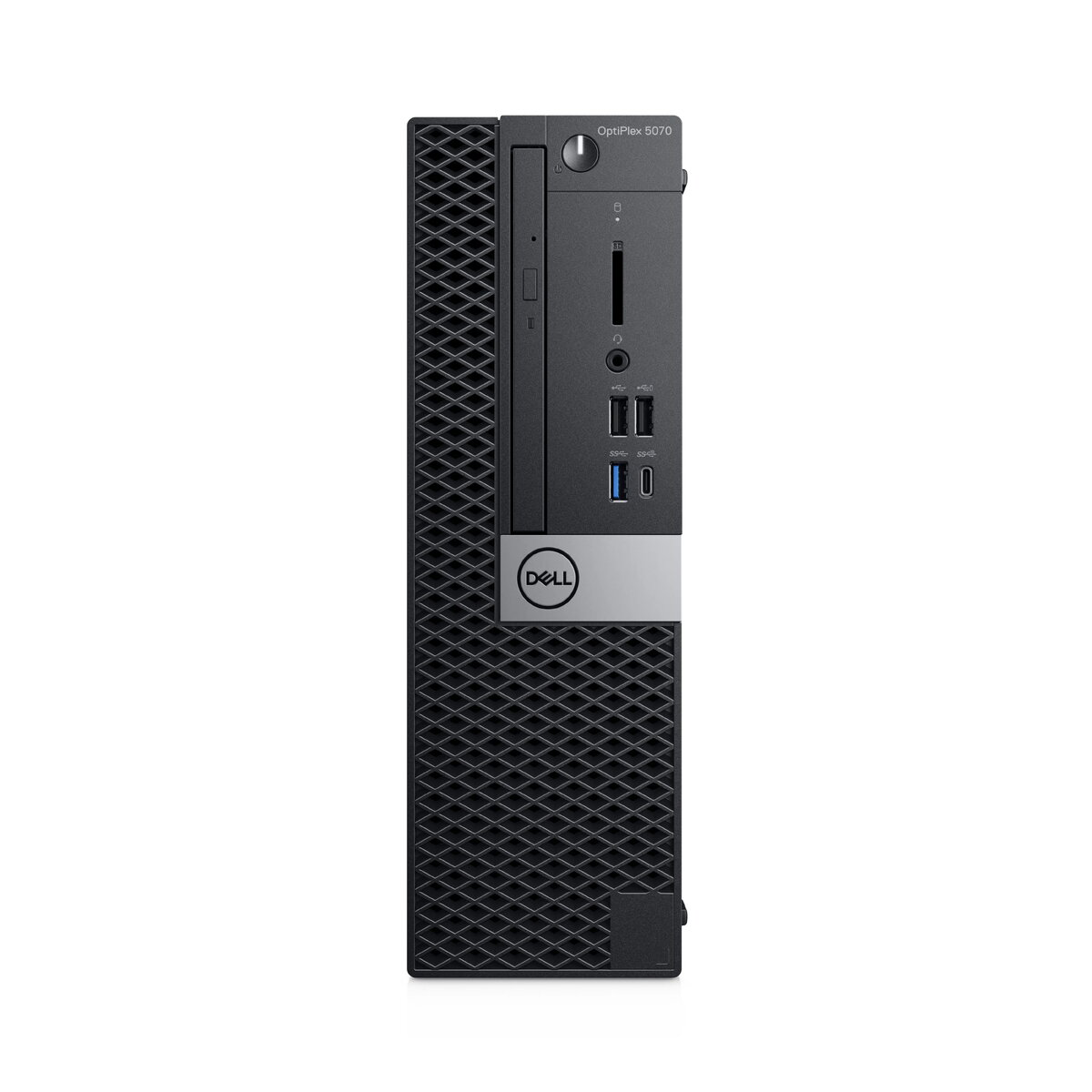
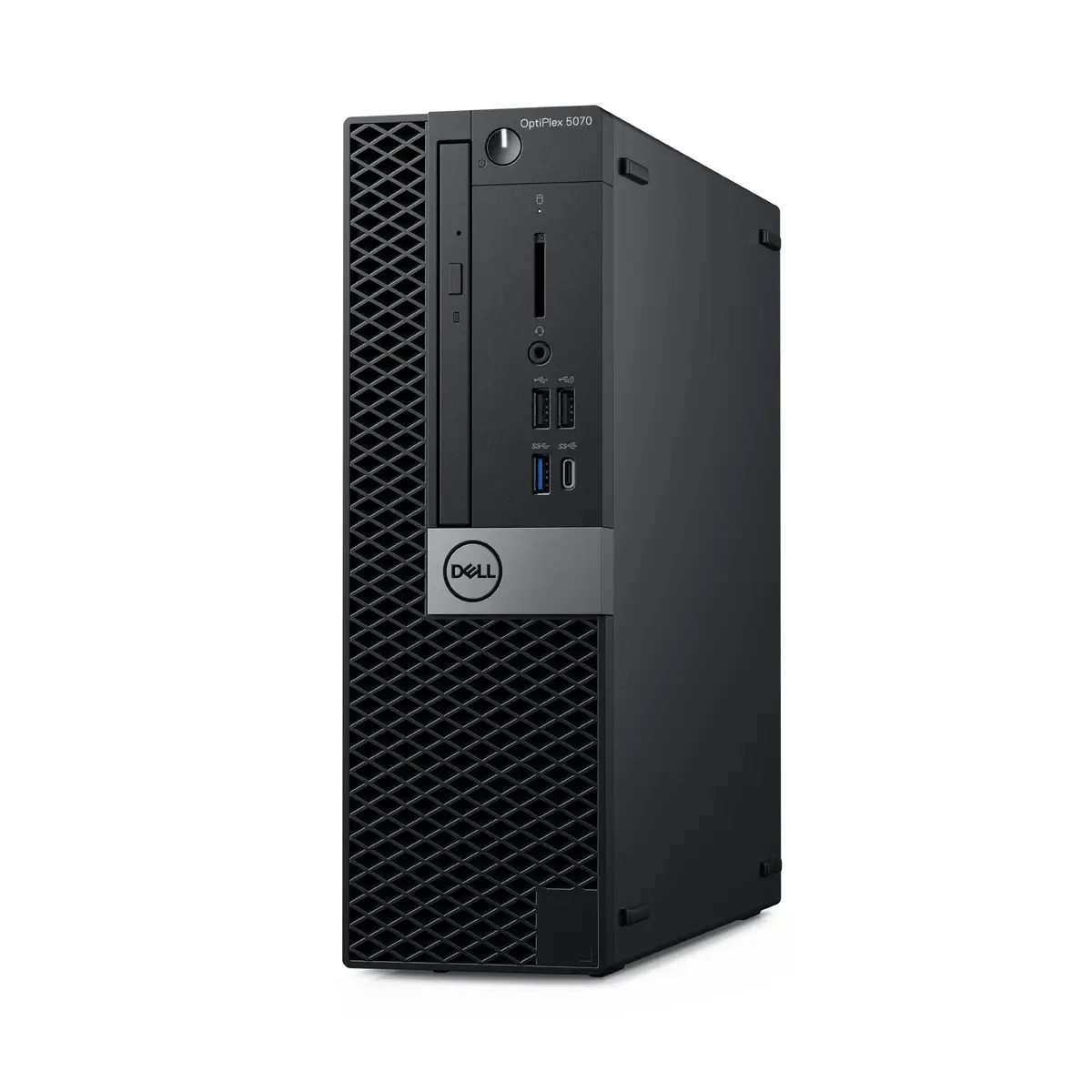
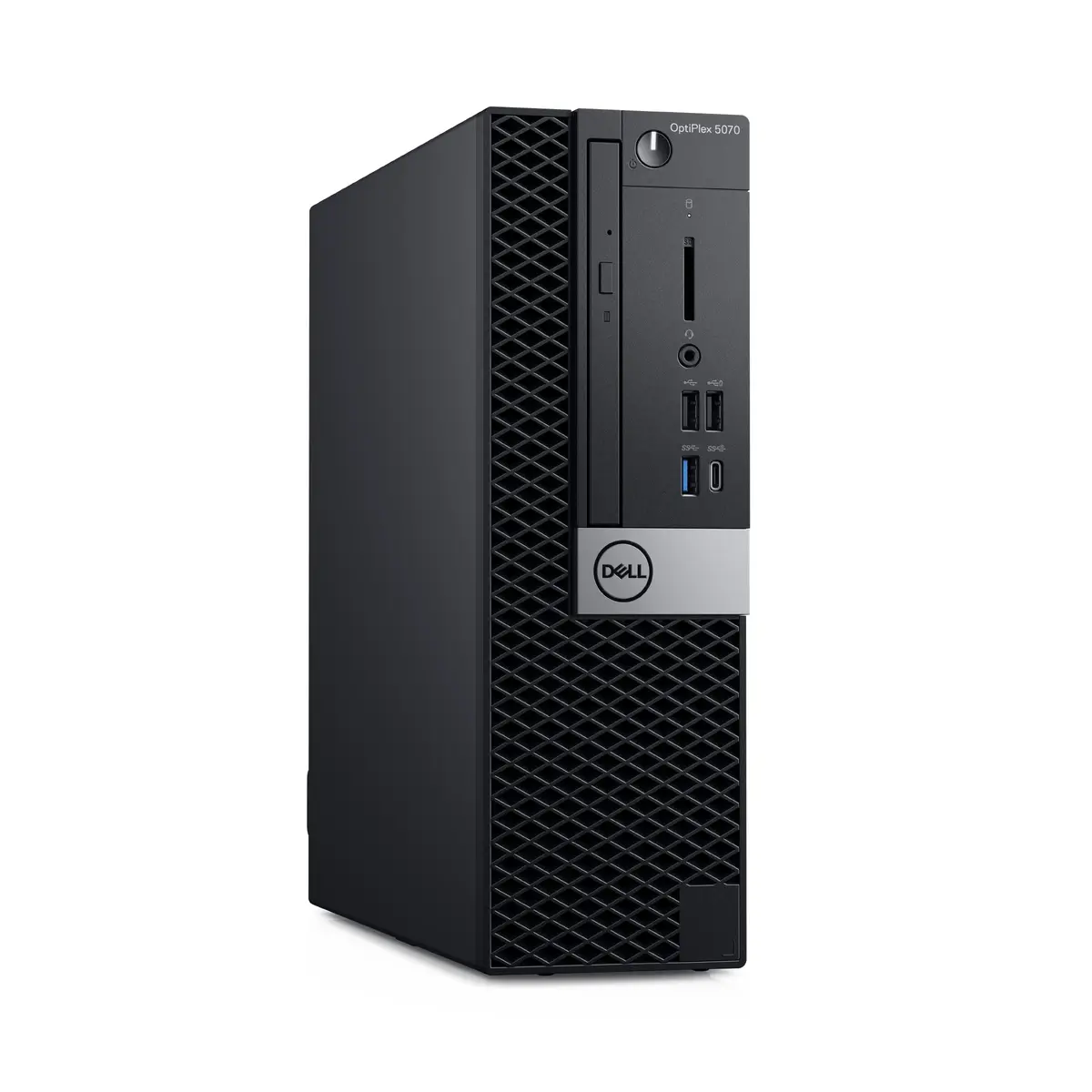
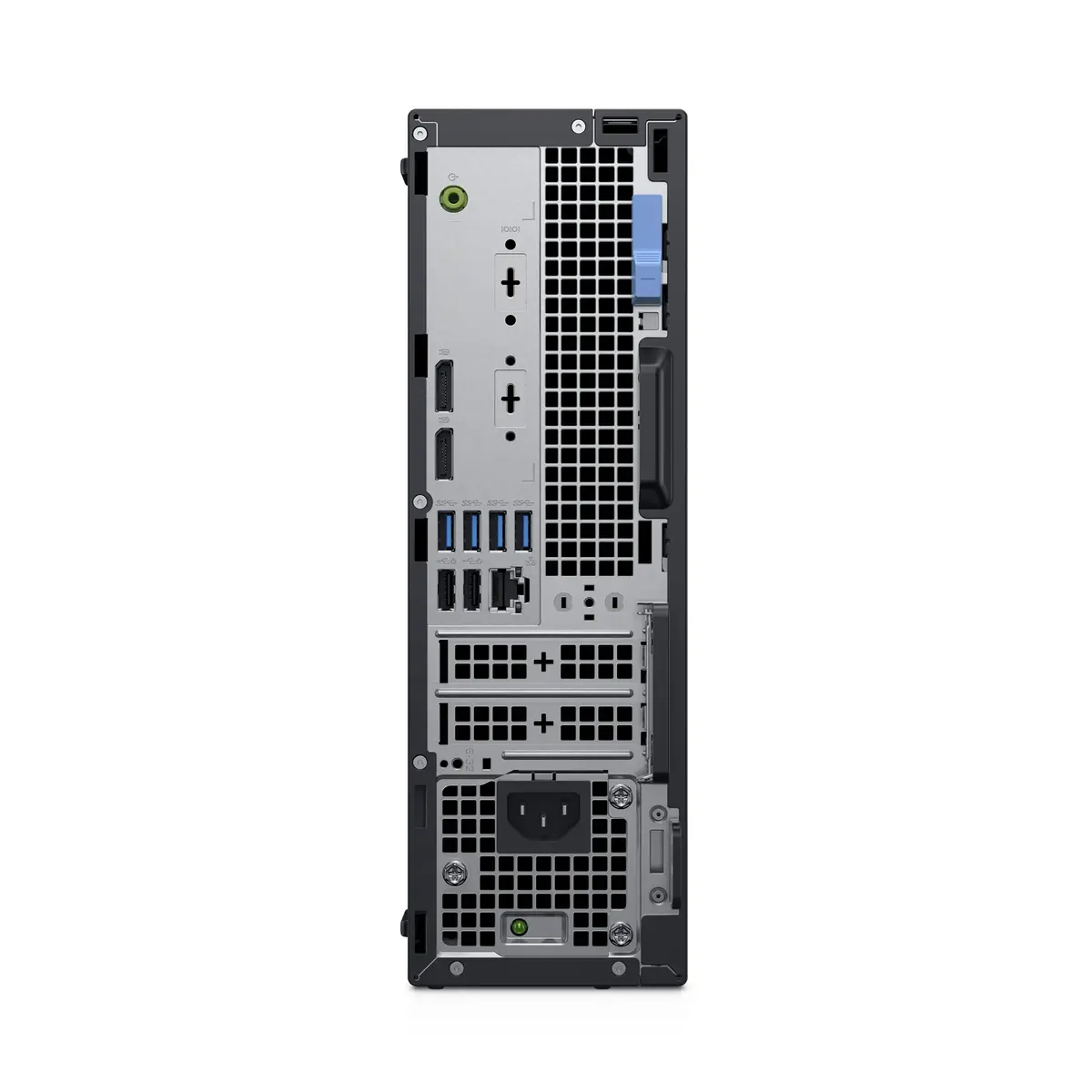
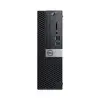
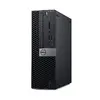
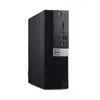
Desktop PC Dell OptiPlex 7070 SFF Intel Core i3-9100, 8 GB DDR4, 256 GB SSD, Windows 11 Pro, Black
Dell OptiPlex 7070 SFF with Intel Core i3-9100 is a compact desktop PC designed for office environments, remote learning and general business use. This small form factor system includes a 3.6 GHz quad-core processor with Turbo Boost up to 4.2 GHz, 8 GB DDR4 memory (2666 MHz) and a 256 GB solid-state drive. It ships with Windows 11 Pro and integrated Intel UHD Graphics 630. The black chassis and modest footprint make the Dell OptiPlex 7070 SFF suitable where desk space is limited but standard connectivity and reliable day-to-day performance are required.
The Dell OptiPlex 7070 SFF delivers consistent performance for everyday productivity thanks to the Intel Core i3-9100 quad-core processor and fast SSD storage, which reduces boot and application load times. The 8 GB DDR4 memory supports typical multitasking and business applications, while the Small Form Factor chassis reduces desk footprint. Preinstalled Windows 11 Pro provides modern security and management features suited to business users.
This system is not intended for demanding gaming, high-end 3D rendering or professional video editing because it relies on integrated Intel UHD Graphics 630 and ships with 8 GB of RAM. The small form factor also limits internal expansion and may be restrictive for users who need multiple high-performance PCIe cards or very large local storage arrays.
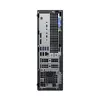
Place the Dell OptiPlex 7070 SFF on a stable surface and connect a monitor, keyboard and mouse to the available ports. Connect the power cable and network as needed, then power on and complete the initial Windows 11 Pro setup to configure user accounts, network settings and Windows updates. Use the 256 GB SSD for the operating system and frequently used applications to benefit from faster responsiveness; add external or network storage for larger data sets or backups.
Keep Windows and device drivers up to date, store large or infrequently used files on network or external drives to preserve SSD space, and consider upgrading RAM if you routinely run many applications or browser tabs concurrently to improve multitasking performance.
{{highlightedFeature.featureTitle}}:
{{getProductFeatureValueById(product, highlightedFeature.featureId)}}
{{ productComparisonGenerationError }}