


Dreame vacuums for fast and efficient cleaning!
In cart {{totalProductsCount}} item(s)
Your cart is empty
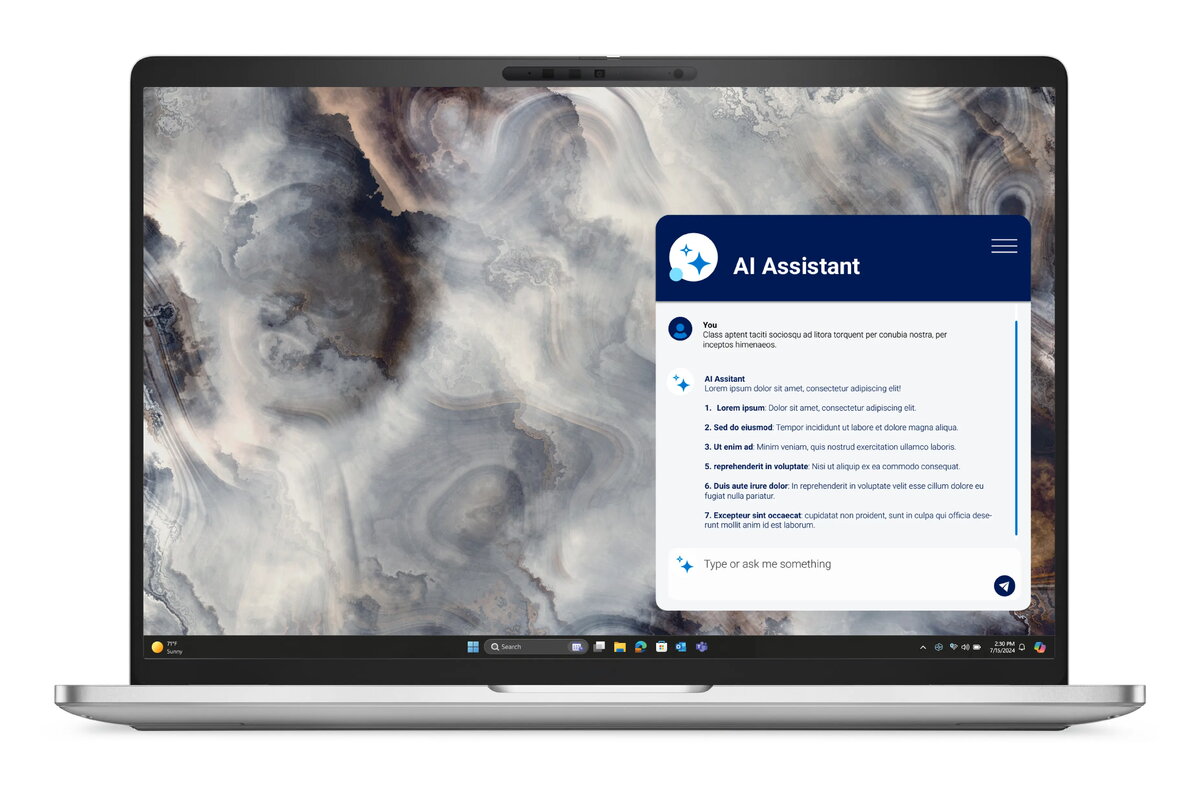
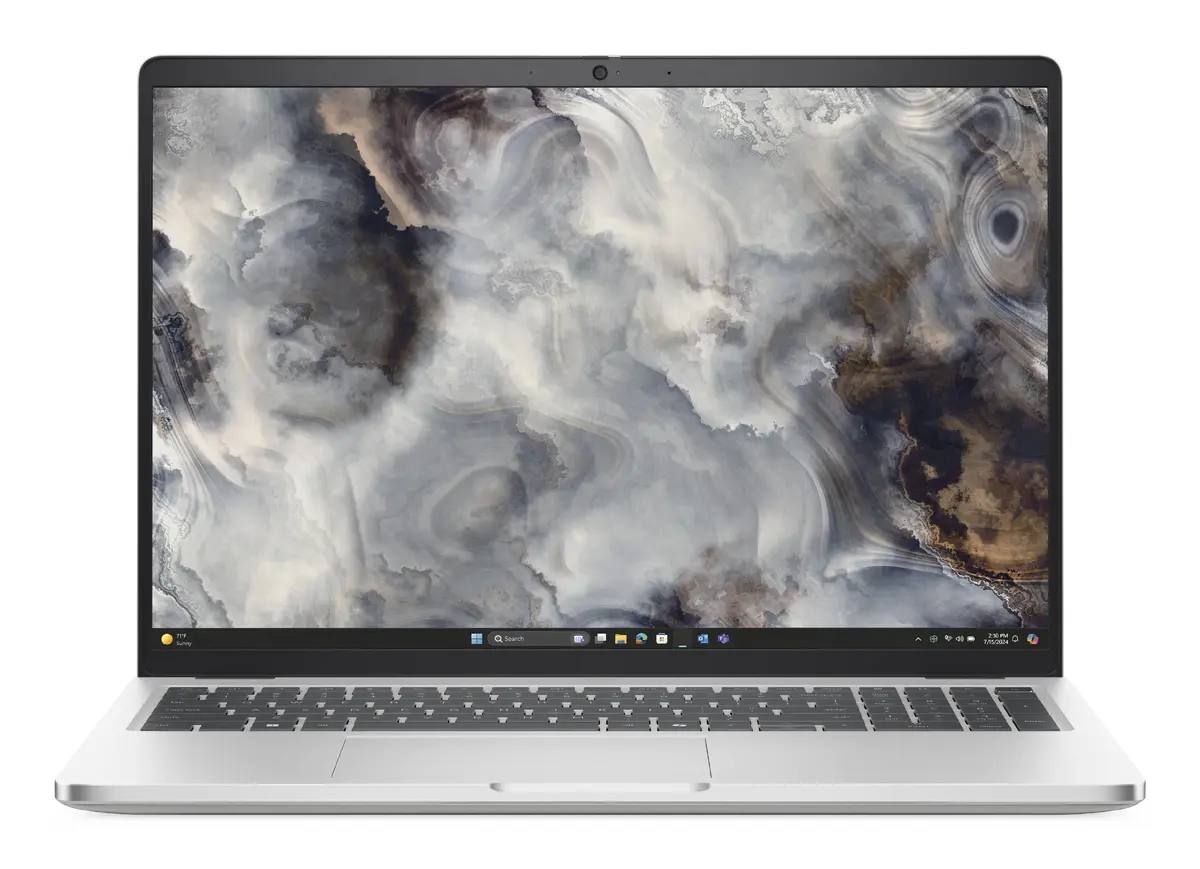
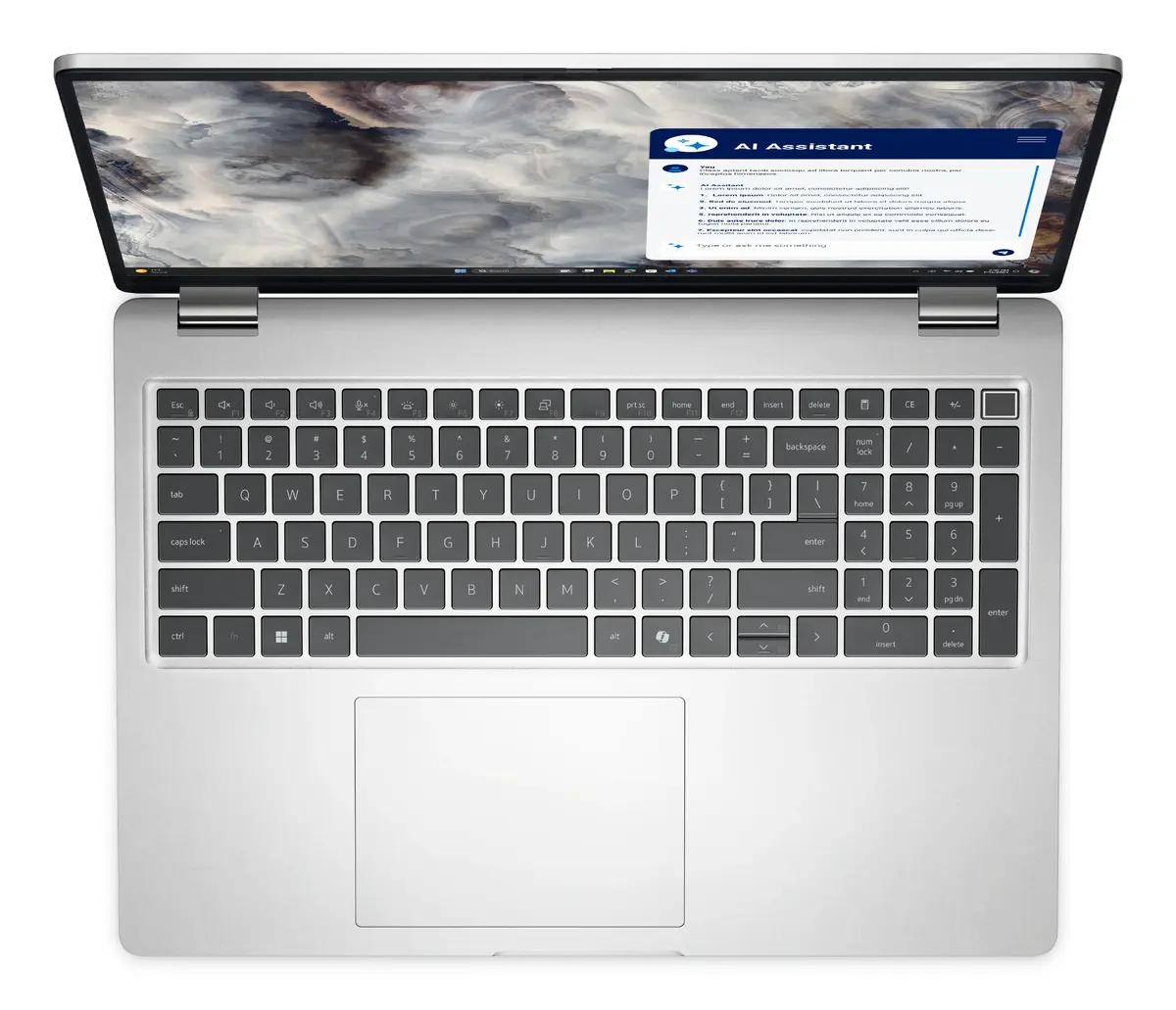
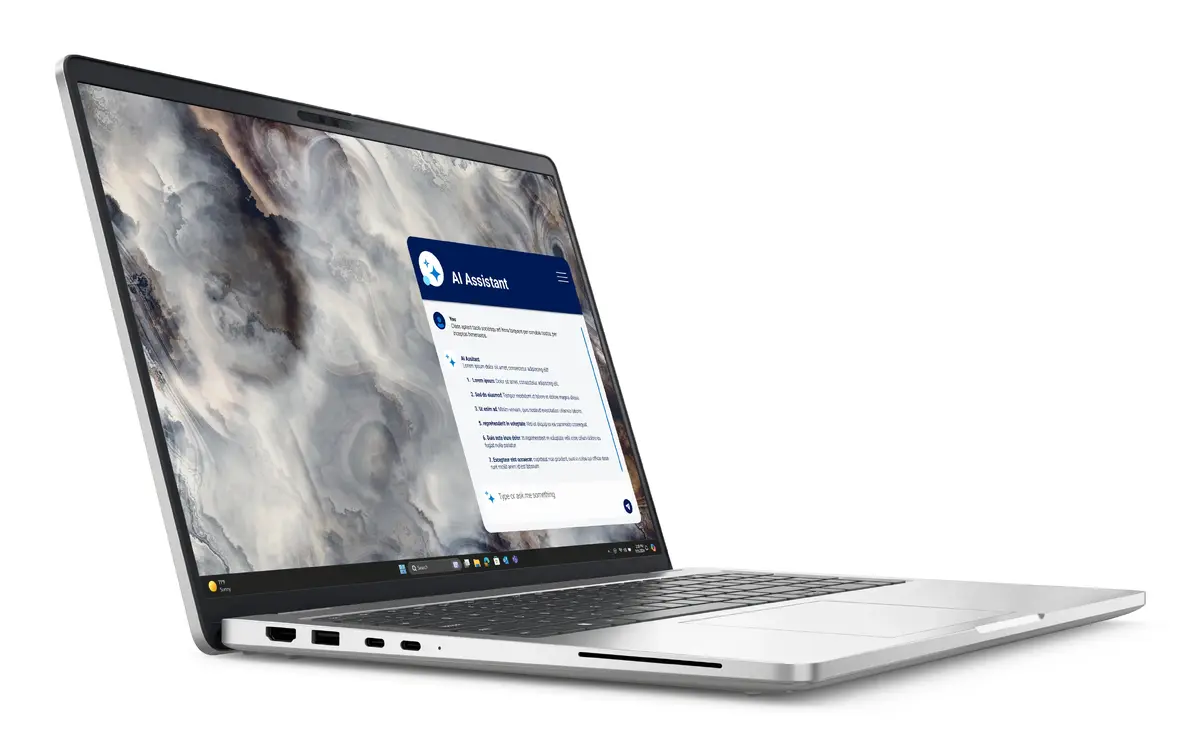
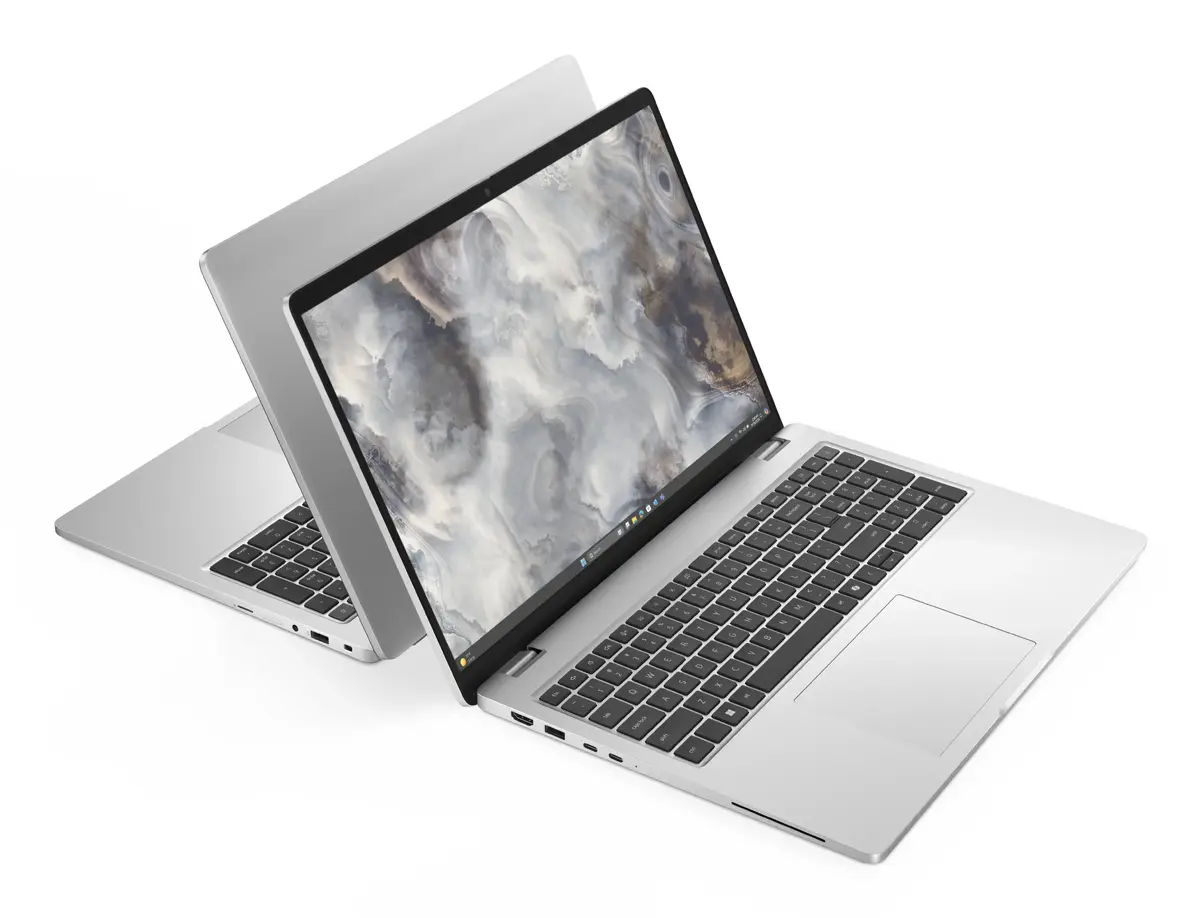
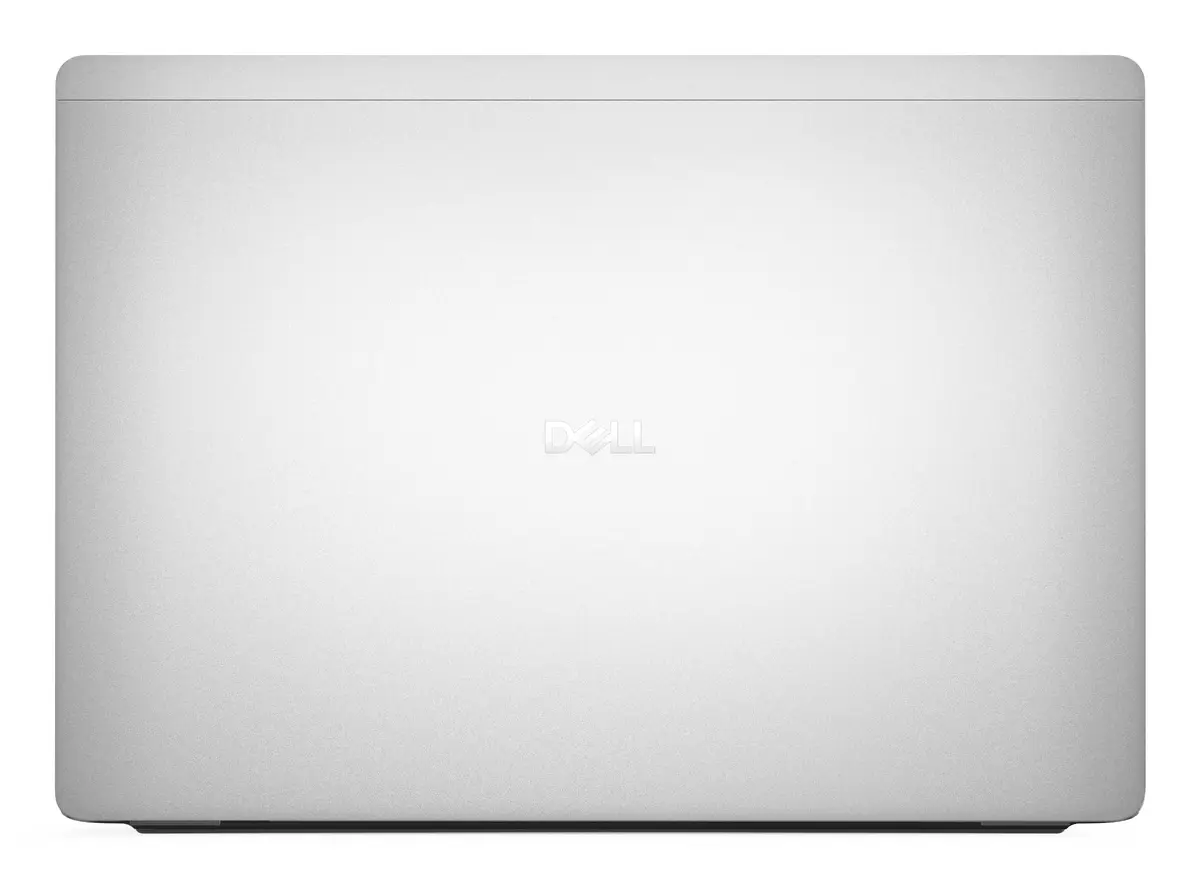
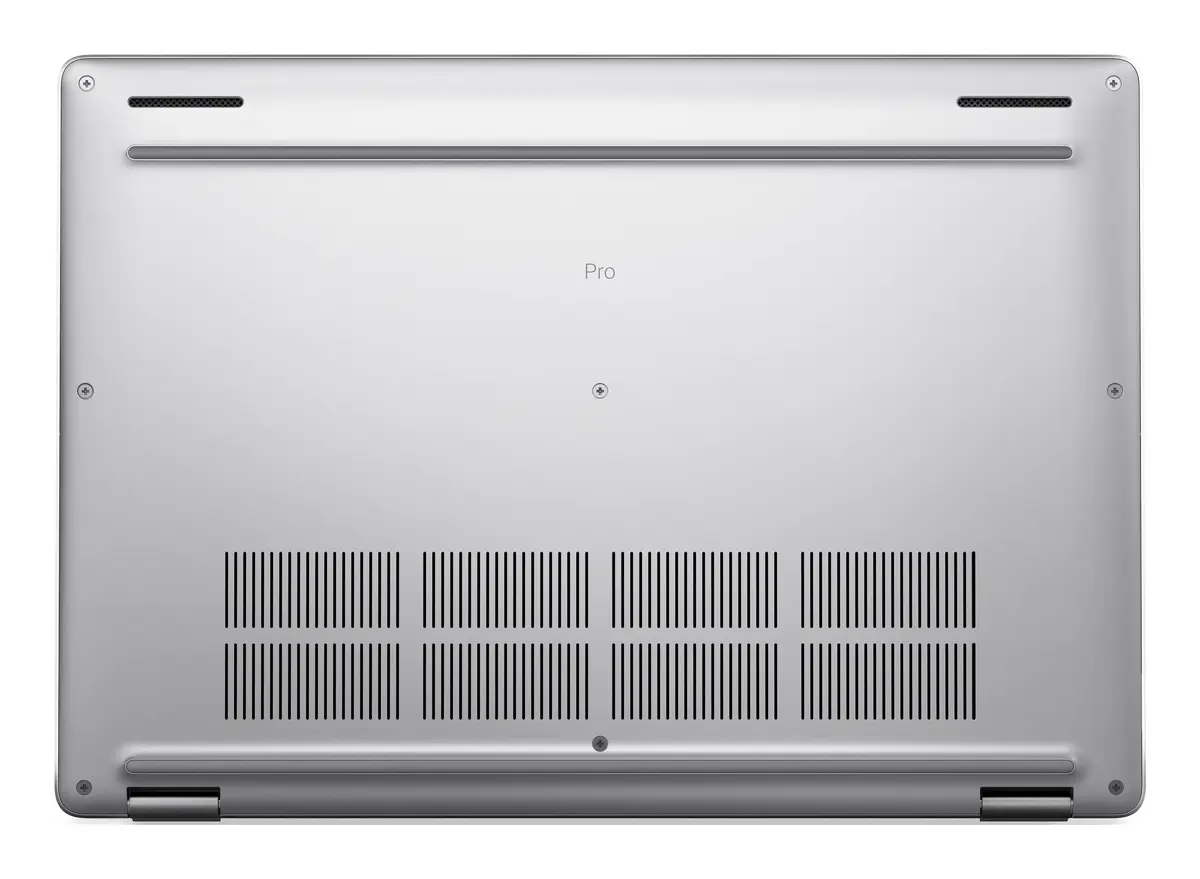
DELL Pro 16 Plus PB16250 Intel Core Ultra 7 266V Laptop 40.6 cm (16") Full HD+ 16 GB LPDDR5x-SDRAM 512 GB SSD Wi-Fi 7 (802.11be) Windows 11 Pro US Int...
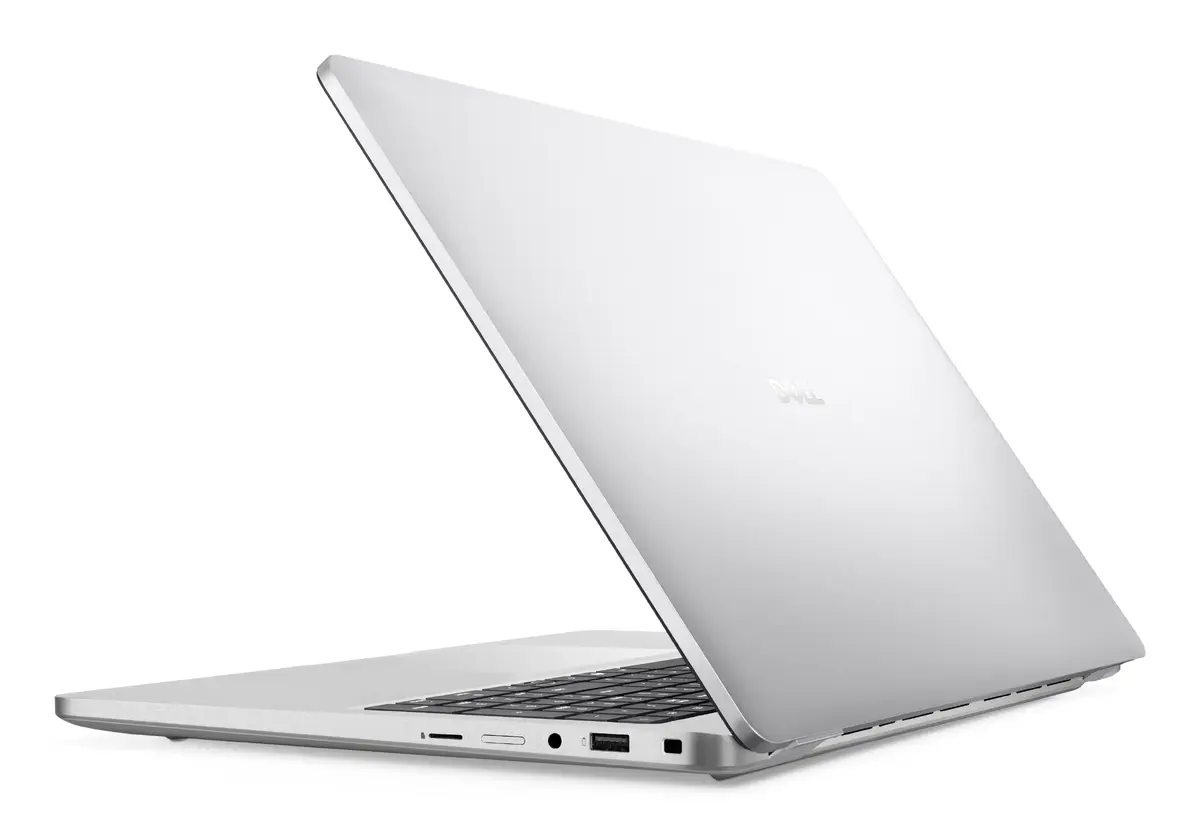
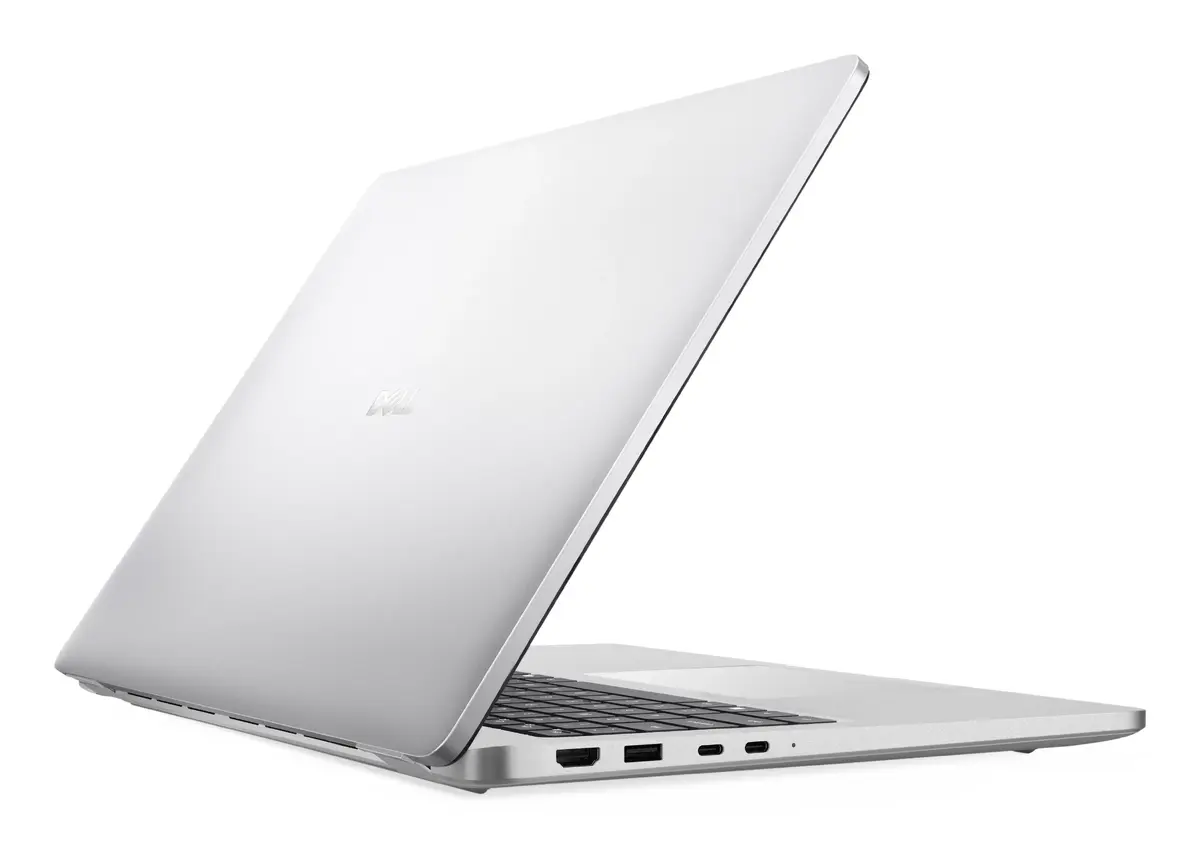
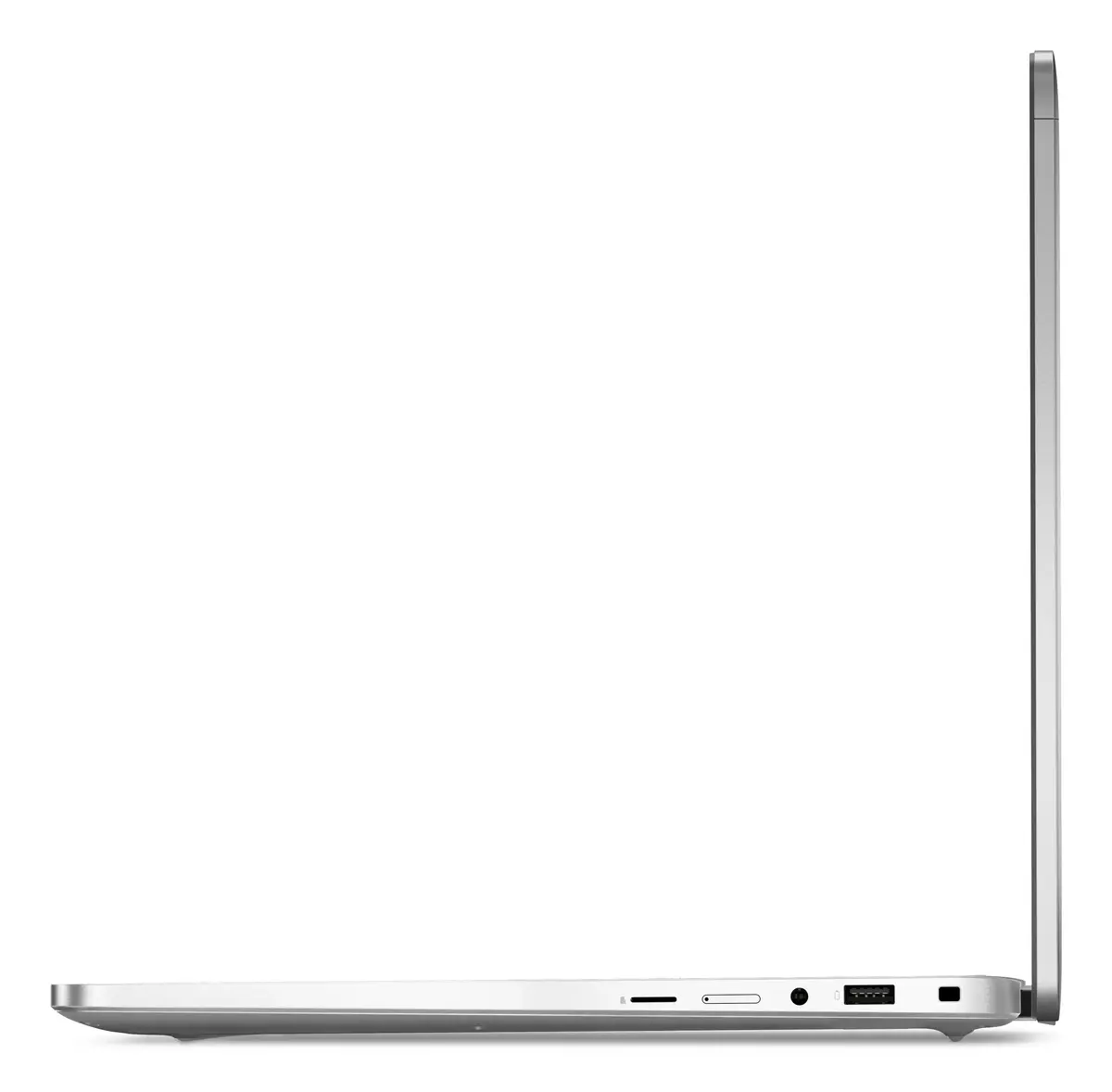
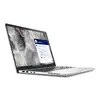
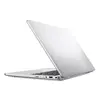
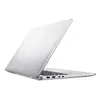
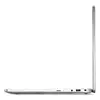
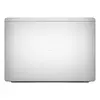
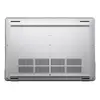
The DELL Pro 16 Plus PB16250 is a 16-inch clamshell laptop in an aluminium chassis, equipped with an Intel Core Ultra 7 266V processor, 16 GB of LPDDR5x-SDRAM and a 512 GB SSD. The 40.6 cm (16") Full HD+ display (1920 x 1200) provides a balanced workspace with a slightly taller aspect ratio for document editing and multitasking. Graphics are handled by the integrated Intel Arc Graphics 140V, while Windows 11 Pro is preinstalled to support business workflows and security features. The laptop weighs approximately 1.84 kg and supports modern wireless connectivity including Wi‑Fi 7 (802.11be).
The aluminium build delivers a sturdy yet refined feel while keeping weight moderate for a 16-inch class device. The combination of an Intel Core Ultra 7 processor and 16 GB LPDDR5x memory enables smooth multitasking and responsive application performance. A 512 GB SSD provides fast boot and application load times. The Full HD+ panel with 1920 x 1200 resolution offers a taller workspace suitable for productivity tasks. Built-in Wi‑Fi 7 support ensures higher potential wireless bandwidth and reduced latency where compatible networks are available. Windows 11 Pro adds enterprise-oriented management and security capabilities.
Power on the laptop and complete the initial Windows 11 Pro setup, including signing in with a Microsoft account or work credentials if required. Configure display scaling and power profiles to match your workflow: choose higher performance when running demanding applications or longer battery life for travel. Connect to a Wi‑Fi 7 compatible router to benefit from the fastest available wireless speeds, or use a wired network adapter if low latency and stable throughput are priorities. Use standard Windows tools to manage files on the 512 GB SSD, and consider setting up File History or another backup solution for data protection.
For optimal balance between responsiveness and endurance, keep system firmware and drivers up to date, enable power plans appropriate to your tasks, and store frequently used projects on the internal SSD while archiving older files to external storage or cloud services.
{{highlightedFeature.featureTitle}}:
{{getProductFeatureValueById(product, highlightedFeature.featureId)}}
{{ productComparisonGenerationError }}
