

JBL speakers and headphones for pure and deep sound!
In cart {{totalProductsCount}} item(s)
Your cart is empty
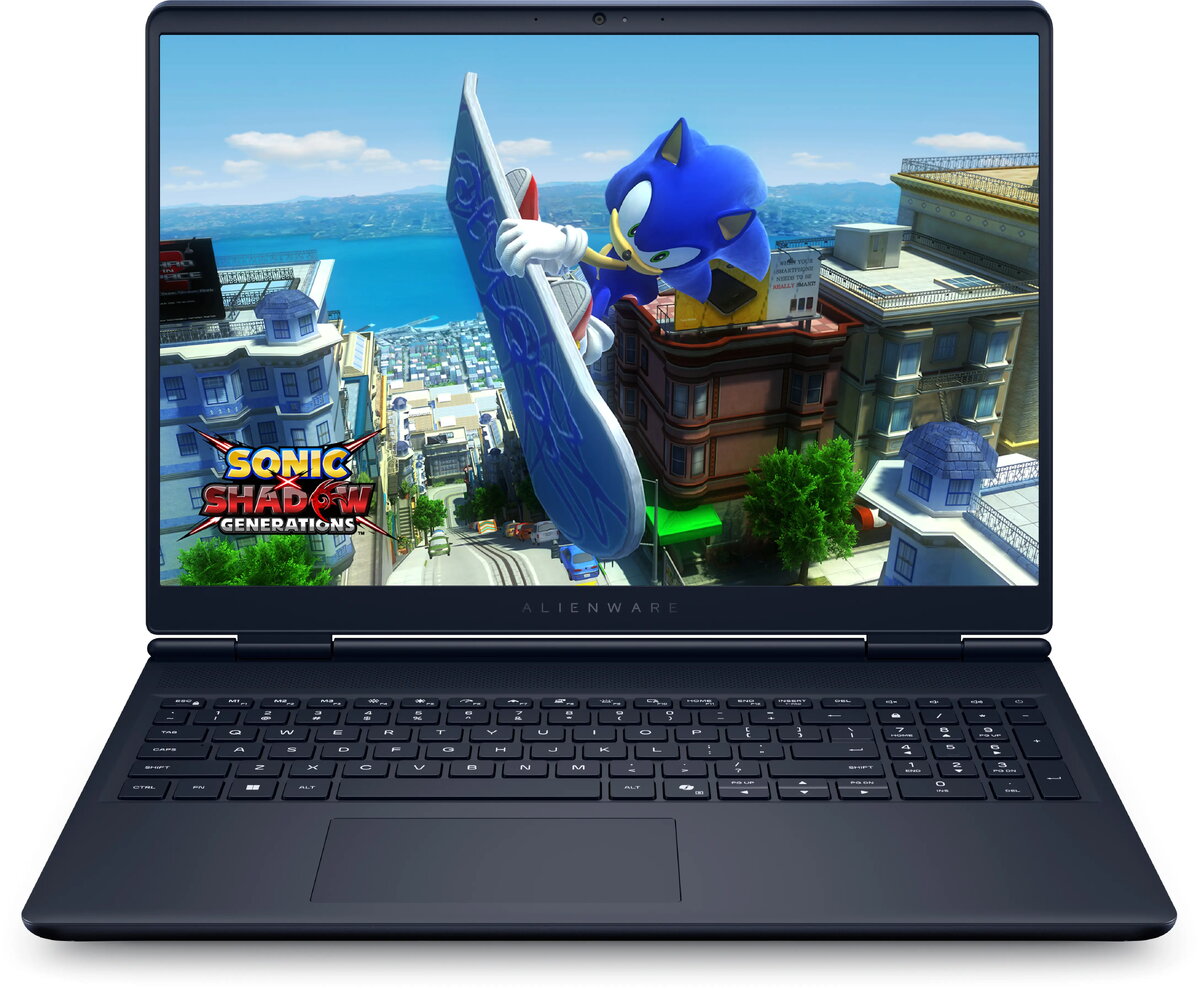
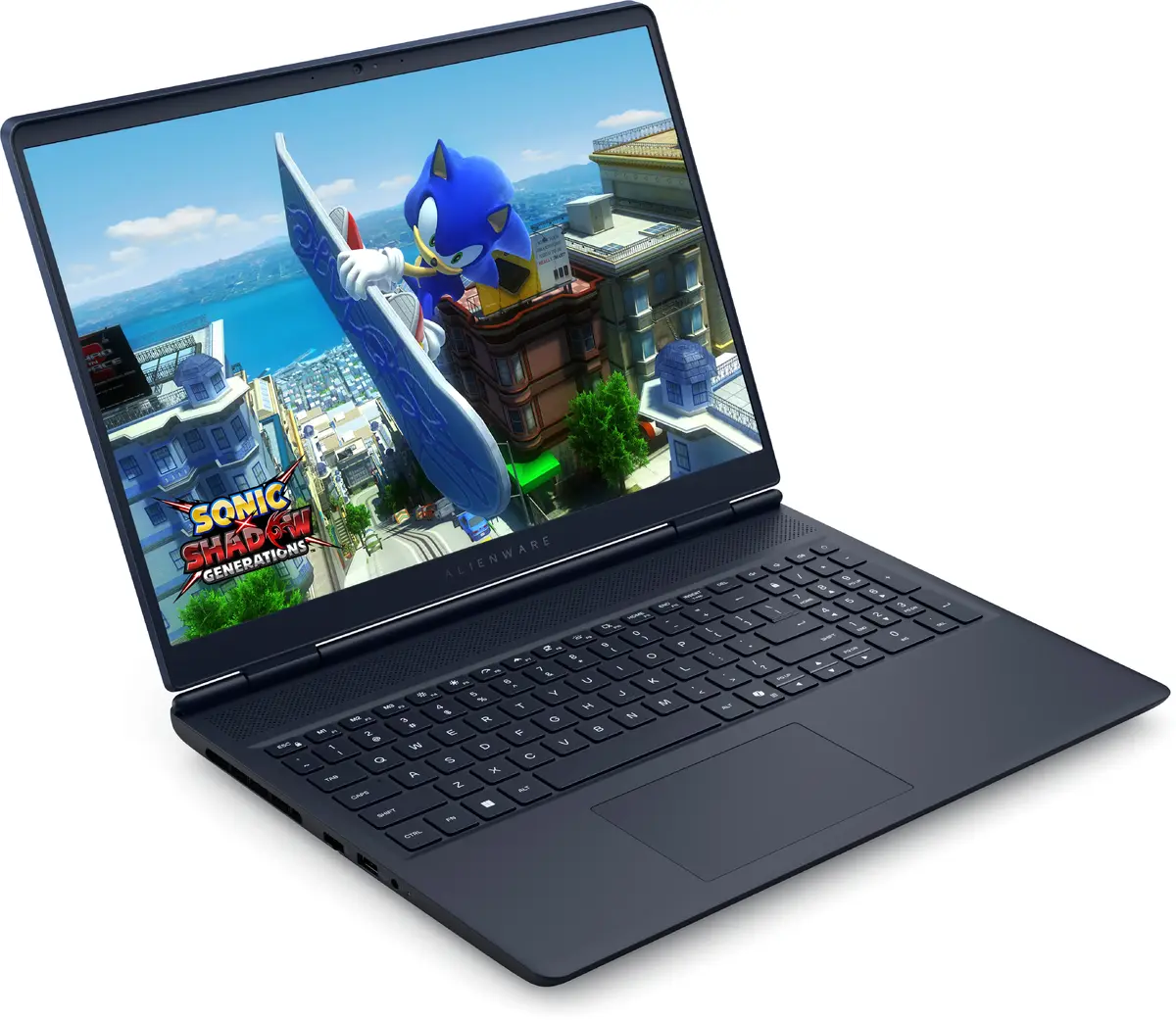
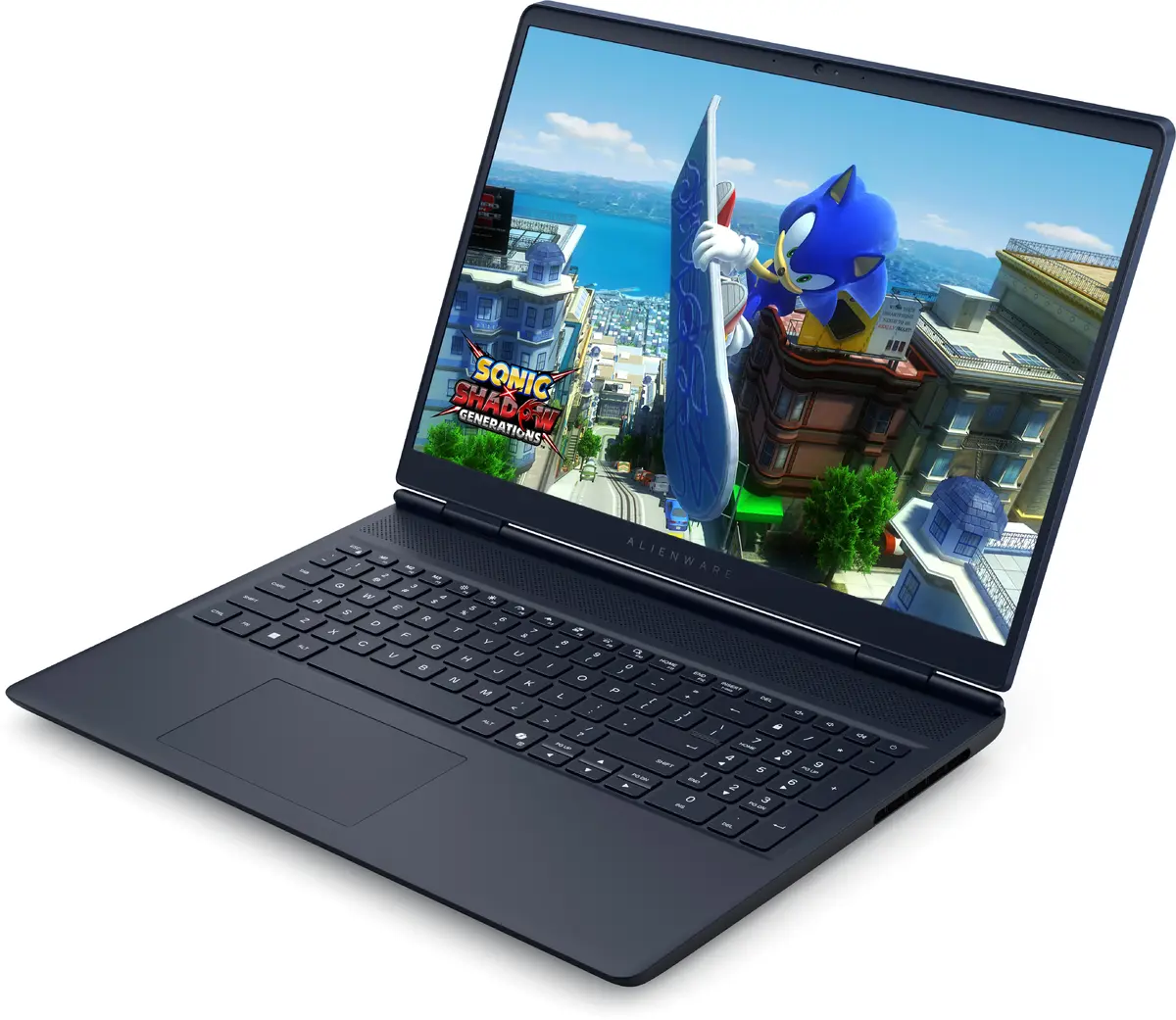
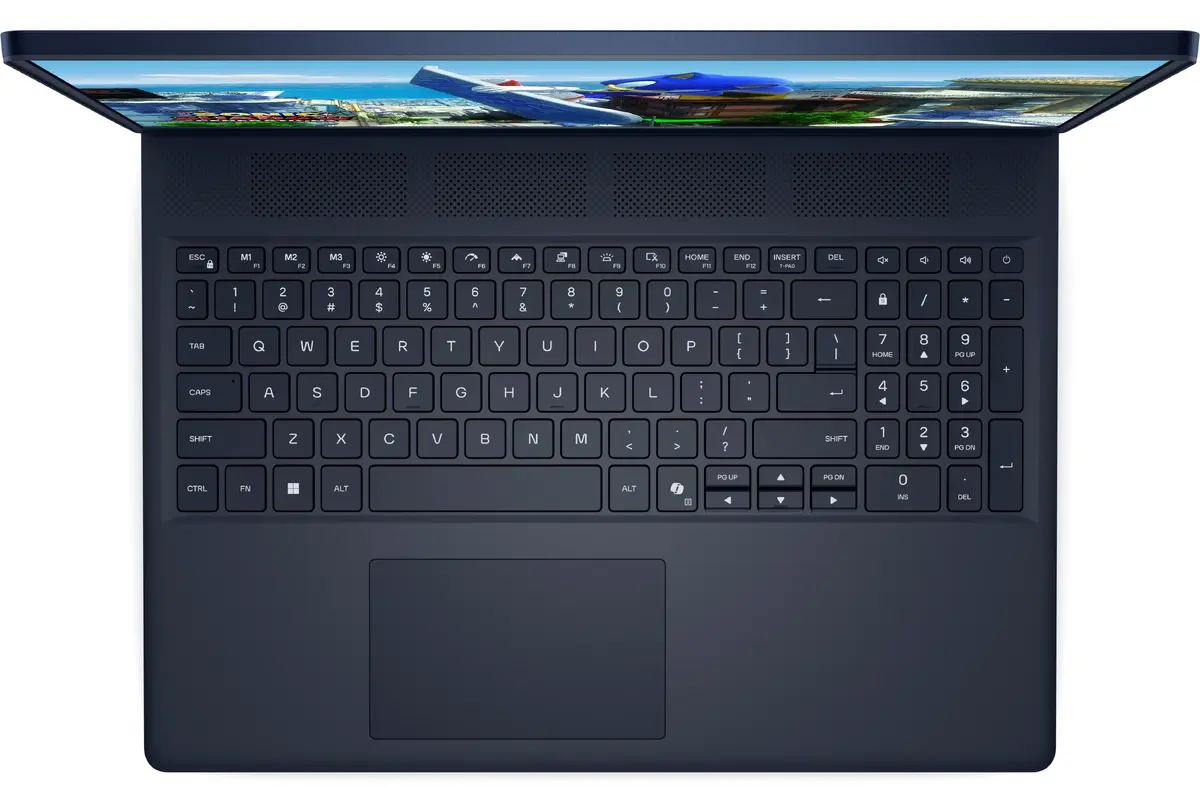
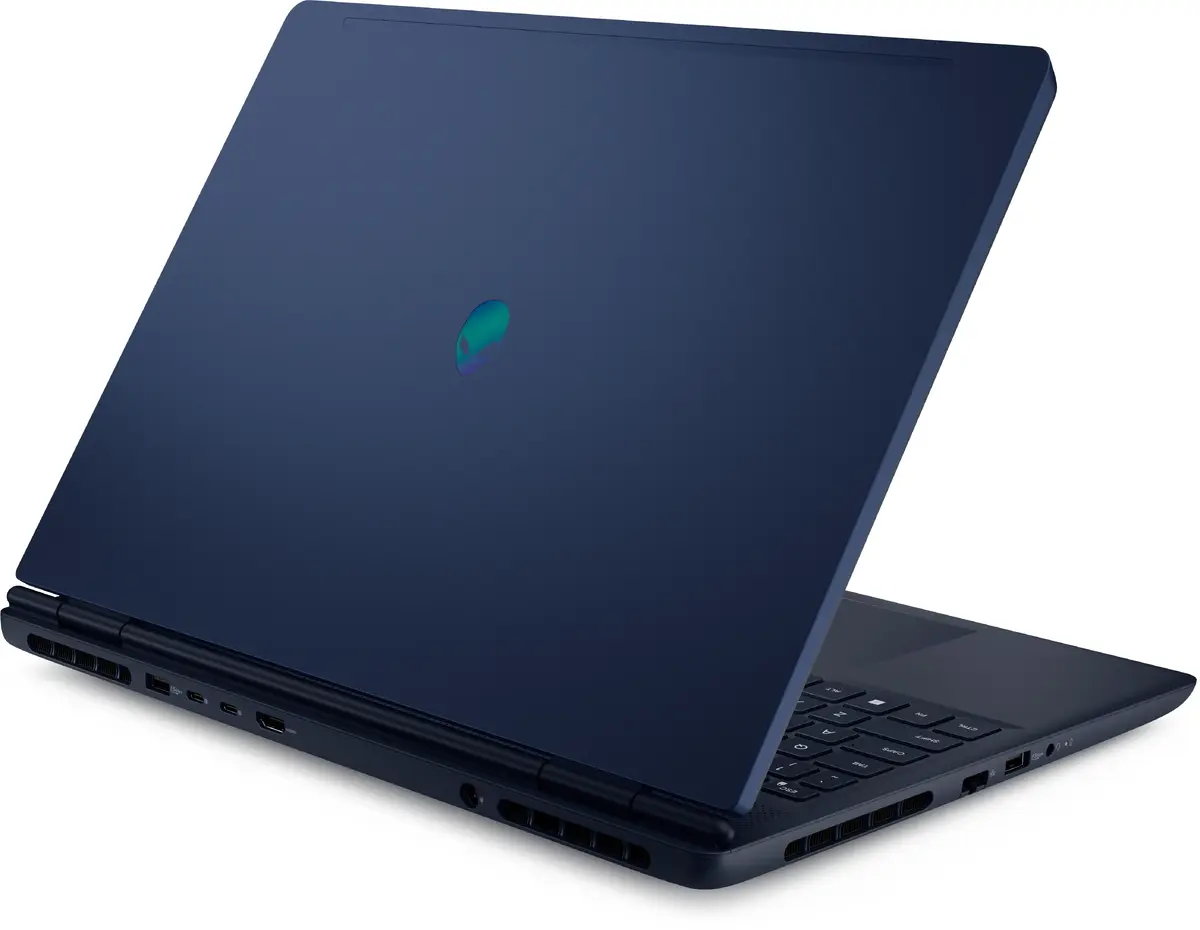
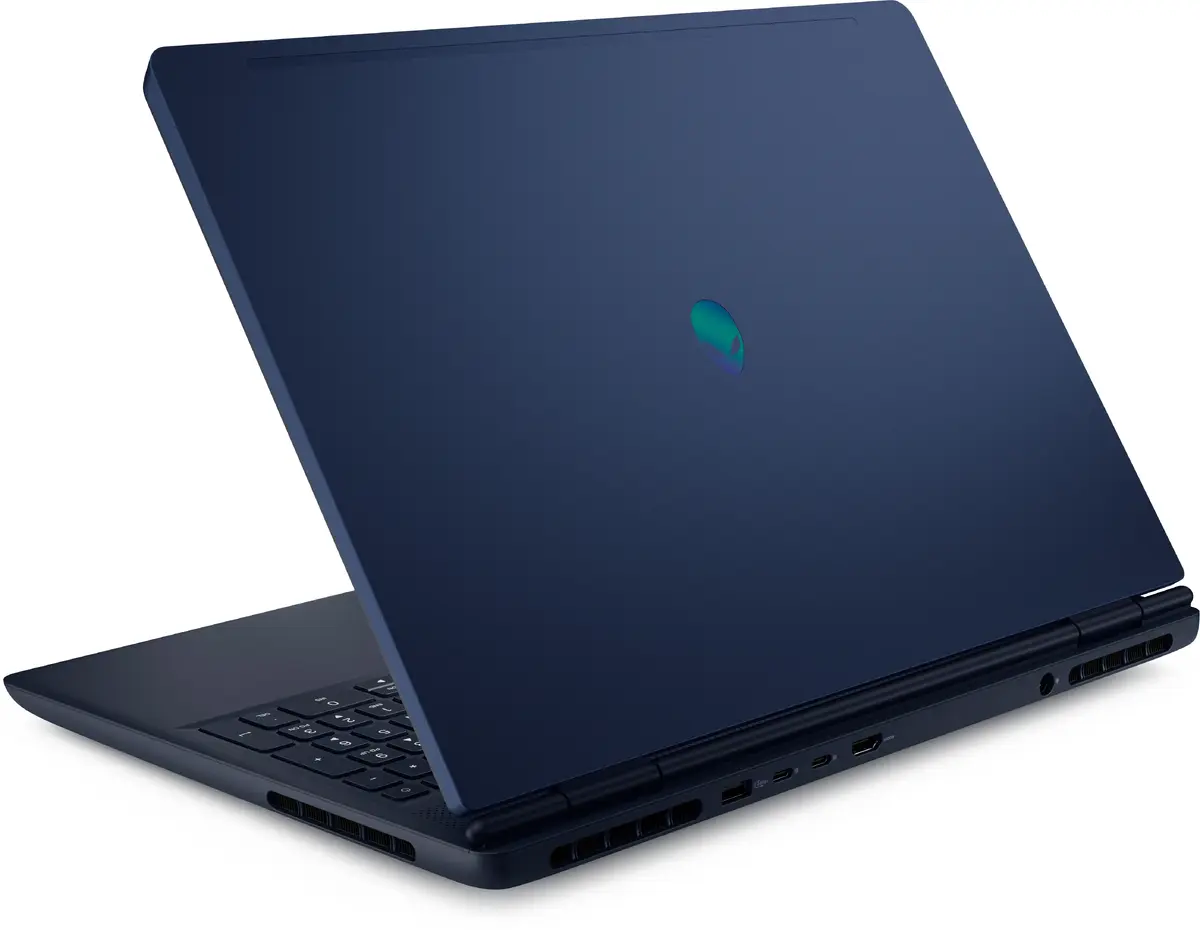
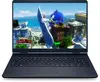
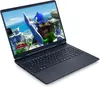
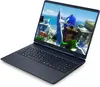
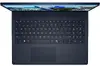
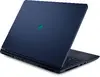
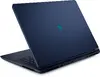
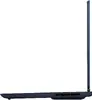
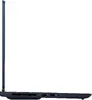
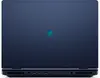
Dell Alienware AC16250 Laptop, 16" WQXGA, Intel Core 7 240H, 32GB RAM, 1TB SSD, NVIDIA GeForce RTX 5060, Windows 11 Home, Indigo
The Dell Alienware AC16250 is a high-performance 16-inch laptop engineered for users who demand power and precision. Featuring a sleek clamshell design in a unique Indigo finish, this device combines robust hardware with a sophisticated aesthetic. At its core, the laptop is driven by an Intel Core 7 240H processor and 32GB of DDR5 RAM, ensuring seamless multitasking and responsiveness for intensive applications. The 16-inch WQXGA display provides a sharp 2560 x 1600 resolution, making it an excellent choice for both immersive gaming and detailed creative work.
This laptop excels due to its powerful combination of the NVIDIA GeForce RTX 5060 discrete graphics card and high-speed storage, which significantly reduces loading times and enhances visual fidelity in modern games and professional software. The inclusion of 32GB of memory allows for smooth operation even when running multiple demanding programs simultaneously. Furthermore, the WQXGA display offers a high-resolution viewing experience that brings content to life with clarity and detail. The durable build quality and the distinct Indigo color scheme provide a premium feel that stands out in any professional or personal environment.
This laptop may not be the ideal choice for users who prioritize extreme portability, as its performance-oriented hardware and 16-inch form factor result in a weight of 2.49 kg. Additionally, it might be overkill for individuals whose primary tasks are limited to basic web browsing, document editing, or light media consumption.
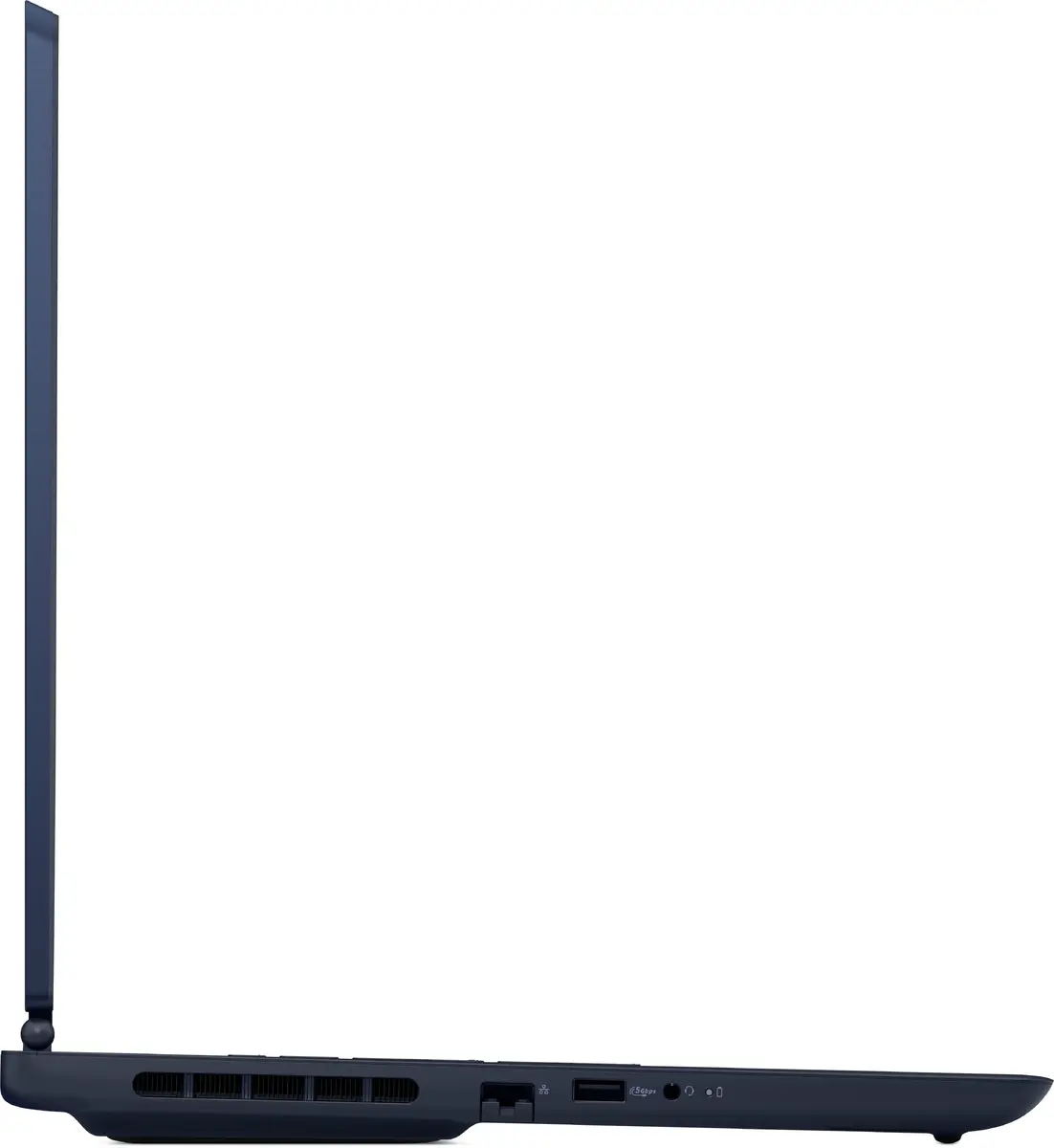
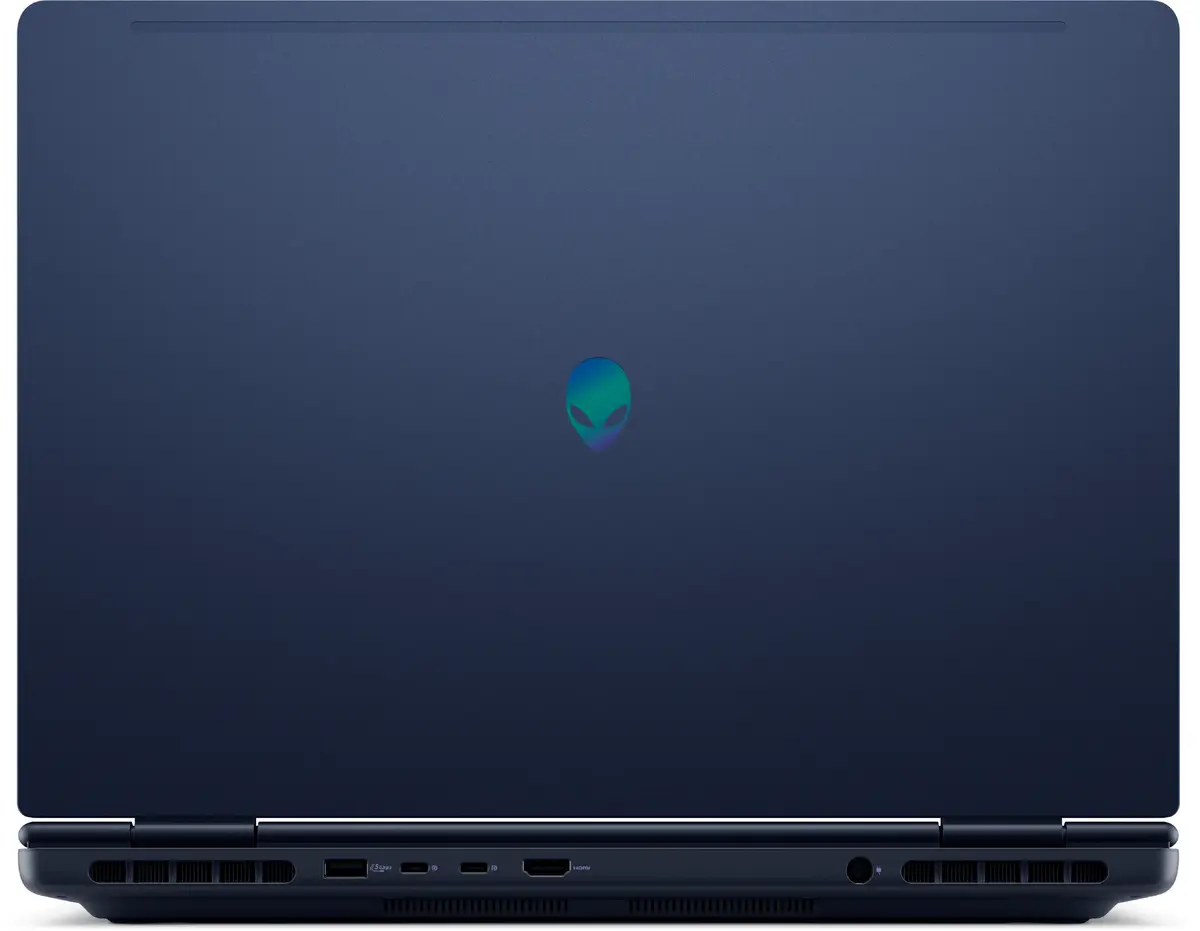
To begin using the Dell Alienware AC16250, connect the provided power adapter to the device and charge it fully before the first use. Upon powering on, follow the on-screen prompts to complete the Windows 11 Home setup process, including connecting to your local Wi-Fi network. Once configured, you can install your preferred software and games. The laptop features multiple ports for connecting peripherals such as external monitors, gaming mice, or keyboards to enhance your workstation setup.
To maintain optimal performance and longevity, keep the laptop's air vents clear of obstructions to ensure proper cooling during intensive tasks. Regularly update your graphics drivers and system software through the official manufacturer support channels to ensure compatibility with the latest applications and games.
{{highlightedFeature.featureTitle}}:
{{getProductFeatureValueById(product, highlightedFeature.featureId)}}
{{ productComparisonGenerationError }}
