
Filters you can trust. Pure water every day.
In cart {{totalProductsCount}} item(s)
Your cart is empty
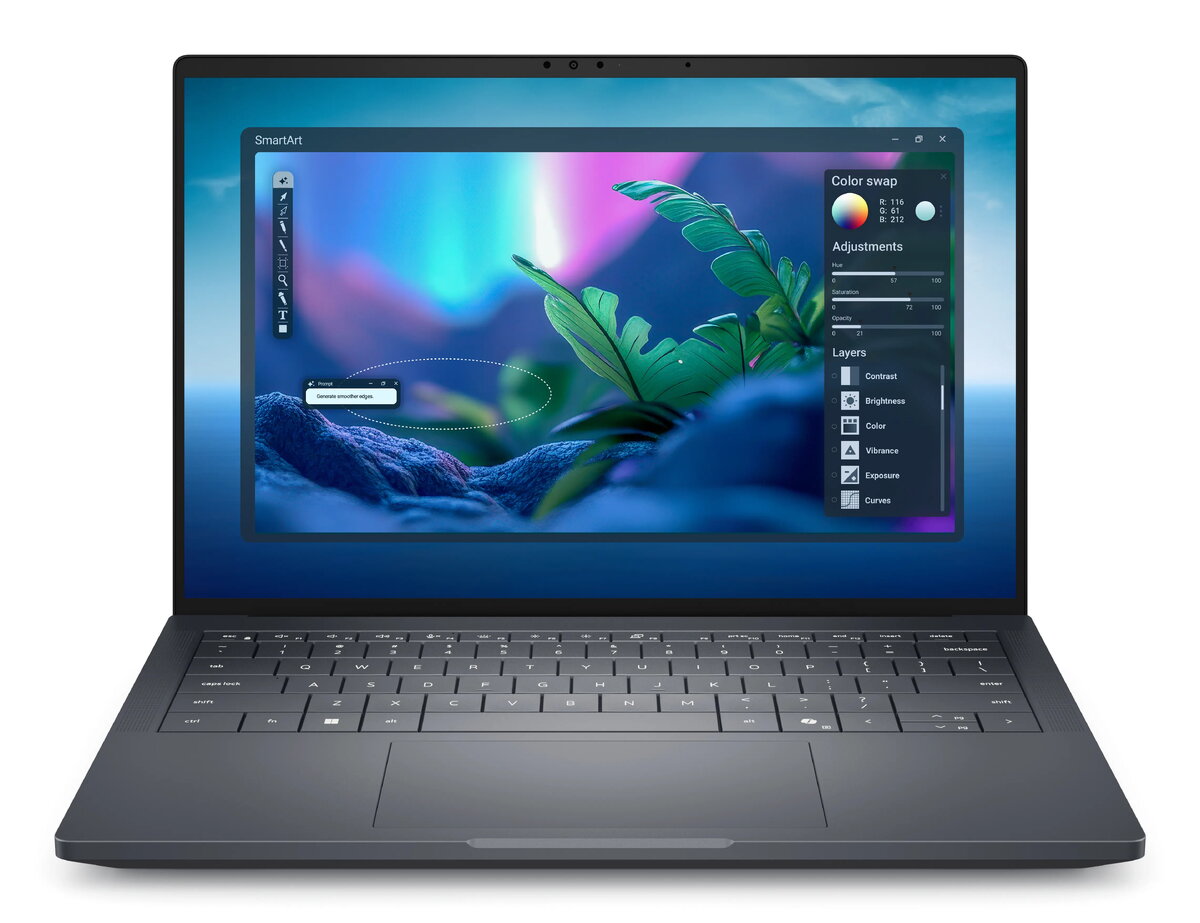
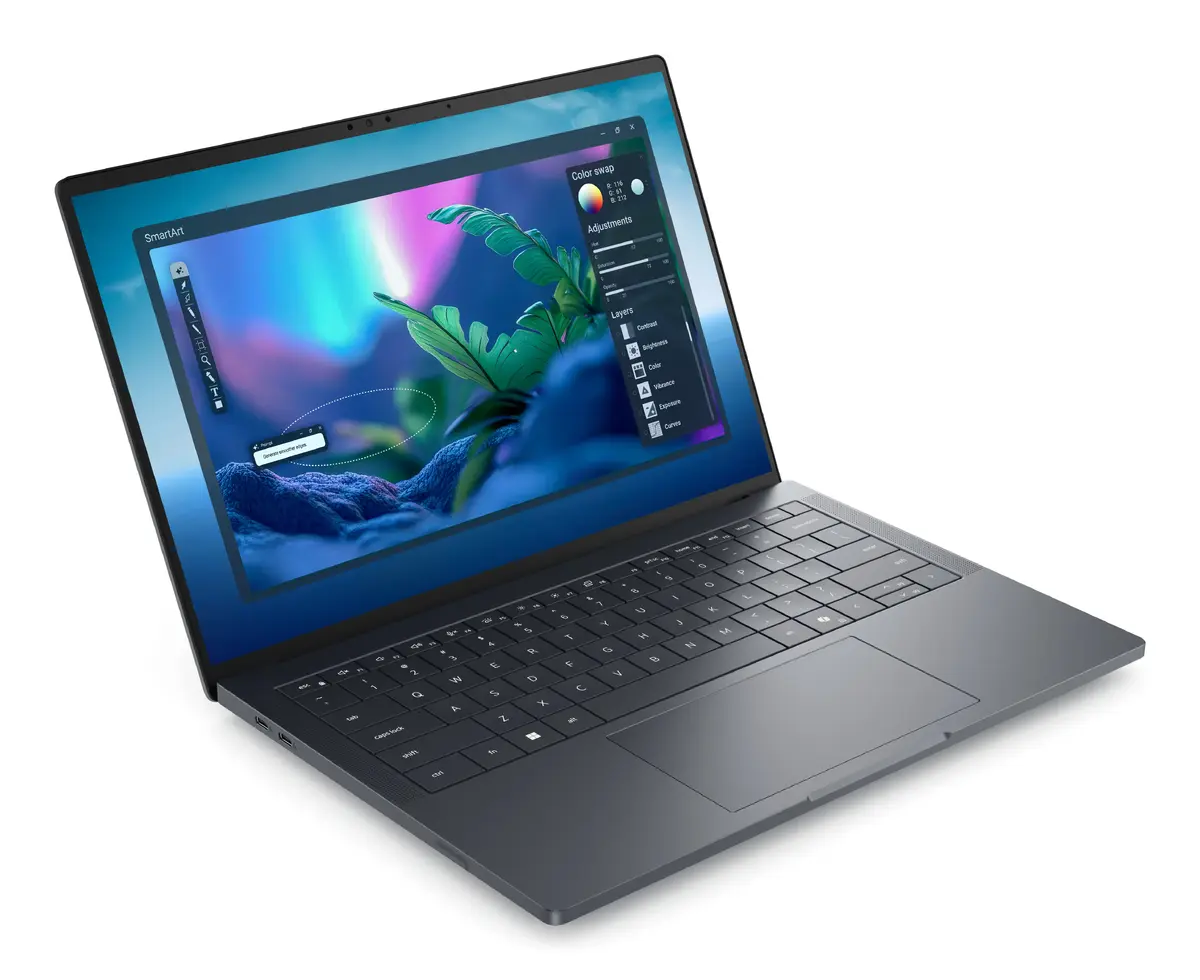
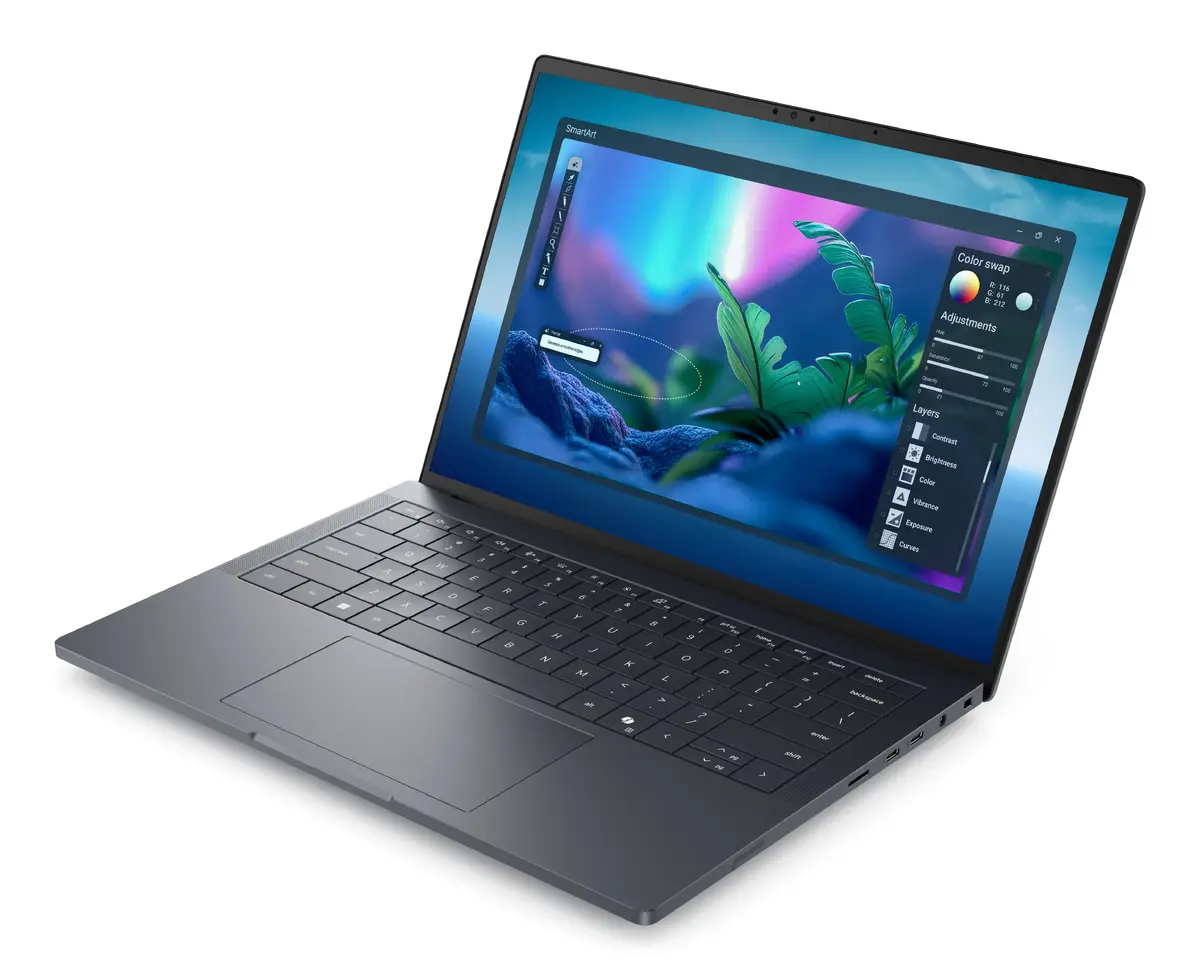
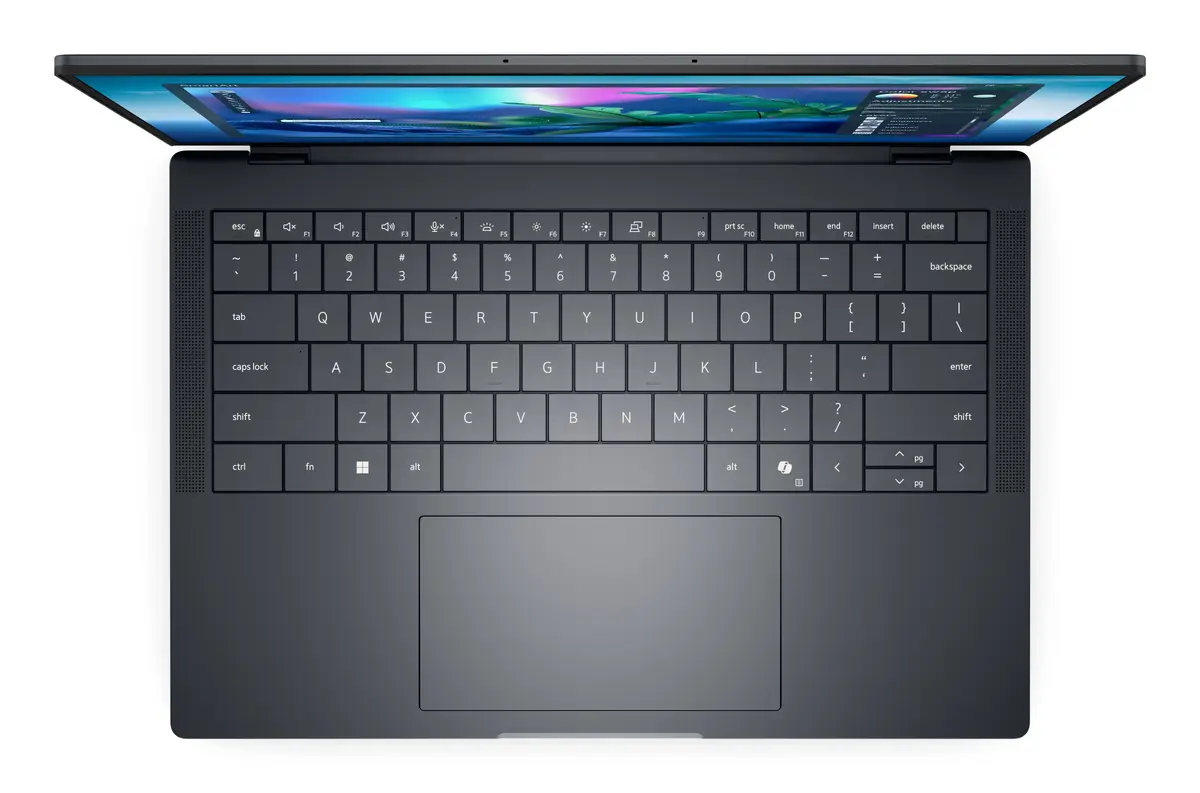
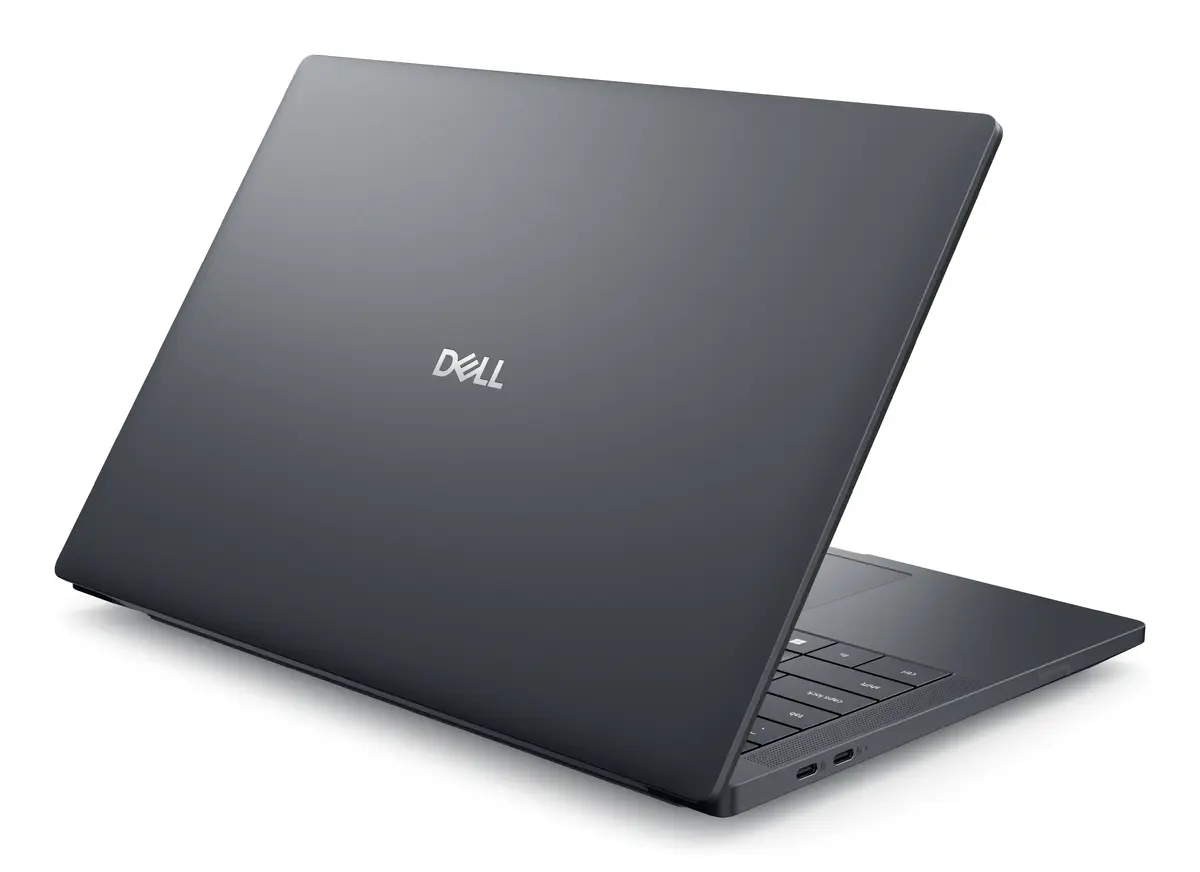
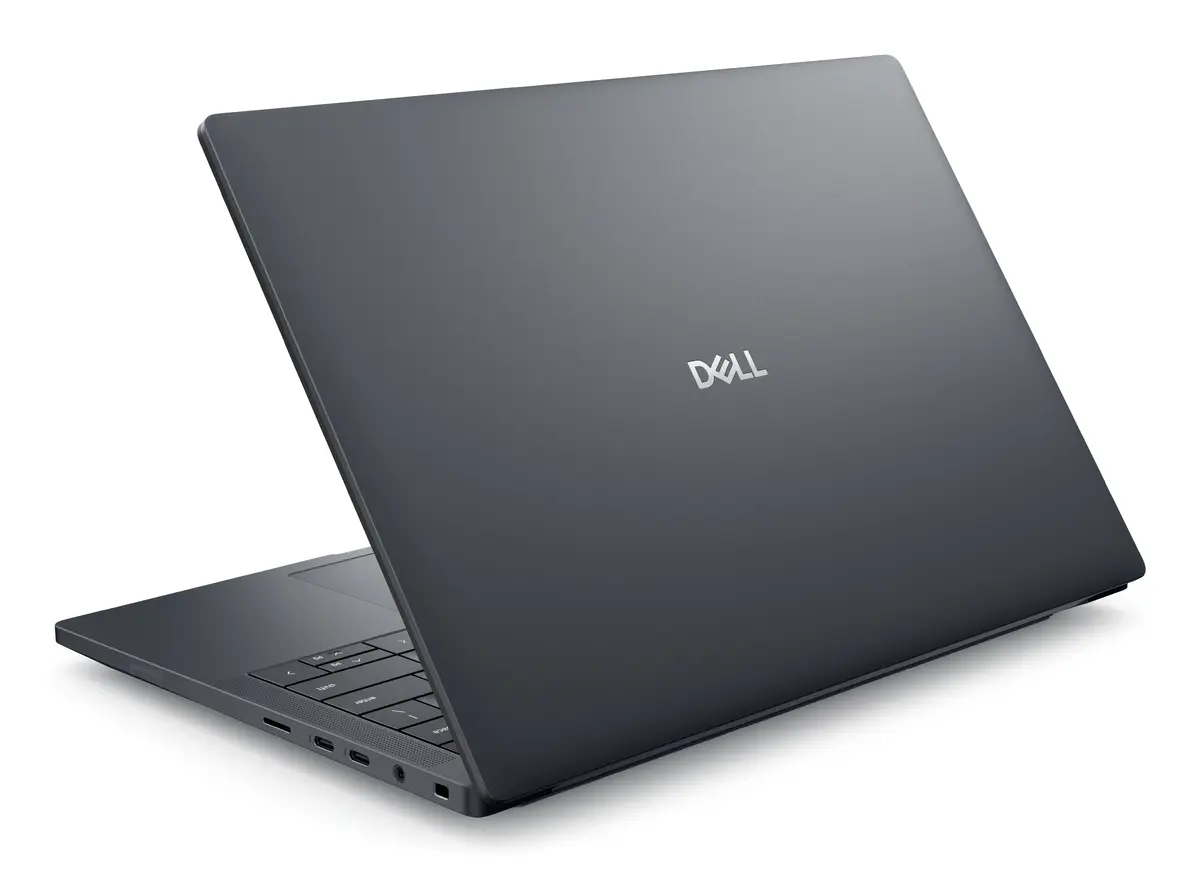
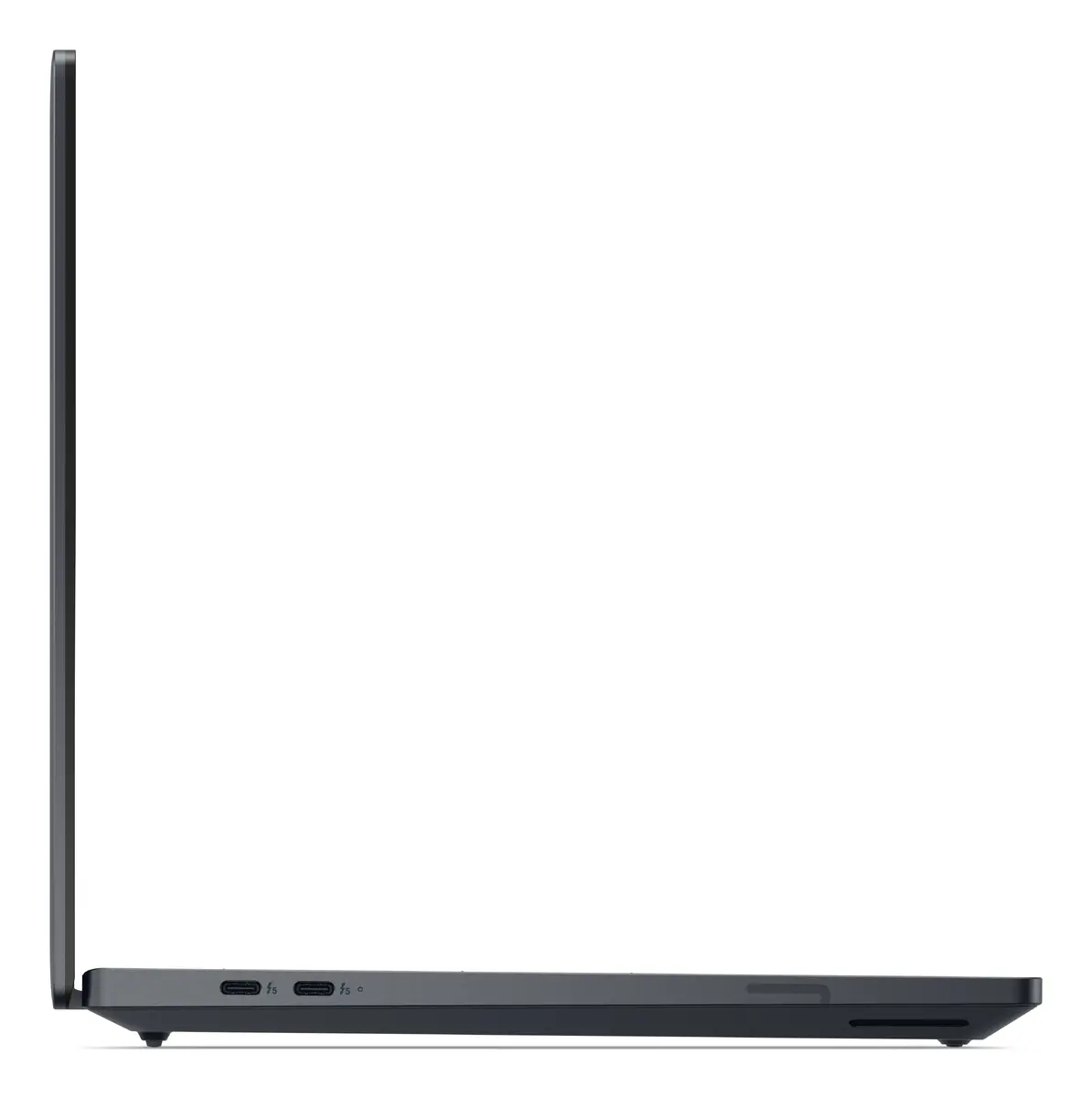
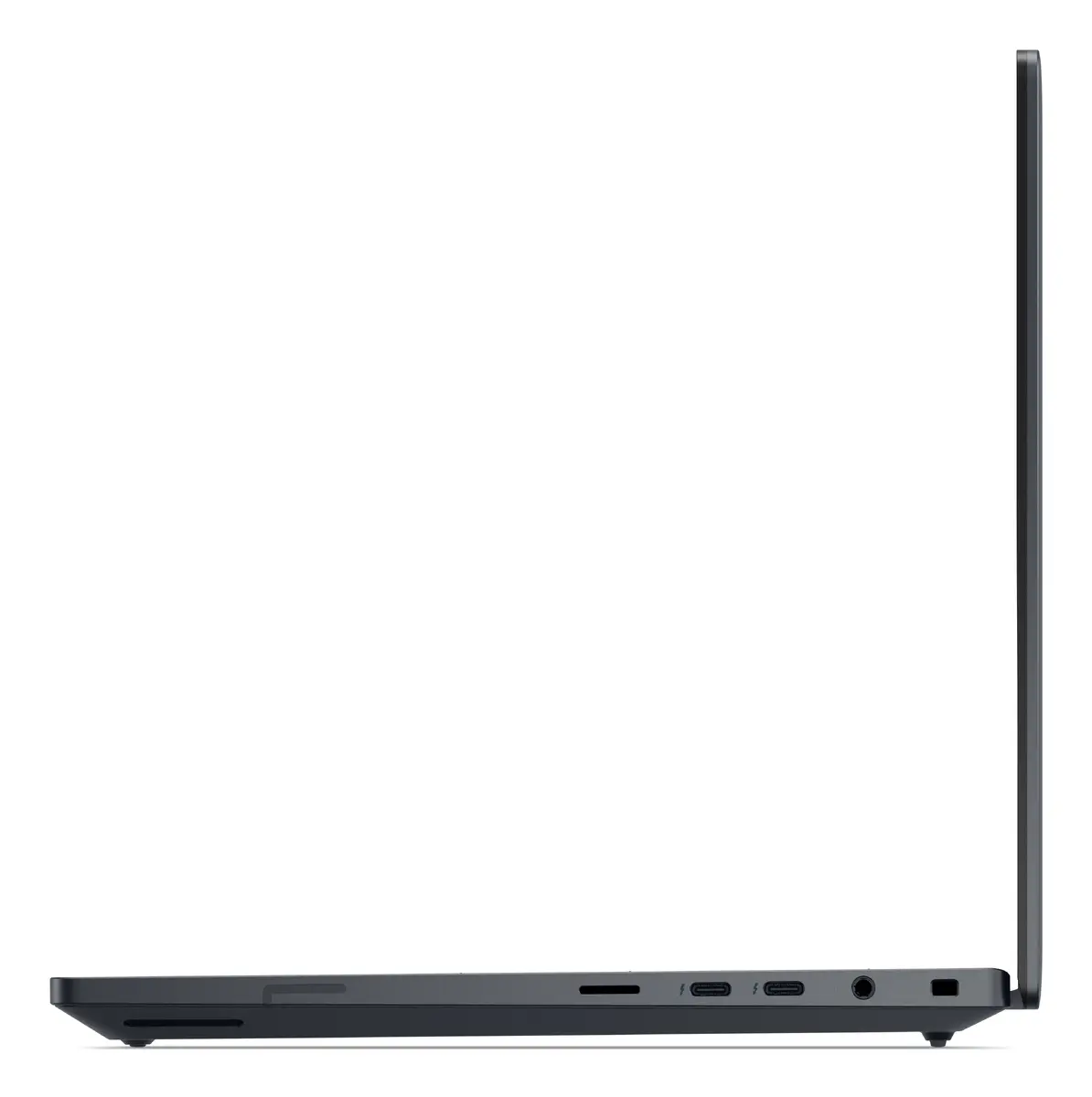
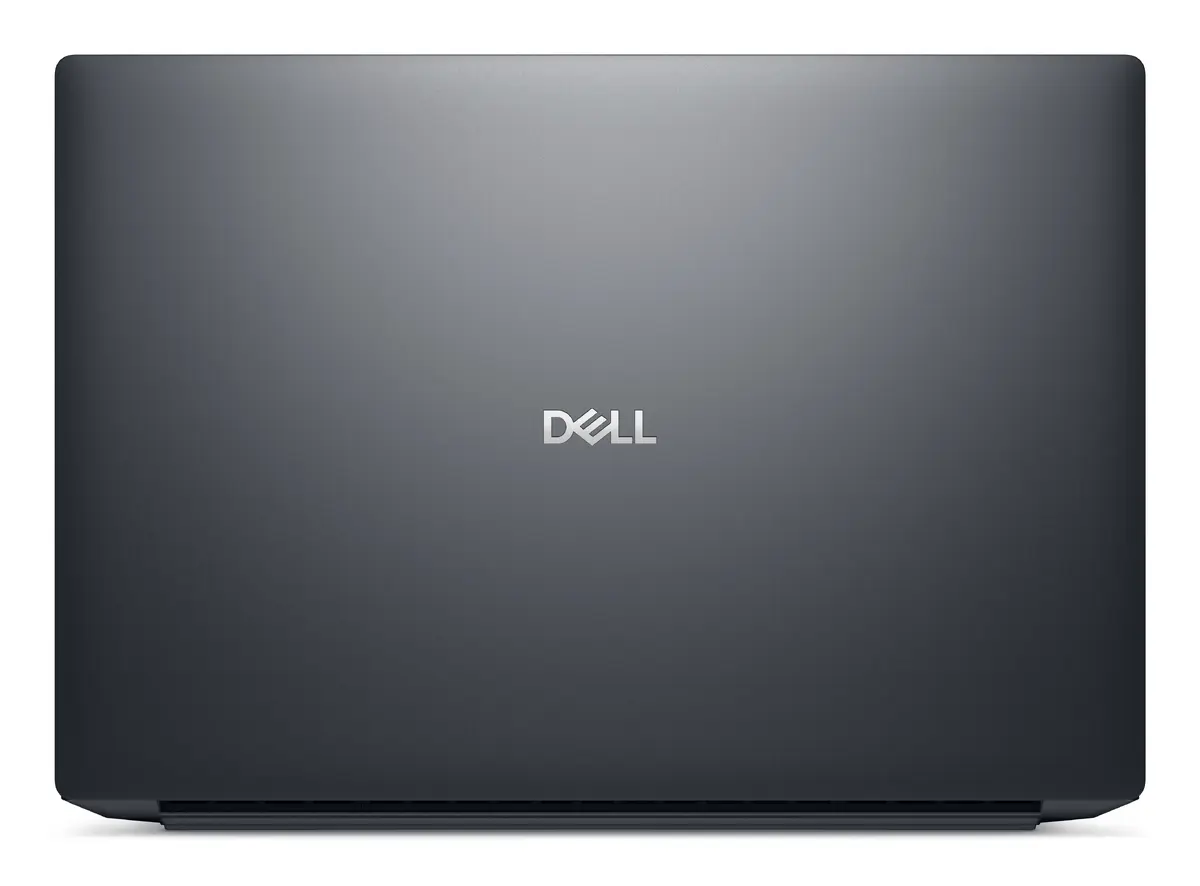
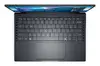
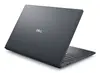
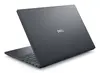
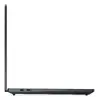
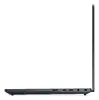
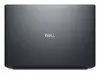
Laptop Dell Pro Max 14 Premium MA14250 — Intel Core Ultra 7 265H, 14" (1920x1200) Full HD+, 32GB LPDDR5x, 512GB SSD, NVIDIA RTX PRO 1000 Blackwell, Wi...
Dell Pro Max 14 Premium MA14250 is a 14" clamshell laptop with a 1920 x 1200 Full HD+ (16:10) WVA display, designed for professional productivity and mobile workstation tasks. It is powered by an Intel Core Ultra 7 265H processor with 16 cores, paired with 32 GB LPDDR5x memory and a 512 GB SSD. Graphics are handled by integrated Intel Arc 140T together with a discrete NVIDIA RTX PRO 1000 Blackwell GPU, and the device runs Windows 11 Pro. The chassis is finished in grey and the laptop weighs approximately 1.61 kg, combining performance and portability for demanding workflows.
The combination of a high-performance Intel Core Ultra 7 265H processor, 32 GB of LPDDR5x RAM and a fast 512 GB SSD enables responsive multitasking and rapid file access. Dual-graphics configuration with Intel Arc 140T and NVIDIA RTX PRO 1000 Blackwell supports GPU-accelerated applications for content creation, rendering and data visualisation. The 14" 1920 x 1200 Full HD+ WVA display offers a 16:10 aspect ratio for increased vertical workspace, while the 1.61 kg weight and clamshell form factor support mobile use without sacrificing a full Windows 11 Pro environment.
Start the laptop by connecting the power adapter and pressing the power button. Use Windows 11 Pro for application installation, user account setup and system configuration. For graphics-intensive tasks, allow the system to use the discrete NVIDIA RTX PRO 1000 Blackwell where supported by application settings; integrated Intel Arc 140T will handle less demanding workloads to conserve power. Regularly update drivers and Windows updates to ensure stability and compatibility with professional software. Store large project files on the internal 512 GB SSD or use external storage solutions for extended capacity.
For optimal performance in demanding applications, connect the device to mains power, ensure GPU drivers are up to date and use cooling-friendly surfaces during prolonged heavy workloads. Back up important data regularly and consider external storage or cloud solutions for large media projects.
{{highlightedFeature.featureTitle}}:
{{getProductFeatureValueById(product, highlightedFeature.featureId)}}
{{ productComparisonGenerationError }}
