
Hurry and order now – up to 50% off!
In cart {{totalProductsCount}} item(s)
Your cart is empty
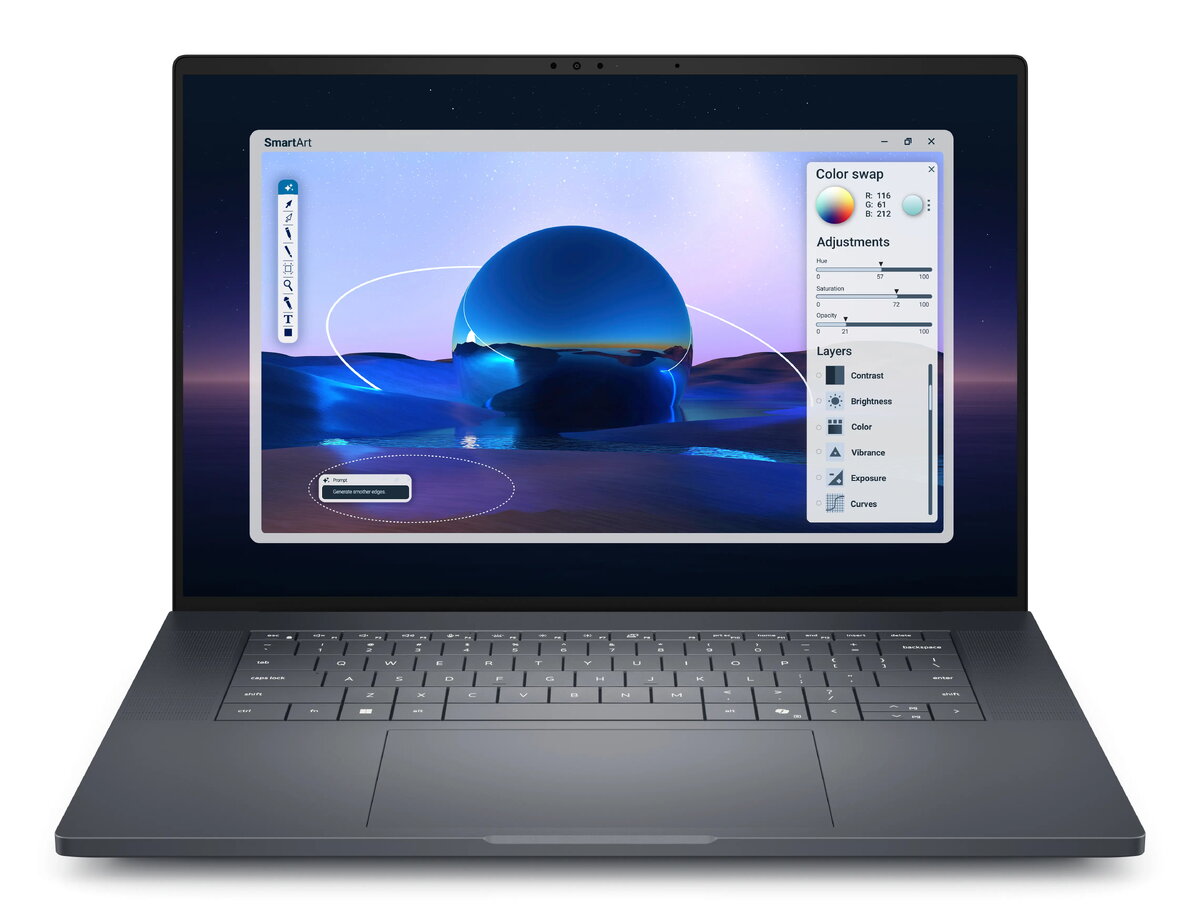
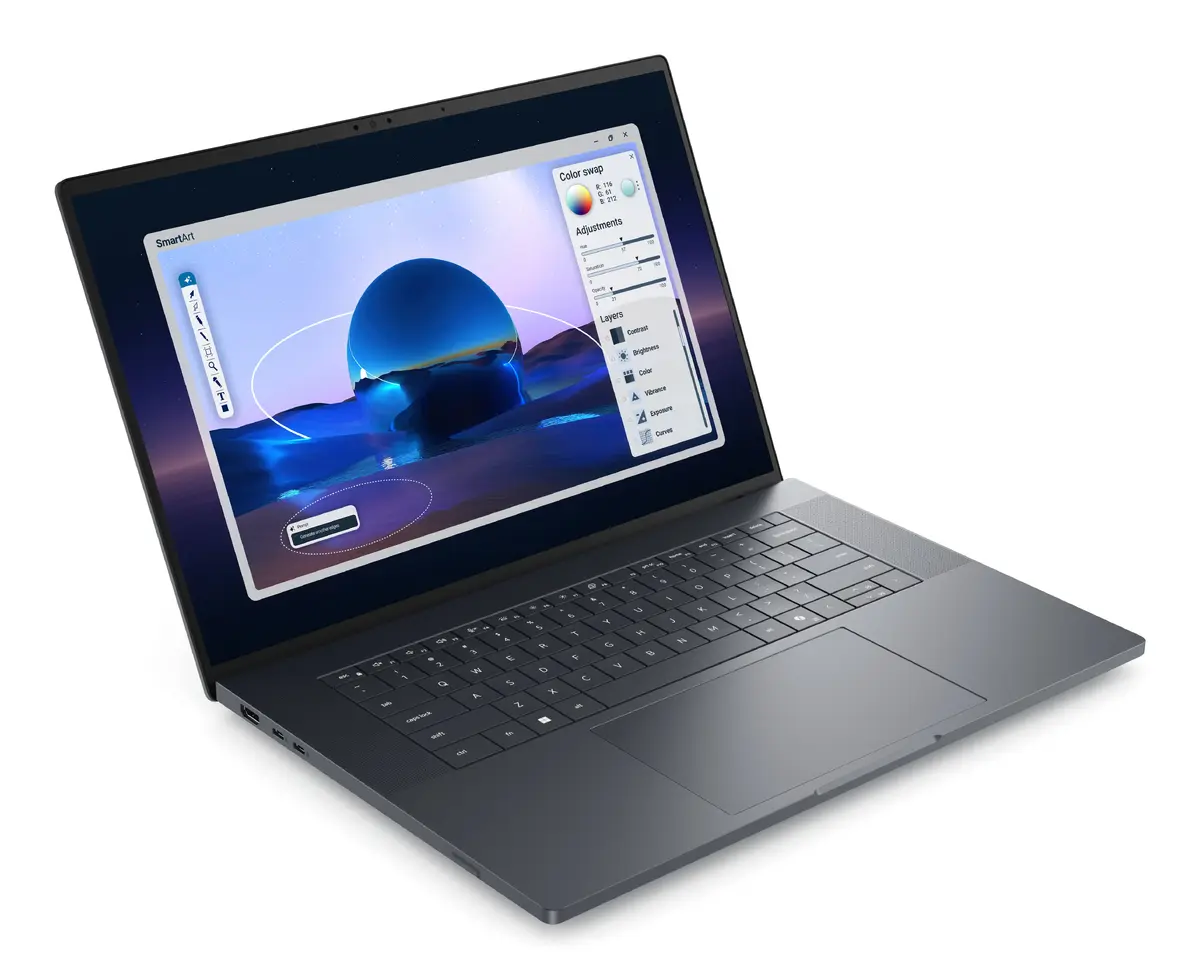
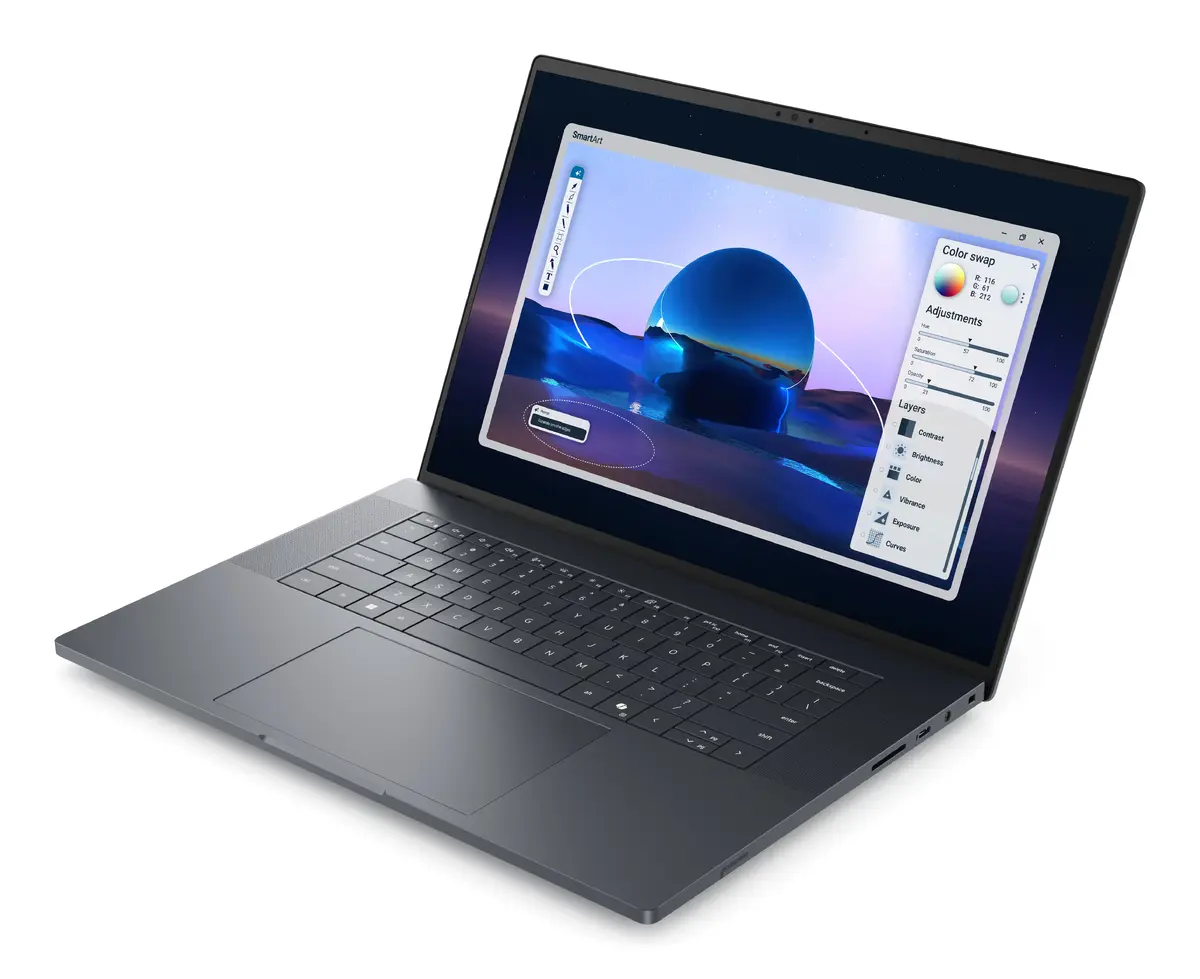
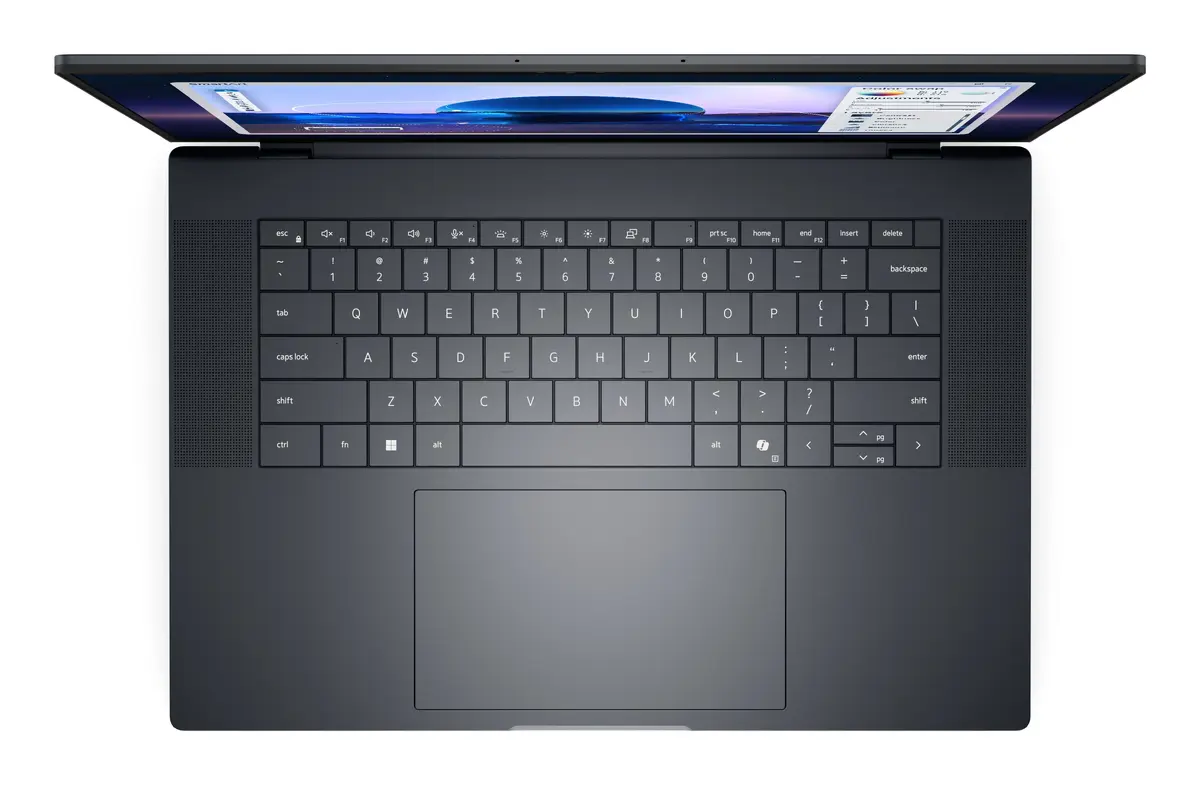
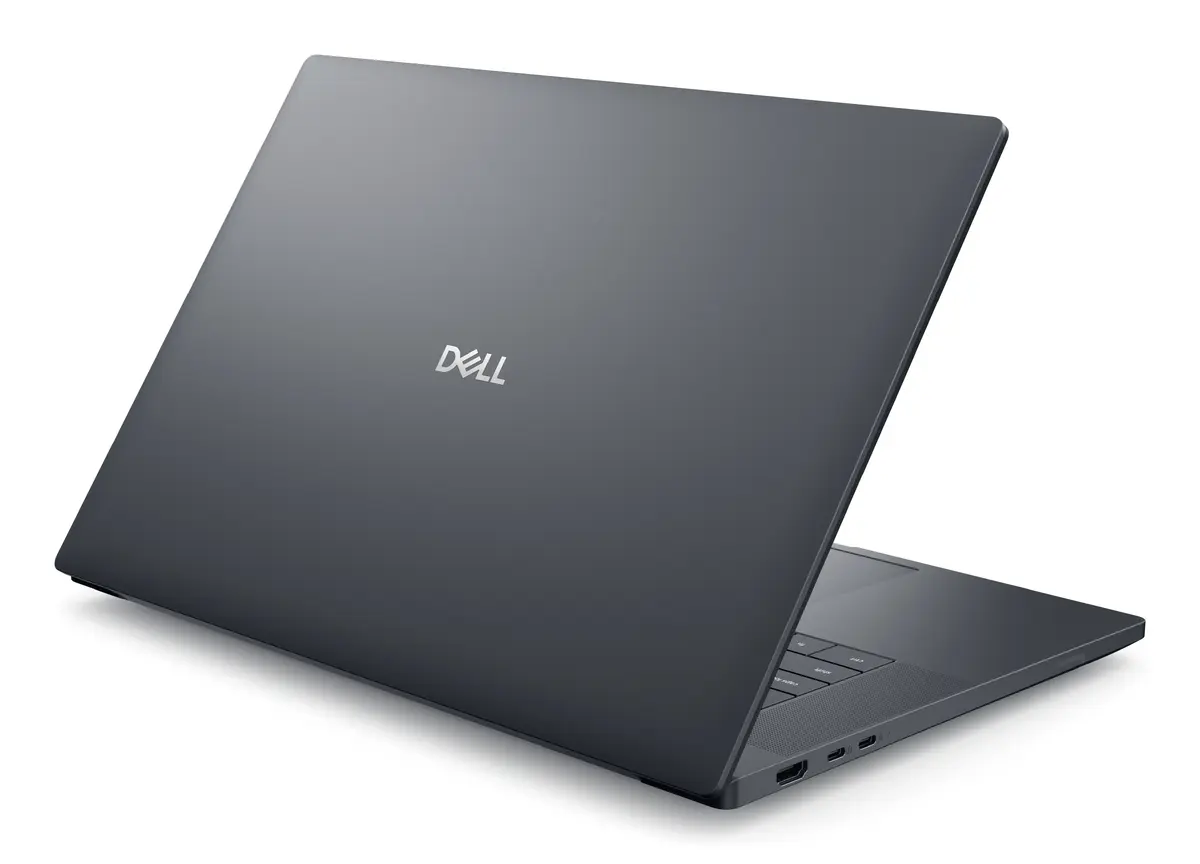
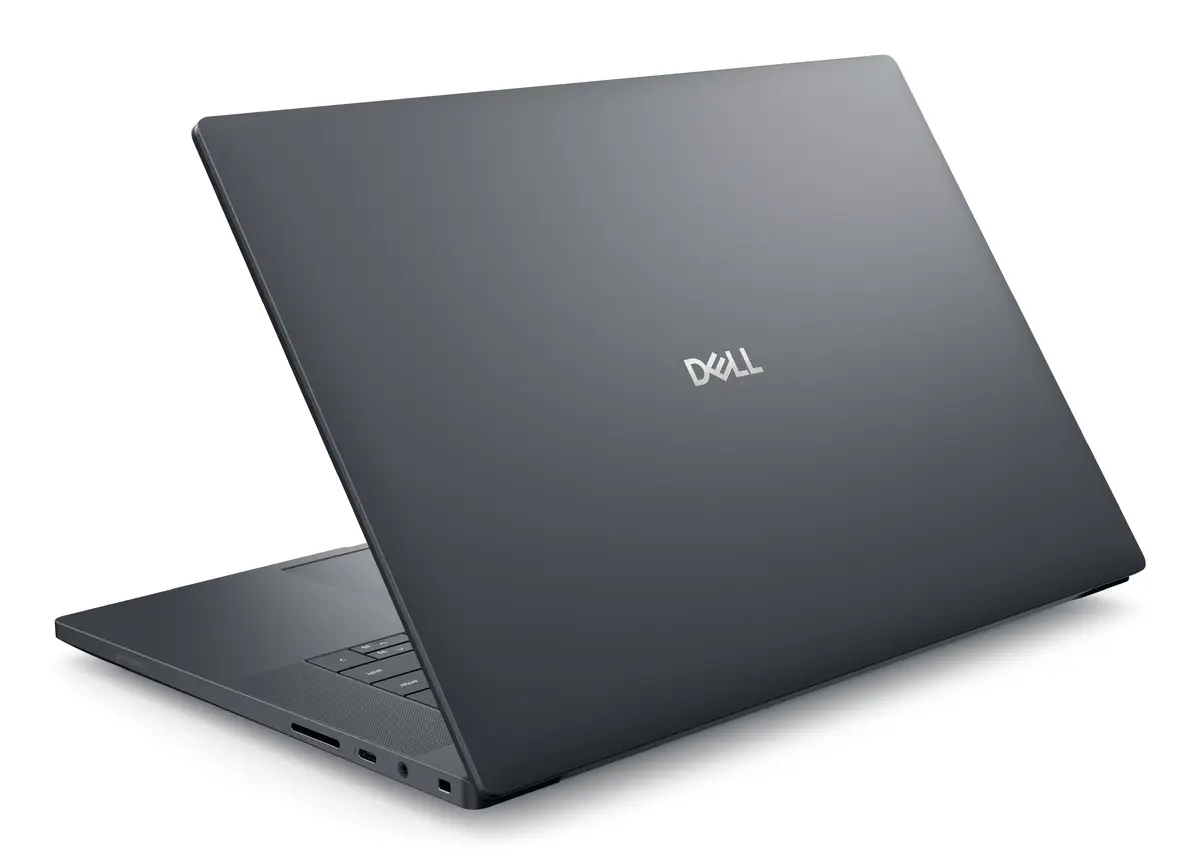
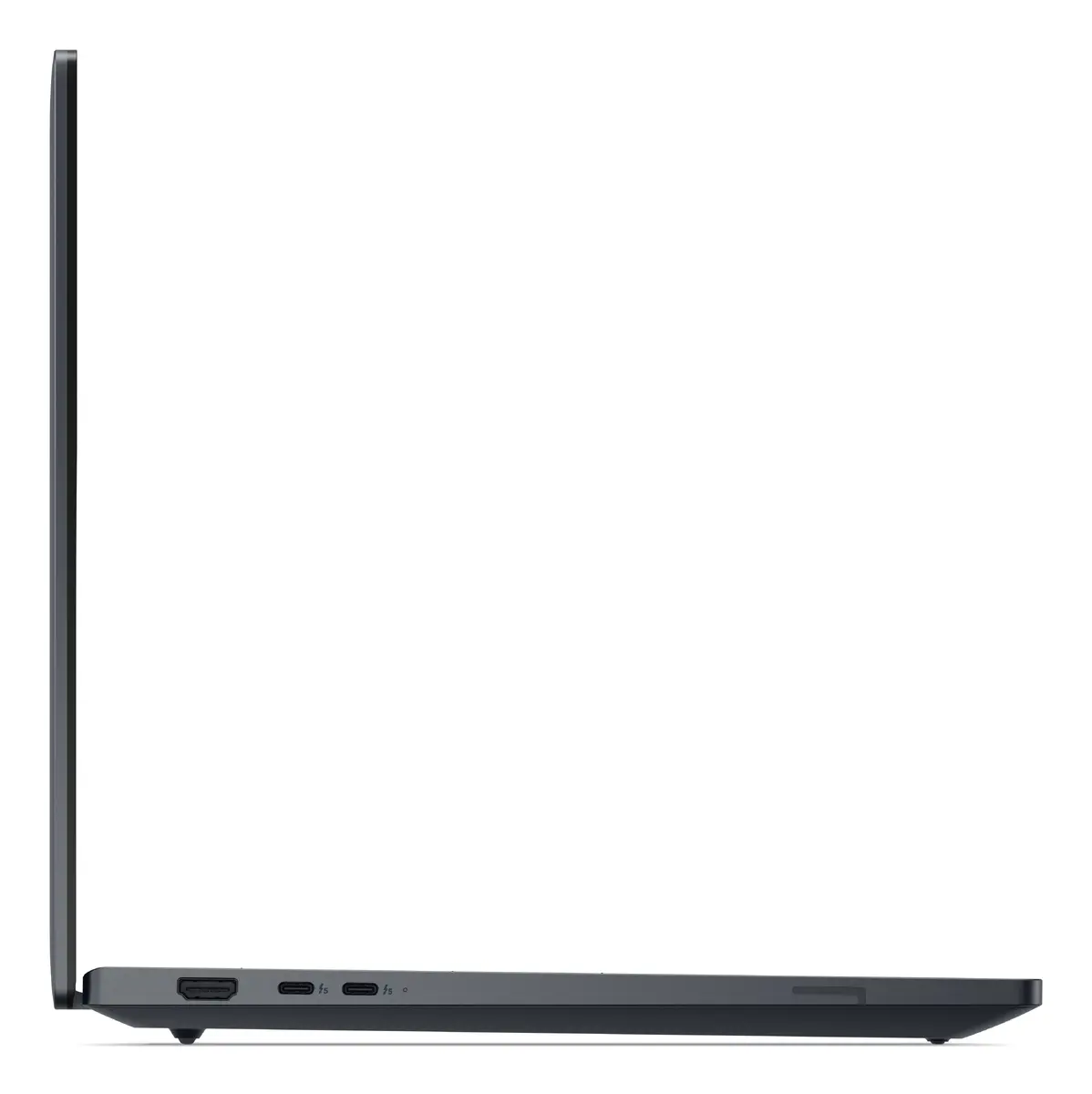
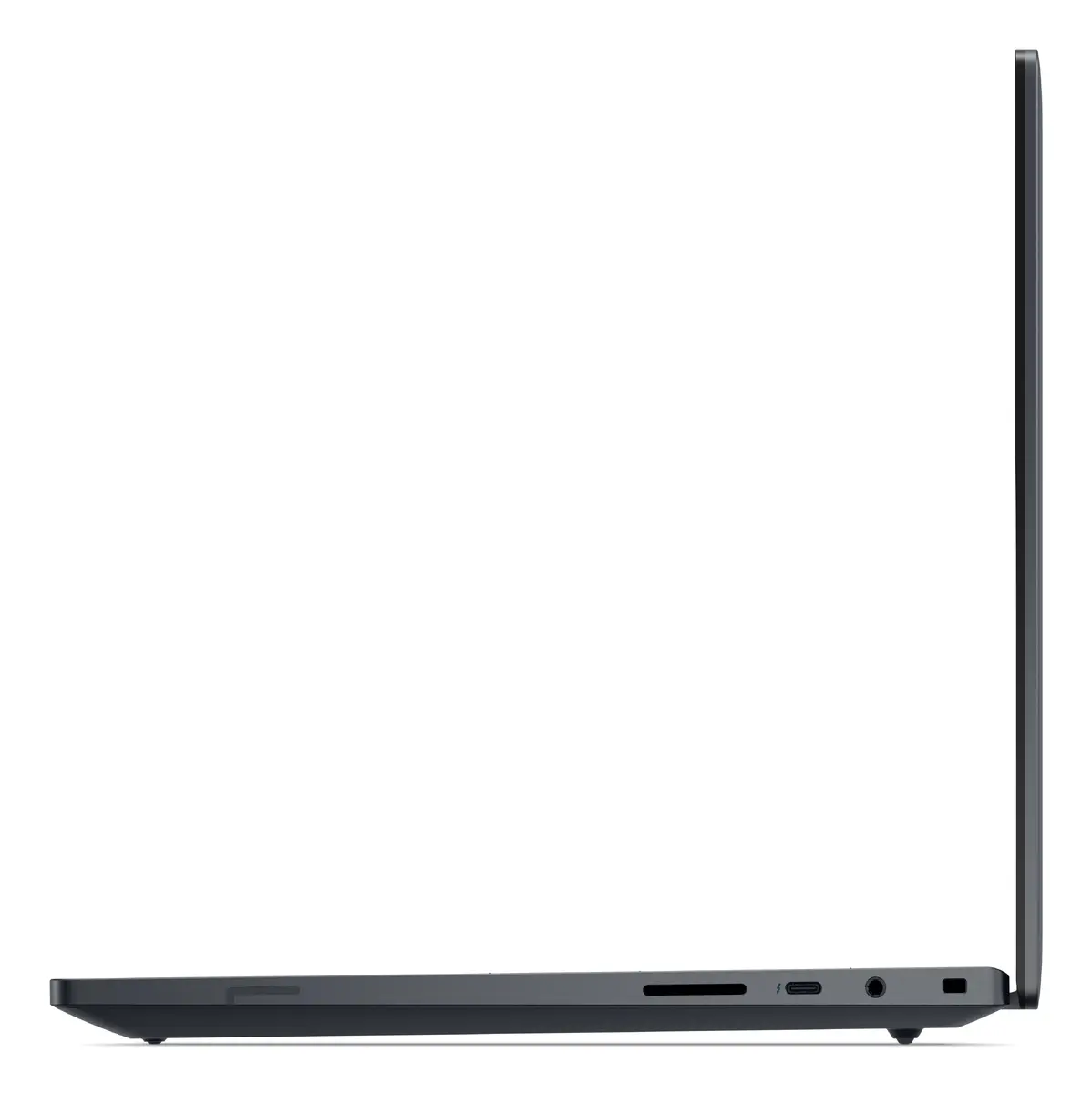
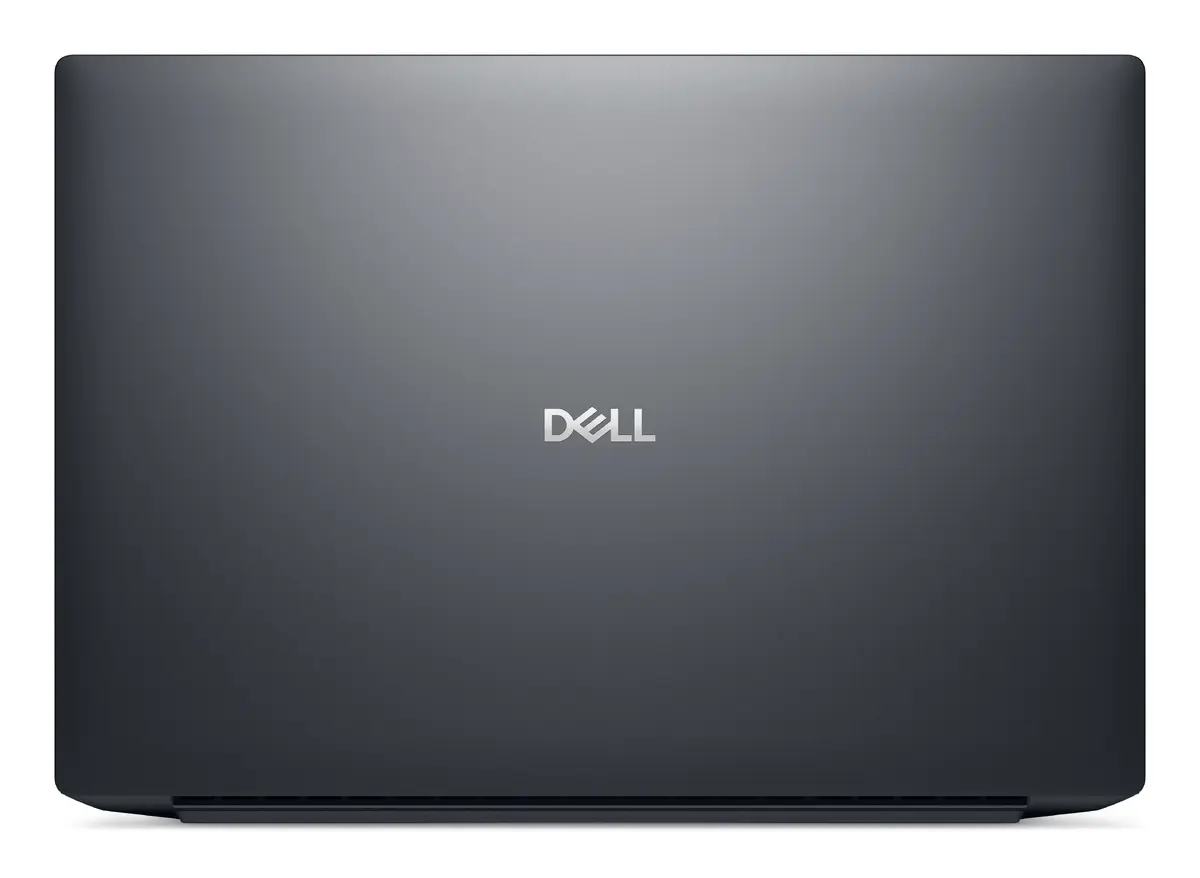
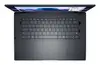
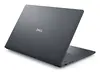
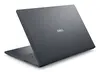
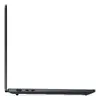
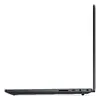
Mobile workstation Dell Pro Max 16 MA16250 — Intel Core Ultra 7 265H, 16" FHD+ 1920×1200, 32GB LPDDR5x, 1TB SSD, NVIDIA RTX PRO 2000
Dell Pro Max 16 MA16250 is a clamshell mobile workstation designed for professional workloads. It combines an Intel Core Ultra 7 265H processor with a 16" Full HD+ (1920×1200) WVA 16:10 display, 32 GB LPDDR5x memory and a 1 TB solid-state drive. The system includes both integrated Intel Arc 140T graphics and a discrete NVIDIA RTX PRO 2000 Blackwell GPU, runs Windows 11 Pro and is supplied in a black chassis with a weight of approximately 2.19 kg.
The combination of a high-core-count Intel Core Ultra 7 265H and 32 GB LPDDR5x provides sustained multi-threaded performance suitable for demanding applications. A 1 TB SSD delivers fast storage access and reduced load times for large projects. Dual-graphics configuration—integrated Intel Arc 140T plus discrete NVIDIA RTX PRO 2000—allows dynamic power and performance balance for both mobile and GPU-accelerated tasks. The 16" Full HD+ 1920×1200 WVA display offers a 16:10 aspect ratio for increased vertical workspace, and the 96 Wh battery supports extended unplugged use relative to typical workstation batteries.
Start by charging the workstation fully before first use and install required software tools or drivers via Windows Update and Dell support resources. Use the power settings in Windows 11 Pro to balance performance and battery life depending on whether you are editing video, running simulations, or working on general office tasks. For GPU-accelerated workloads, configure applications to target the NVIDIA RTX PRO 2000; switch to integrated Intel Arc graphics when prioritizing battery life. Regularly back up important project files from the internal SSD to external or cloud storage.
For consistent performance during long rendering or simulation sessions, place the workstation on a hard, flat surface to ensure airflow around vents, connect to AC power when possible, and ensure the latest GPU and system firmware updates are applied. Use a calibrated external display or color management workflow when precise color accuracy is required for content creation.
{{highlightedFeature.featureTitle}}:
{{getProductFeatureValueById(product, highlightedFeature.featureId)}}
{{ productComparisonGenerationError }}
