





Dreame vacuums for fast and efficient cleaning!
In cart {{totalProductsCount}} item(s)
Your cart is empty
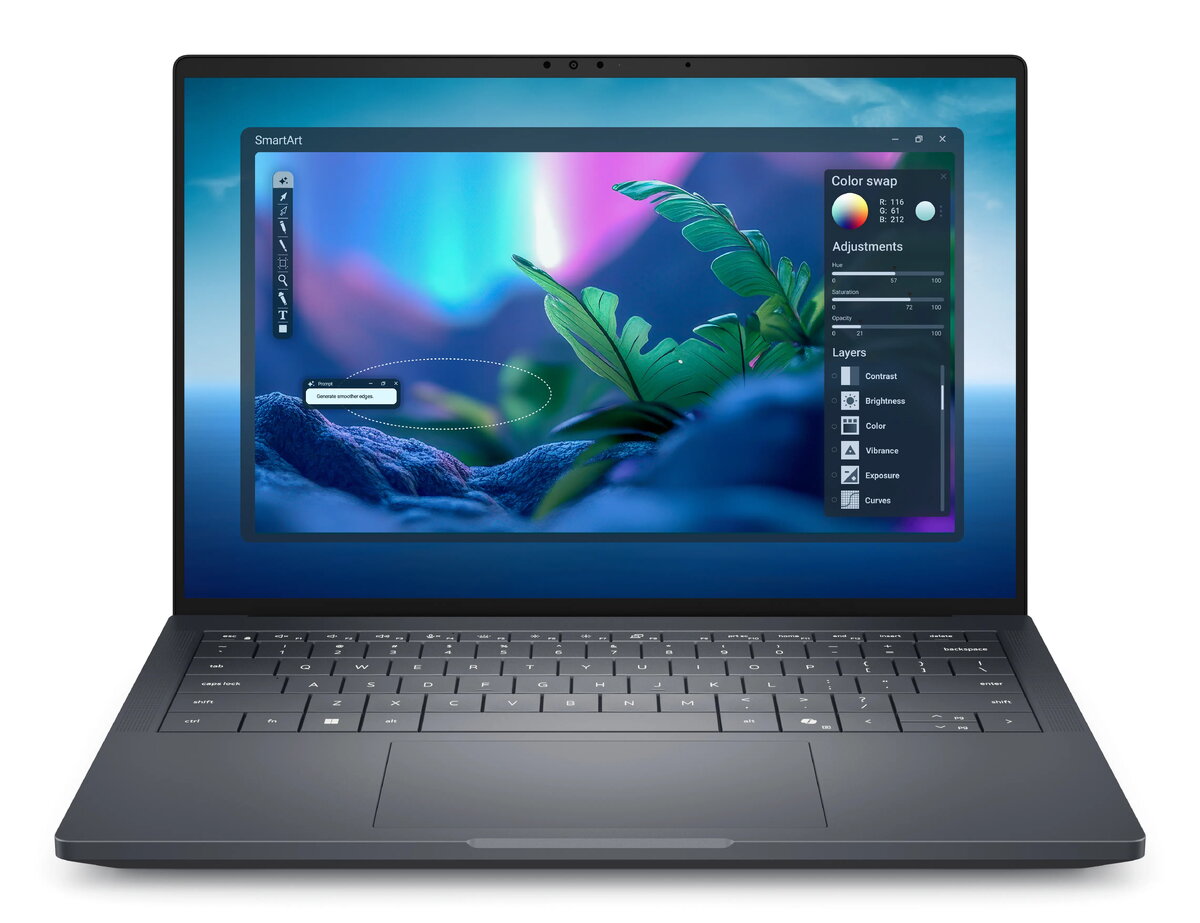
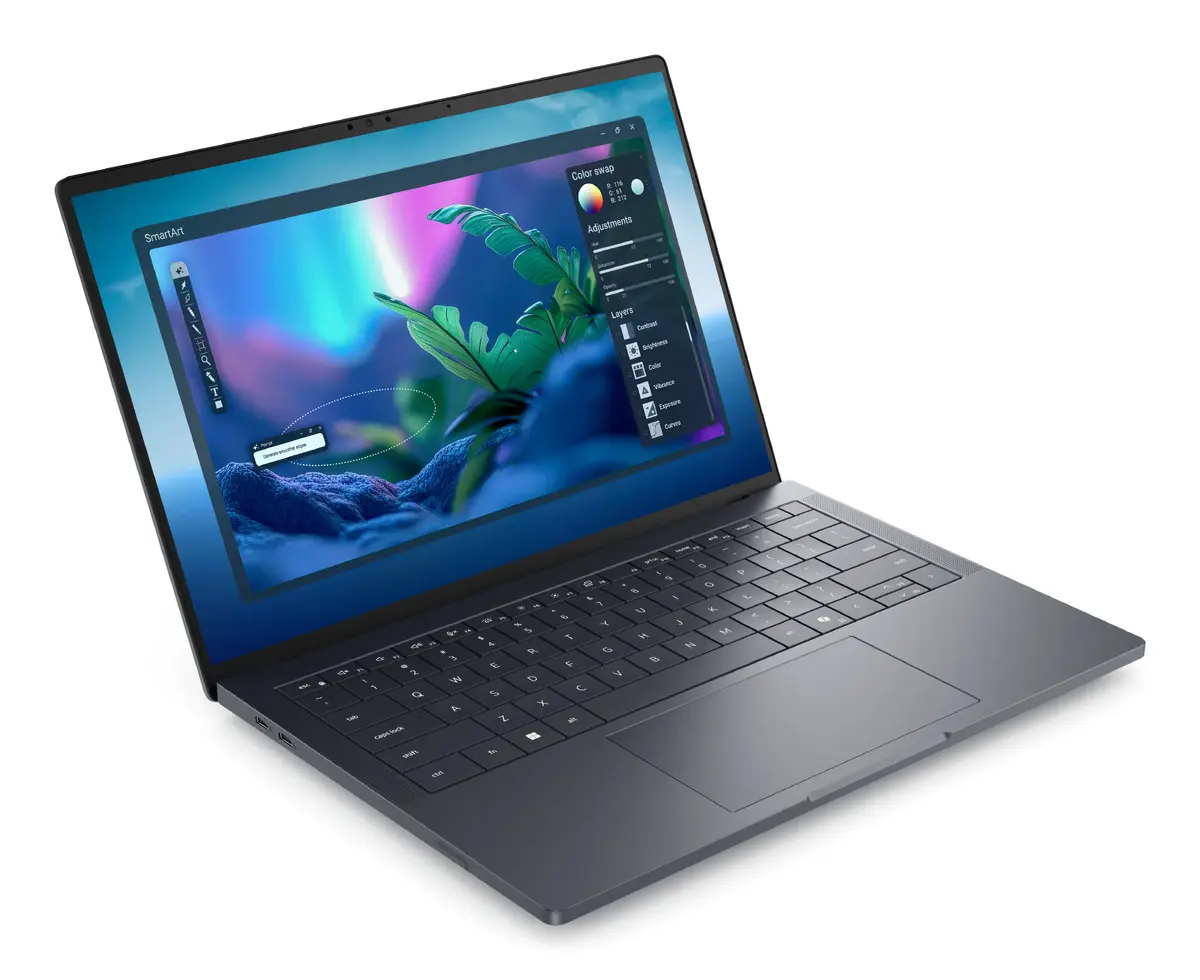
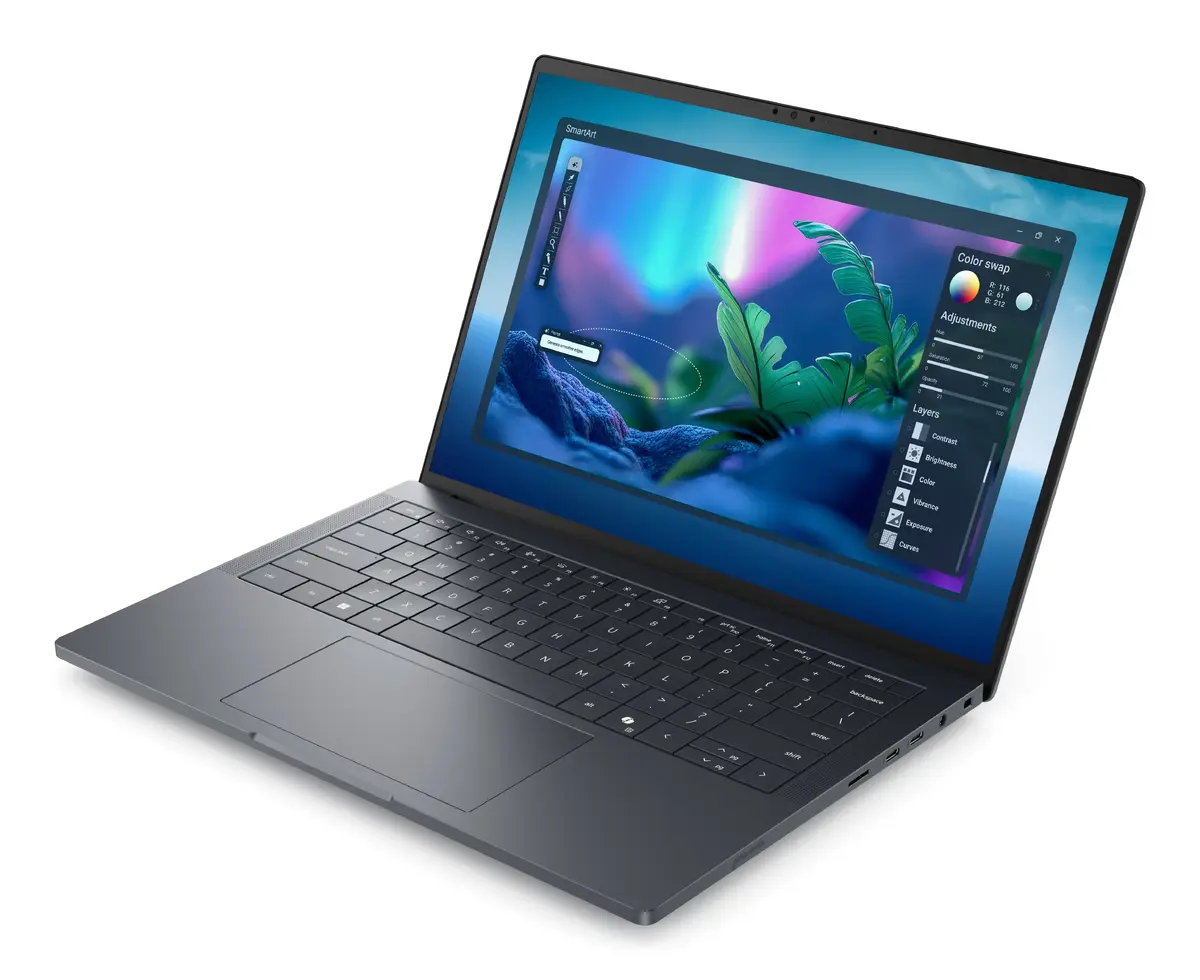
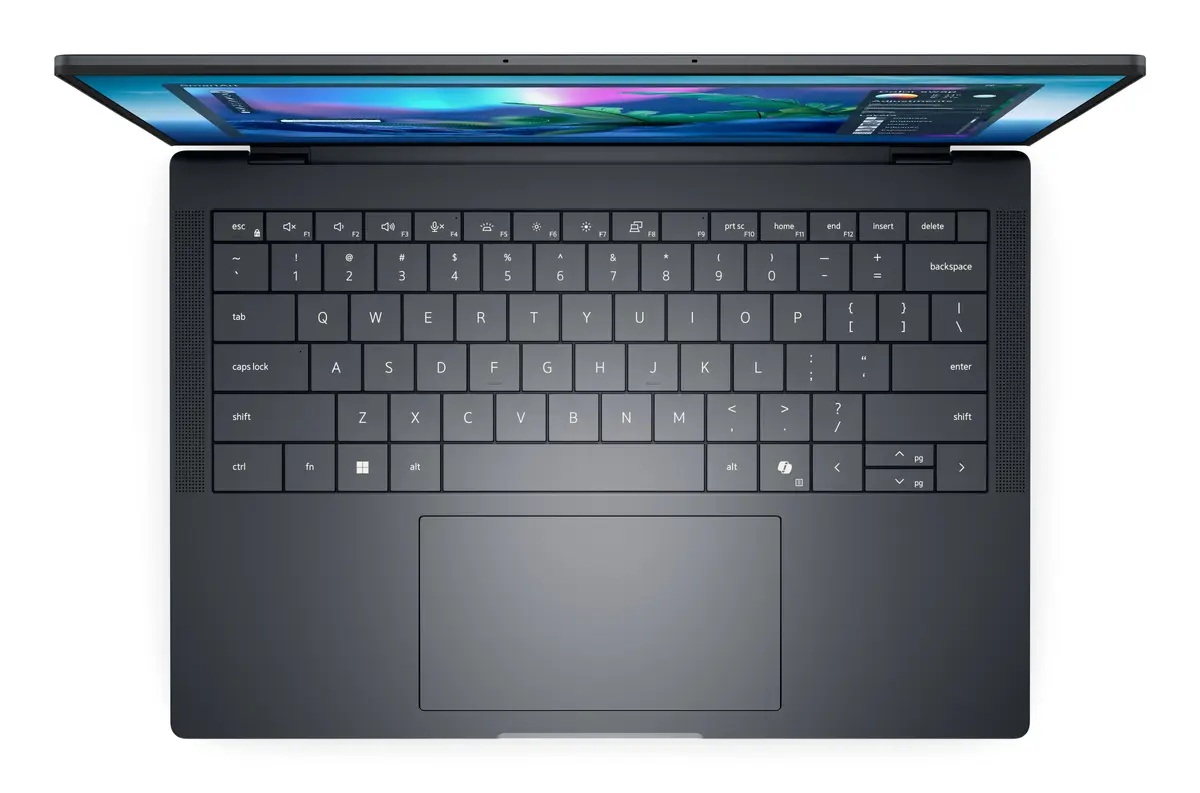
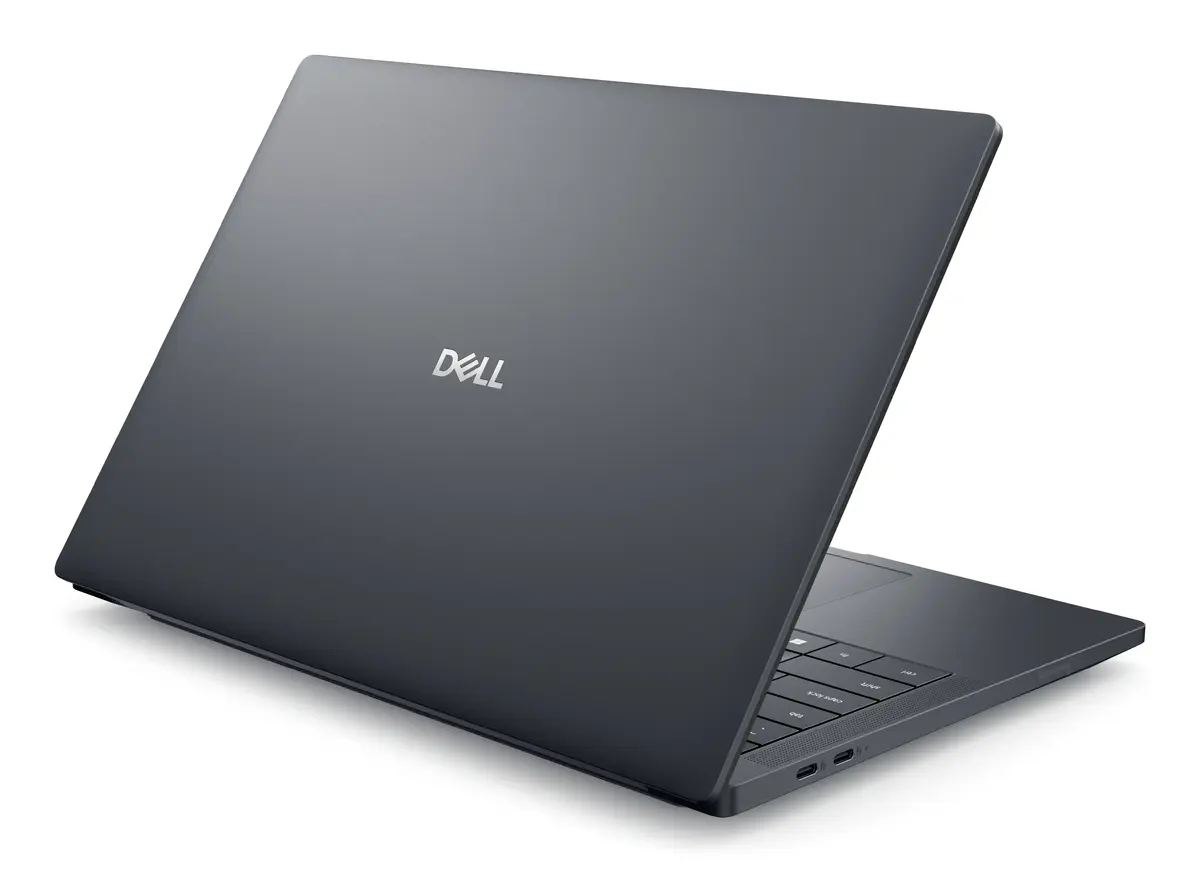
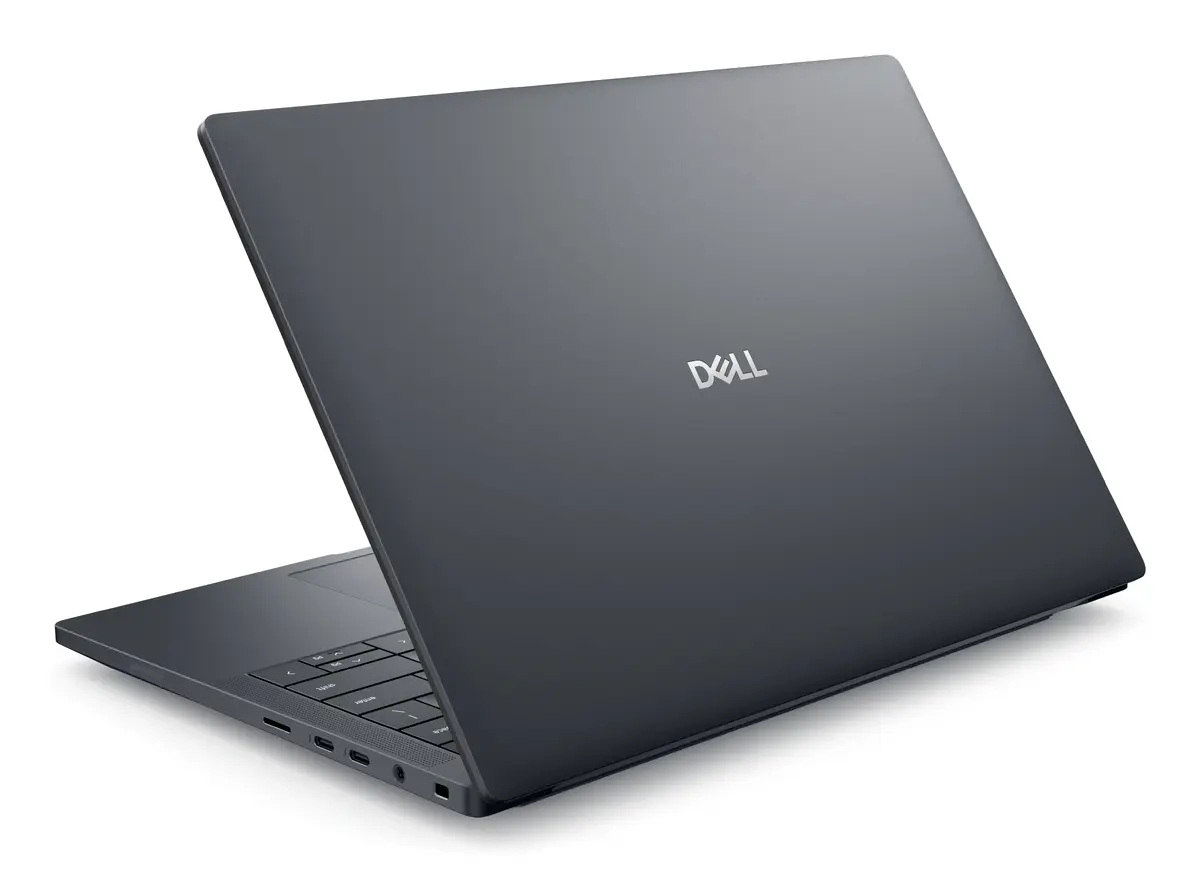
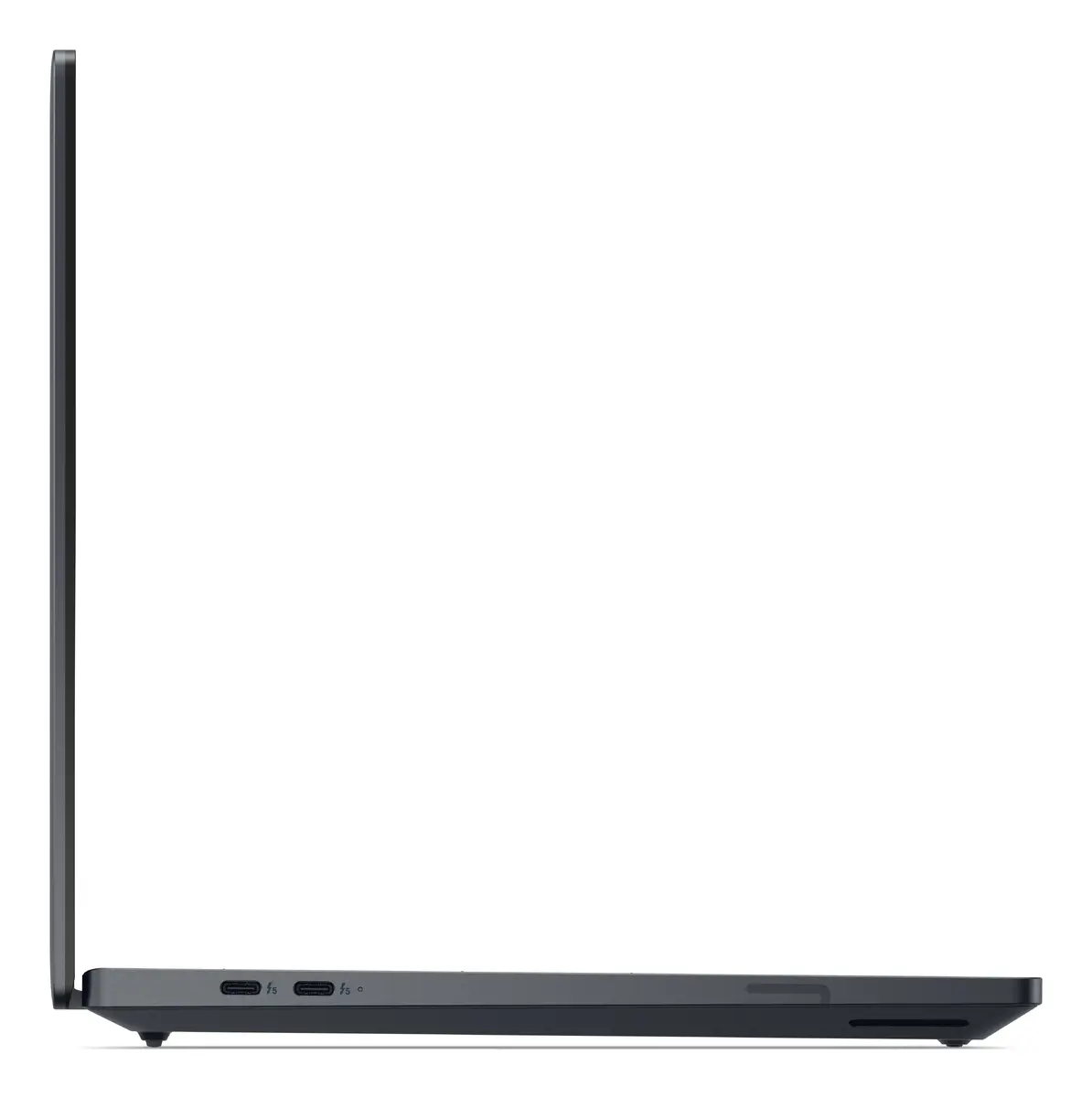
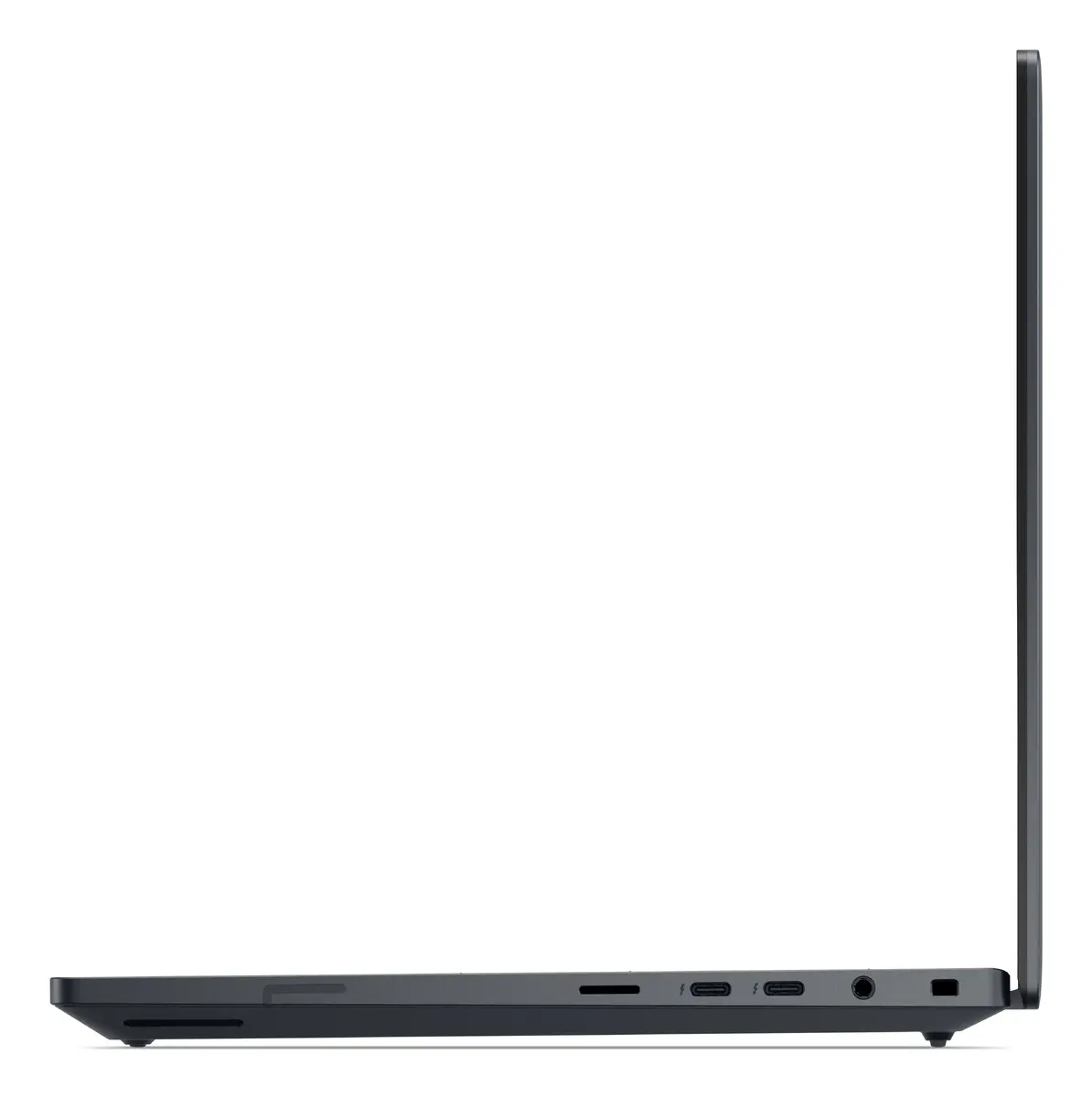
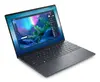
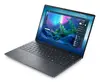
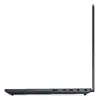
Laptop Dell Pro Max 14 Premium MA14250 — Intel Core Ultra 9 285H, 14" Full HD+, 32 GB LPDDR5x, 1 TB SSD, NVIDIA RTX PRO 2000 Blackwell
Dell Pro Max 14 Premium MA14250 is a 14" clamshell professional laptop with a 1920×1200 Full HD+ WVA display in a 16:10 aspect ratio. It is powered by an Intel Core Ultra 9 285H processor with up to 5.4 GHz boost frequency, paired with 32 GB of LPDDR5x memory and a 1 TB solid-state drive. Graphics are provided by both integrated Intel Arc 140T and a discrete NVIDIA RTX PRO 2000 Blackwell with 8 GB of VRAM. The system ships with Windows 11 Pro and is offered in a grey chassis weighing approximately 1.61 kg.
The combination of a high-performance Intel Core Ultra 9 285H CPU and 32 GB LPDDR5x memory supports demanding multitasking and professional applications. A fast 1 TB SSD delivers quick system boot and application loading times while the dedicated NVIDIA RTX PRO 2000 Blackwell with 8 GB VRAM accelerates rendering, GPU-accelerated compute and visualization tasks. The 14" Full HD+ 1920×1200 WVA panel provides increased vertical space for productivity workflows, and the lightweight 1.61 kg chassis improves portability for mobile work. Windows 11 Pro ensures business-class management and security features.
For everyday professional use, start by configuring Windows 11 Pro with your company credentials and any required management profiles. Use the preinstalled storage to install core applications and store active projects on the internal 1 TB SSD for best performance. Select the discrete NVIDIA RTX PRO 2000 Blackwell in application settings when running GPU-accelerated software; leave integrated Intel Arc 140T for low-power tasks to extend battery life. Keep the system firmware and drivers up to date through official Dell update tools to maintain stability and performance.
For optimal performance in content creation and CAD workflows, use project files and cache on the internal SSD, enable GPU acceleration in supported applications, and connect to external power when rendering or running sustained heavy loads. Regularly back up important data and apply Windows and driver updates to ensure system reliability.
{{highlightedFeature.featureTitle}}:
{{getProductFeatureValueById(product, highlightedFeature.featureId)}}
{{ productComparisonGenerationError }}
