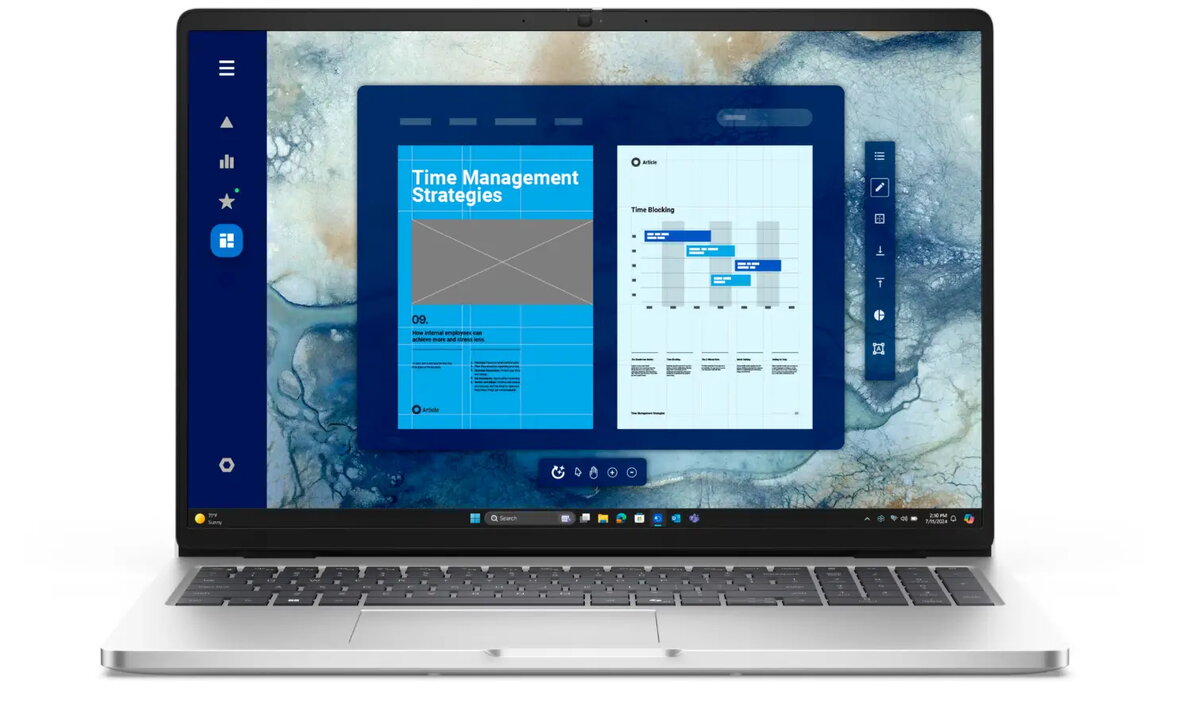
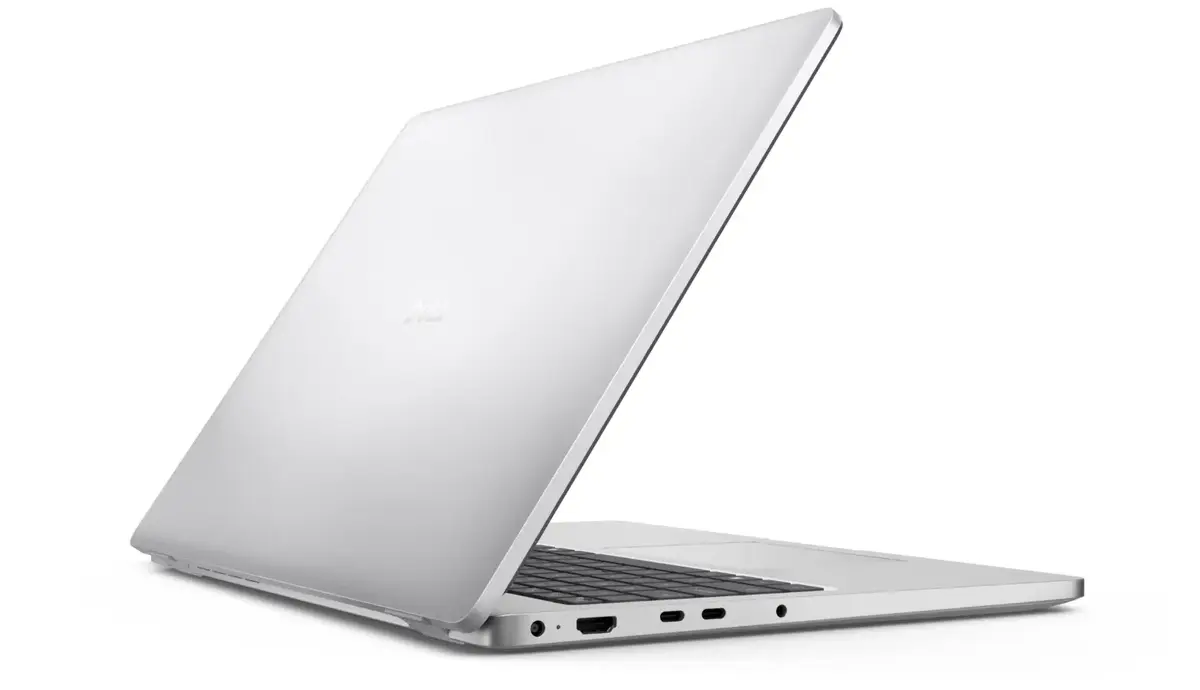
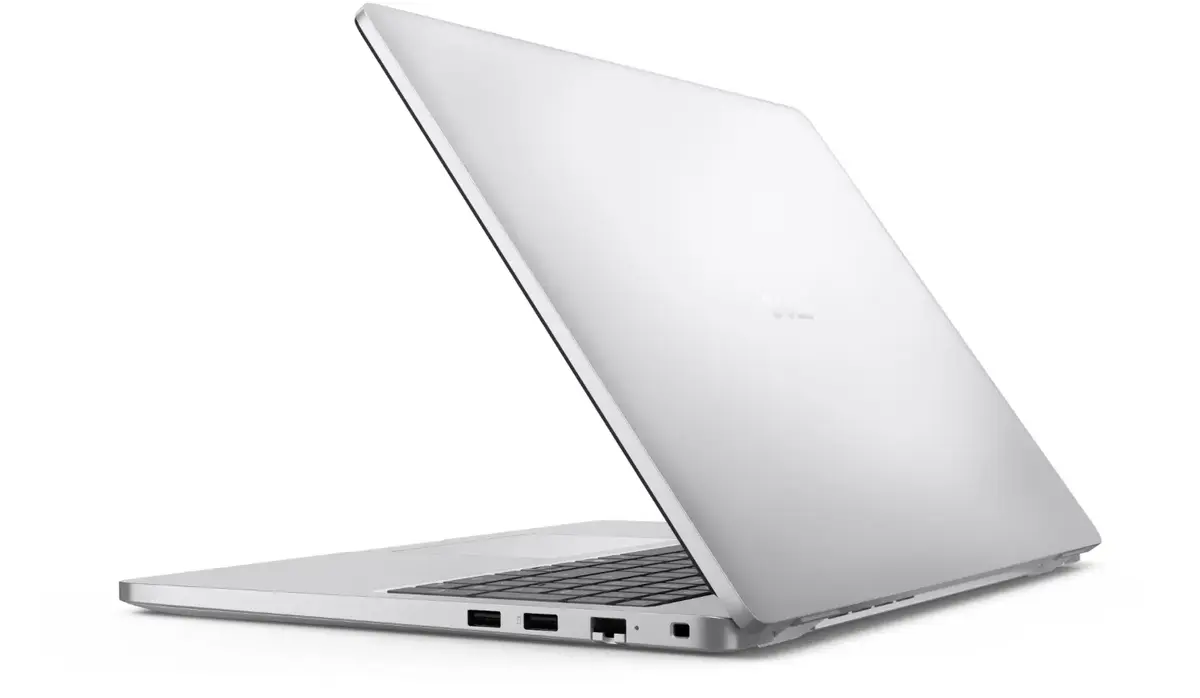
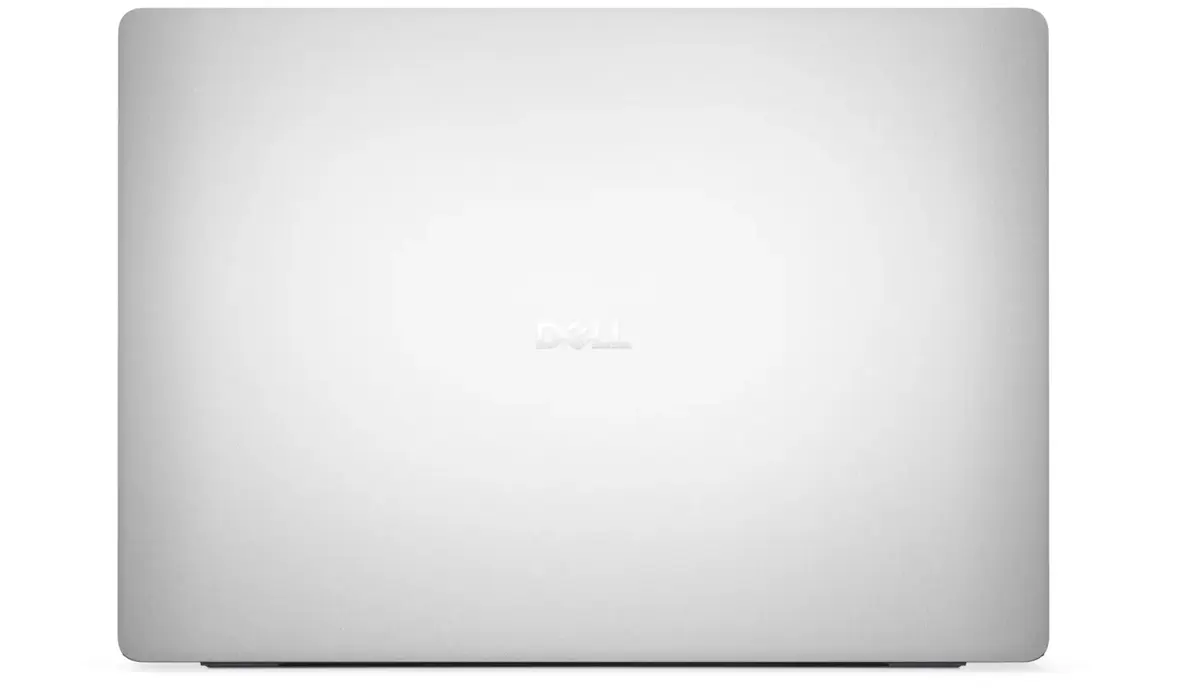
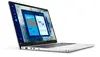
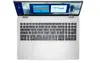
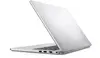
The Dell Pro 16 PC16250 is a high-performance laptop engineered for professionals who require reliability and efficiency in their daily tasks. Featuring a spacious 16-inch FHD+ anti-glare display, this device provides a clear and comfortable viewing experience, even in brightly lit environments. At its core, the laptop is powered by an Intel Core Ultra 7 255U processor, which, combined with 32GB of DDR5 RAM, ensures smooth multitasking and rapid responsiveness for demanding applications. With a 1TB SSD, users benefit from ample storage space and quick boot times, while the pre-installed Windows 11 Pro operating system offers advanced security and management features suitable for business environments.
Advantages
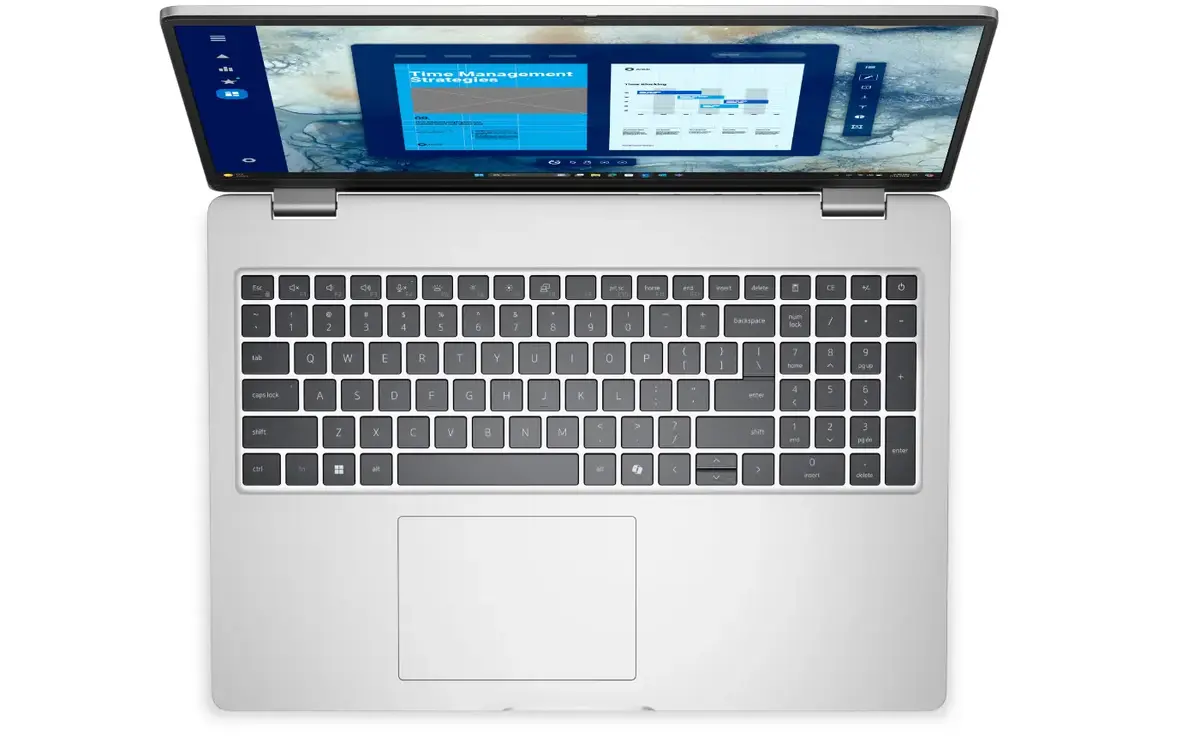
This laptop stands out due to its robust hardware configuration that balances power and portability. The inclusion of 32GB of high-speed DDR5 memory allows for seamless transitions between complex software, while the 1TB solid-state drive provides significant capacity for large files and projects. The anti-glare display technology minimizes eye strain during extended work sessions, and the backlit Nordic keyboard ensures comfortable typing in various lighting conditions. Furthermore, the integration of modern connectivity options like Wi-Fi 6E and Bluetooth 5.3 guarantees stable and fast wireless communication, complemented by a built-in fingerprint reader for enhanced data security.
Suitable for
- Professional office work and multitasking
- Data analysis and complex spreadsheet management
- Video conferencing with the integrated FHD HDR and IR camera
- Secure business environments requiring Windows 11 Pro
When it may not be suitable
The Dell Pro 16 PC16250 is primarily designed for professional productivity and may not be the ideal choice for users seeking a dedicated gaming machine or high-end workstation for intensive 3D rendering, as it relies on integrated graphics rather than a discrete GPU. Additionally, users who prioritize extreme portability might find the 16-inch form factor larger than ultra-compact alternatives.
Key specifications
- 16-inch FHD+ anti-glare display
- Intel Core Ultra 7 255U processor
- 32GB DDR5 RAM
- 1TB SSD storage
- Intel Graphics
- Windows 11 Pro
- Backlit Nordic keyboard
- Wi-Fi 6E and Bluetooth 5.3
- Integrated fingerprint reader
- FHD HDR + IR camera
How to use
To begin using your Dell Pro 16, connect the device to a power source and press the power button to initiate the initial Windows 11 Pro setup. Follow the on-screen instructions to configure your language, network settings, and user account. Once the setup is complete, you can utilize the fingerprint reader to set up biometric authentication for secure and quick access. The laptop is ready for immediate use, and you can connect your peripherals via the available ports or wireless Bluetooth connectivity. Ensure the device is kept on a flat, stable surface to allow for proper ventilation during operation.
What to consider before purchase
- Verify that the Nordic keyboard layout meets your specific typing requirements.
- Ensure the 16-inch screen size fits your workspace and portability needs.
- Confirm that the integrated graphics meet the requirements of your specific professional software.
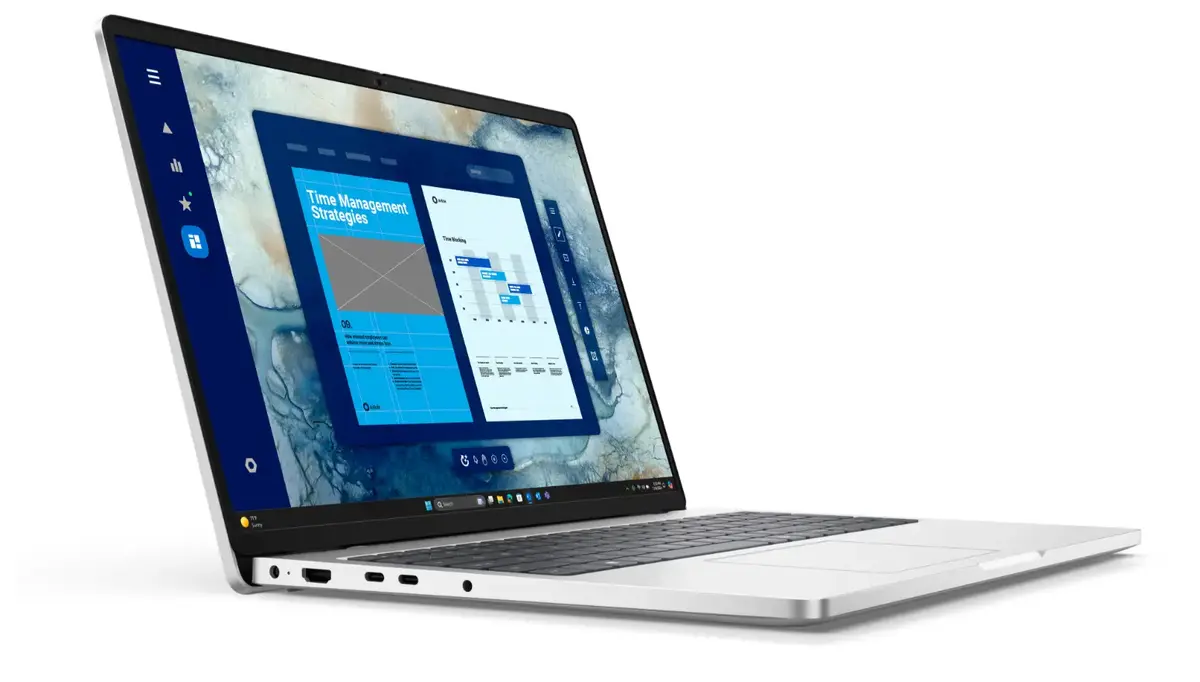
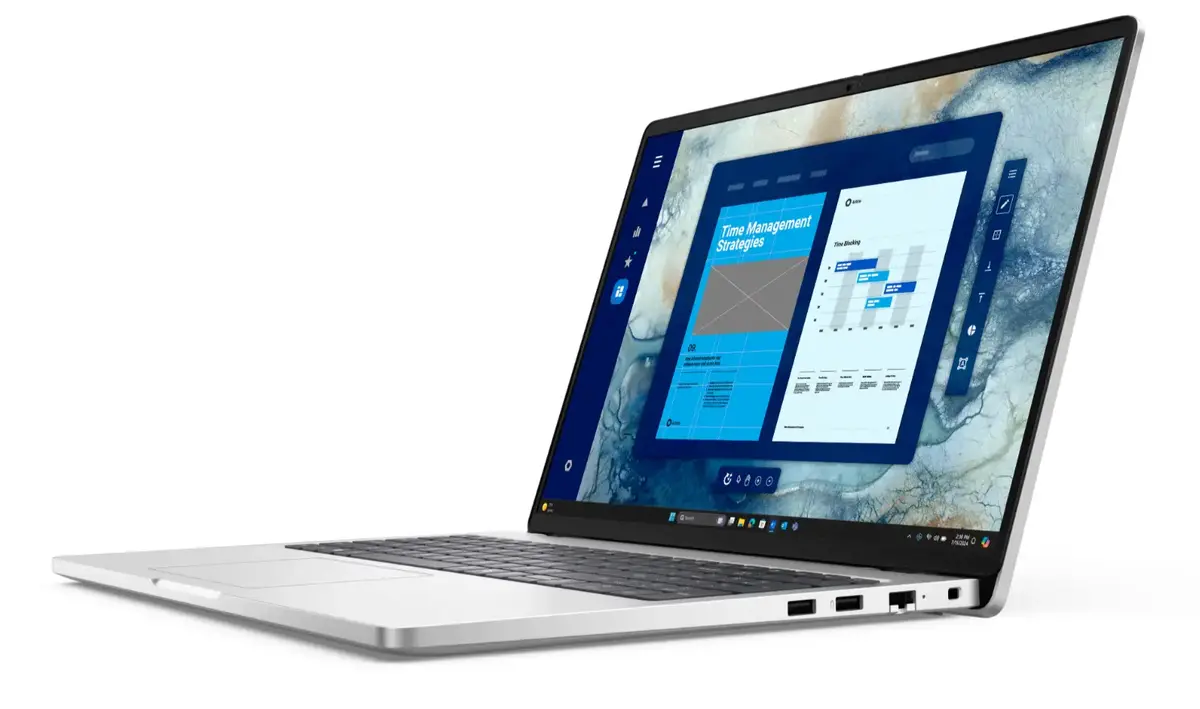
- Check the available ports to ensure compatibility with your existing external devices.
Usage recommendations
To maintain optimal performance and battery longevity, keep your system software and drivers updated through the Dell support portal. Avoid blocking the ventilation vents during heavy workloads to prevent overheating, and consider using a protective sleeve when transporting the device to prevent physical damage.