



Save time and money with our discounts!
In cart {{totalProductsCount}} item(s)
Your cart is empty
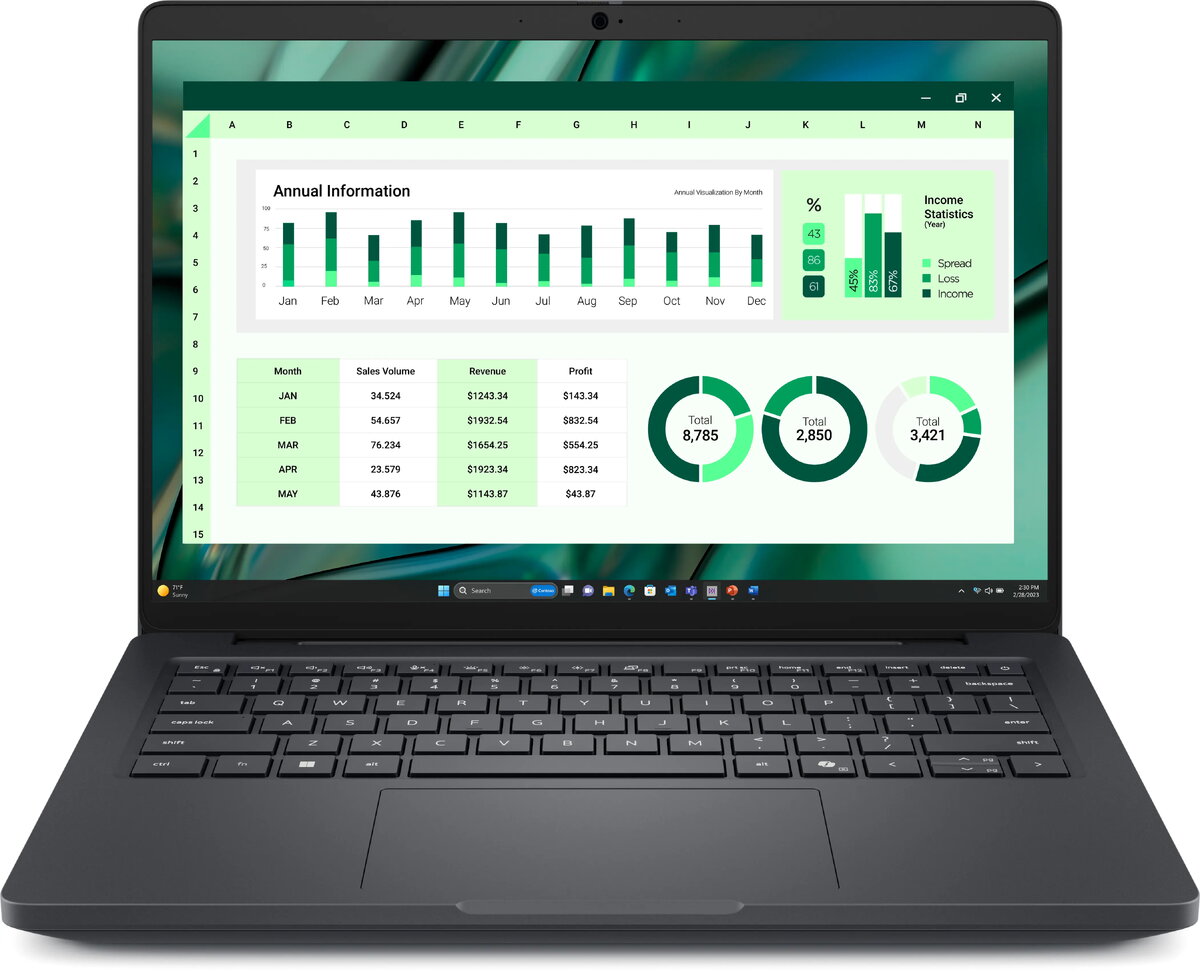
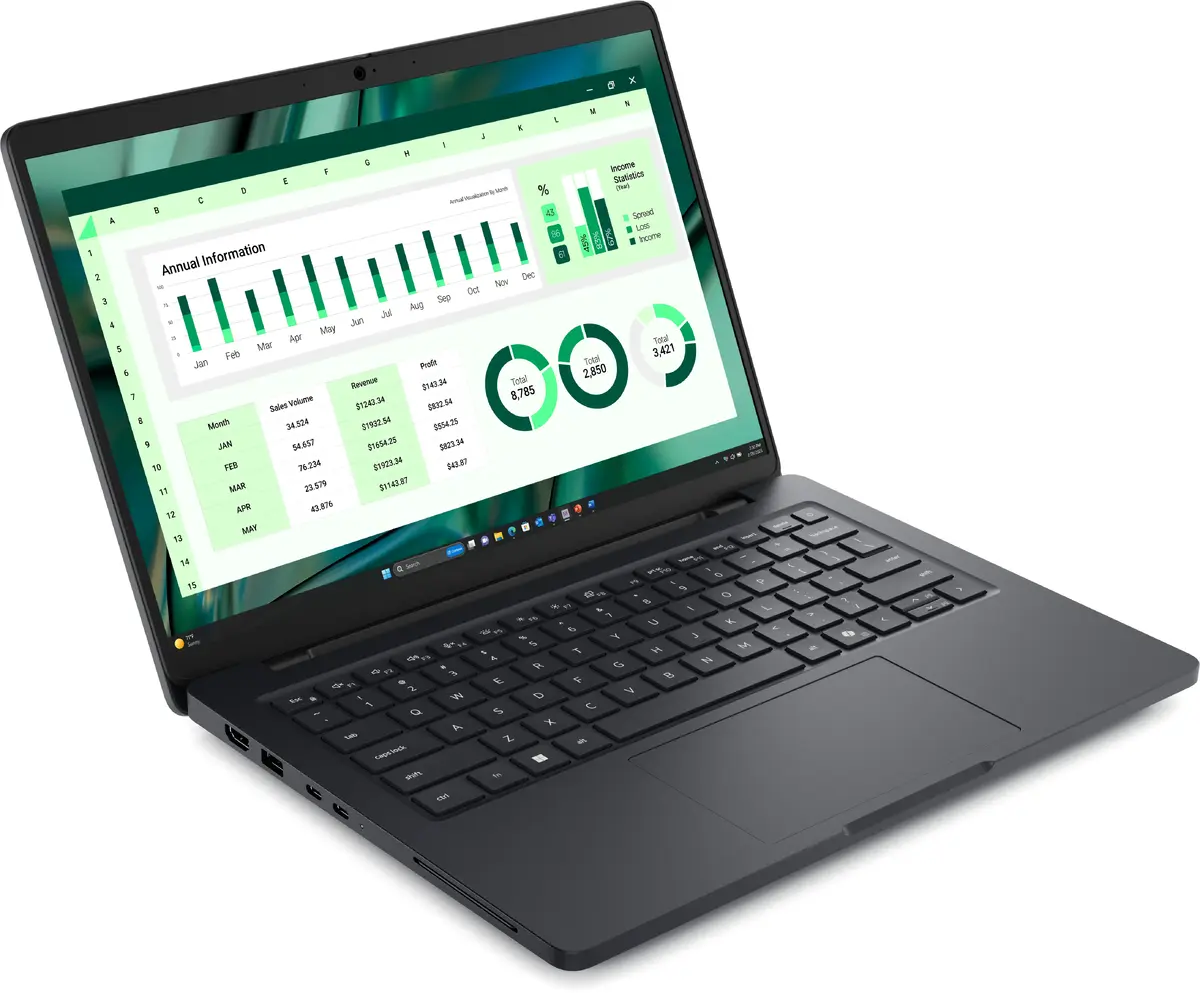
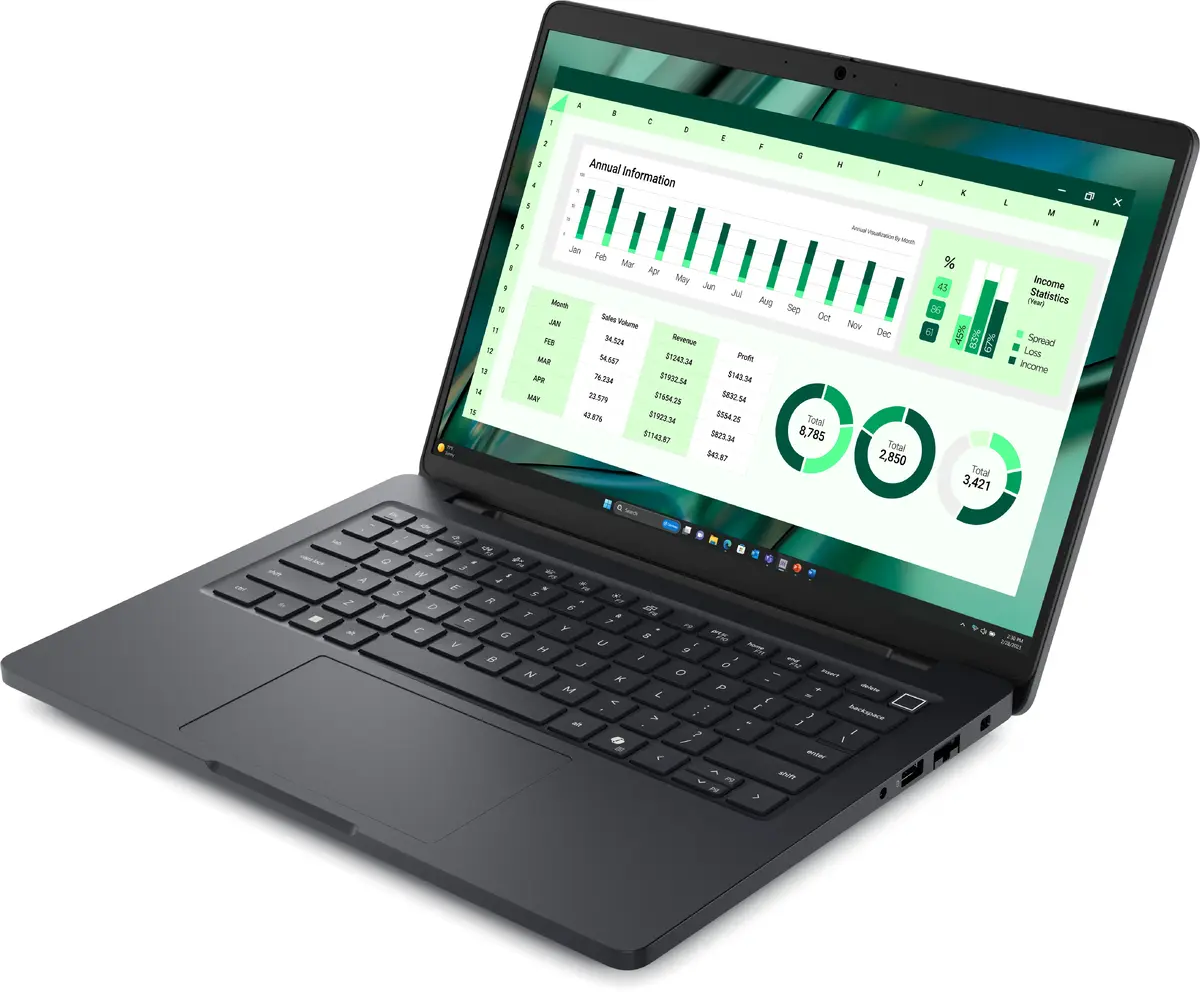
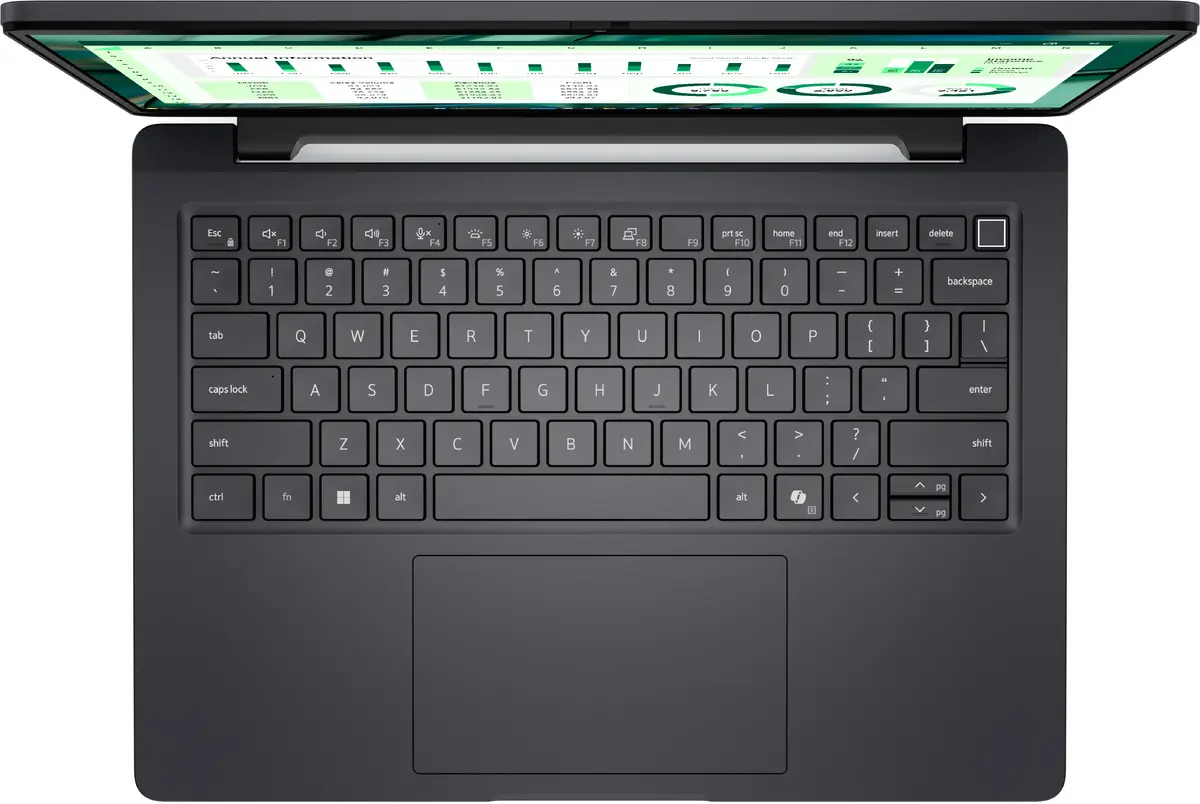
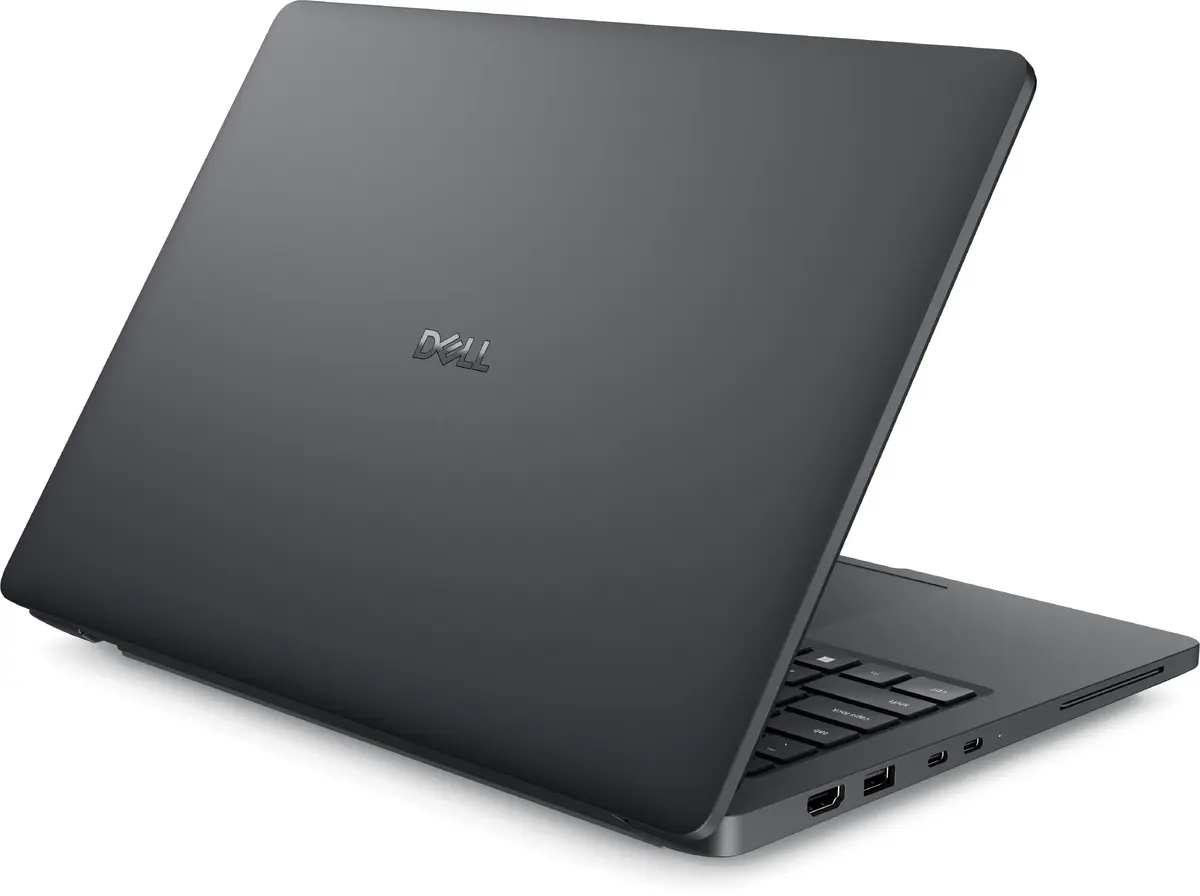
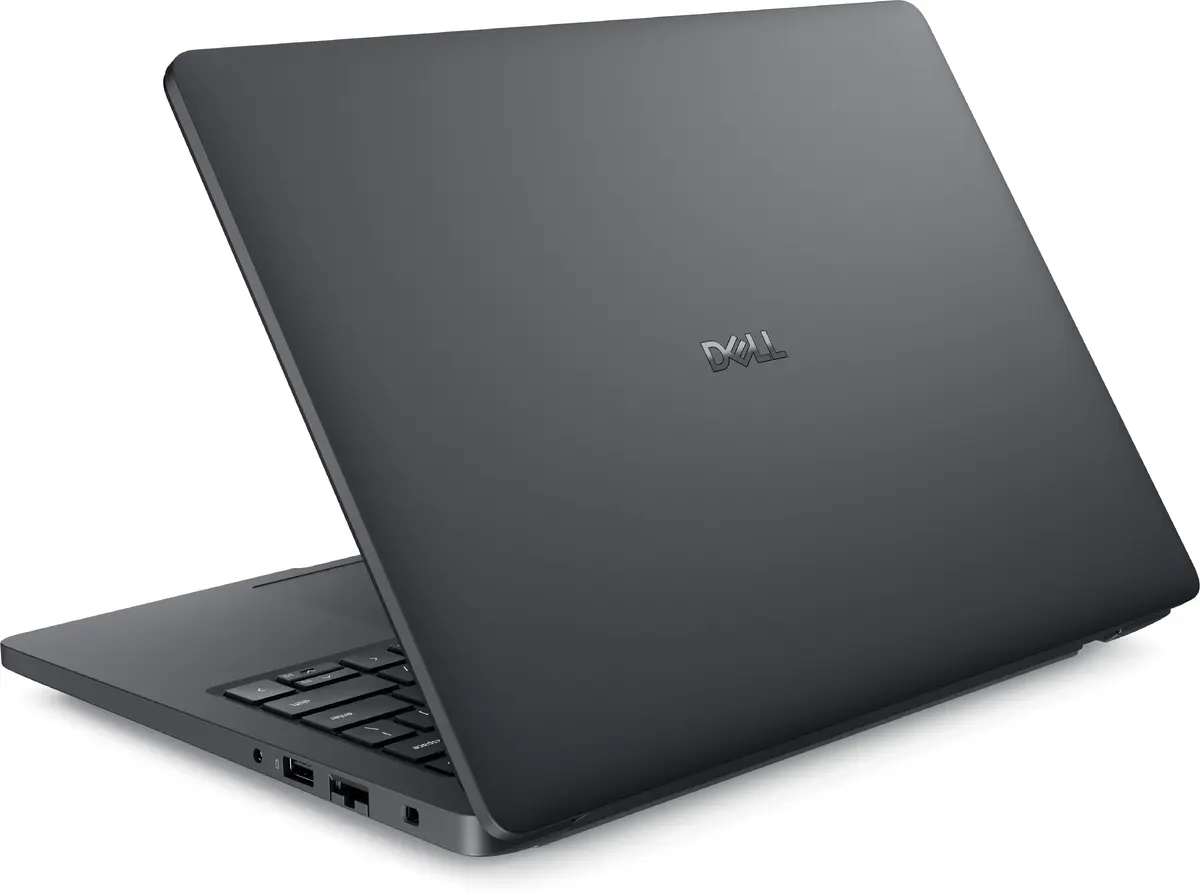
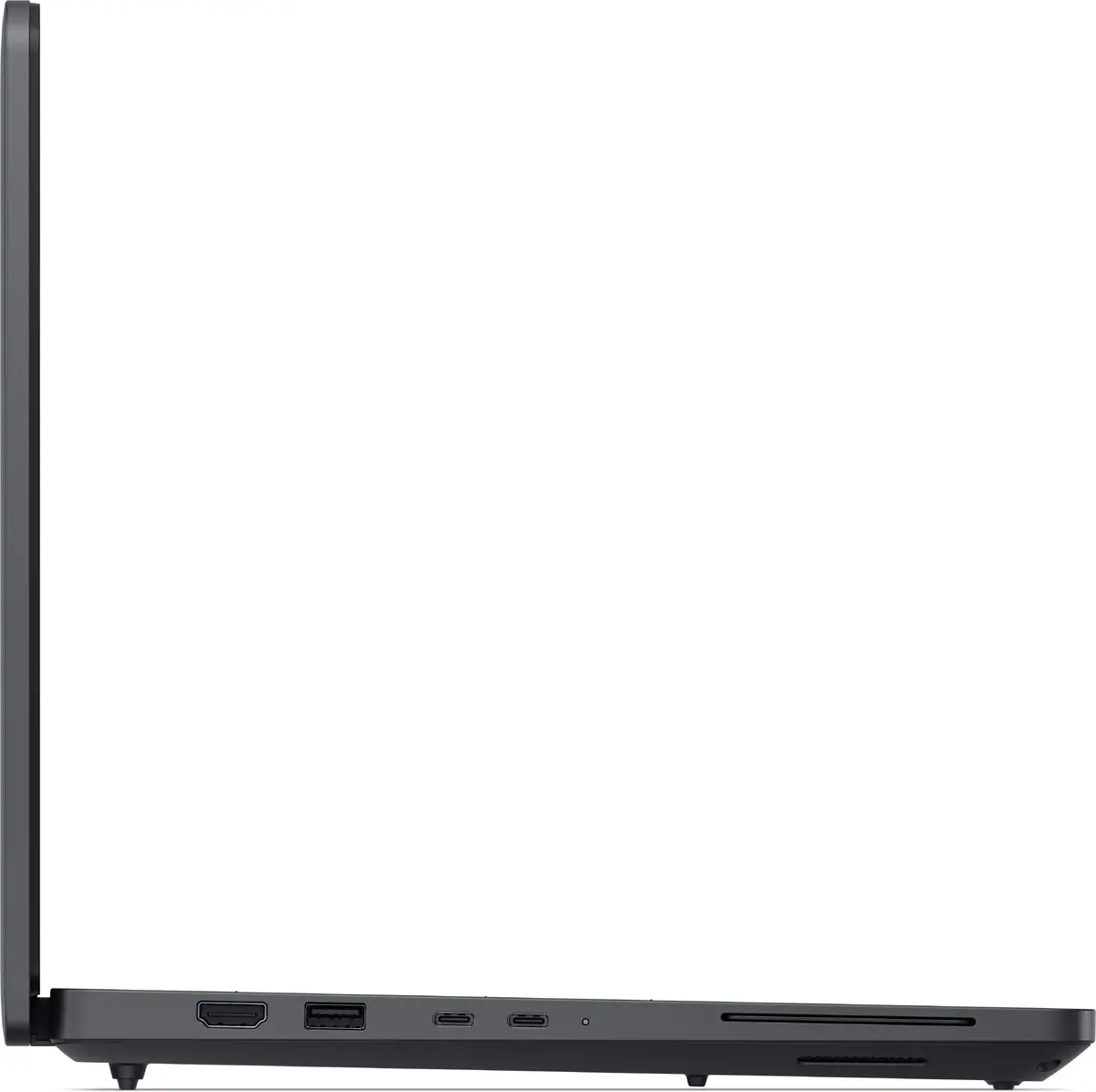
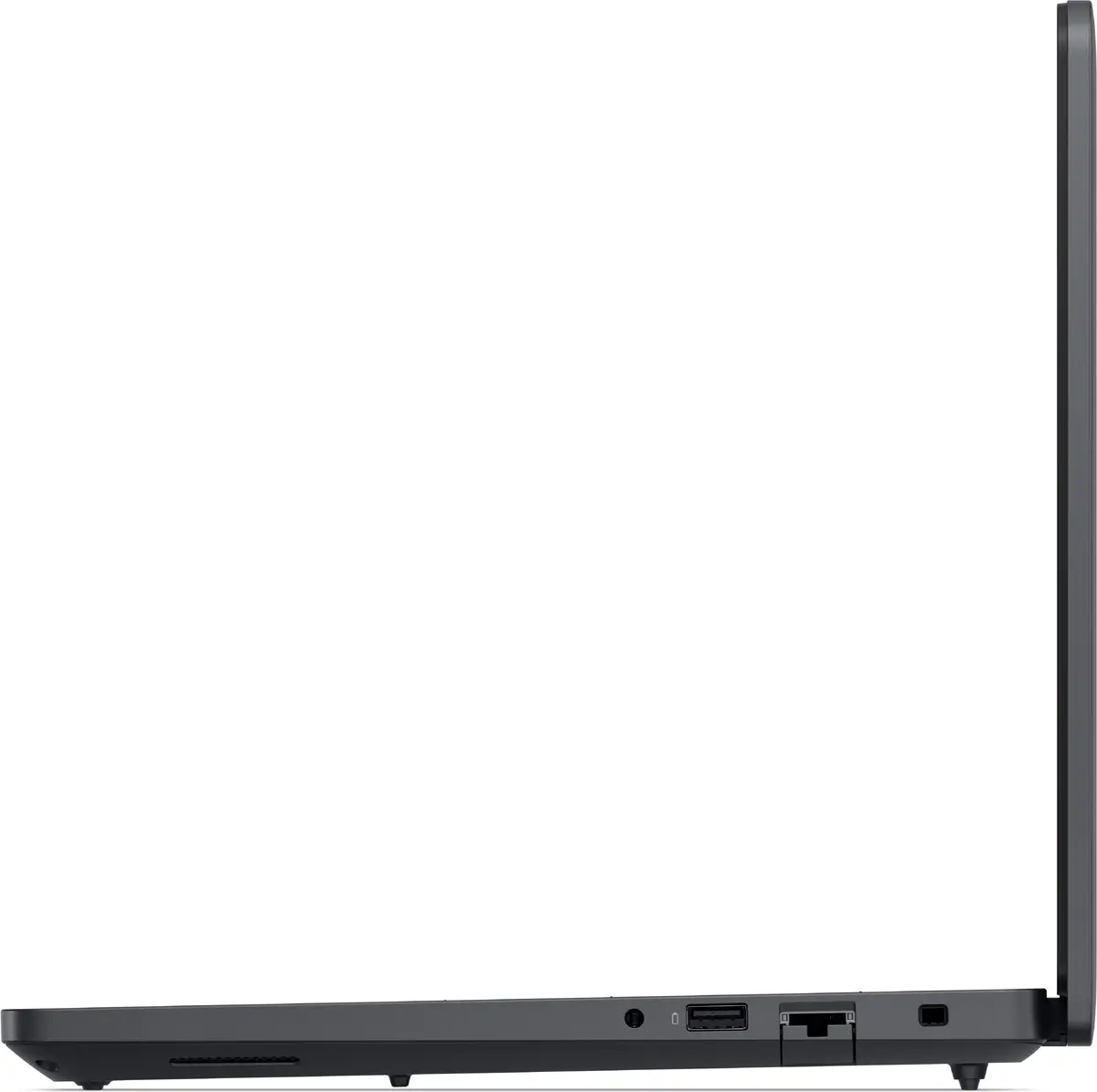
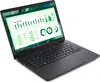
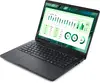
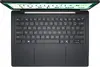
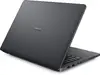
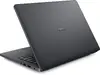
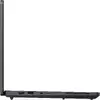
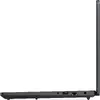
Mobile workstation Dell Pro Max 14 MC14250 — Intel Core Ultra 7 265H, 14" Full HD+ 1920×1200, 32 GB LPDDR5x, 512 GB SSD, Intel Arc 140T, Windows 11 Pr...
Dell Pro Max 14 MC14250 is a 14" mobile workstation in a clamshell design with a 1920×1200 Full HD+ display and a 16-core Intel Core Ultra 7 265H processor. It provides 32 GB of LPDDR5x memory and a 512 GB SSD, and includes Intel Arc 140T graphics for hardware-accelerated content tasks. The device runs Windows 11 Pro, supports Wi‑Fi 7 connectivity and Bluetooth, and weighs approximately 1.83 kg, making it suitable for professionals who need a balance of performance and portability.
The combination of a high-efficiency Intel Core Ultra 7 265H CPU and 32 GB LPDDR5x memory delivers responsive multitasking and faster application load times. The 14" 1920×1200 WVA panel with 16:10 aspect ratio offers extra vertical space for productivity workflows. Integrated Intel Arc 140T graphics provide improved acceleration for content editing and visualization compared with basic integrated graphics. A 512 GB SSD ensures quick system boot and reduced file access latency, while Wi‑Fi 7 support enables higher wireless throughput and lower latency in compatible networks.
Power on the workstation and complete the initial Windows 11 Pro setup following the on-screen prompts. Use the built-in Windows tools to configure power profiles, display scaling and network connections for optimal performance. Install the latest drivers from Dell for the processor and Intel Arc graphics to ensure compatibility with creative and professional applications. Manage storage by organizing files on the 512 GB SSD and enable Windows File History or another backup solution to protect important data.
For sustained CPU- and GPU-intensive tasks, select a balanced or performance power profile and keep the device on a stable, ventilated surface. Connect to a high-quality Wi‑Fi 7 router or wired Ethernet for large file transfers and remote collaboration. Regularly install Windows and driver updates, and consider external storage or cloud backup when working with large media projects to maintain available SSD capacity.
{{highlightedFeature.featureTitle}}:
{{getProductFeatureValueById(product, highlightedFeature.featureId)}}
{{ productComparisonGenerationError }}
