

JBL speakers and headphones for pure and deep sound!
In cart {{totalProductsCount}} item(s)
Your cart is empty
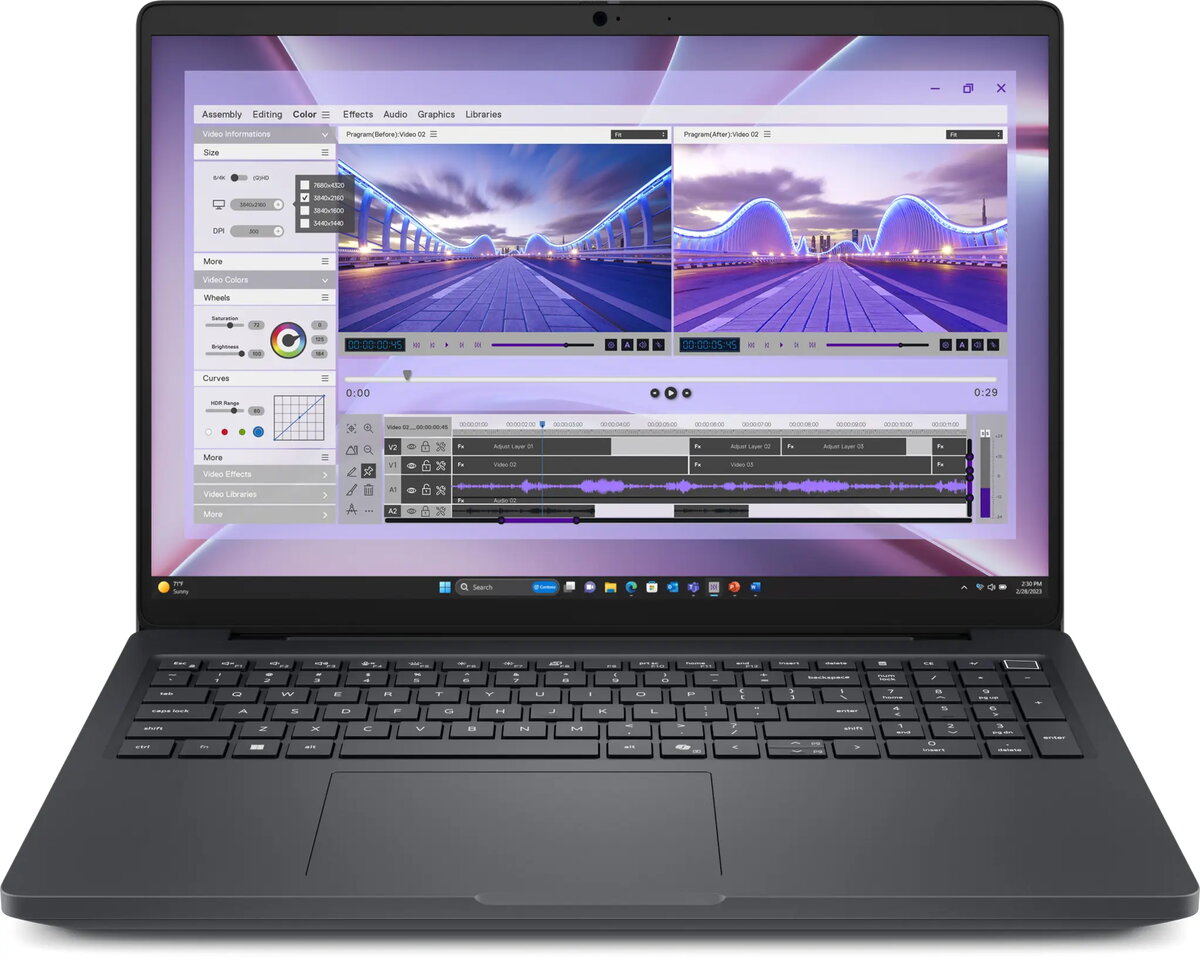
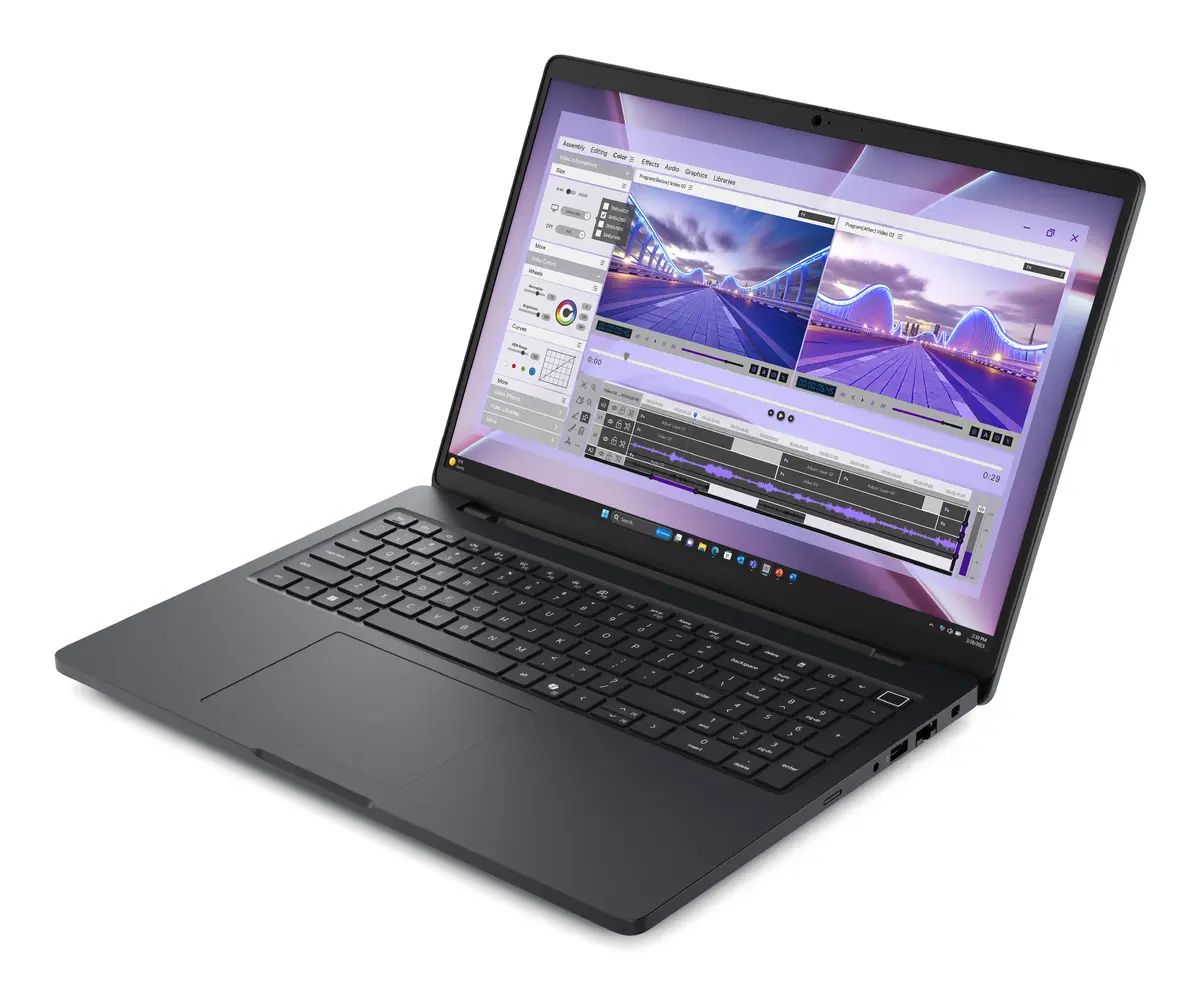
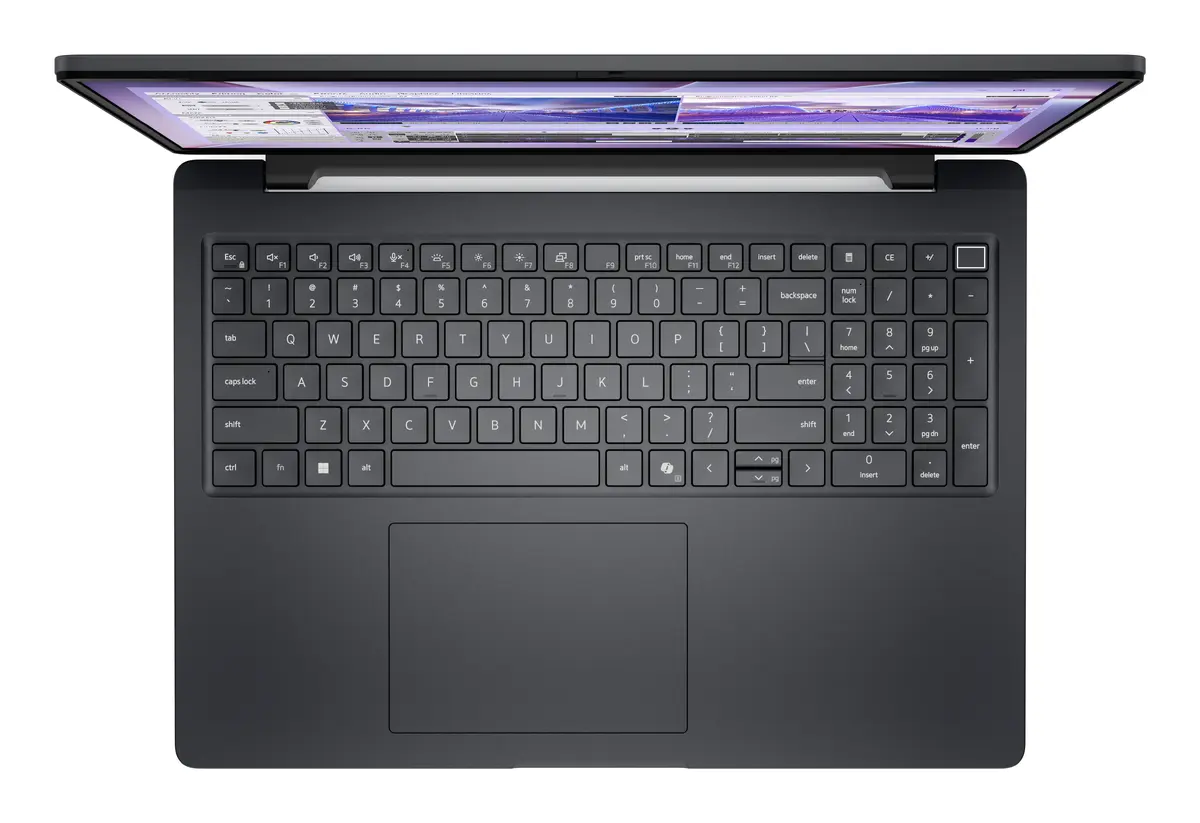
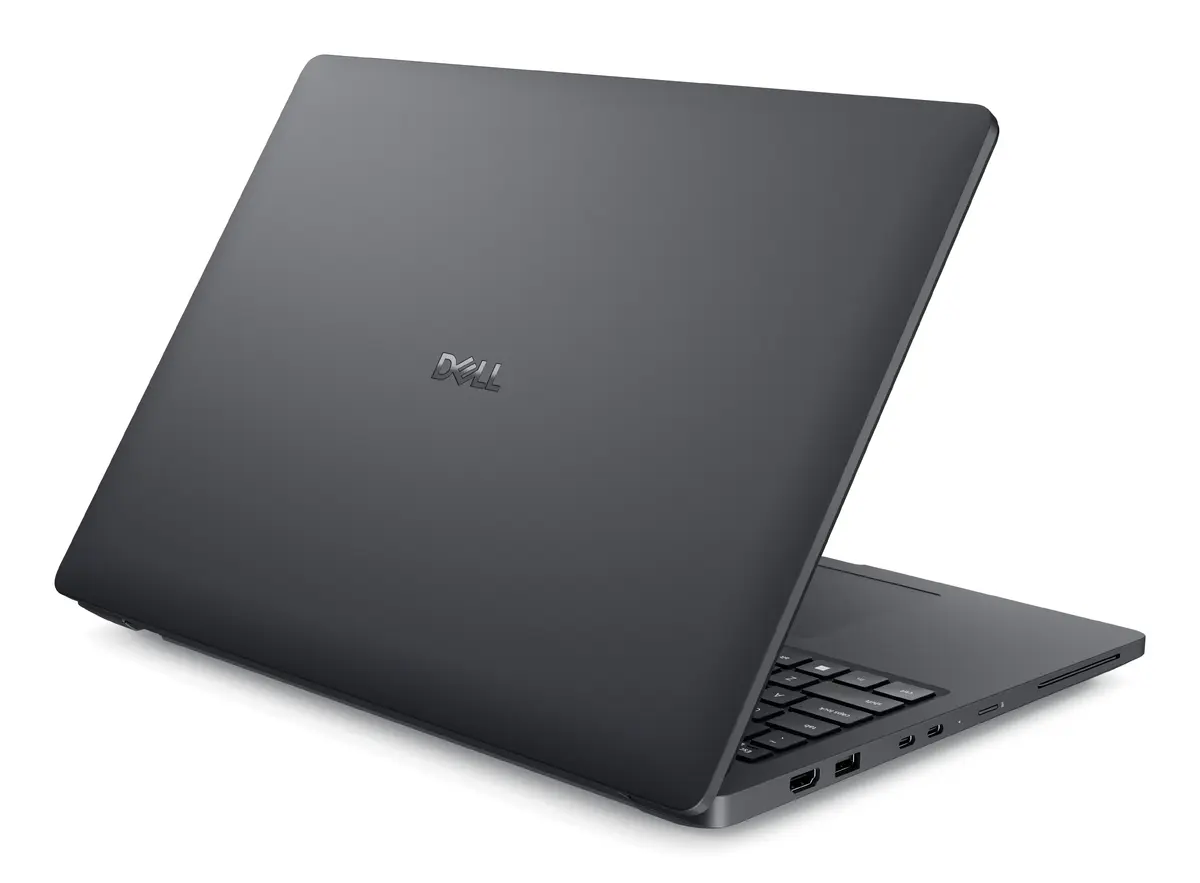
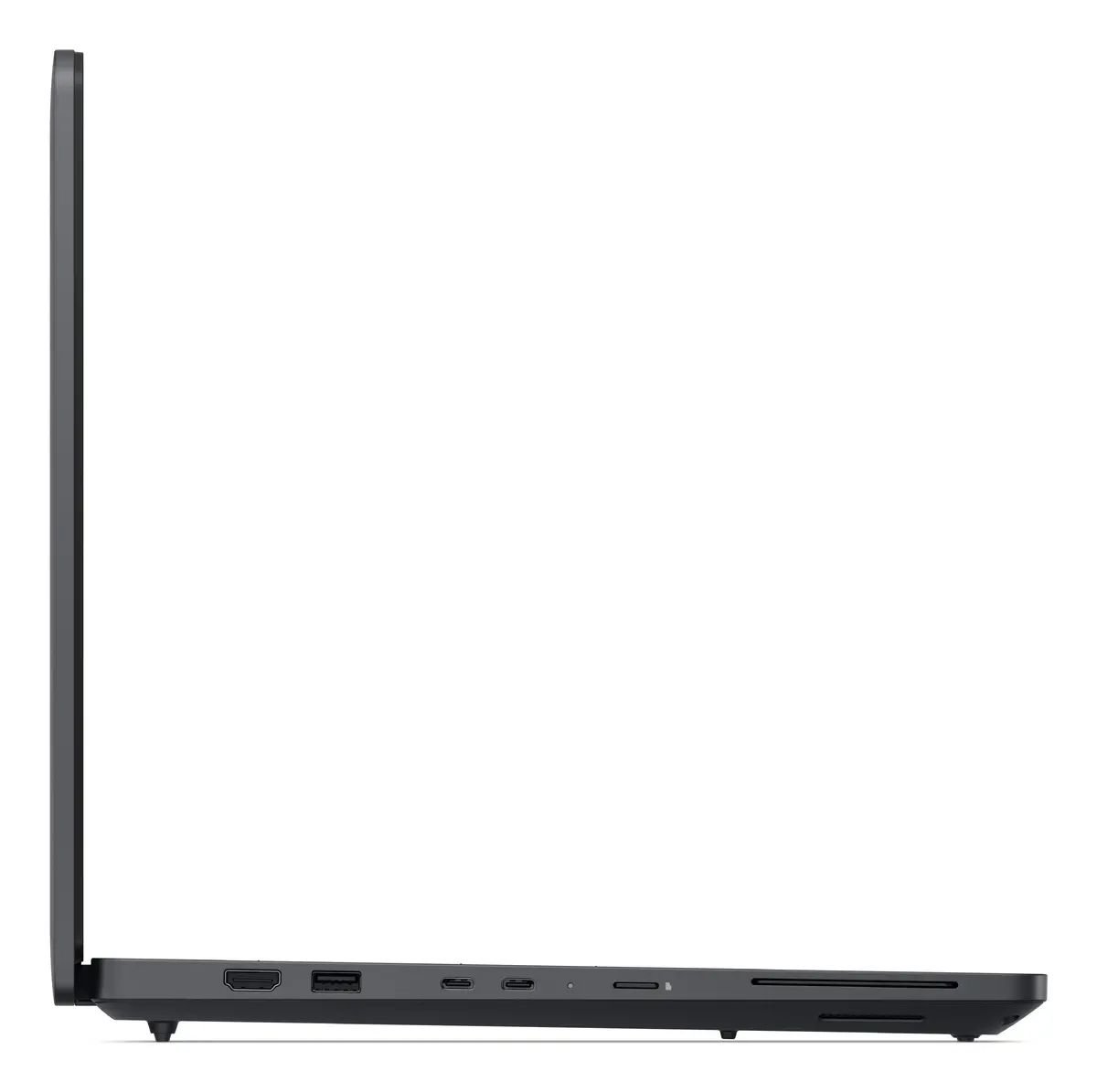
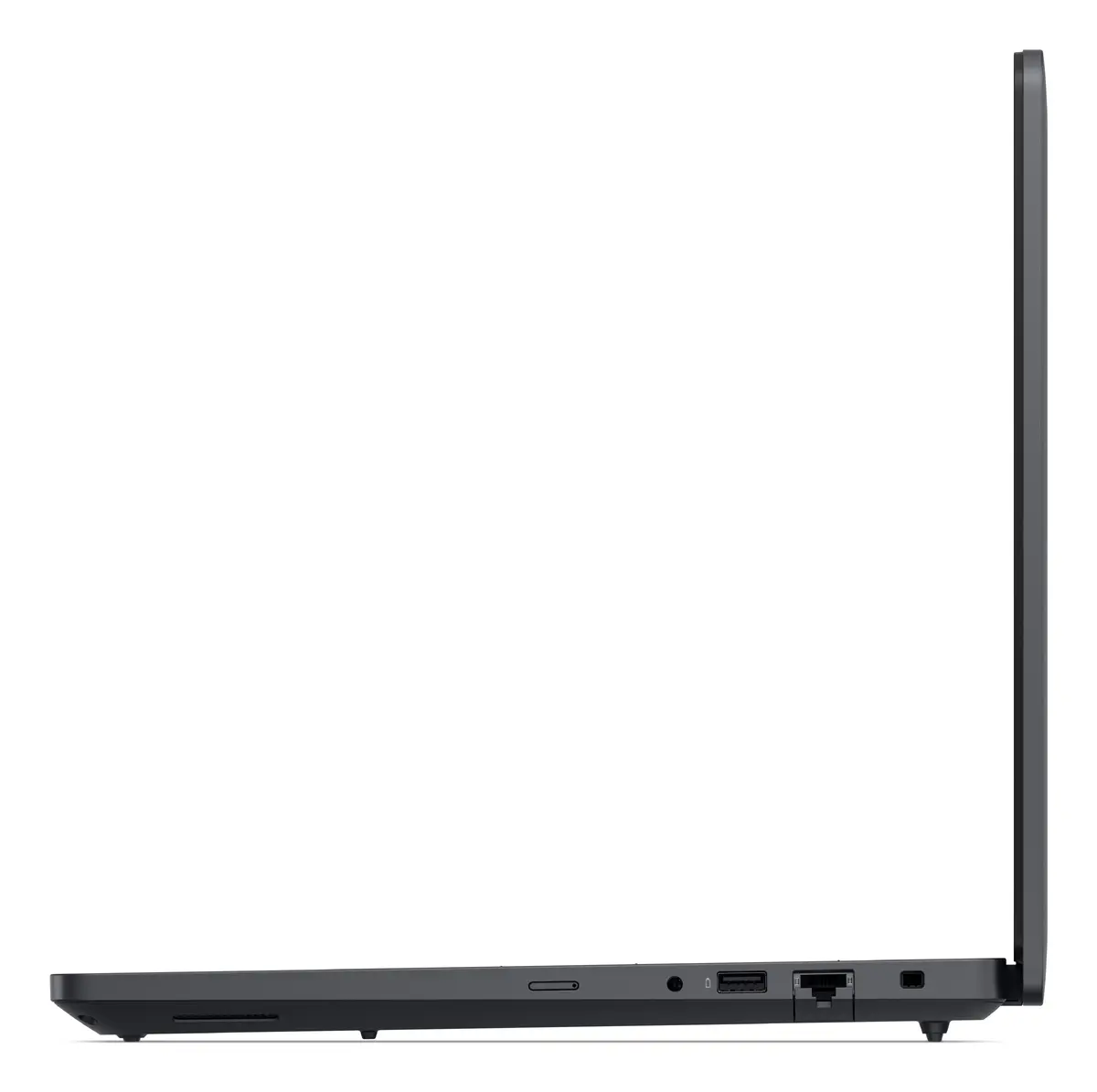
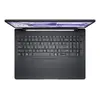
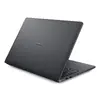
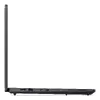
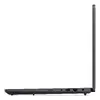
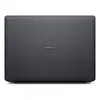
Mobile workstation Dell Pro Max 16 MC16250 — Intel Core Ultra 7 265H, 16" FHD+ 1920x1200, 16GB DDR5, 512GB SSD, NVIDIA RTX PRO 500
Dell Pro Max 16 MC16250 is a 16" mobile workstation engineered for professional CAD, content creation and technical workloads that require a balance of performance and mobility. It pairs an Intel Core Ultra 7 265H processor with hybrid graphics—integrated Intel Arc 140T and discrete NVIDIA RTX PRO 500—to accelerate rendering, simulation and visualization tasks. The 16:10 Full HD+ 1920×1200 display provides extended vertical workspace for detailed projects, while 16 GB DDR5 memory and a 512 GB SSD deliver responsive multitasking and fast project file access. Connectivity includes Wi‑Fi 7 and gigabit Ethernet for stable network connections, and the system ships with Windows 11 Pro for business features and management.
The combination of a high-core-count Intel Core Ultra 7 265H and a discrete NVIDIA RTX PRO 500 GPU offers reliable compute and GPU-accelerated performance for professional applications without excessive bulk. The 16" Full HD+ 16:10 panel increases usable screen area for toolbars and timelines compared with 16:9 panels. DDR5 memory and an NVMe SSD reduce load and transfer times for large models and media files. Modern connectivity, including Wi‑Fi 7 support and gigabit Ethernet, ensures fast access to cloud repositories and network storage. The chassis and weight are optimized for mobility while maintaining thermal capacity for sustained workloads.
Power on the workstation and complete the initial Windows 11 Pro setup to configure user accounts, security settings and network preferences. Install or update professional applications and drivers—especially GPU drivers for the NVIDIA RTX PRO 500 and Intel Arc graphics—to ensure compatibility and performance in CAD, rendering or content-creation software. Use the NVMe SSD for active projects and set up external or network storage for archives and backups. Configure power and thermal profiles in system settings when switching between high-performance workloads and battery-saving modes for travel.
For sustained heavy workloads such as long renders or complex simulations, use a connected power adapter and select a high-performance power profile. Keep GPU and system drivers up to date, and store active project files on the internal NVMe SSD for best responsiveness while using external drives or network storage for backups and long-term archives.
{{highlightedFeature.featureTitle}}:
{{getProductFeatureValueById(product, highlightedFeature.featureId)}}
{{ productComparisonGenerationError }}
