
JBL speakers and headphones for pure and deep sound!
In cart {{totalProductsCount}} item(s)
Your cart is empty
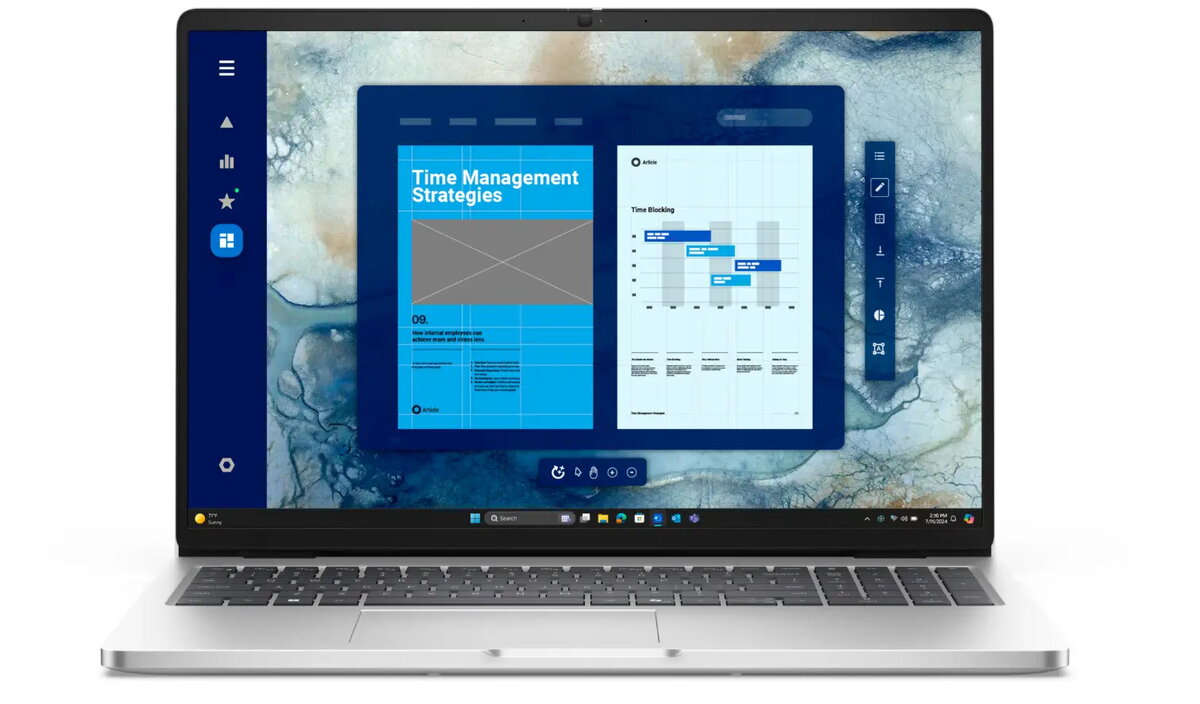
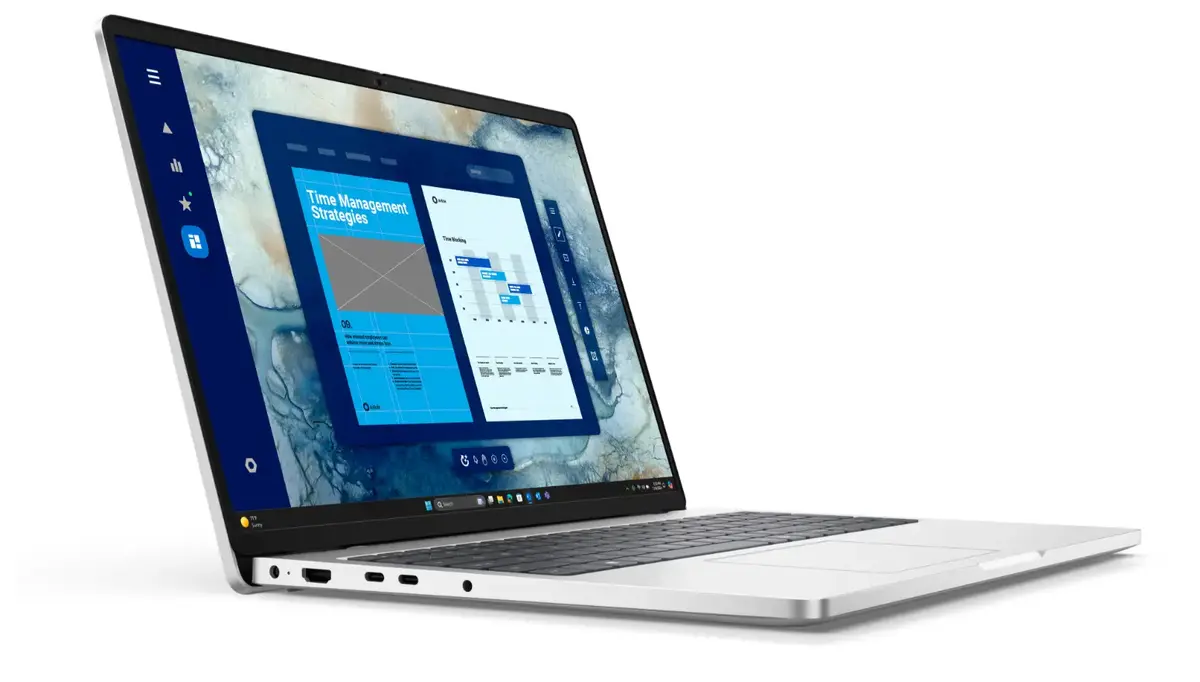
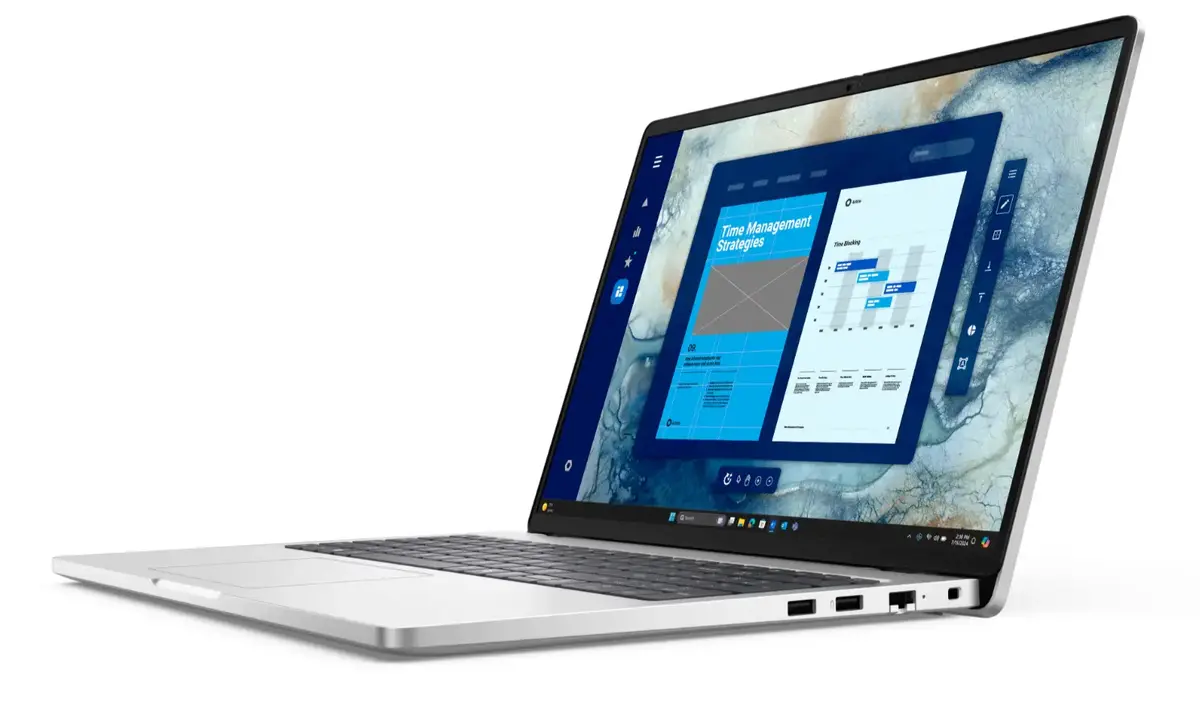
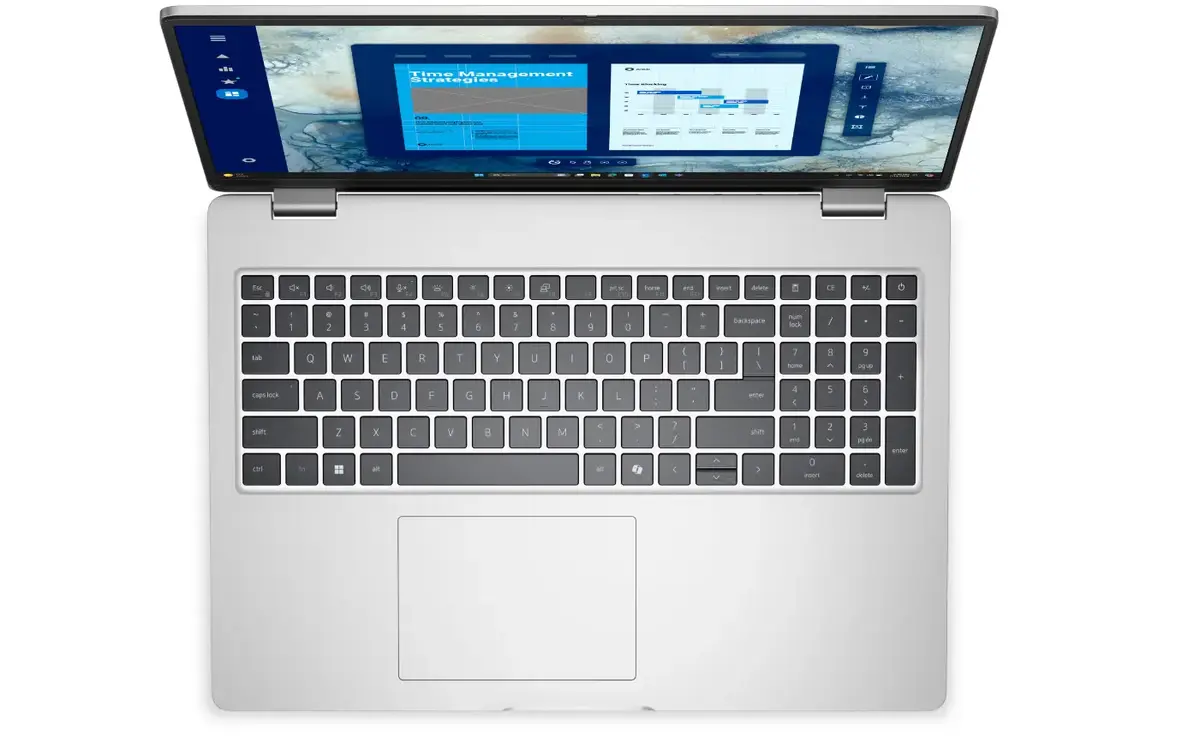
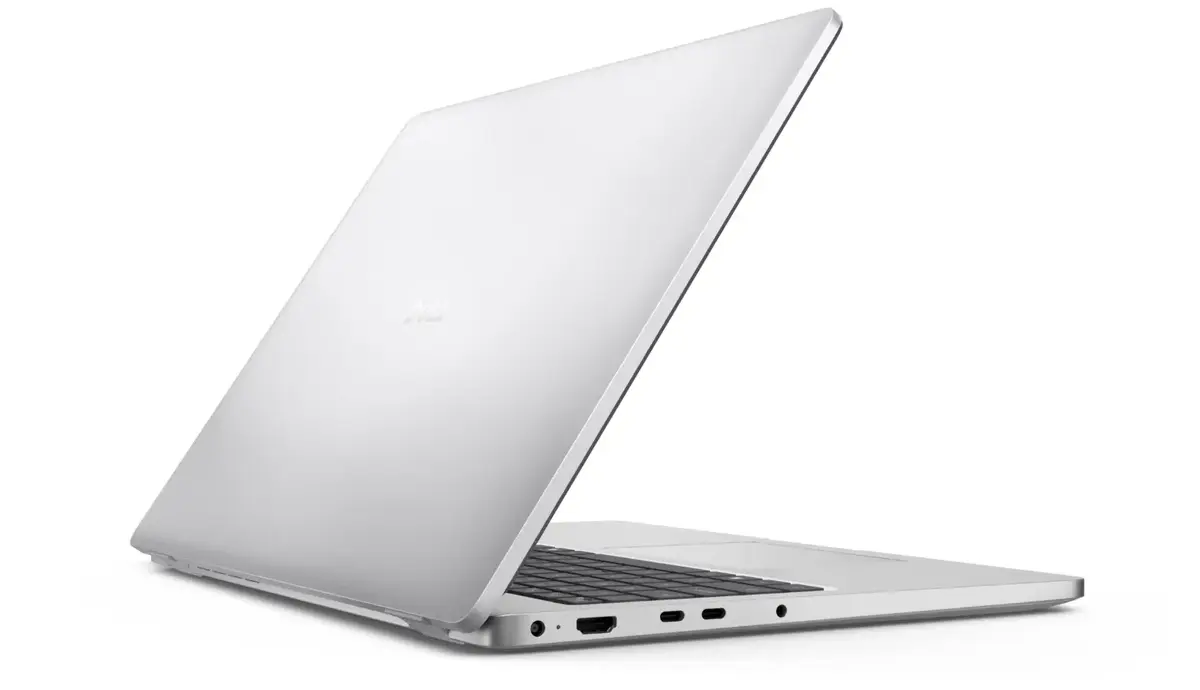
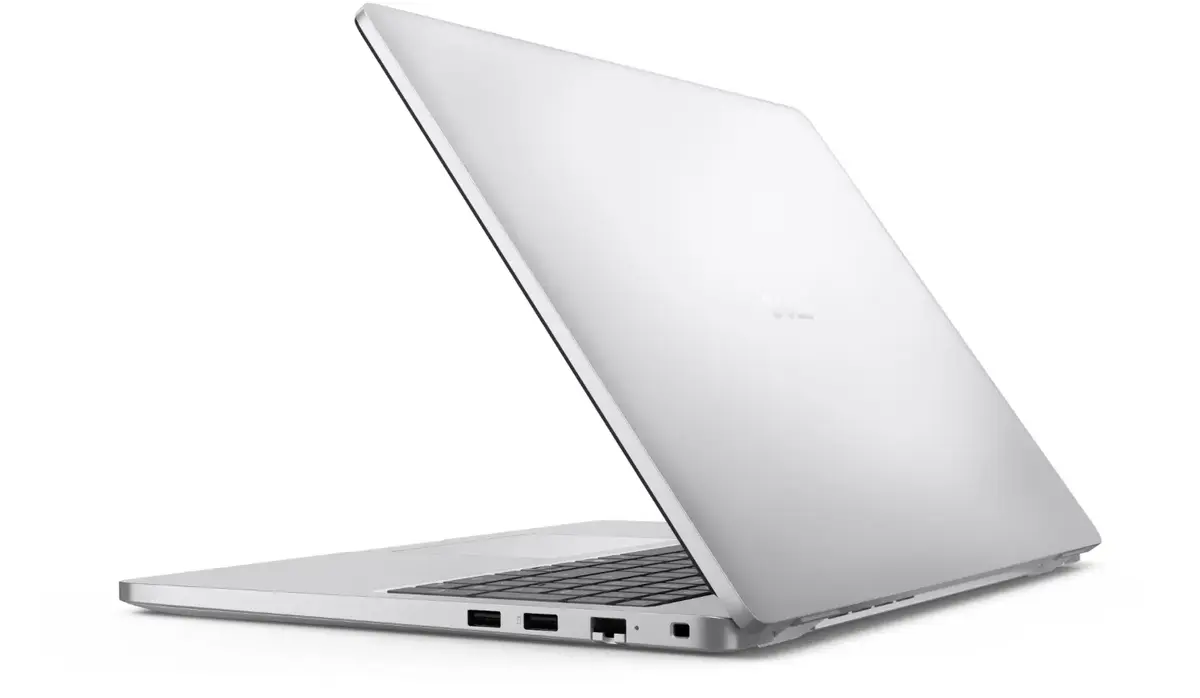
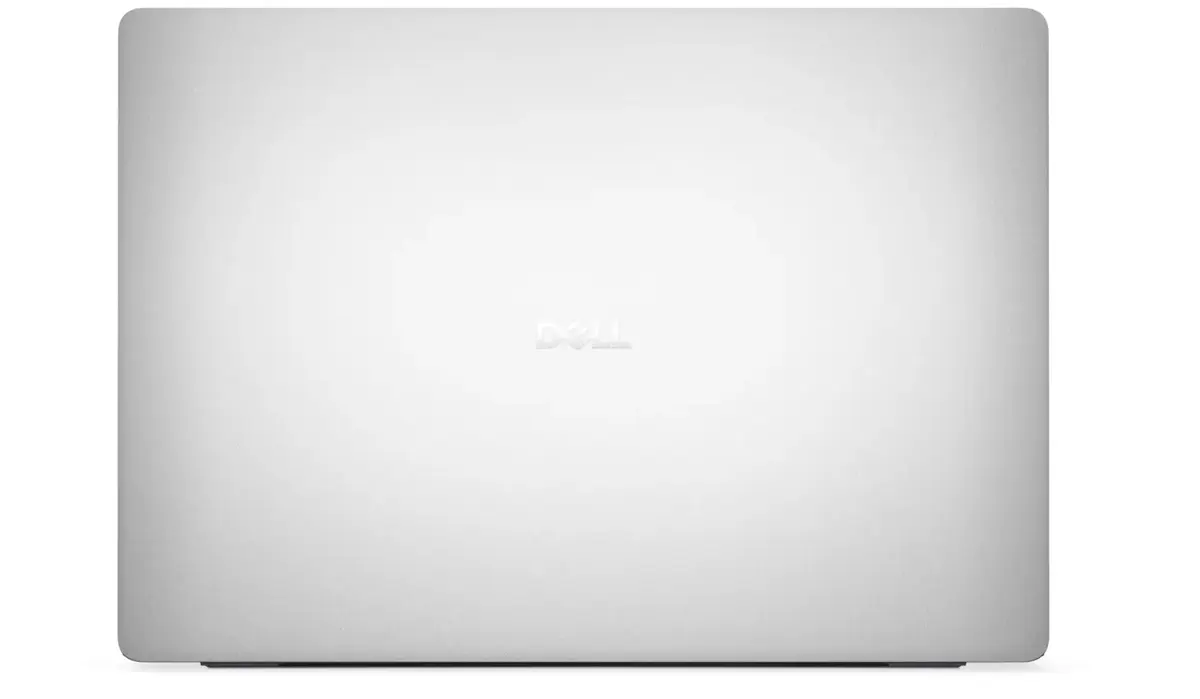
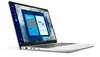
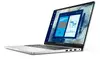
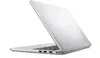
Dell Pro 16 PC16250 Laptop, 16" FHD+ IPS, Intel Core Ultra 7 265U, 16GB DDR5, 512GB SSD, Windows 11 Pro, Nordic Keyboard
The Dell Pro 16 PC16250 is a professional-grade laptop engineered to meet the demands of modern business environments. Featuring a spacious 16-inch FHD+ IPS display with an anti-glare coating, it provides a clear and comfortable viewing experience for extended work sessions. At its core, the device is powered by an Intel Core Ultra 7 265U processor, supported by 16GB of high-speed DDR5 memory and a 512GB SSD, ensuring responsive performance for multitasking and professional applications. The laptop comes pre-installed with Windows 11 Pro, offering advanced security and management features suitable for corporate use.
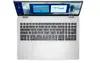
This laptop excels in productivity thanks to its balanced hardware configuration that handles complex office tasks with ease. The inclusion of a backlit Nordic keyboard allows for comfortable typing in various lighting conditions, while the integrated fingerprint reader adds a layer of biometric security to protect sensitive data. With Wi-Fi 6E and Bluetooth 5.3 connectivity, users can enjoy fast and stable wireless communication. The robust 36-month warranty provides long-term peace of mind, ensuring reliable support for your professional investment.
This device may not be the optimal choice for users requiring high-end dedicated graphics for professional 3D rendering, video editing, or intensive gaming, as it utilizes integrated Intel graphics. Additionally, those who prefer compact, ultra-portable devices might find the 16-inch form factor larger than standard ultrabooks.
To begin using the Dell Pro 16, simply power on the device and follow the on-screen Windows 11 Pro setup instructions to configure your user account and network settings. Ensure the battery is fully charged before performing initial system updates. You can connect external peripherals via the available ports and utilize the integrated wireless connectivity to access your cloud services and office network immediately.
For optimal performance and longevity, keep the laptop software updated through the official manufacturer support channels and ensure the device is placed on a flat, stable surface to allow for proper ventilation during operation.
{{highlightedFeature.featureTitle}}:
{{getProductFeatureValueById(product, highlightedFeature.featureId)}}
{{ productComparisonGenerationError }}
