

Hurry and order now – up to 50% off!
In cart {{totalProductsCount}} item(s)
Your cart is empty
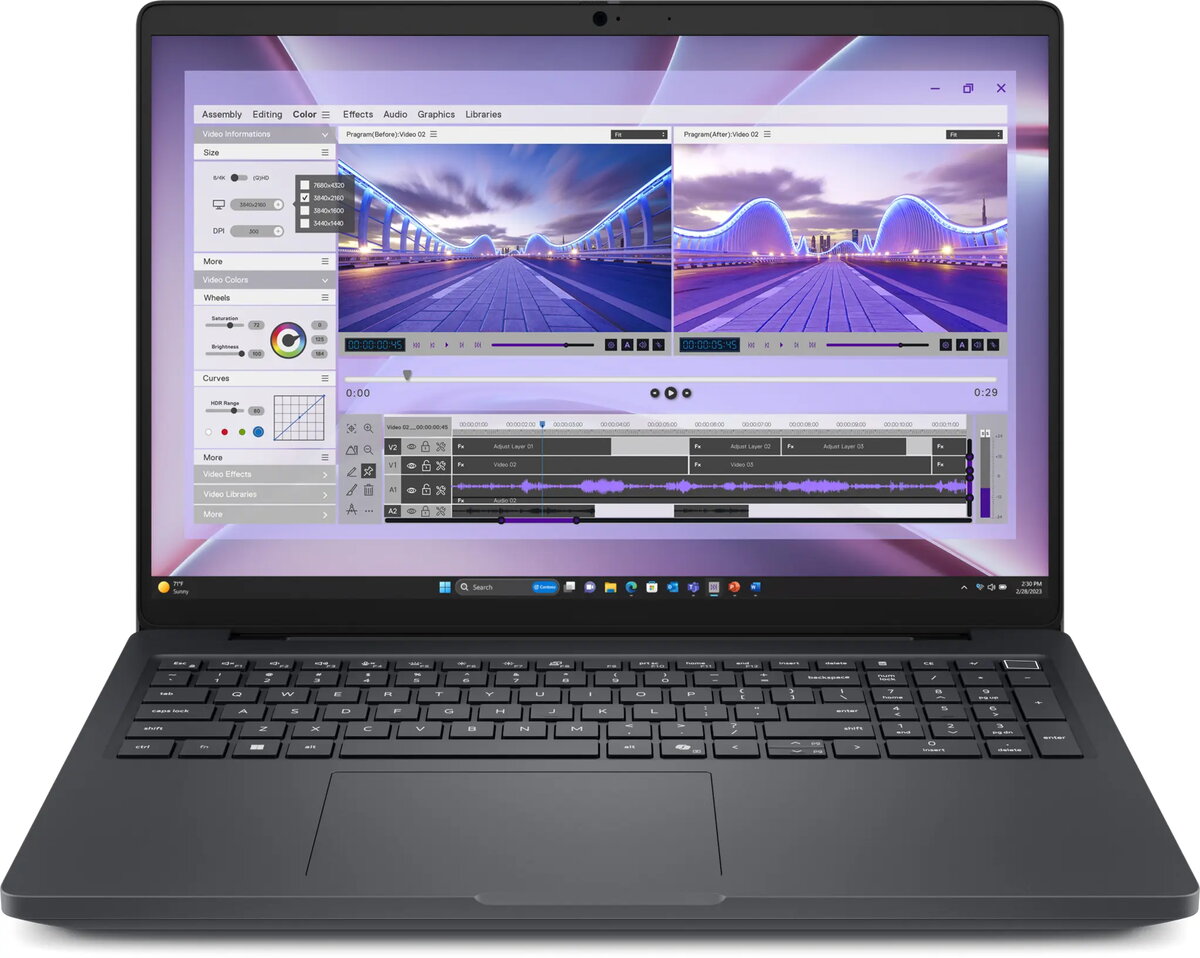
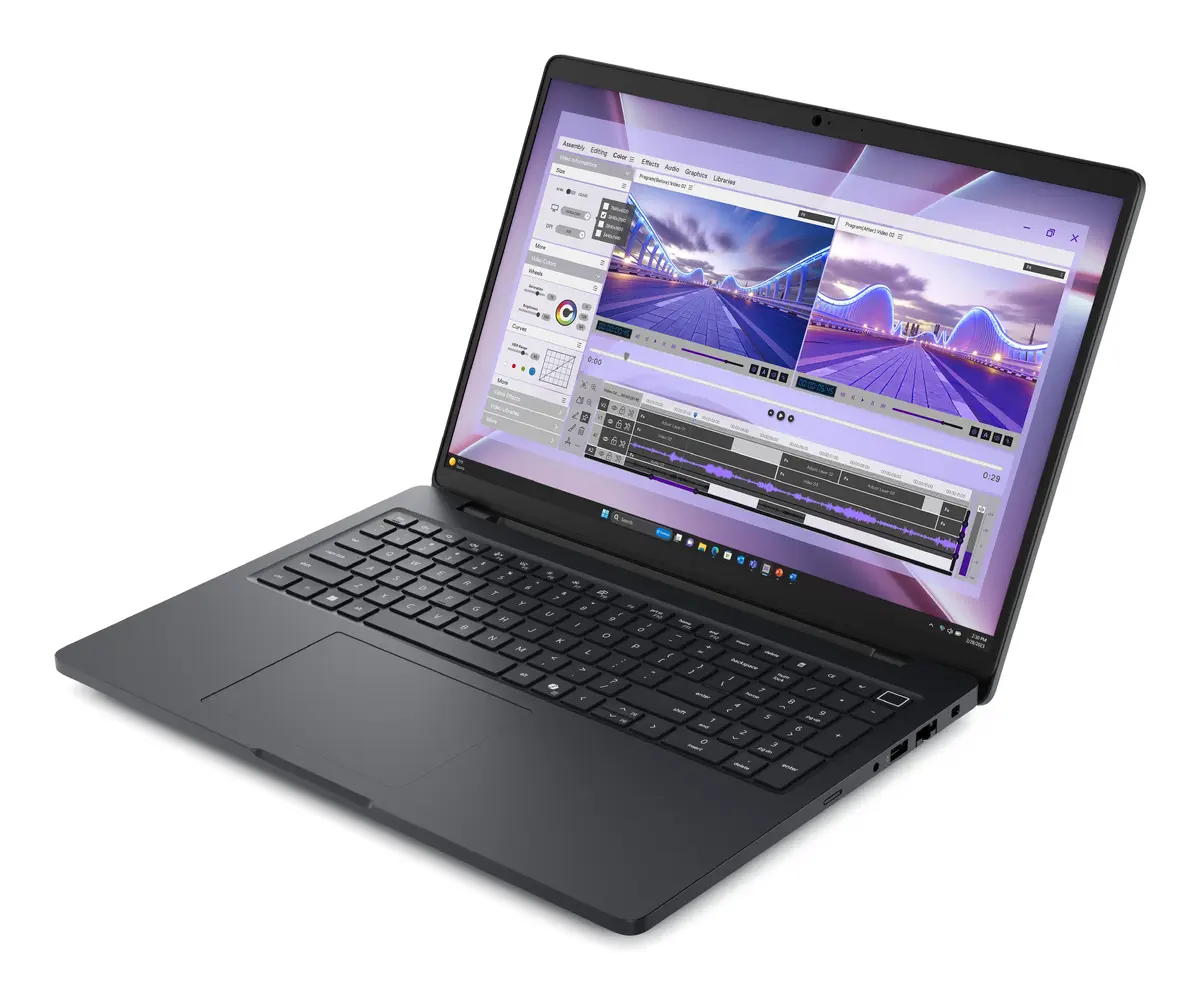
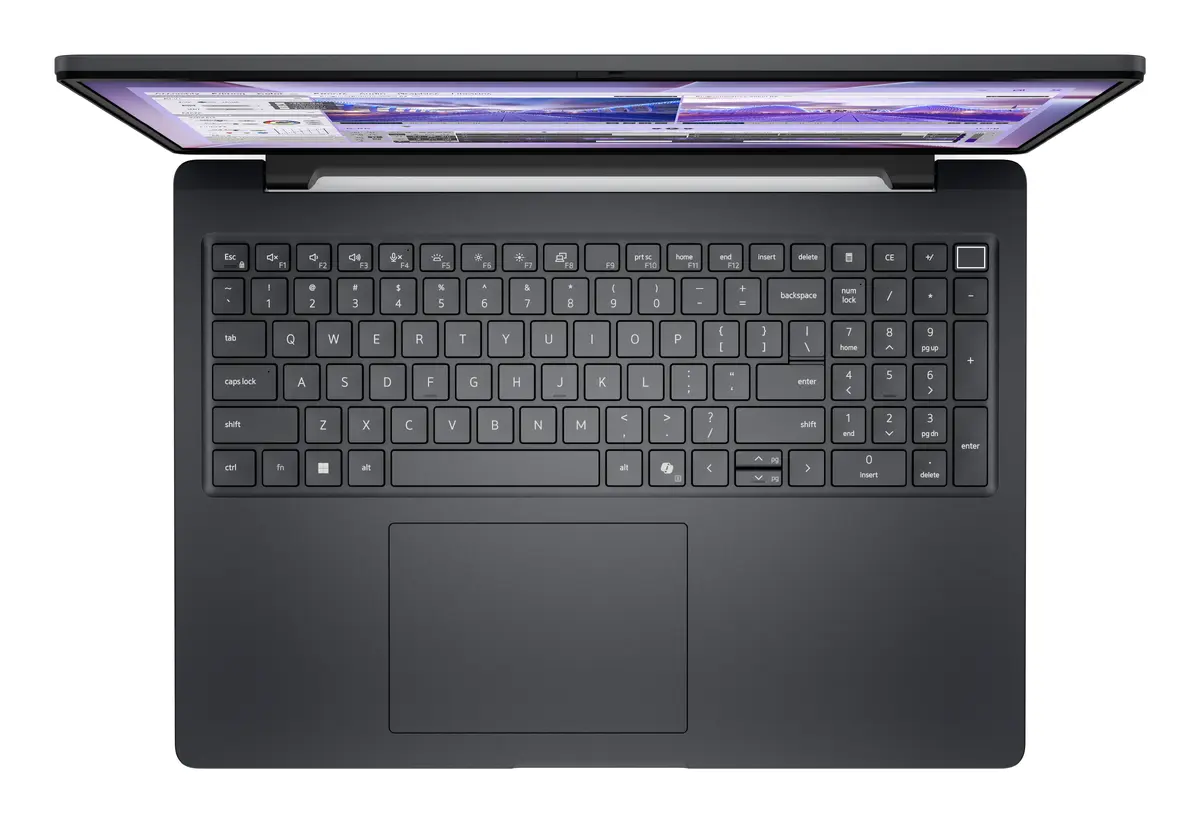
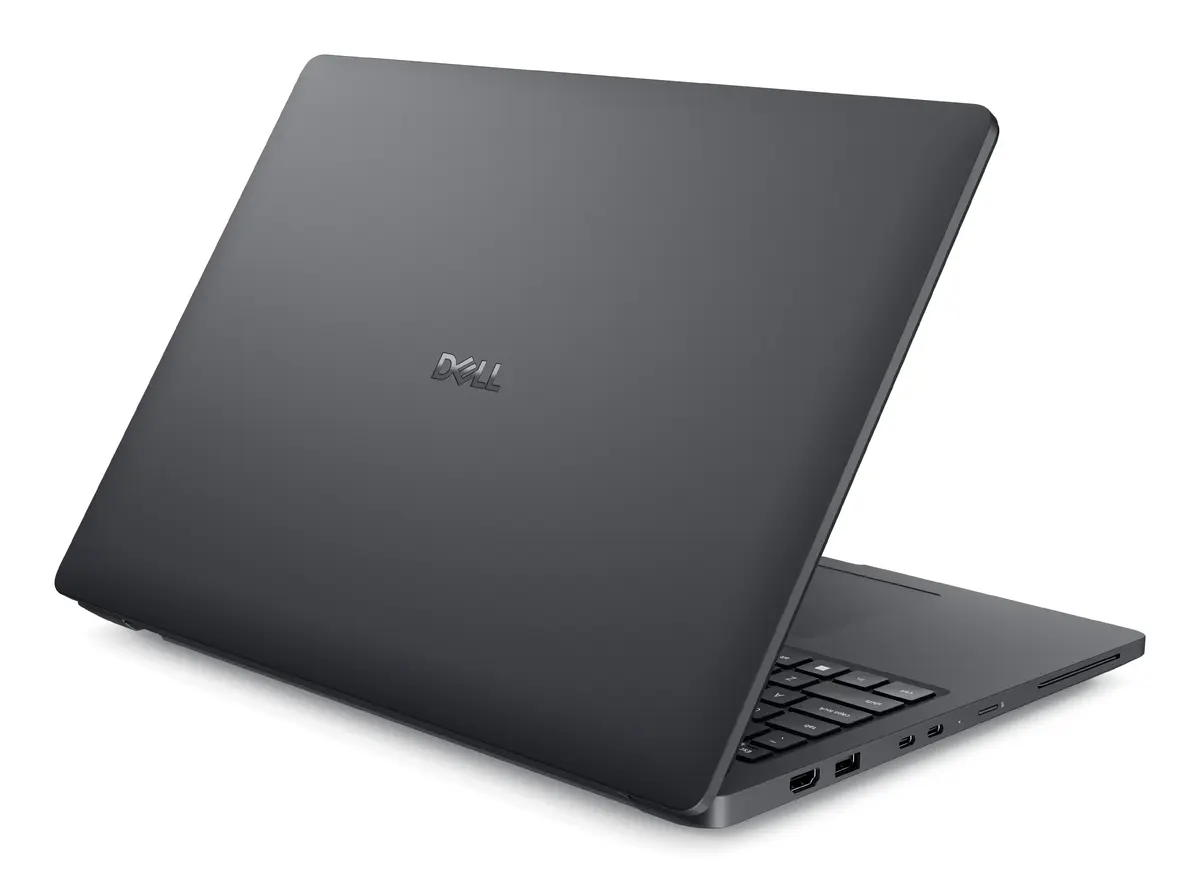
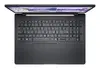
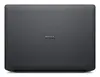
Mobile workstation Dell Pro Max 16 MC16250 — Intel Core Ultra 7 265H, 16" Full HD+ (1920x1200), 32 GB DDR5, 1 TB SSD, Intel Arc 140T, Windows 11 Pro,...
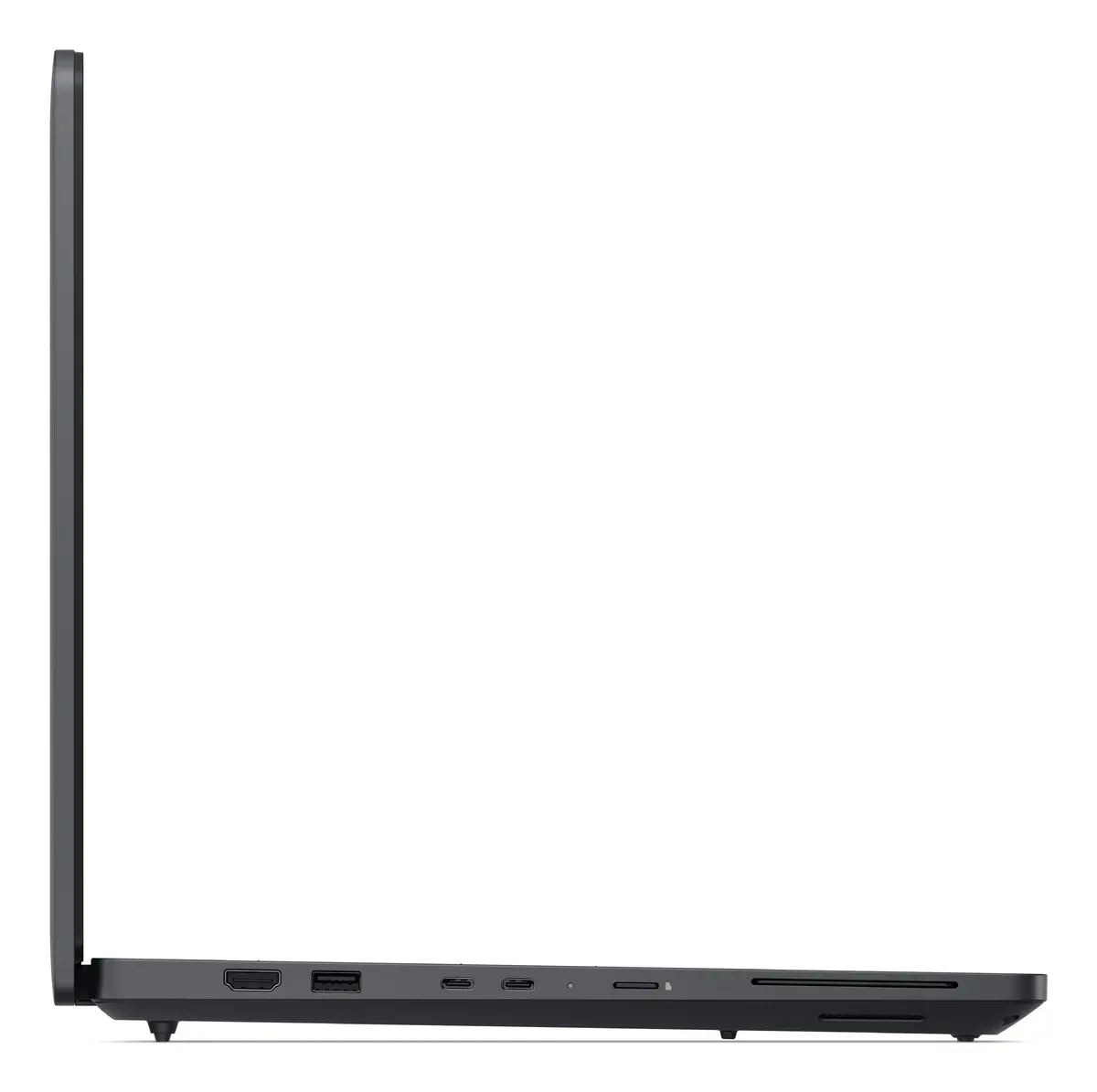
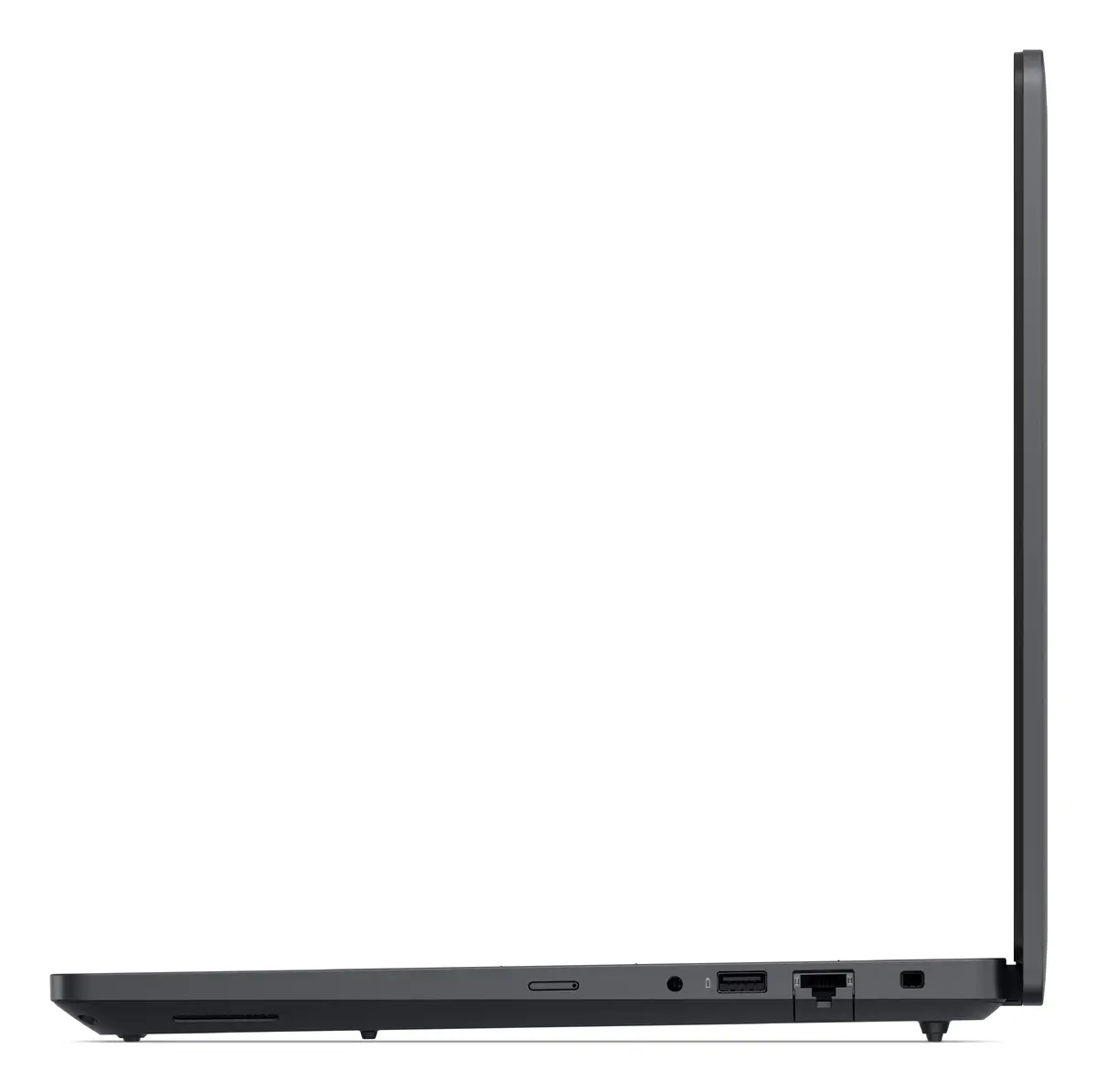
Dell Pro Max 16 MC16250 is a 16" mobile workstation designed for professionals who need high-performance compute, large memory and fast storage in a portable chassis. It features a 1920 x 1200 Full HD+ 16:10 WVA display with LED backlight, an Intel Core Ultra 7 265H processor with multiple cores, 32 GB of DDR5 memory and a 1 TB solid-state drive. Integrated Intel Arc 140T graphics provide improved image processing and rendering compared with basic integrated solutions. The system ships with Windows 11 Pro and is finished in black, with a weight of approximately 2.2 kg for balanced mobility and stability.
The combination of the Intel Core Ultra 7 265H processor, 32 GB DDR5 RAM and 1 TB SSD delivers responsive performance for multitasking, large datasets and demanding applications. The 16" 1920 x 1200 display offers a 16:10 aspect ratio for additional vertical workspace useful in design and engineering tasks. Intel Arc 140T graphics support content creation and accelerated visual workloads without the need for a separate desktop GPU. Connectivity options including Wi‑Fi 7, Gigabit Ethernet and Bluetooth facilitate fast network access and device pairing. A 64 Wh battery and efficient power delivery enable sustained use on the move.
Unpack the laptop, connect the supplied power adapter and perform the initial Windows 11 Pro setup following on‑screen instructions. Install required professional applications and drivers from Dell or software vendors to ensure full compatibility with the Intel Core Ultra architecture and Intel Arc graphics. Use the built‑in wireless or wired networking to join corporate networks or cloud services. For best sustained performance, keep the system plugged in when running high CPU/GPU workloads and use the operating system power settings and Dell firmware updates to manage thermal and performance profiles.
For reliable daily use, keep system firmware and drivers up to date via Dell SupportAssist or the manufacturer website. Use high‑quality NVMe backup solutions or cloud storage for critical data, and calibrate display settings if colour accuracy is required for content creation. When transporting the workstation, use a padded laptop bag and avoid extreme temperatures or humidity.
{{highlightedFeature.featureTitle}}:
{{getProductFeatureValueById(product, highlightedFeature.featureId)}}
{{ productComparisonGenerationError }}
