


Hurry and order now – up to 50% off!
In cart {{totalProductsCount}} item(s)
Your cart is empty
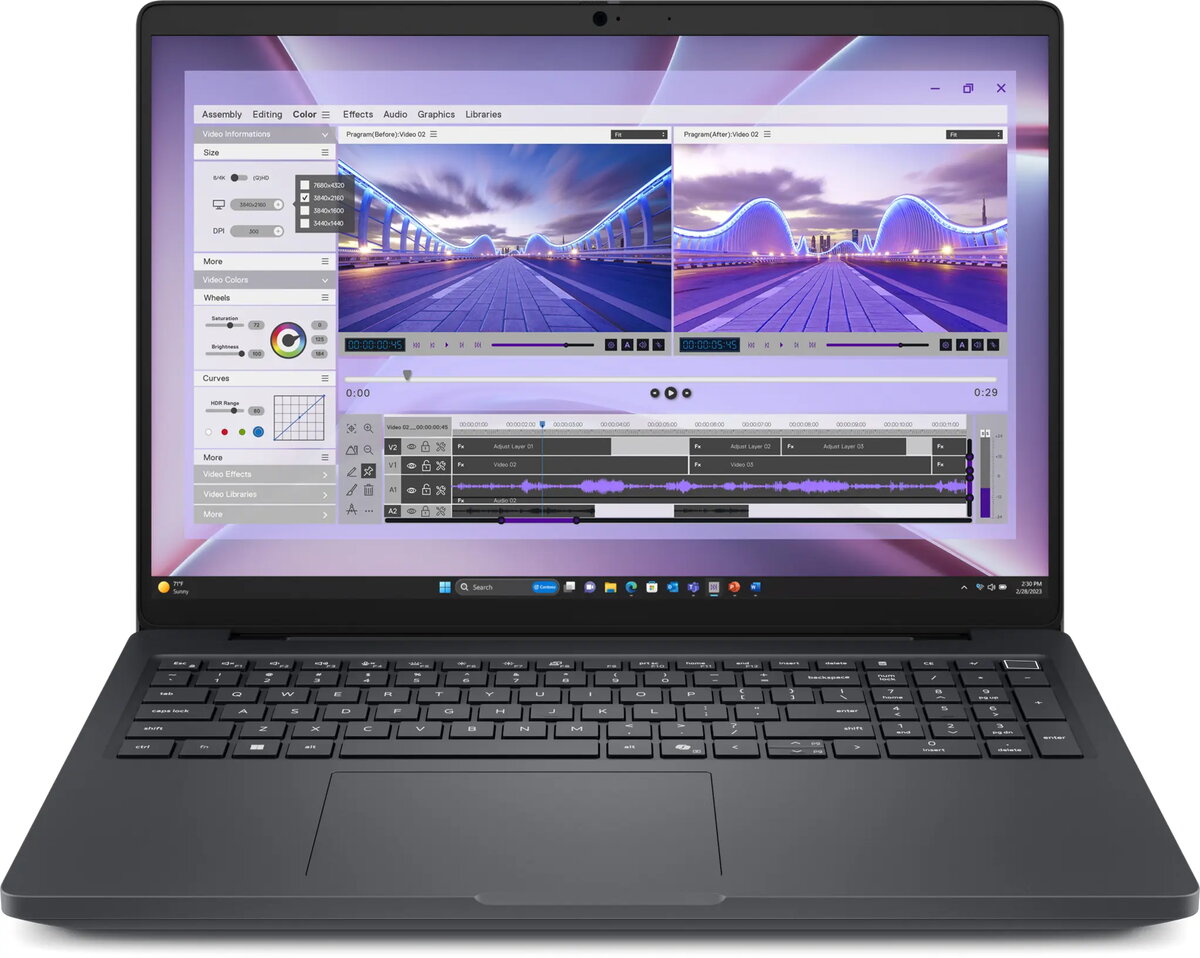
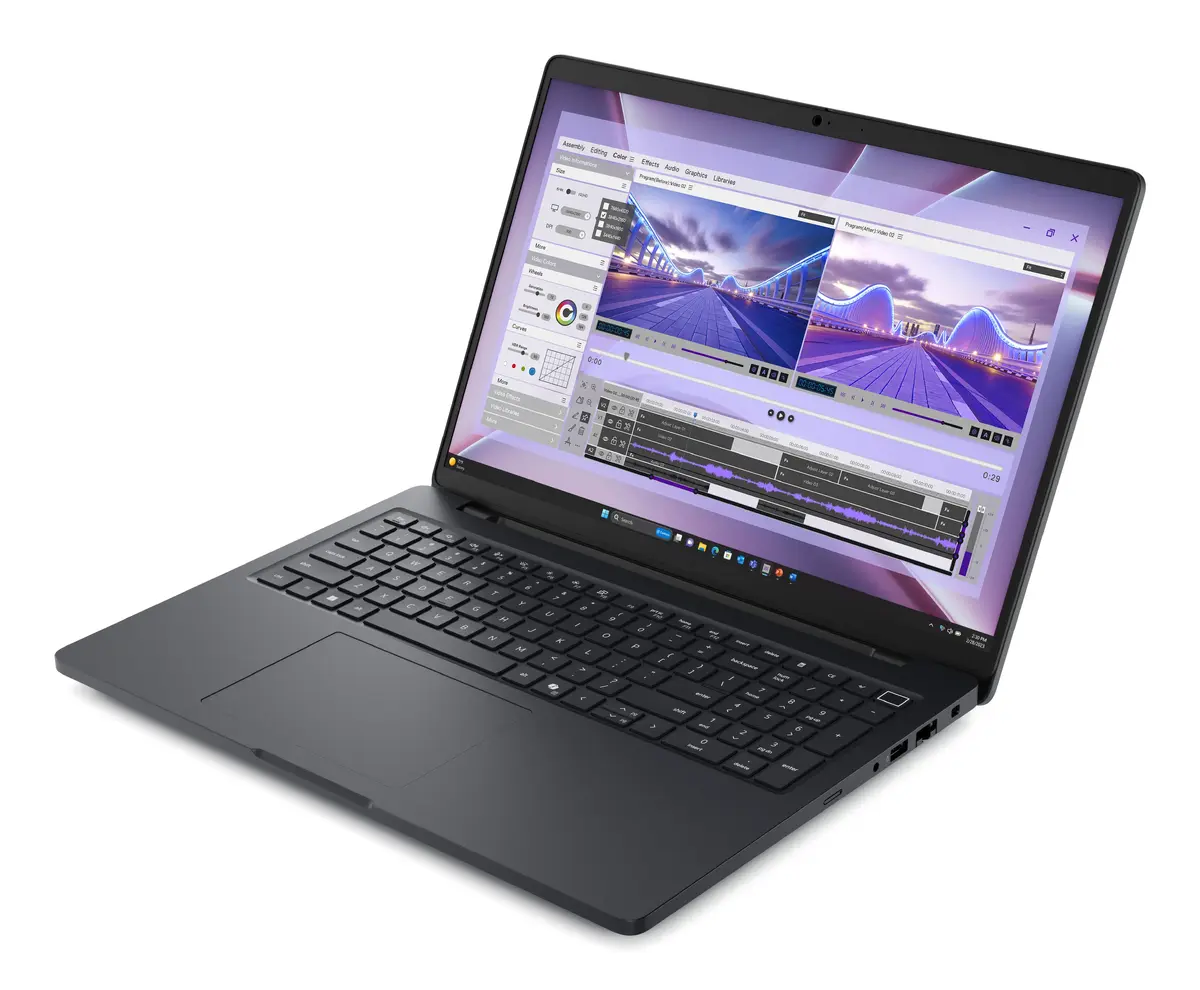
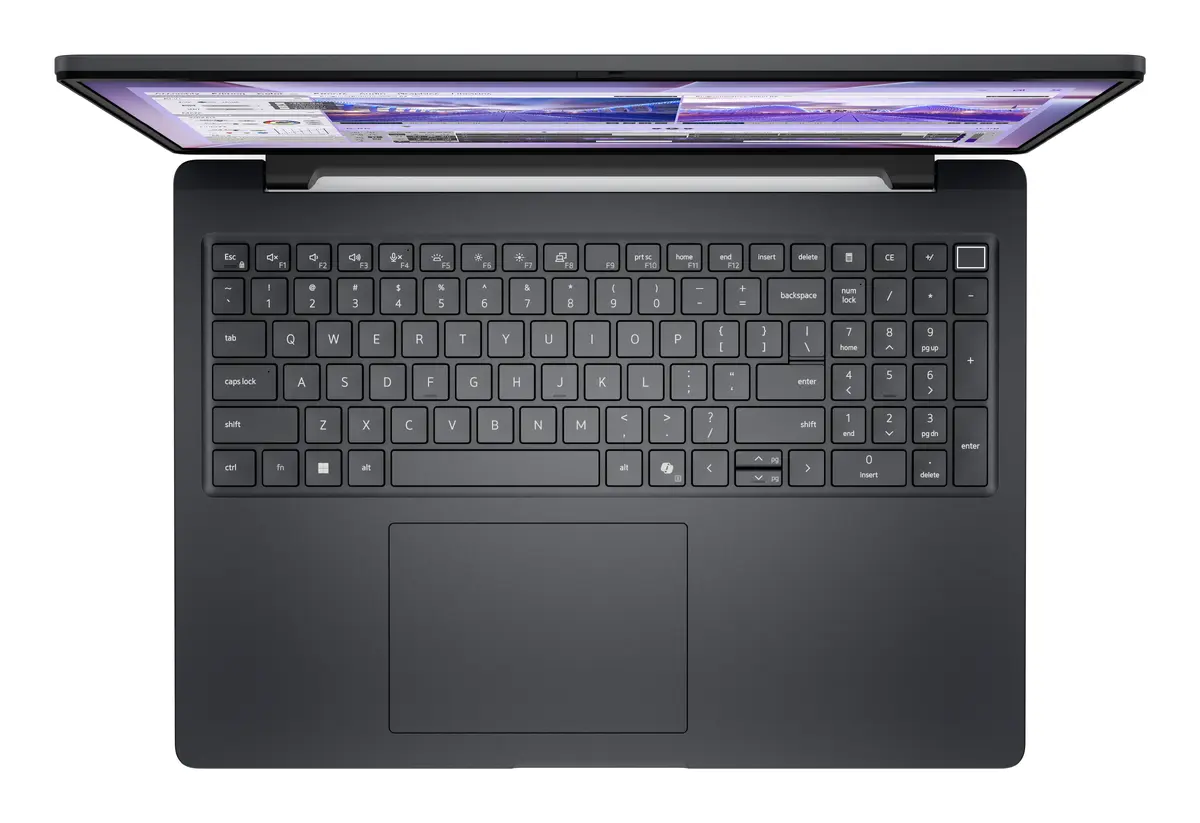
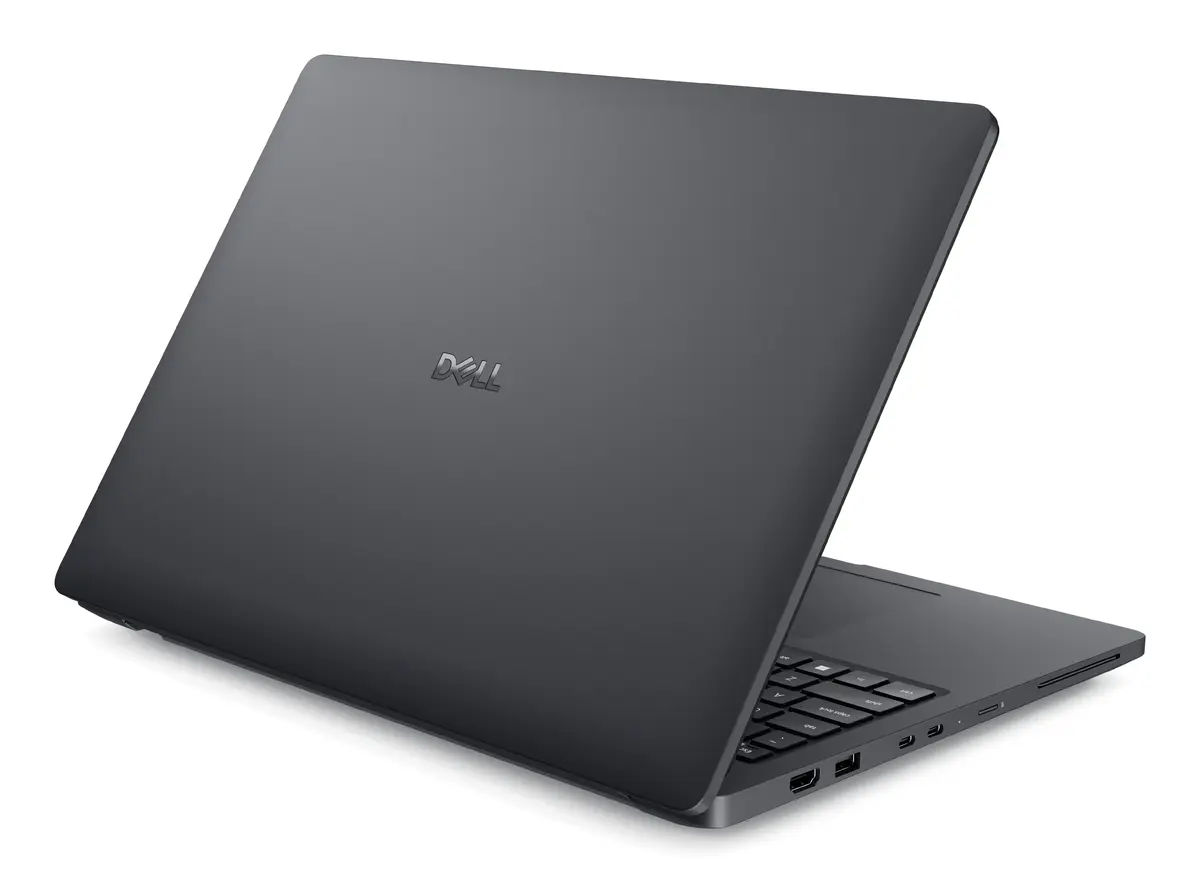
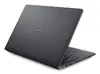
Mobile workstation Dell Pro Max 16 MC16250 — 16" Full HD+ 1920×1200, Intel Core Ultra 7 265H, 32 GB DDR5, 1 TB SSD, NVIDIA RTX PRO 2000 Blackwell, Win...
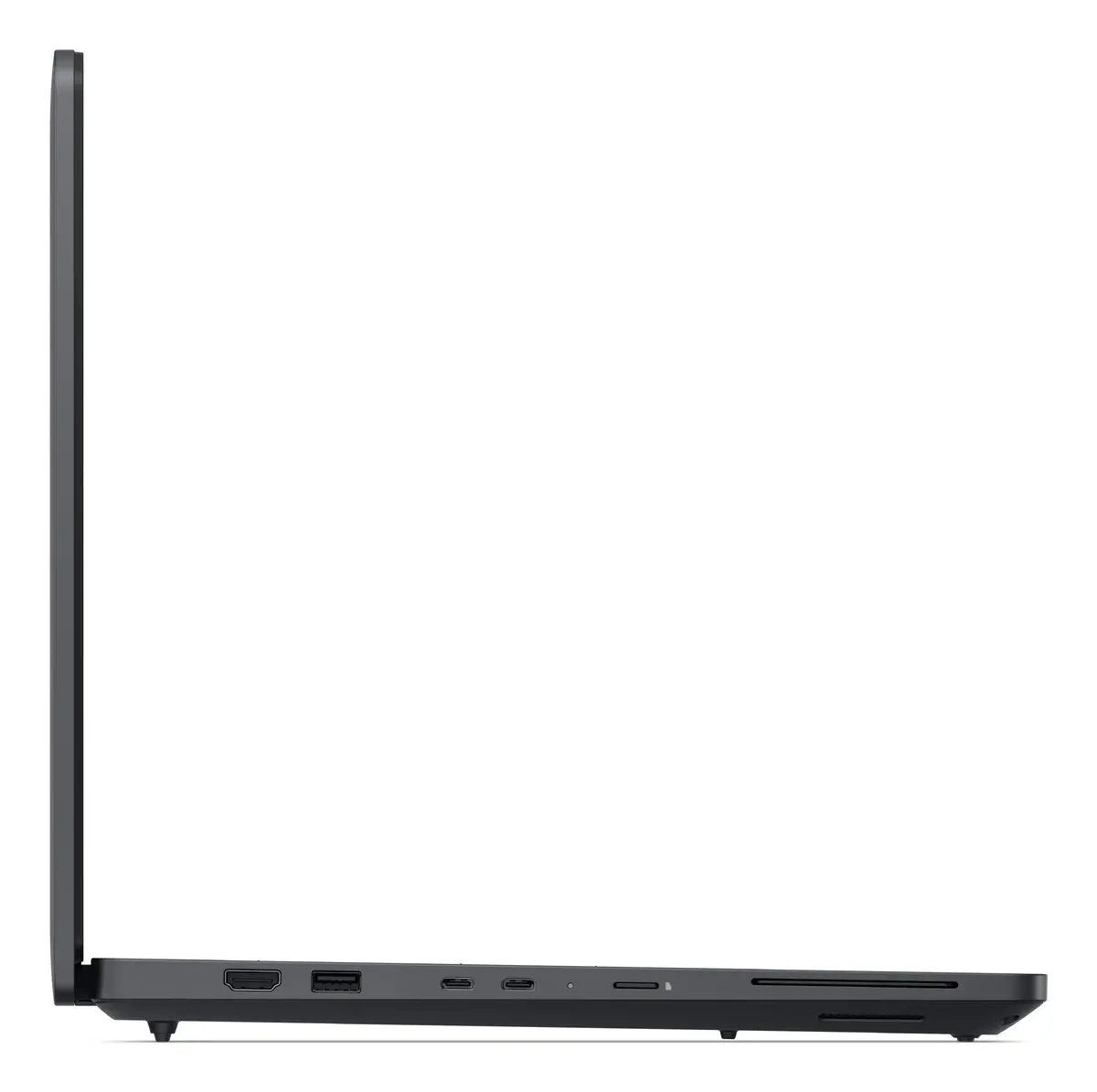
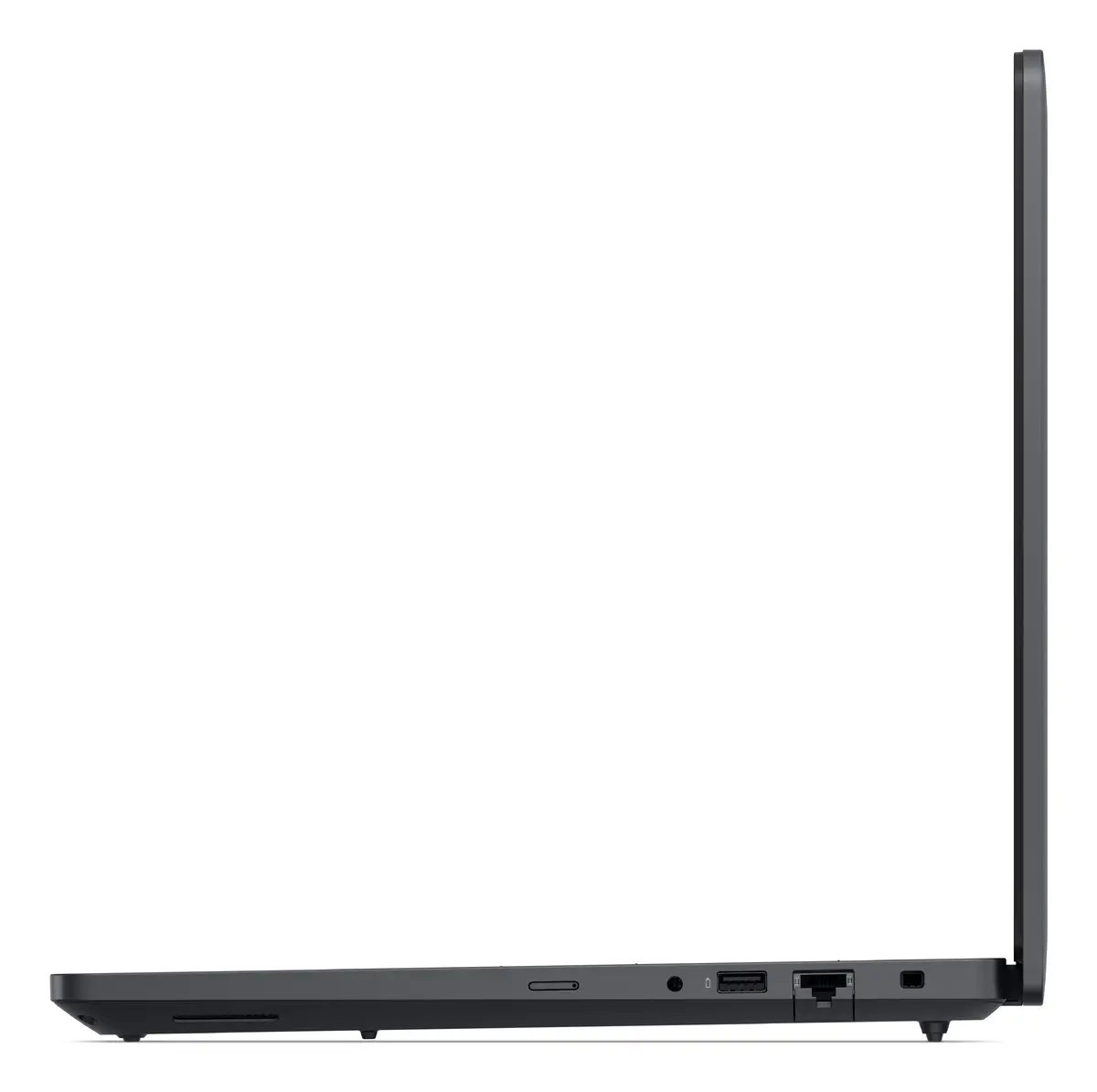
Dell Pro Max 16 MC16250 is a 16" (40.6 cm) clamshell mobile workstation designed for professional computing tasks. It features a 1920×1200 Full HD+ WVA display with 16:10 aspect ratio, an Intel Core Ultra 7 265H processor and a combination of integrated Intel Arc 140T and discrete NVIDIA RTX PRO 2000 Blackwell graphics. The system ships with 32 GB DDR5 memory, a 1 TB SSD and Windows 11 Pro, and supports modern connectivity including Wi‑Fi 7 and Gigabit Ethernet. With a black chassis and an approximate weight of 2.2 kg, this unit is intended for users who need a balance of portability and workstation-class performance.
The Dell Pro Max 16 MC16250 pairs a high-performance Intel Core Ultra 7 processor with professional-grade NVIDIA RTX PRO graphics, enabling accelerated 3D rendering, CAD workflows and content creation. The 16:10 Full HD+ display provides extra vertical space for design and productivity applications. Fast DDR5 memory and a 1 TB NVMe SSD reduce load and project open times, while Windows 11 Pro provides enterprise features and security. Built-in Wi‑Fi 7 and Ethernet support ensure reliable network connectivity for large file transfers and remote collaboration.
Unpack the mobile workstation and connect the power adapter before first use to ensure the battery charges fully. Install required drivers and system updates via Windows Update and Dell support utilities to enable the NVIDIA and Intel graphics features and Wi‑Fi 7 functionality. For professional applications, configure GPU and memory settings in your software to take advantage of the discrete NVIDIA RTX PRO 2000 for rendering tasks while using integrated graphics for everyday tasks to optimize battery life. Use the built-in Ethernet or Wi‑Fi for network access and save project data to the internal 1 TB SSD or to approved external storage.
For consistent performance in prolonged rendering or simulation sessions, use the workstation connected to AC power, keep system firmware and drivers up to date, and monitor thermal conditions. When working on battery, reduce screen brightness and disable unnecessary background processes to extend runtime. Regularly back up active projects to external or cloud storage to protect critical work.
{{highlightedFeature.featureTitle}}:
{{getProductFeatureValueById(product, highlightedFeature.featureId)}}
{{ productComparisonGenerationError }}
