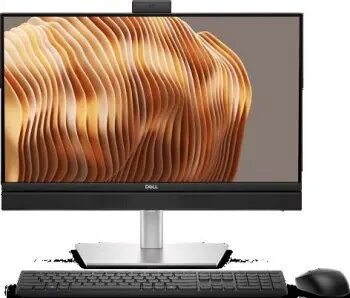
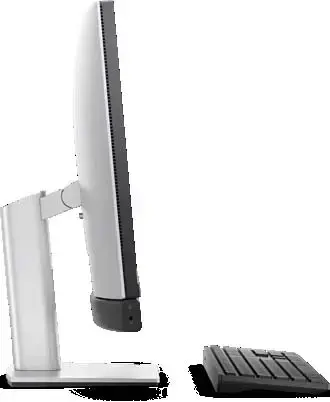
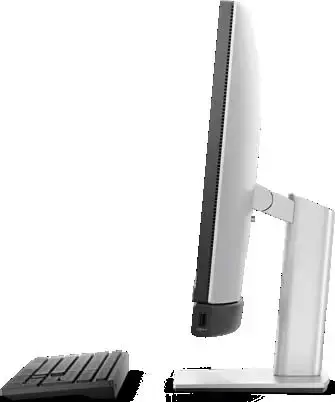
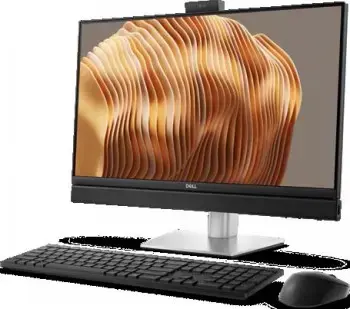
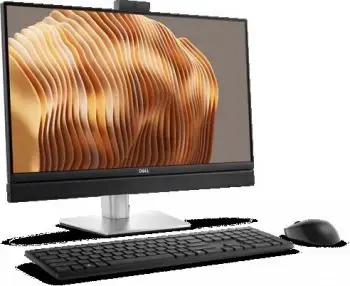
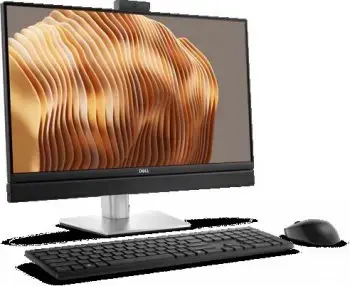
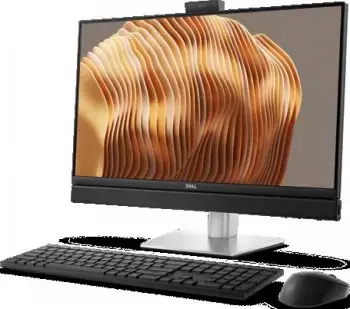
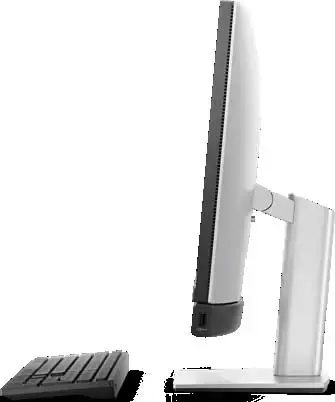
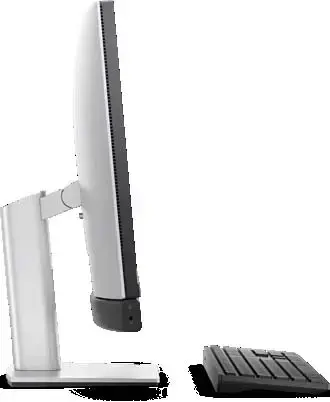
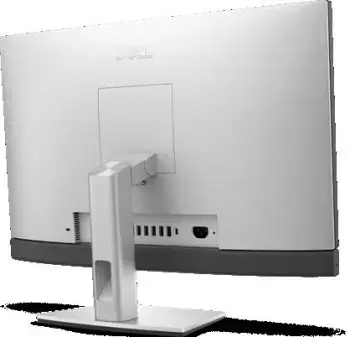
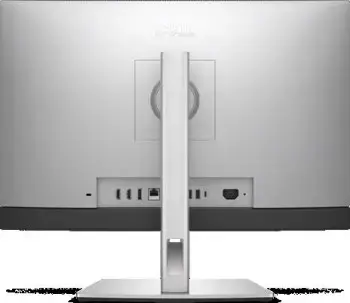
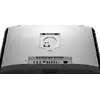
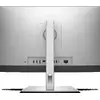
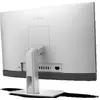
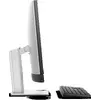
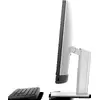
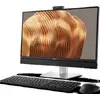
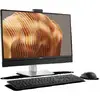
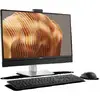
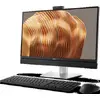
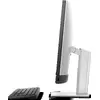
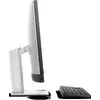
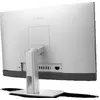
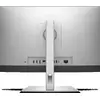
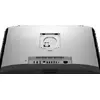
Dell Pro 24 All-in-One integrates workstation-class performance, modern AI capabilities and a compact, minimalist design in a 23.8-inch all-in-one system. Powered by Intel Core and Core Ultra processors — including AI-enhanced variants with integrated NPUs — this AIO is intended for hybrid work environments where space efficiency and processing power are both required. It includes a high-resolution FHD HDR camera, a 100 Hz anti-glare touchscreen, built-in stereo speakers and a range of adjustable stand options. The system supports up to 64 GB DDR5 memory, dual M.2 SSDs and ships in sustainable packaging with a high share of recycled plastics.
Advantages
The Dell Pro 24 AIO offers enterprise-grade processing with the Intel Core Ultra 7 265 option, integrated Intel graphics for everyday tasks, and fast DDR5 memory and PCIe SSD storage for responsive multitasking. Collaboration features include an FHD HDR camera with integrated microphones and a bright anti-glare 100 Hz display. Multiple I/O ports, Ethernet and wireless Wi‑Fi 6E provide connectivity flexibility, while built-in security features such as discrete TPM 2.0 and a Kensington lock slot protect hardware and data. The product also includes three-year ProSupport on-site warranty for business use.
Suitable for
- Office productivity and multitasking (document editing, spreadsheets, email)
- Video conferencing and remote collaboration
- Reception desks, front-office and space-constrained workstations
- Light content creation and media playback
Key specifications
- Processor: Intel Core Ultra 7 265 (20 cores, 20 threads, up to 5.3 GHz, 13 TOPS)
- Memory: 16 GB DDR5 SODIMM 5600 MT/s (one of two slots populated; up to 64 GB)
- Storage: 512 GB M.2 PCIe SSD (one M.2 2230/2280 in use)
- Graphics: Integrated Intel Graphics
- Display: 23.8" FHD (1920×1080) touchscreen, IPS, 100 Hz, anti-glare, 250 nits
- Camera: FHD HDR camera with integrated microphones
- Wireless: Intel Wi‑Fi 6E AX211 (2x2), Bluetooth
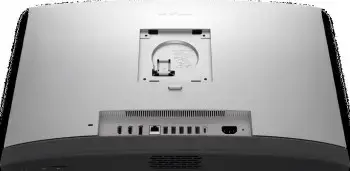
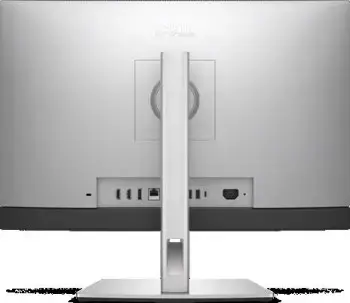
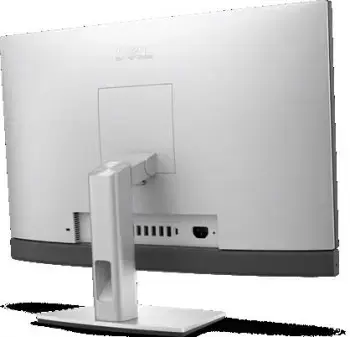
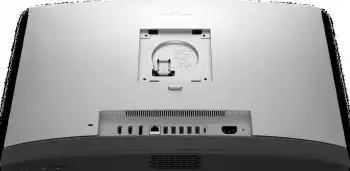
- Ports: USB-A, USB-C, DisplayPort++ 1.4a, RJ‑45 Gigabit Ethernet, headset jack
- Power: 130 W external power supply (7.4 mm barrel)
- Dimensions (without stand): 354.3 × 540 × 57.9 mm
- Weight (without stand): 5.22–6.53 kg
- OS: Windows 11 Pro
- Warranty: Three-year international ProSupport on-site, next business day response
How to use
Place the Dell Pro 24 AIO on a stable desk surface and attach the desired stand position according to your ergonomic preference. Connect the external 130 W power adapter and any required peripherals using the rear and side ports (USB-A, USB-C, Ethernet, headset jack). Power on the system and complete the Windows 11 Pro initial setup. Use the touchscreen or connected mouse and keyboard for daily tasks; expand memory or add an additional M.2 SSD only after shutting down and disconnecting power, following anti-static precautions and the service manual.
Usage recommendations
For optimal performance in multitasking and collaboration, keep device firmware and drivers updated, use Wi‑Fi 6E or wired Ethernet for stable conferencing, and consider upgrading to 32–64 GB DDR5 if running heavier workloads. Regularly back up important data and position the display to reduce glare despite the anti‑glare coating.