
Dreame vacuums for fast and efficient cleaning!
In cart {{totalProductsCount}} item(s)
Your cart is empty
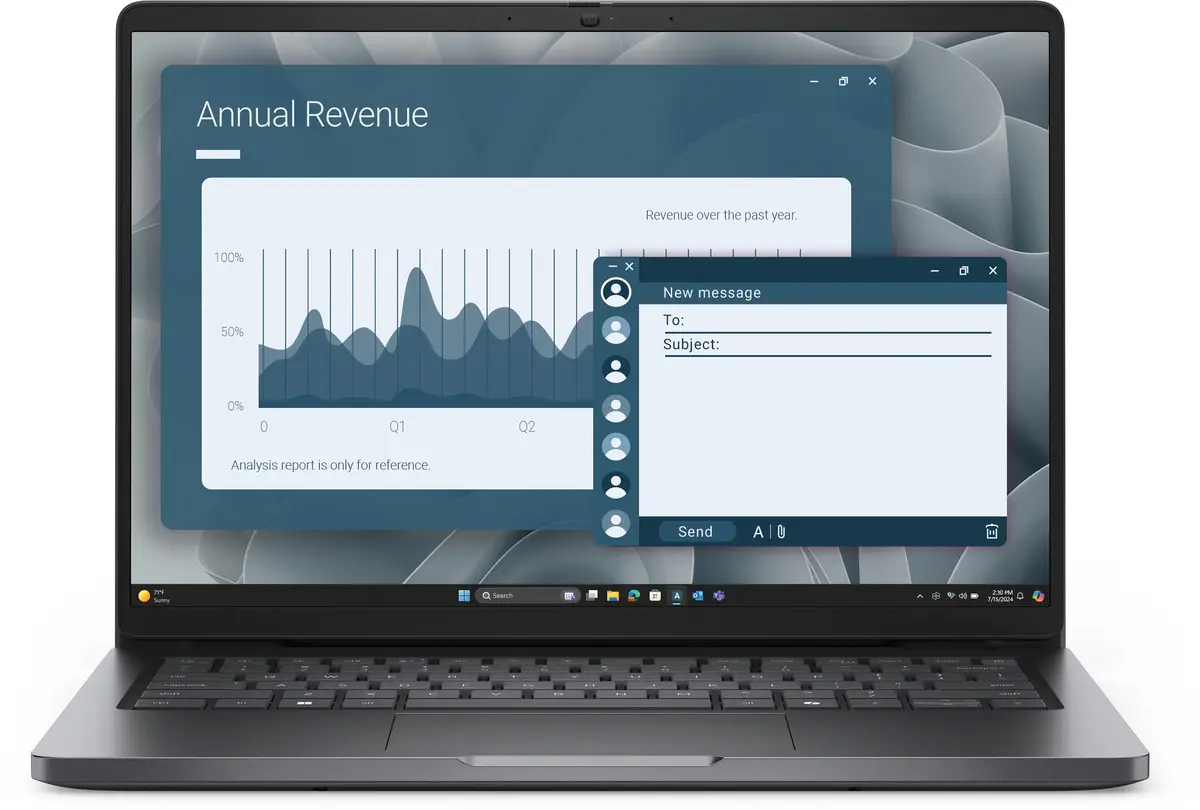
Dell Pro 14 Laptop, AMD Ryzen 5, 16GB RAM, 512GB SSD, 14.0-inch FHD+ Display, AMD Radeon 740M, Windows 11 Pro
The Dell Pro 14 is a professional-grade laptop engineered to deliver reliable performance for business environments and mobile productivity. Powered by an AMD Ryzen 5 processor and 16GB of RAM, this device handles demanding multitasking and office applications with ease. The 14.0-inch FHD+ display provides clear visuals, while the integrated AMD Radeon 740M graphics ensure smooth performance for daily tasks. With a 512GB SSD, users benefit from fast boot times and ample storage for essential files, all running on the secure and efficient Windows 11 Pro operating system.
This laptop offers a robust combination of security and efficiency features tailored for the modern workplace. The inclusion of an integrated fingerprint reader and an IR camera allows for quick and secure biometric authentication, protecting sensitive data. The Nordic backlit keyboard ensures comfortable typing in various lighting conditions, while the compact 14-inch form factor makes it an ideal companion for professionals who travel frequently. Furthermore, the system is backed by a 3-year ProSupport service, providing long-term reliability and technical peace of mind.
This laptop may not be suitable for users who require high-end dedicated graphics for professional 3D rendering, video editing, or intensive gaming. Additionally, those who prefer larger screen real estate for complex design work might find the 14-inch display limiting without an external monitor.
To begin using the Dell Pro 14, connect the device to a power source and follow the on-screen Windows 11 Pro setup instructions to configure your user account and network settings. Once initialized, you can register your fingerprint and facial recognition data through the system settings to enable secure biometric login. Ensure that the device is kept updated via the pre-installed management software to maintain optimal performance and security patches.
For the best experience, keep the laptop firmware and Windows drivers updated regularly. Utilize the integrated IR camera and fingerprint reader to maximize security, and consider using a docking station if you frequently connect to multiple external monitors or wired network accessories in an office setting.
{{highlightedFeature.featureTitle}}:
{{getProductFeatureValueById(product, highlightedFeature.featureId)}}
{{ productComparisonGenerationError }}
