

Hurry and order now – up to 50% off!
In cart {{totalProductsCount}} item(s)
Your cart is empty
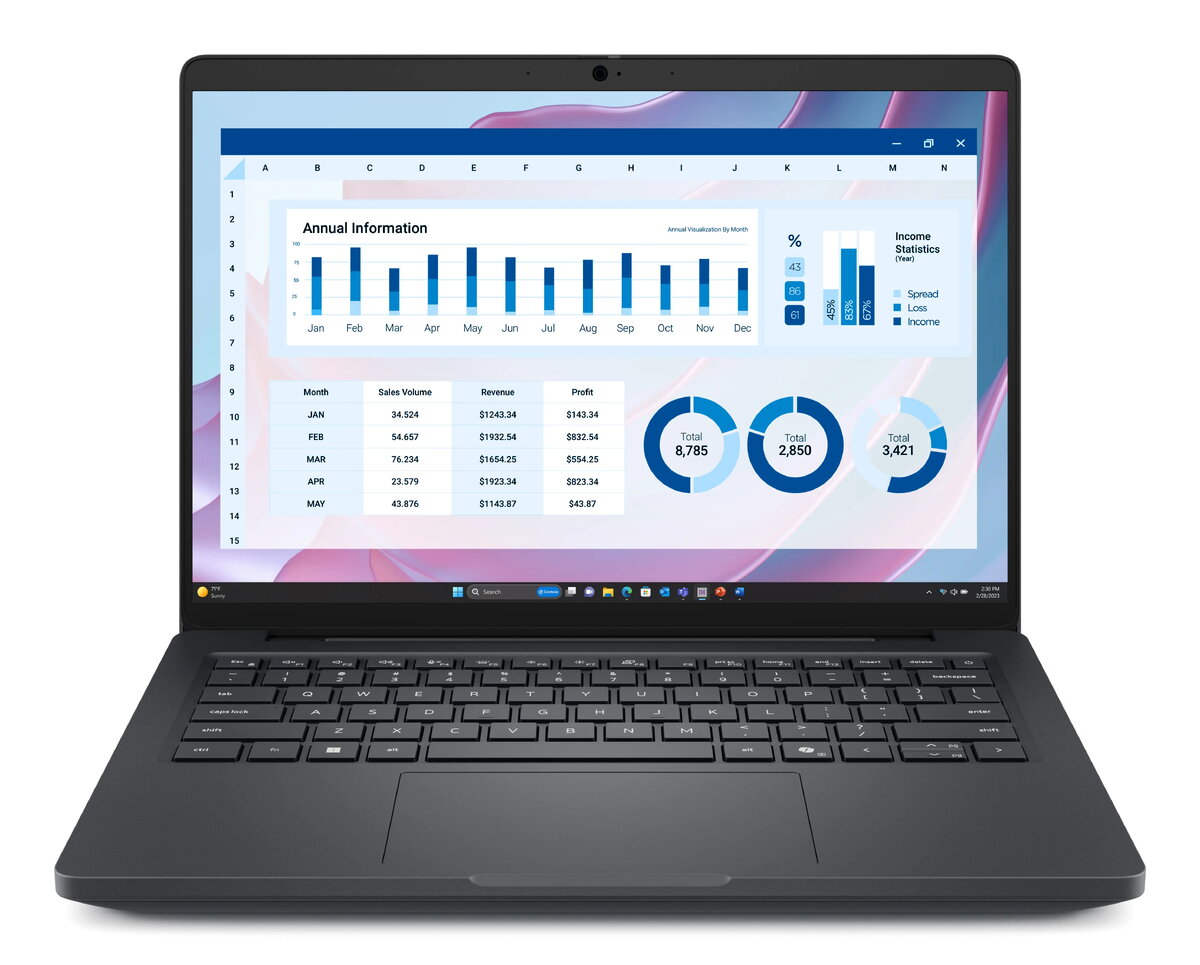
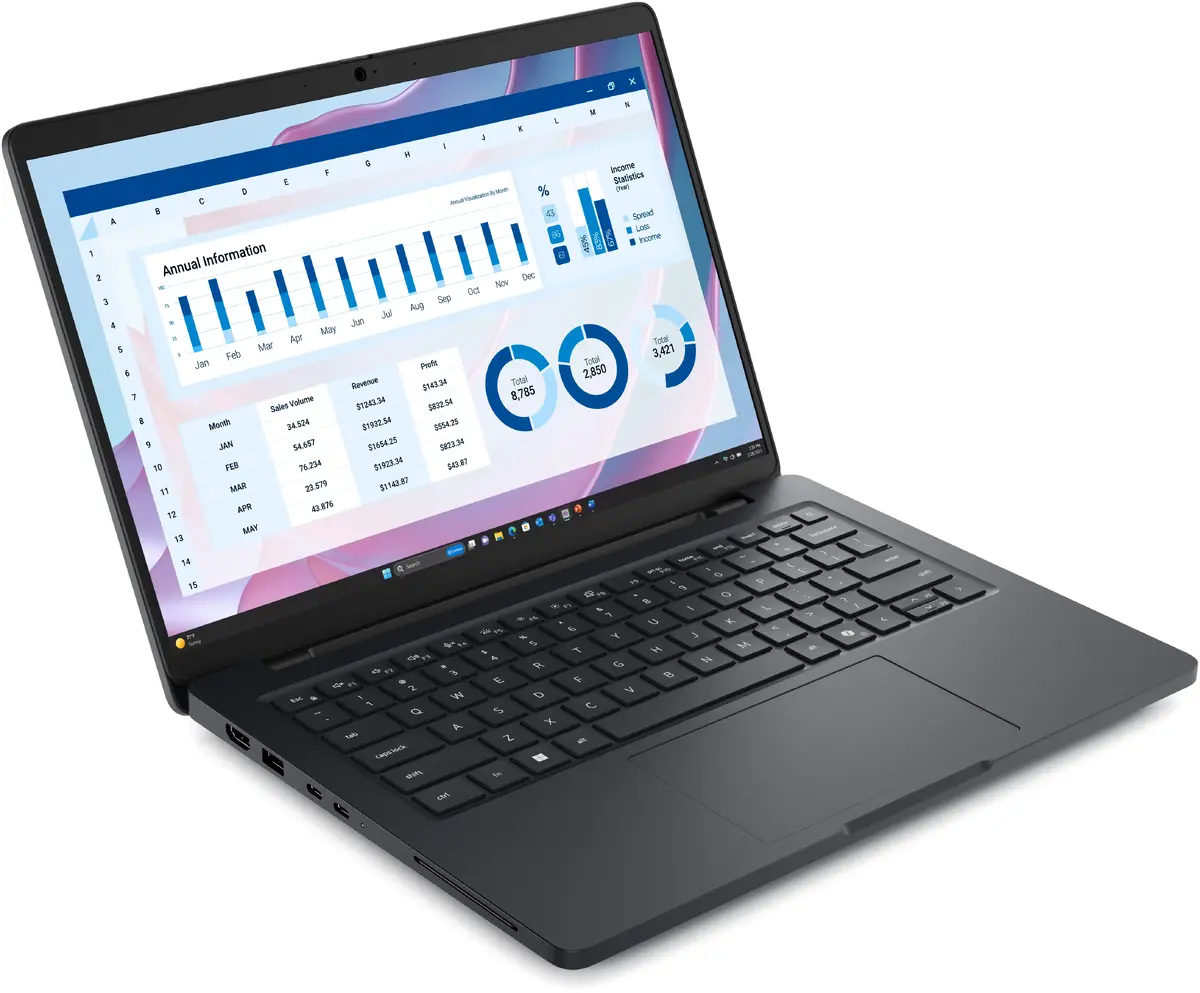
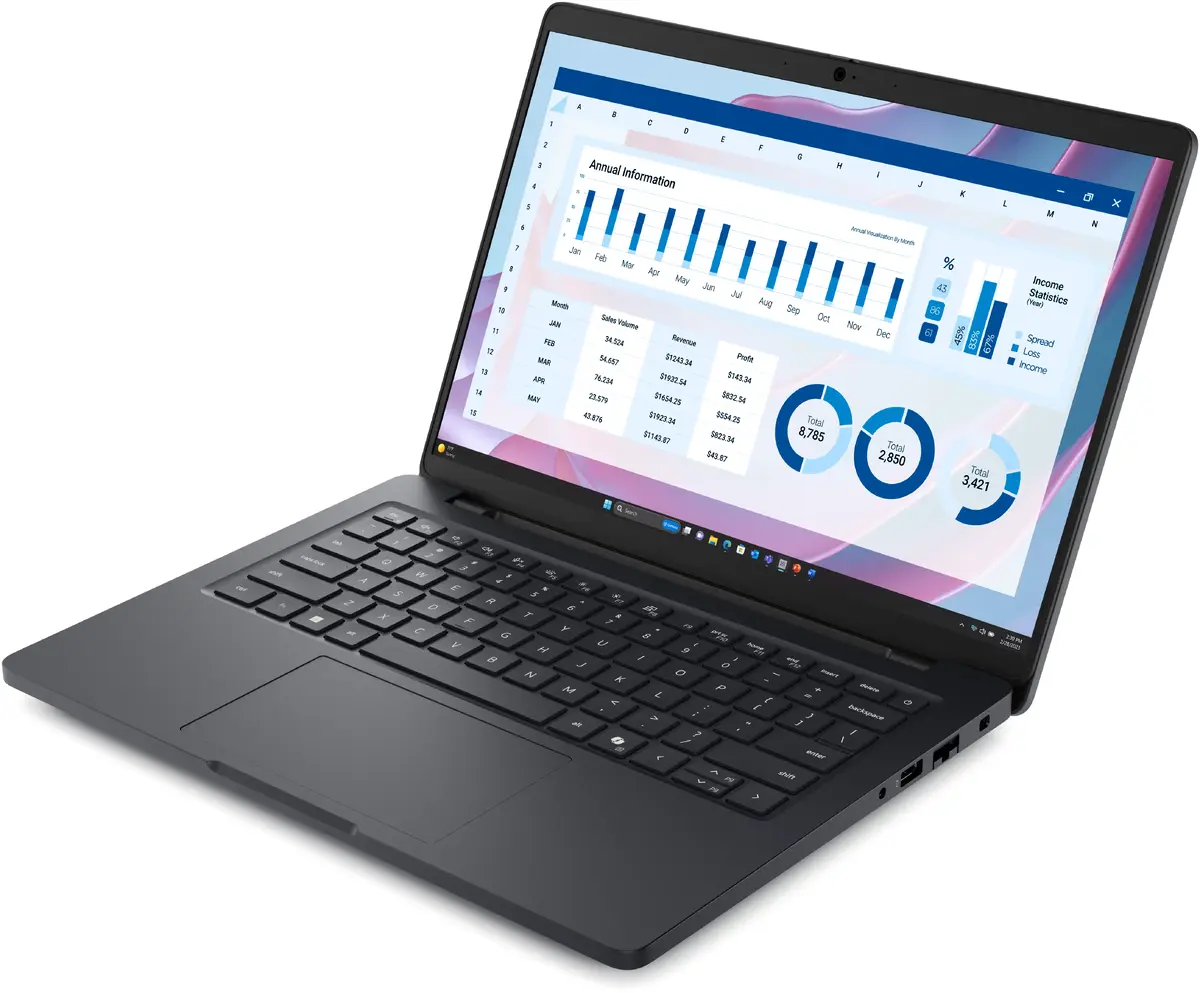
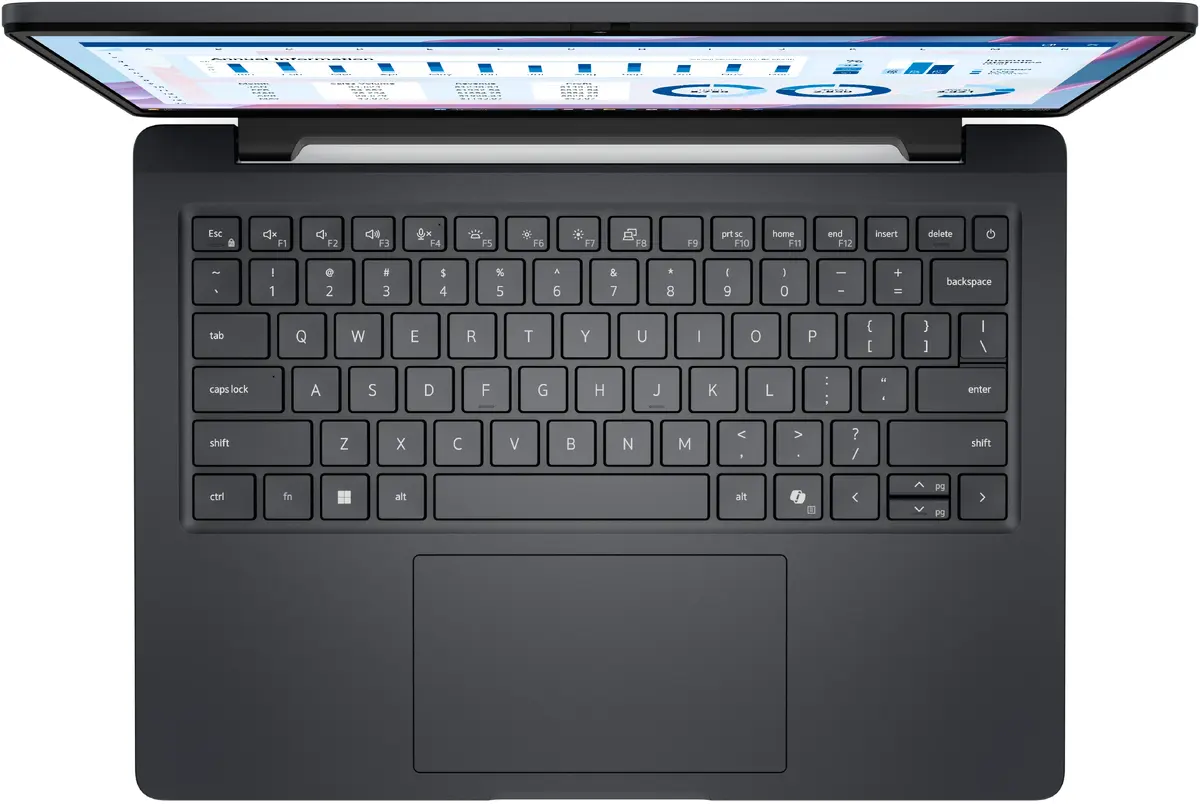
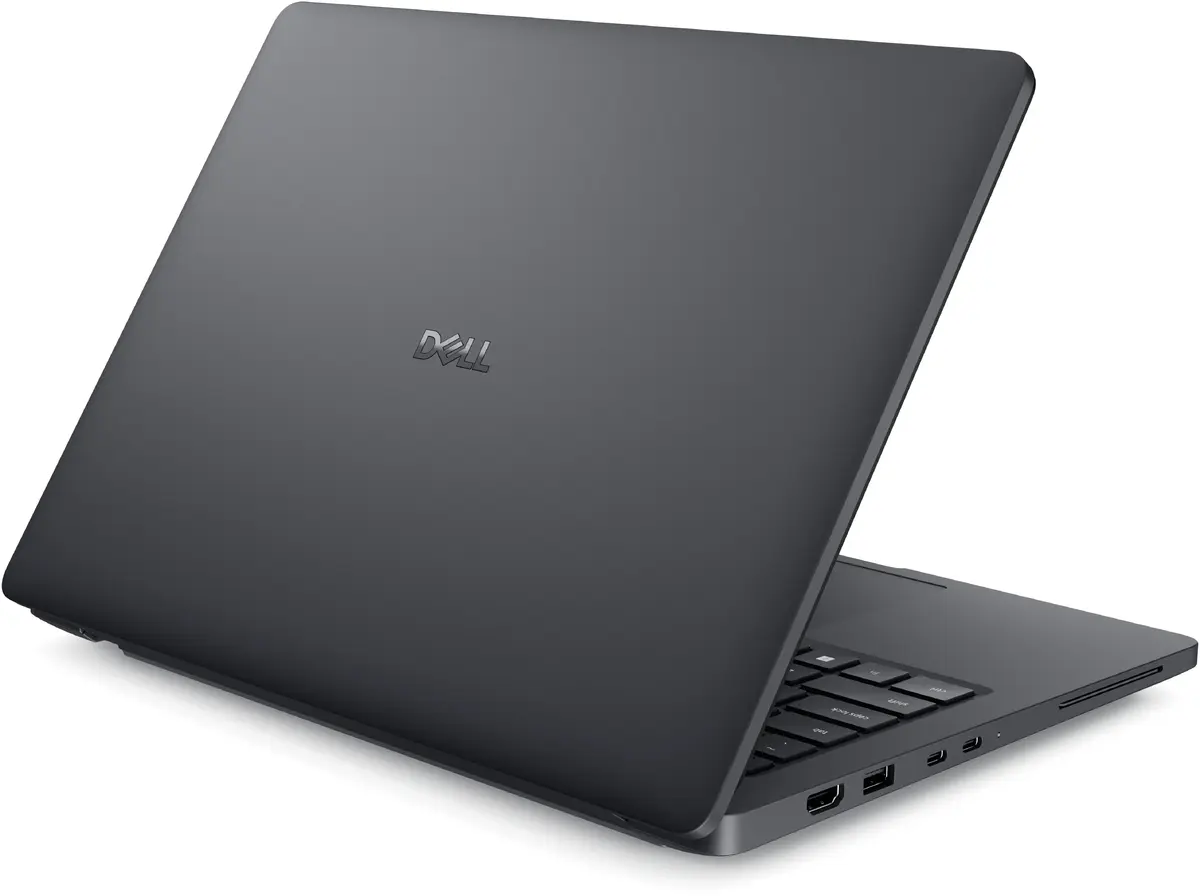
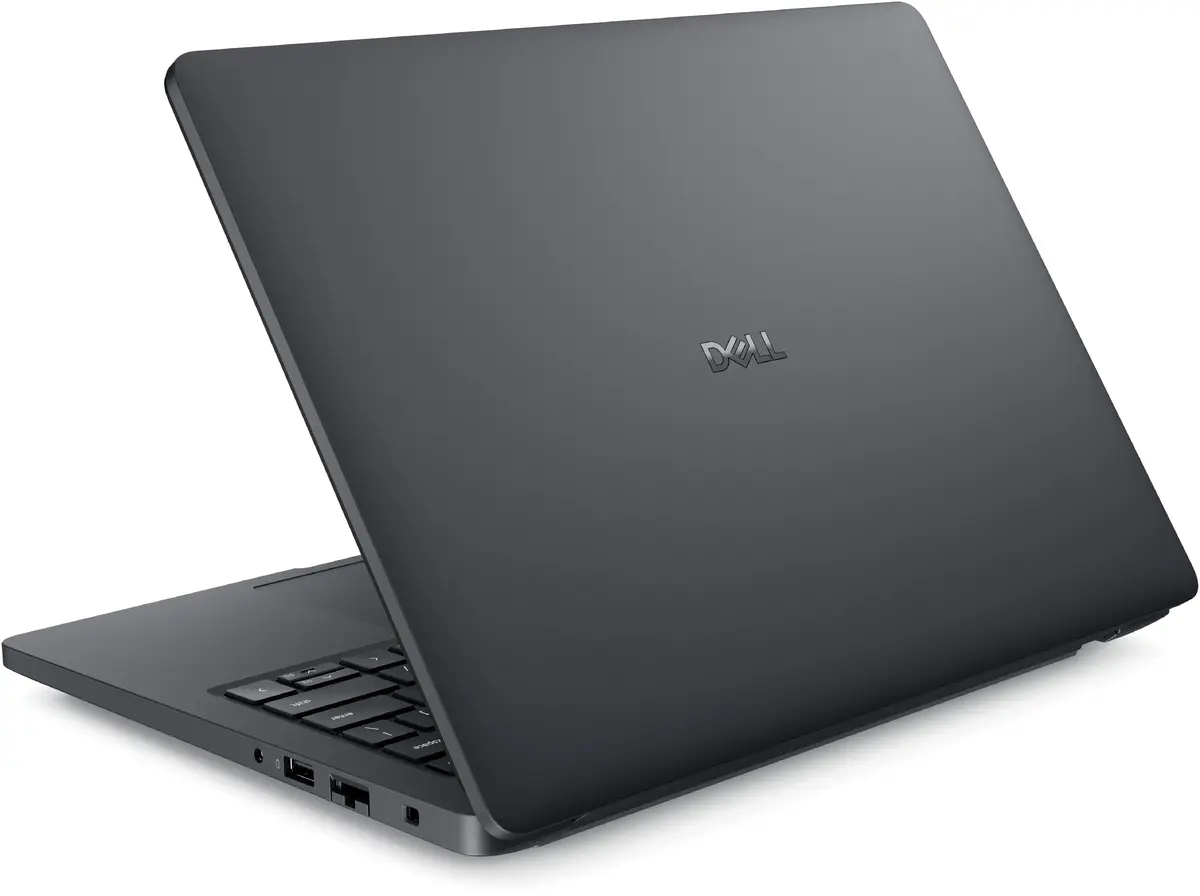
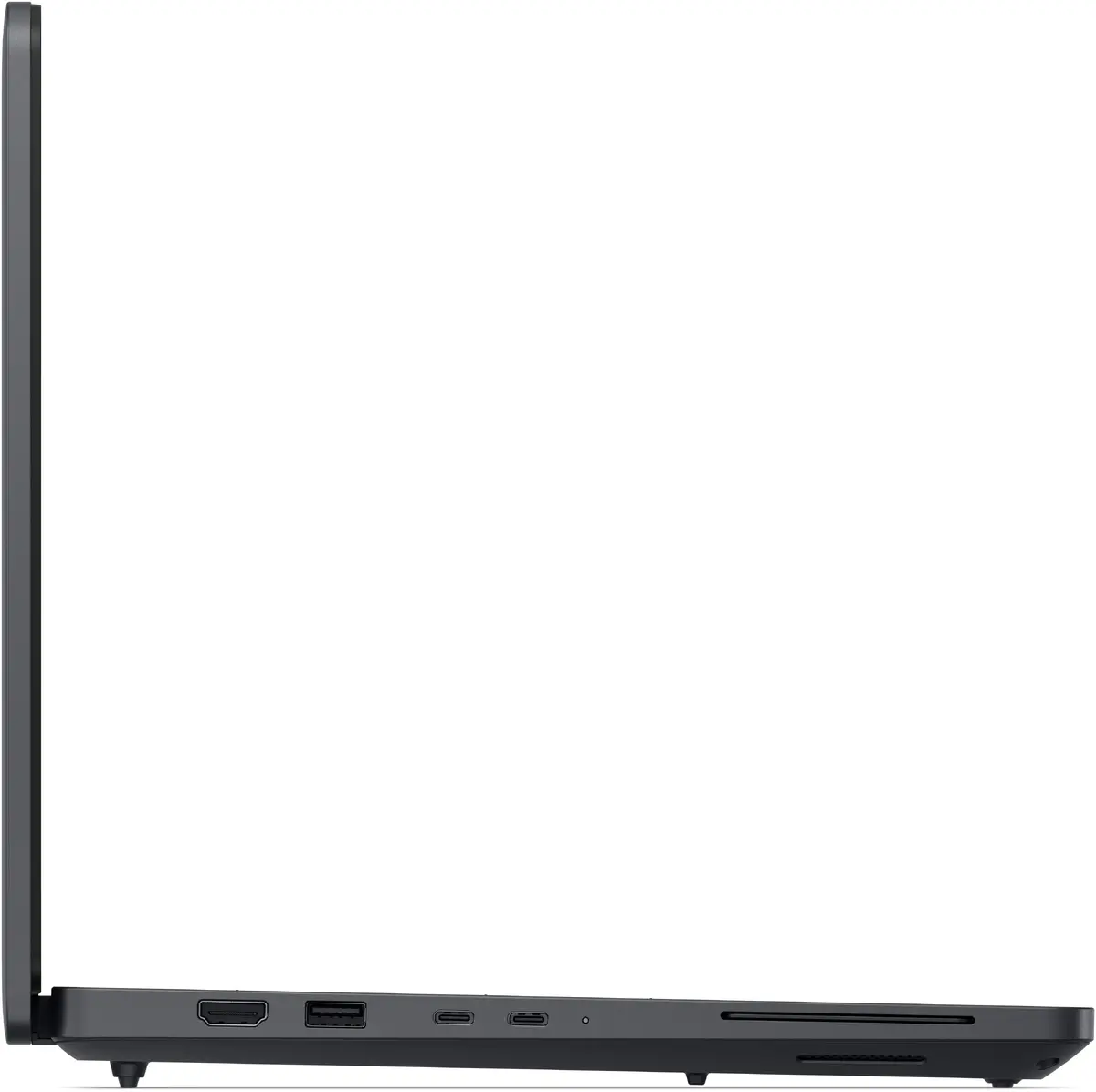
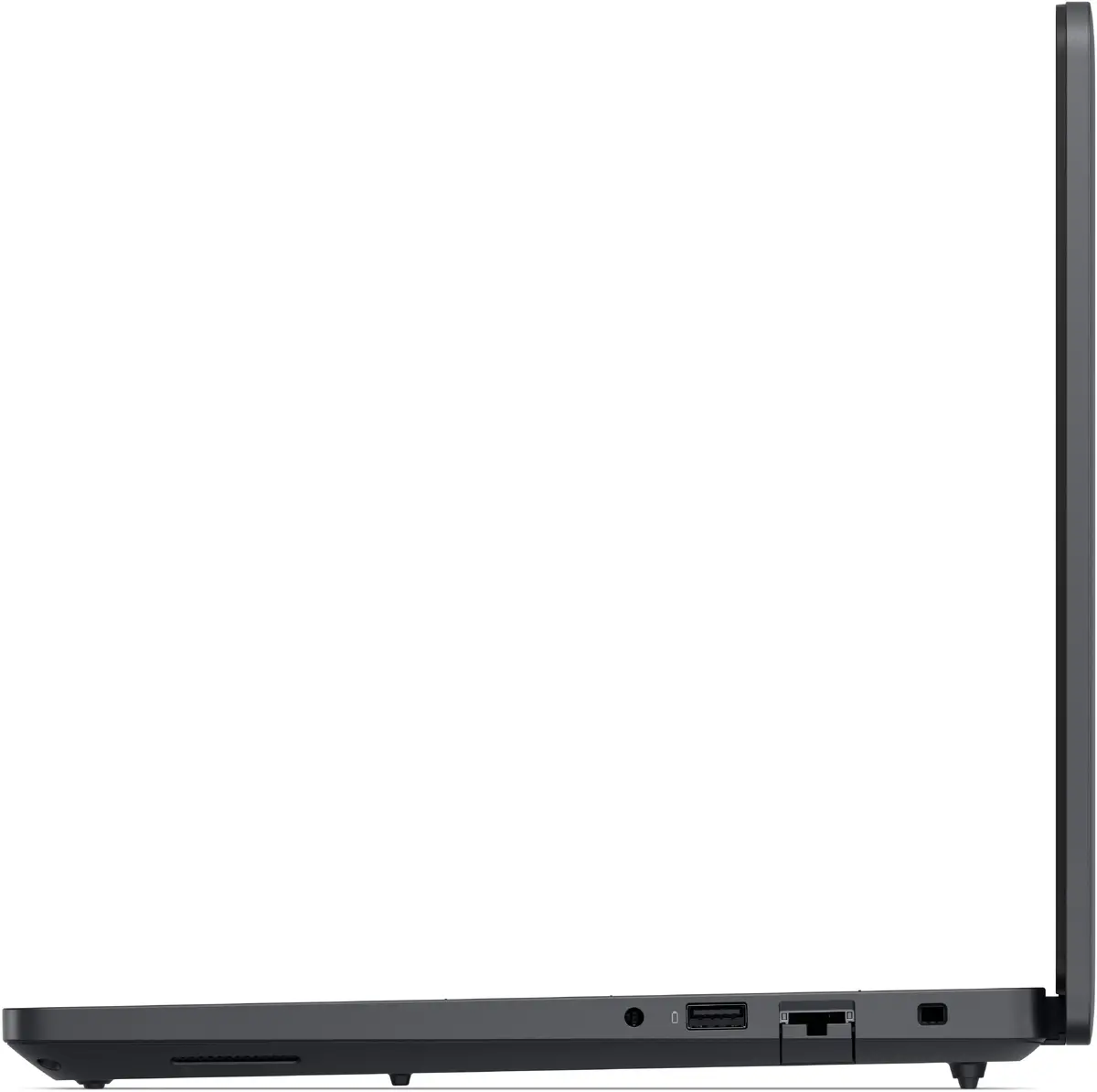
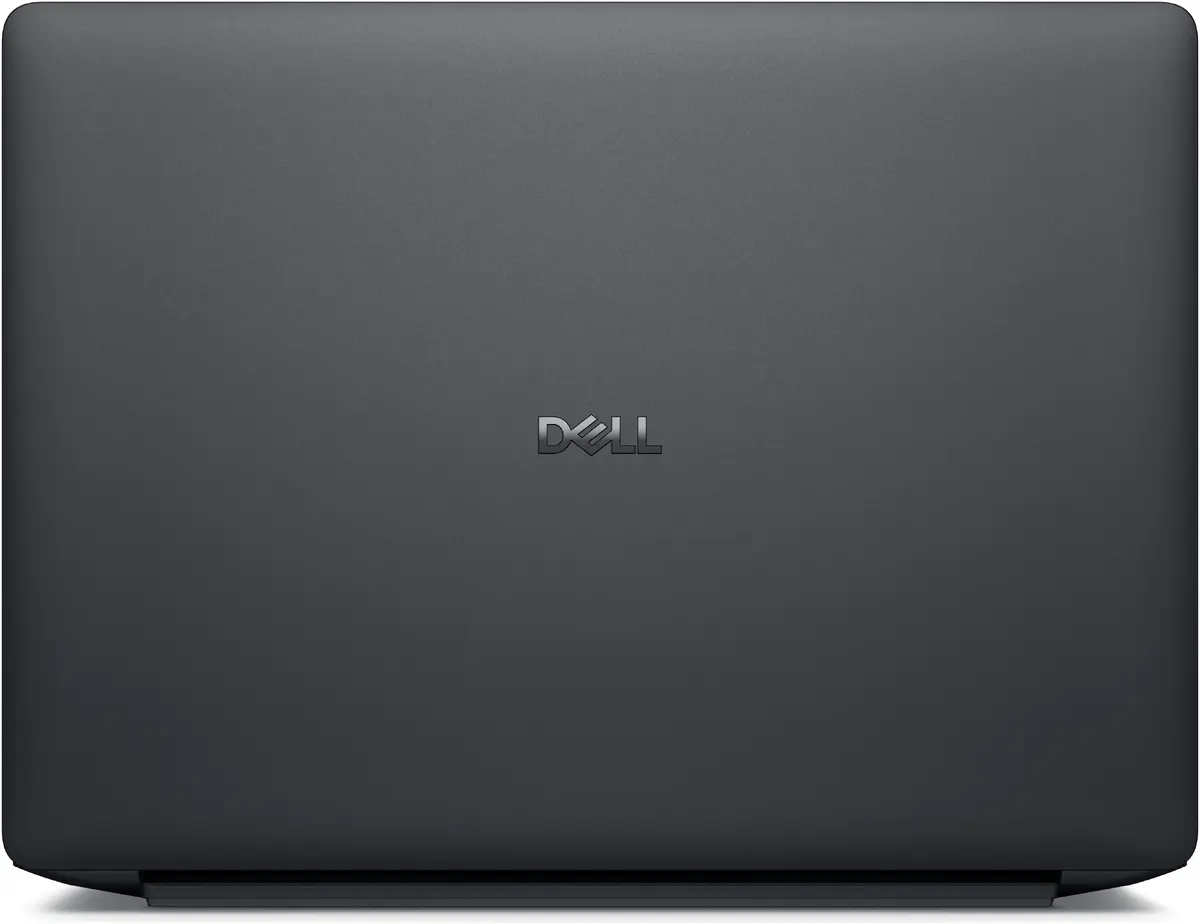
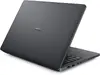
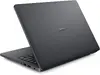
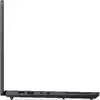
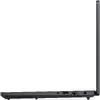
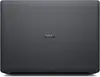
Mobile workstation Dell Pro Max 14 MC14255 — AMD Ryzen AI 5 PRO 340, 14" (1920x1200) Full HD+, 16 GB LPDDR5x, 256 GB SSD, Windows 11 Pro, Black
Dell Pro Max 14 MC14255 is a 14" mobile workstation designed for professionals who need a compact, lightweight device for on-the-go productivity. It features a Full HD+ (1920×1200) 14" WVA display with 16:10 aspect ratio, an AMD Ryzen AI 5 PRO 340 processor with base frequency 2 GHz and boost up to 4.8 GHz, 16 GB LPDDR5x memory and a 256 GB SSD. Integrated AMD Radeon 840M graphics provide display acceleration for content review and light graphical tasks, while Windows 11 Pro delivers a familiar, business-oriented operating environment. The unit weighs approximately 1.79 kg and comes in a black finish.
The Dell Pro Max 14 balances processing power and portability: the Ryzen AI 5 PRO 340 offers multi-core performance suitable for multitasking and business applications while remaining energy efficient for longer battery life. Fast LPDDR5x memory and a responsive NVMe SSD improve application load times and system responsiveness. The 14" Full HD+ WVA panel provides a taller 16:10 workspace that is practical for document editing and spreadsheets. Built-in wireless technologies and a compact chassis make this model convenient for travel and remote work.
Power on the workstation and complete the initial Windows 11 Pro setup following on-screen prompts. Install required business or professional applications from trusted sources and configure user accounts and security settings according to company policies. Use the built-in wireless or wired connections to access network resources; for large file transfers or stable connections, prefer Ethernet or high-quality Wi‑Fi 7 access points. Monitor storage and memory usage when running demanding workloads, and keep the system firmware and drivers up to date via official Dell support channels.
For optimal performance, keep the system firmware and graphics drivers updated, use reputable antivirus software, and avoid running multiple high-intensity workloads simultaneously. When transporting the laptop, use a padded sleeve or dedicated laptop compartment to protect the chassis and screen. For sustained heavy processing or thermal-sensitive tasks, ensure adequate ventilation and consider connecting to power to allow the processor to operate at higher sustained frequencies.
{{highlightedFeature.featureTitle}}:
{{getProductFeatureValueById(product, highlightedFeature.featureId)}}
{{ productComparisonGenerationError }}
