
Save time and money with our discounts!
In cart {{totalProductsCount}} item(s)
Your cart is empty
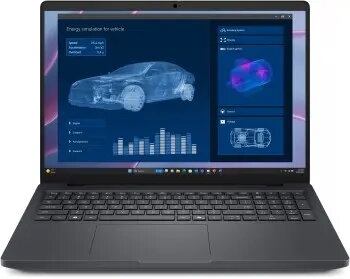
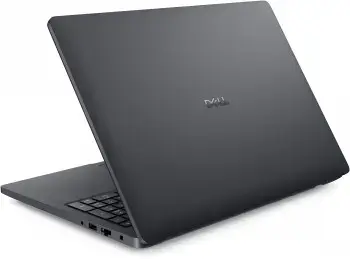
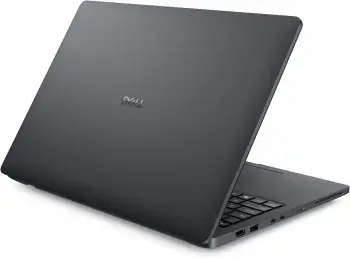
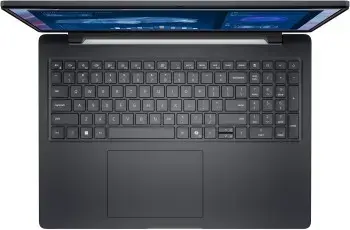
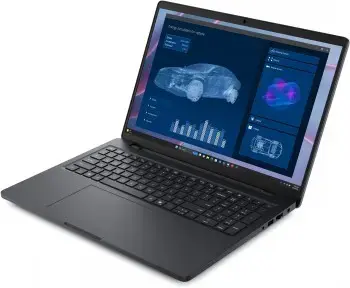
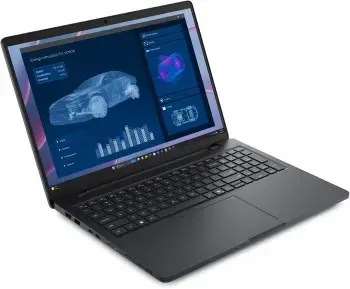
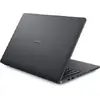
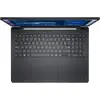
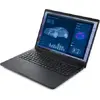
Laptop DELL PRO MAX 16 R370 16QHD+ 32GB 1TBSSD RTX1000-8GB OS
Dell Pro Max 16 (MC16255) is a Copilot+ AI laptop powered by an AMD Ryzen AI PRO 9 HX 370 processor with integrated NPU acceleration and discrete NVIDIA RTX PRO 1000 Blackwell graphics. It is engineered for intensive professional workloads and tested with leading ISV applications to ensure performance and compatibility. The system includes a 16" QHD+ (2560 x 1600) 16:10 display, long-lasting 96 Wh battery with ExpressCharge, modern connectivity such as Wi‑Fi 7 and Bluetooth 5.4, and a selection of ports including Thunderbolt 4 and HDMI 2.1. Dell has designed the Pro Max series with durability (MIL‑STD tested) and sustainability in mind, using recycled and bio‑based materials and meeting EPEAT Gold, Energy Star, and TCO criteria.
The laptop combines an AMD Ryzen AI PRO processor with discrete NVIDIA RTX PRO graphics to deliver accelerated AI and GPU performance for demanding applications. High-speed LPDDR5x memory and a PCIe Gen4 1 TB NVMe SSD provide responsive multitasking and fast storage. A 16:10 QHD+ screen with anti‑glare coating and an FHD HDR camera with IR enable clear visuals and reliable video conferencing. Robust connectivity (Thunderbolt 4, Wi‑Fi 7) and enterprise features such as TPM 2.0, camera shutter and a wedge lock slot support secure, flexible deployment for mobile professionals.
Set up the Dell Pro Max 16 by connecting the included 130 W USB‑C adapter for initial charging. Power on and follow Windows 11 Pro setup prompts to configure user accounts and network connections. Install required ISV or professional software and enable Windows and driver updates. Use Thunderbolt 4 ports for high-speed external displays or docking solutions; connect storage or peripherals via the USB Type‑A ports and HDMI 2.1. For secure use, enable TPM features in the OS and keep the camera shutter closed when the camera is not needed.
For sustained high-load tasks, use the 96 Wh battery with the 130 W adapter connected when possible and ensure adequate ventilation. Keep system firmware and drivers up to date for best compatibility with ISV applications and to maintain security features.
{{highlightedFeature.featureTitle}}:
{{getProductFeatureValueById(product, highlightedFeature.featureId)}}
{{ productComparisonGenerationError }}
