
Save time and money with our discounts!
In cart {{totalProductsCount}} item(s)
Your cart is empty
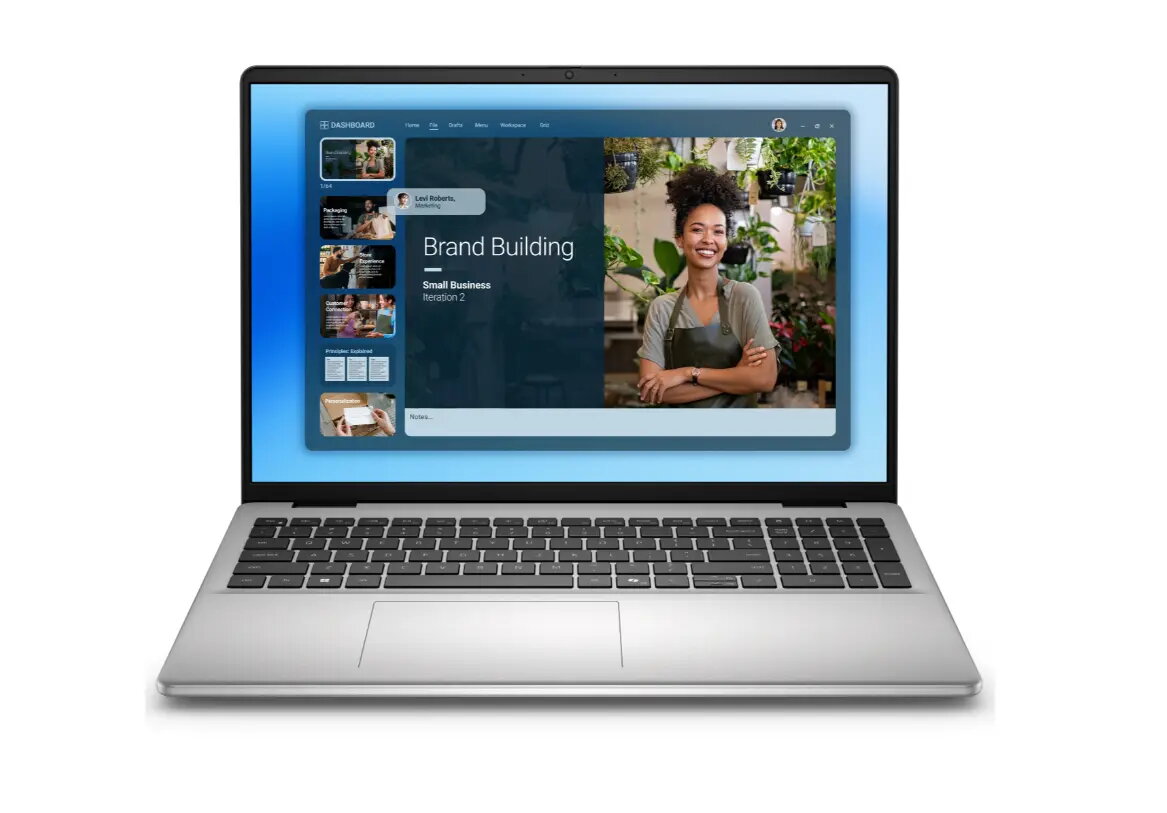
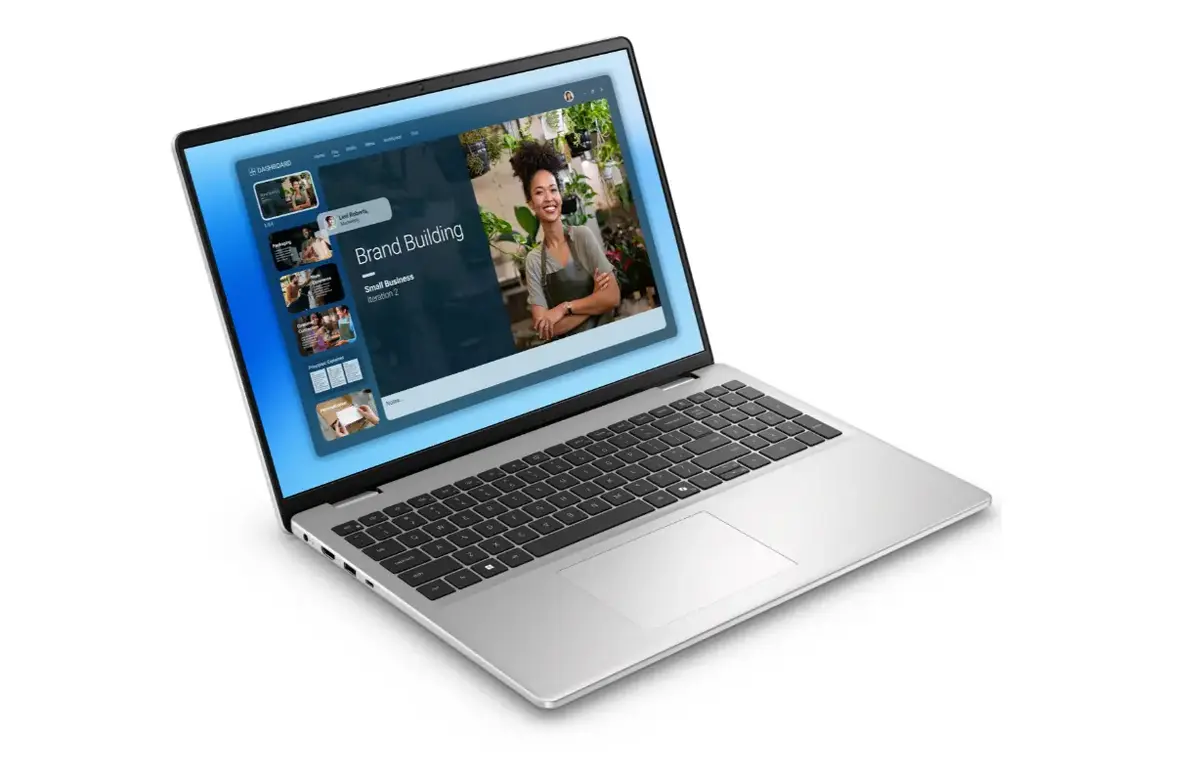
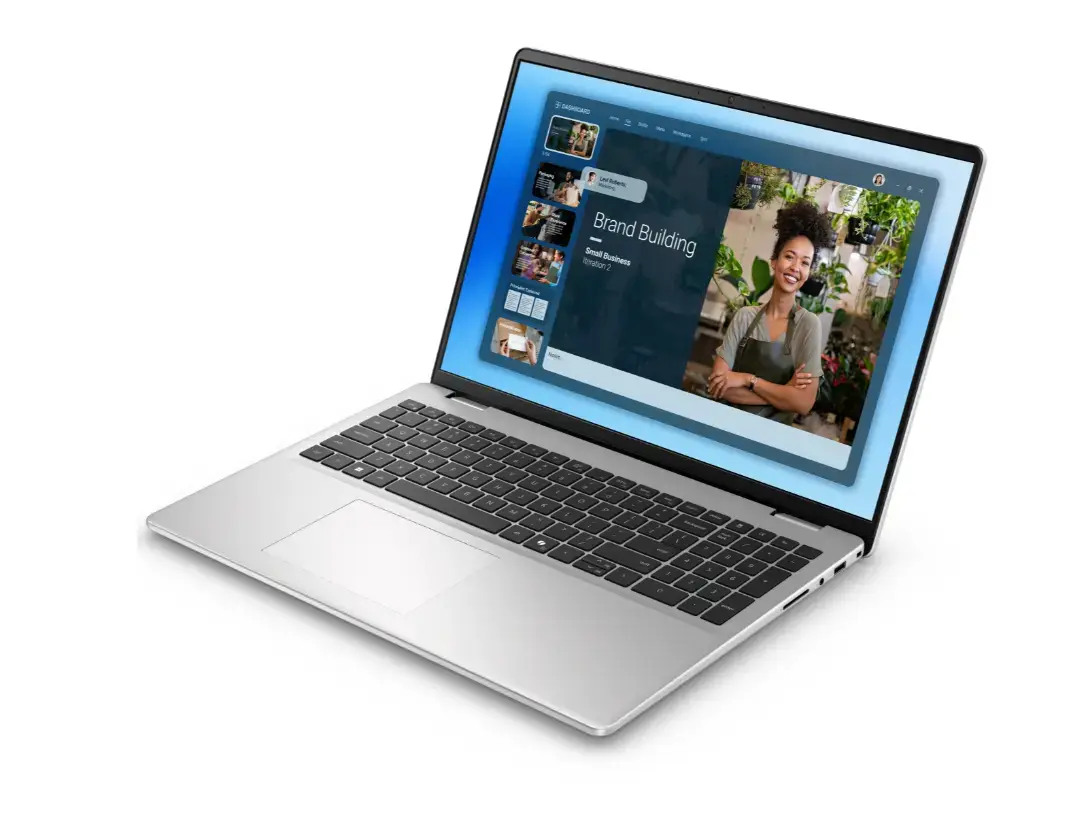
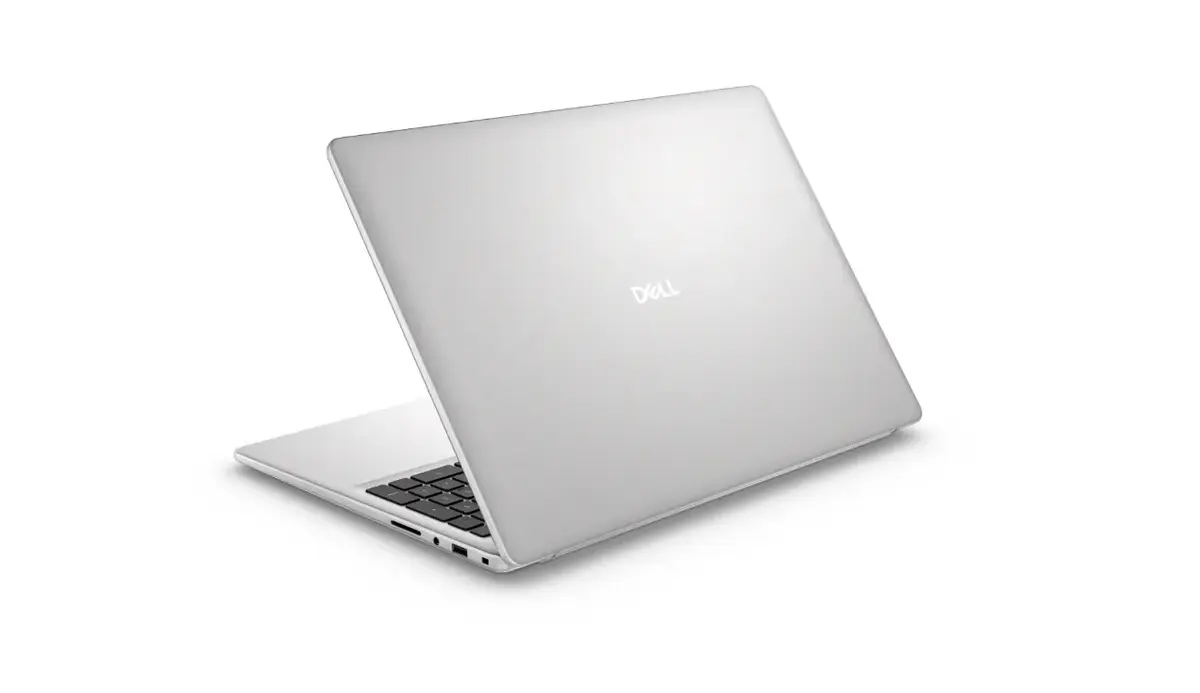
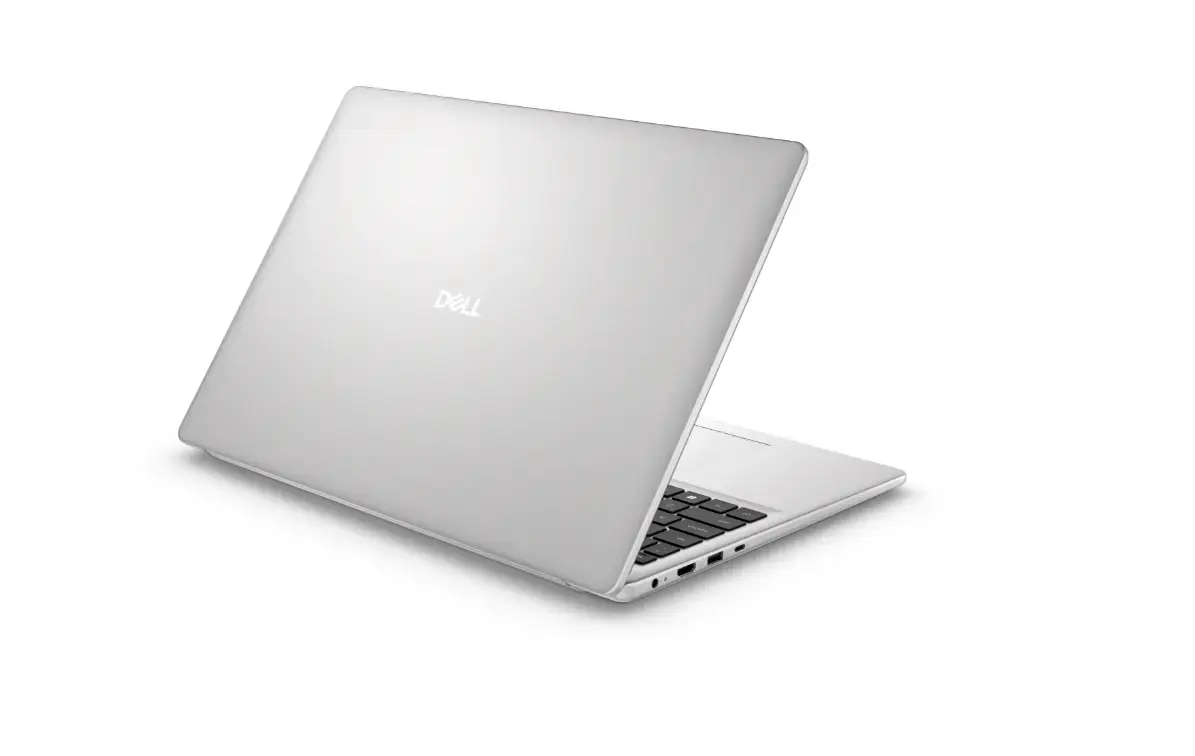
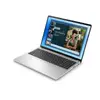
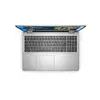
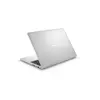
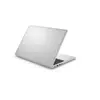
Laptop Dell 16 AG 16" FHD+ i7-150U 16GB 1TB SSD NVIDIA GeForce MX570A 2GB Windows 11 Pro Backlit Keyboard 3Y OnSite
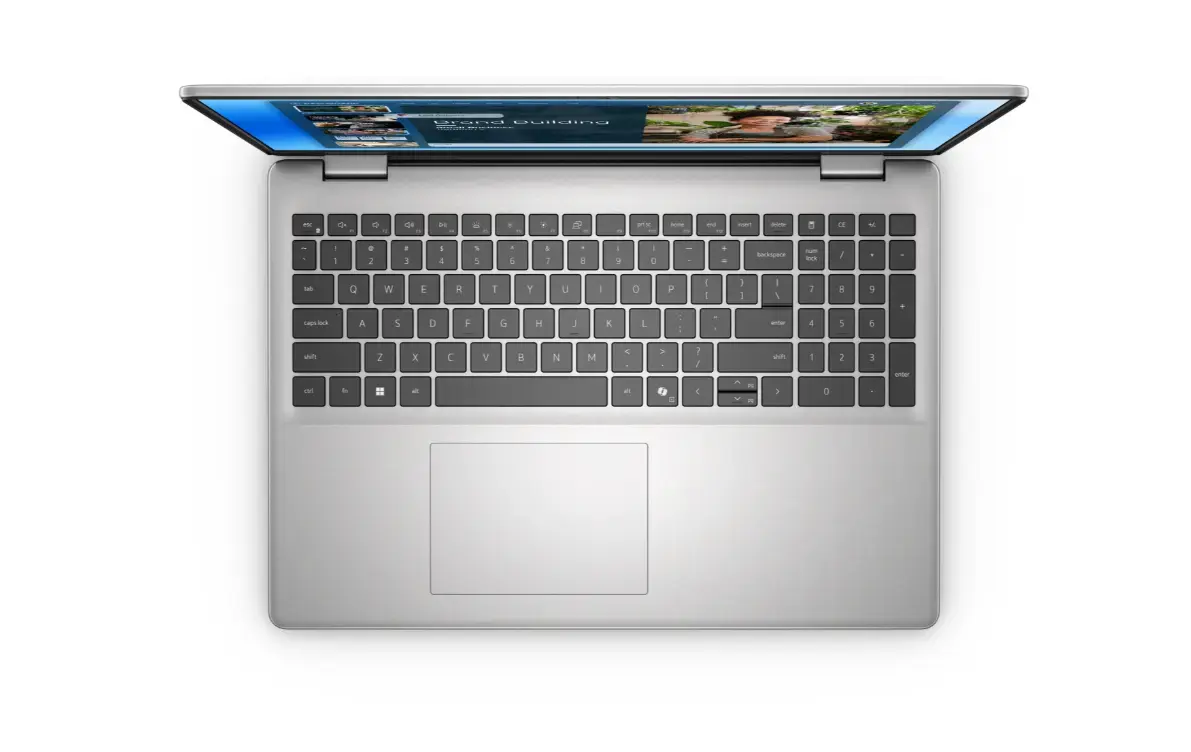
The Dell 16 AG is a 16-inch FHD+ laptop designed for everyday productivity, multimedia playback and light creative tasks. Powered by an Intel Core i7-150U processor, 16 GB of RAM and a 1 TB solid-state drive, the system delivers responsive multitasking and fast application loading. A discrete NVIDIA GeForce MX570A 2 GB GPU supports smoother graphics performance for photo editing, video playback and casual gaming. The laptop runs Windows 11 Pro and includes a backlit keyboard and a three-year on-site warranty for hardware support.
The combination of a modern low-power Intel Core i7 processor and 16 GB RAM ensures balanced performance across office applications, web conferencing and media editing. The 1 TB SSD provides high-capacity, low-latency storage for large files and rapid boot times. The discrete NVIDIA GeForce MX570A GPU improves graphical responsiveness compared with integrated graphics, while the 16-inch FHD+ display gives a larger workspace for documents and creative layouts. A backlit keyboard enables comfortable typing in low-light environments and the included on-site warranty simplifies hardware service and repairs.
Set up the Dell 16 AG by completing the Windows 11 Pro out-of-box experience: connect to a network, sign in with your Microsoft account if desired and run Windows Update to install the latest drivers and security patches. Use the built-in administrative utilities to configure power settings for a balance between performance and battery life. For graphics-accelerated applications, ensure the NVIDIA drivers are up to date through the device manager or the manufacturer’s support site. Store large project files on the internal 1 TB SSD and create regular backups to an external drive or cloud service.
For best day-to-day performance, keep the system firmware and drivers current, avoid running unnecessary background applications during heavy workloads, and use a cooling-friendly surface when performing extended processing or graphics tasks. Regularly back up important data and apply Windows updates to maintain security and stability.
{{highlightedFeature.featureTitle}}:
{{getProductFeatureValueById(product, highlightedFeature.featureId)}}
{{ productComparisonGenerationError }}
