

Dreame vacuums for fast and efficient cleaning!
In cart {{totalProductsCount}} item(s)
Your cart is empty
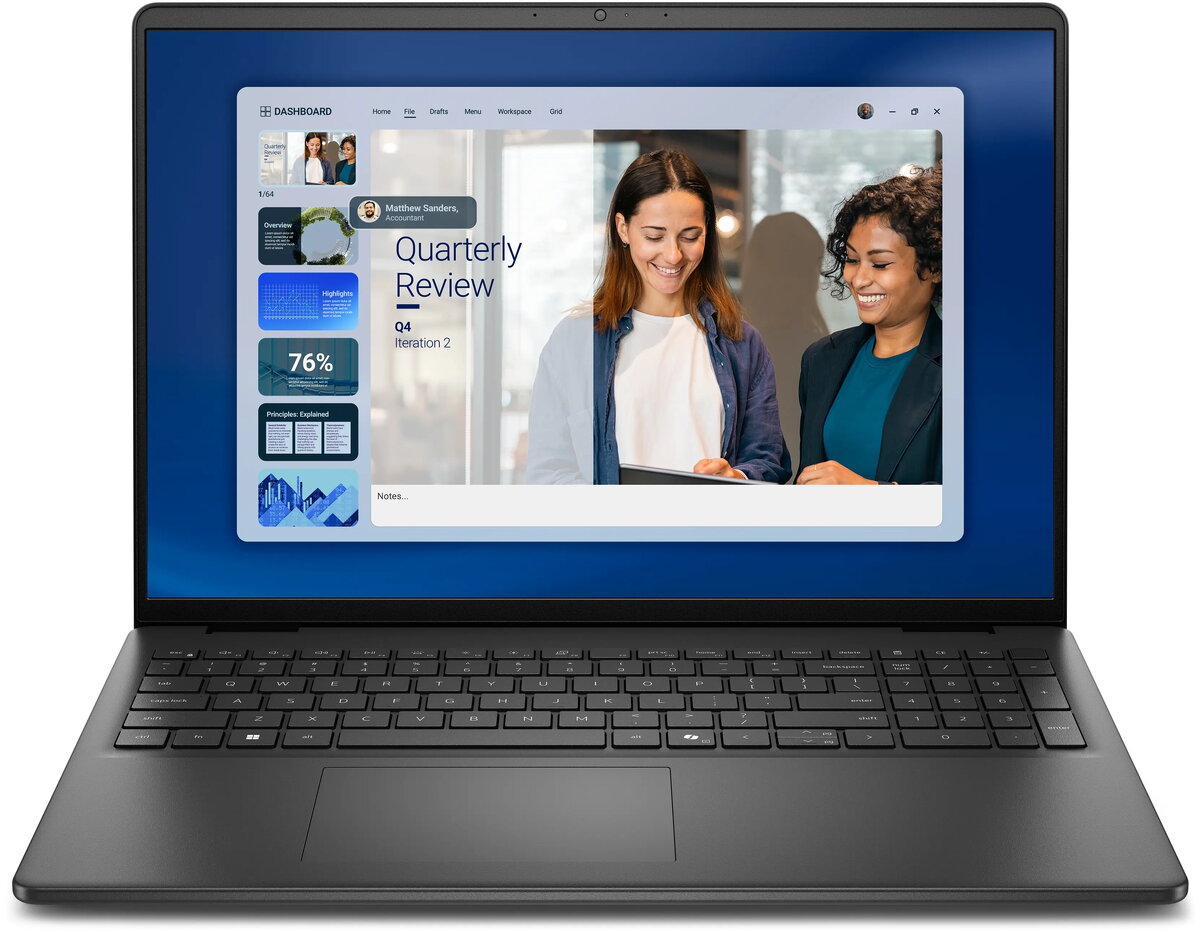
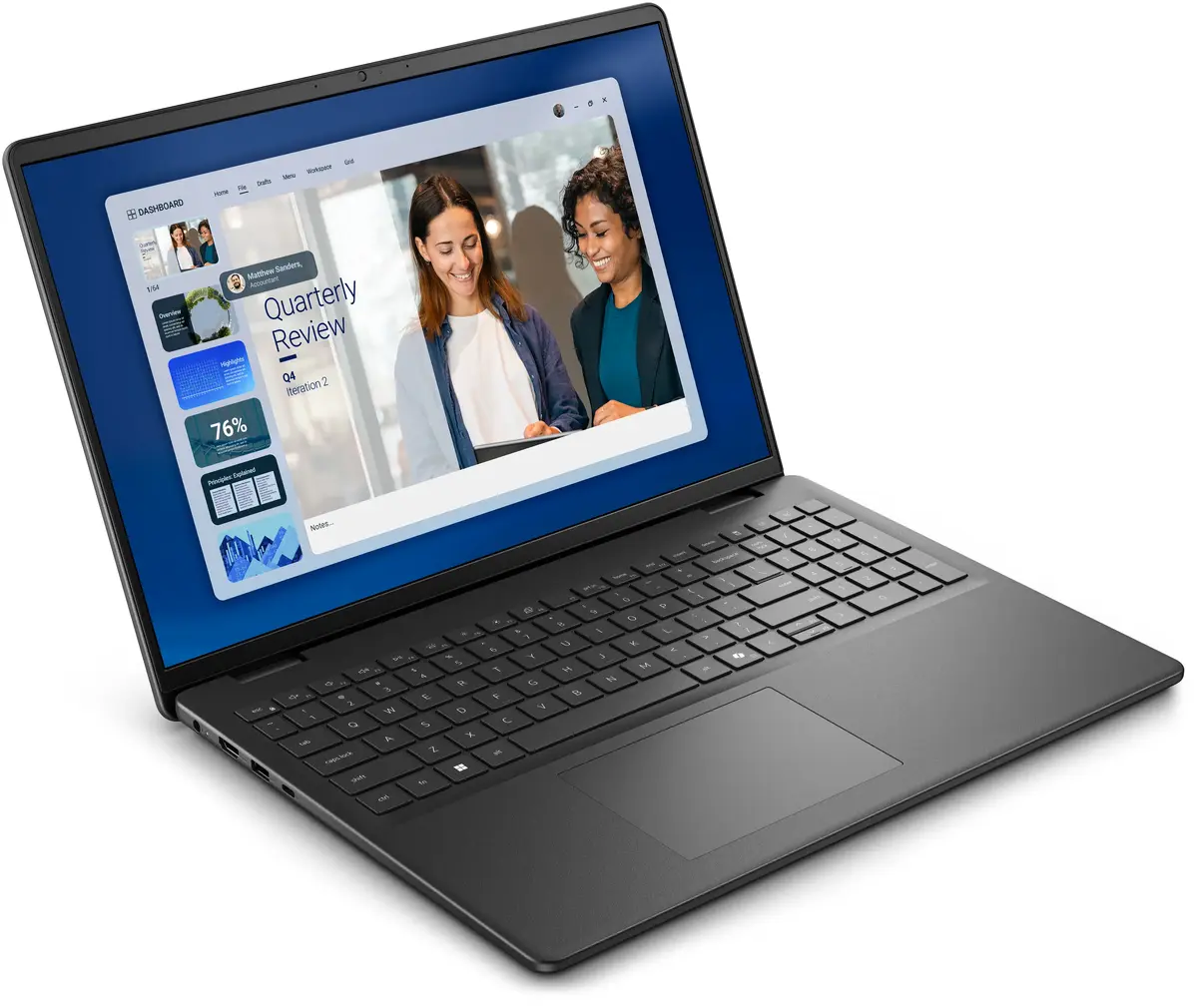
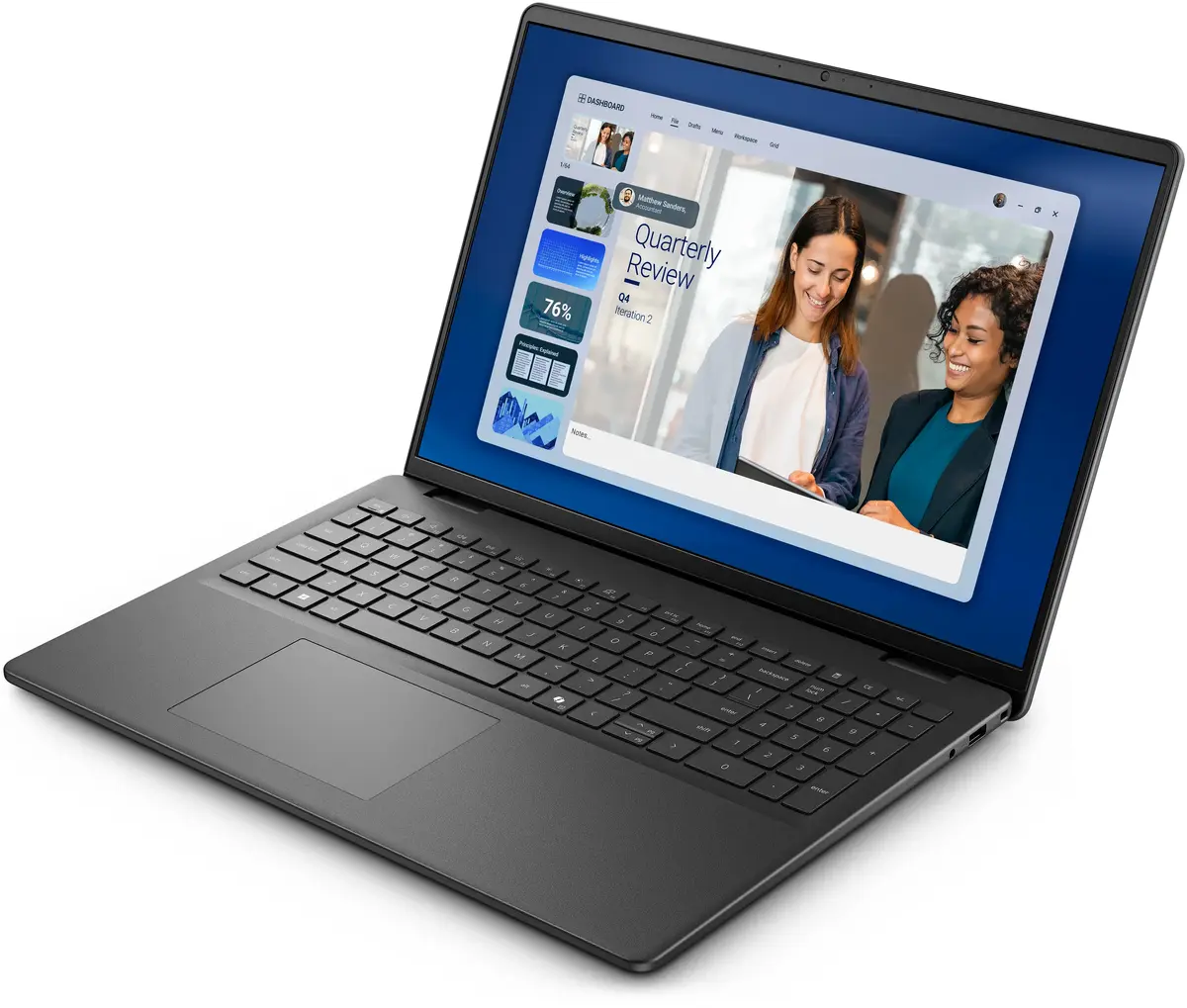
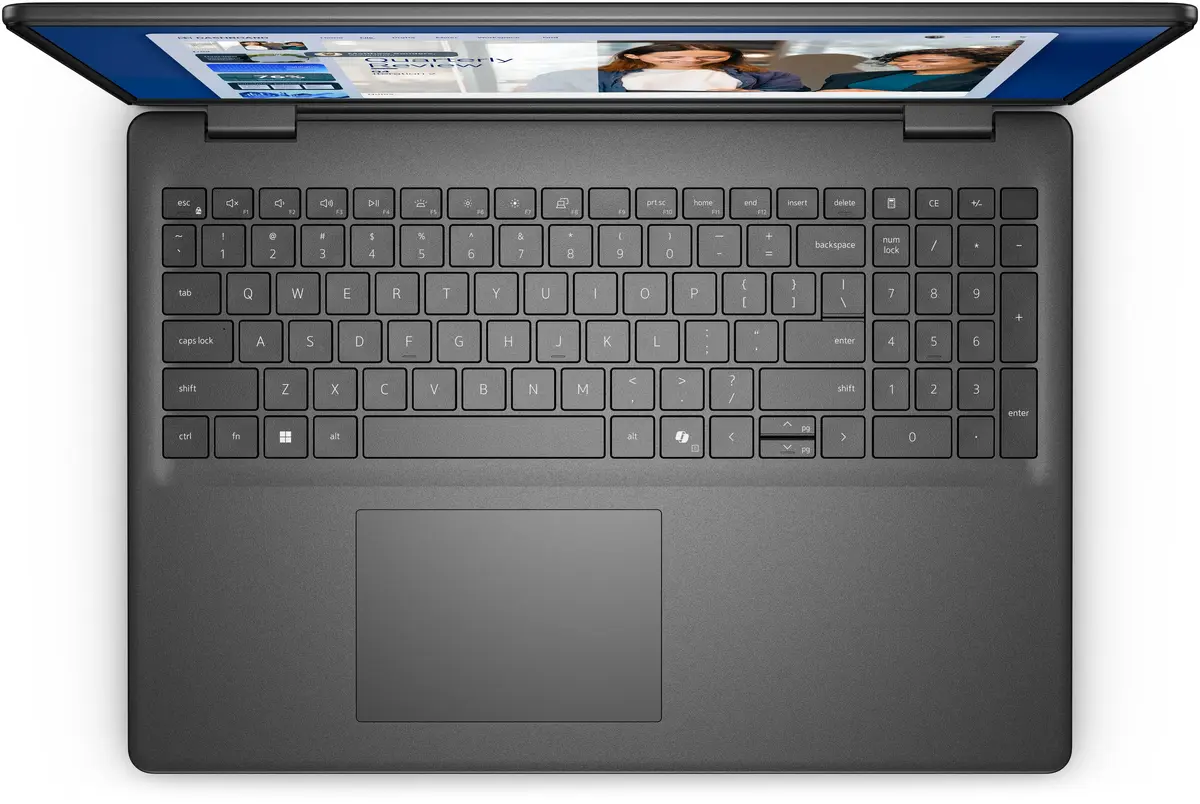
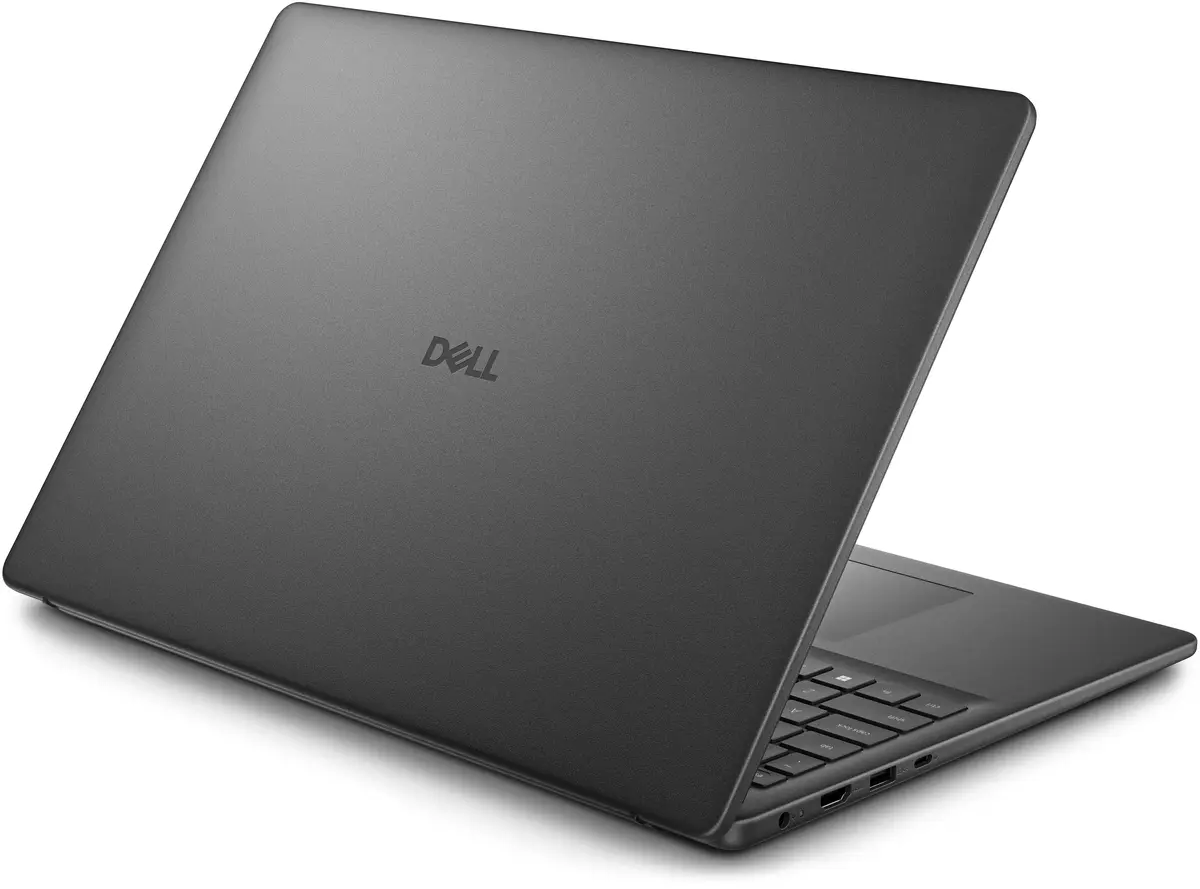
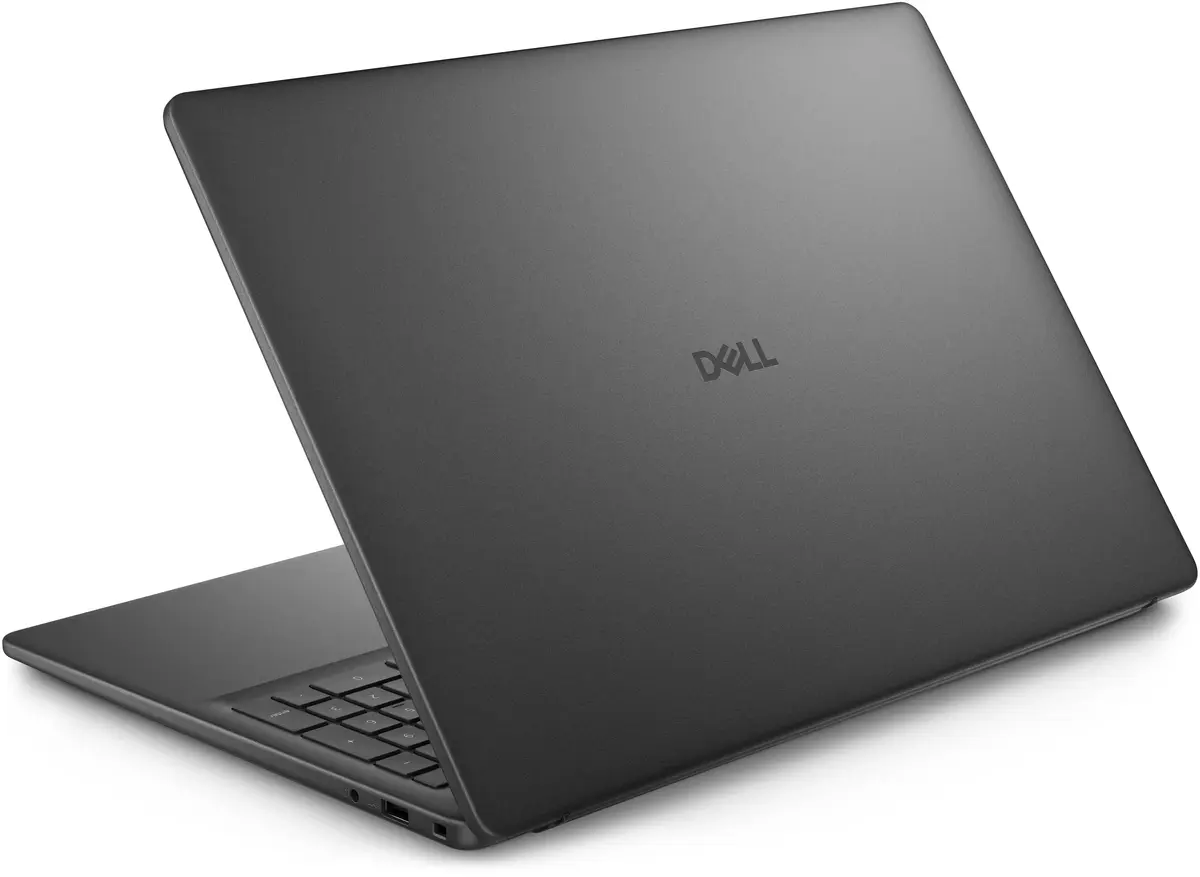
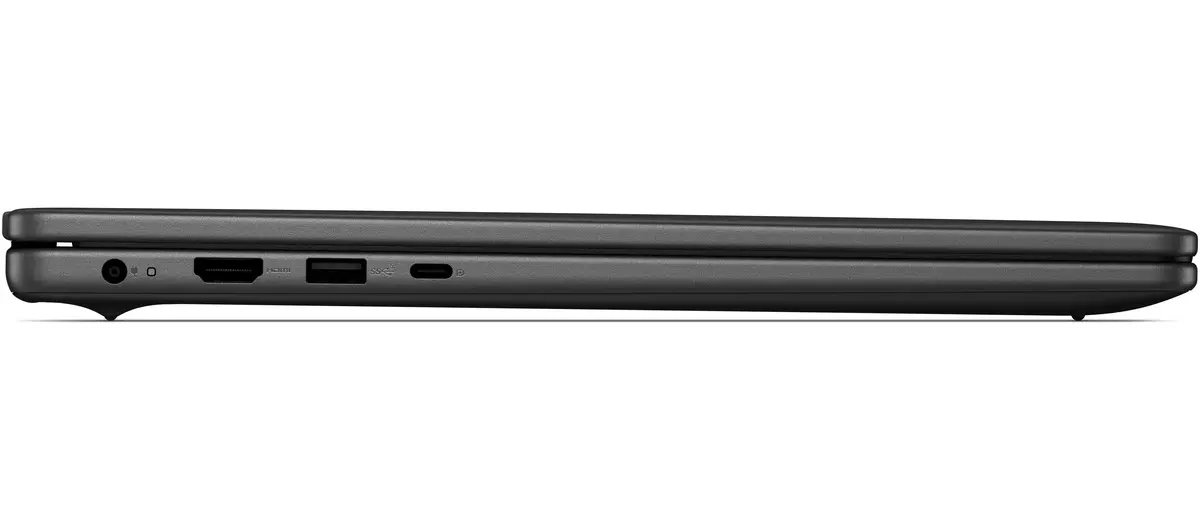
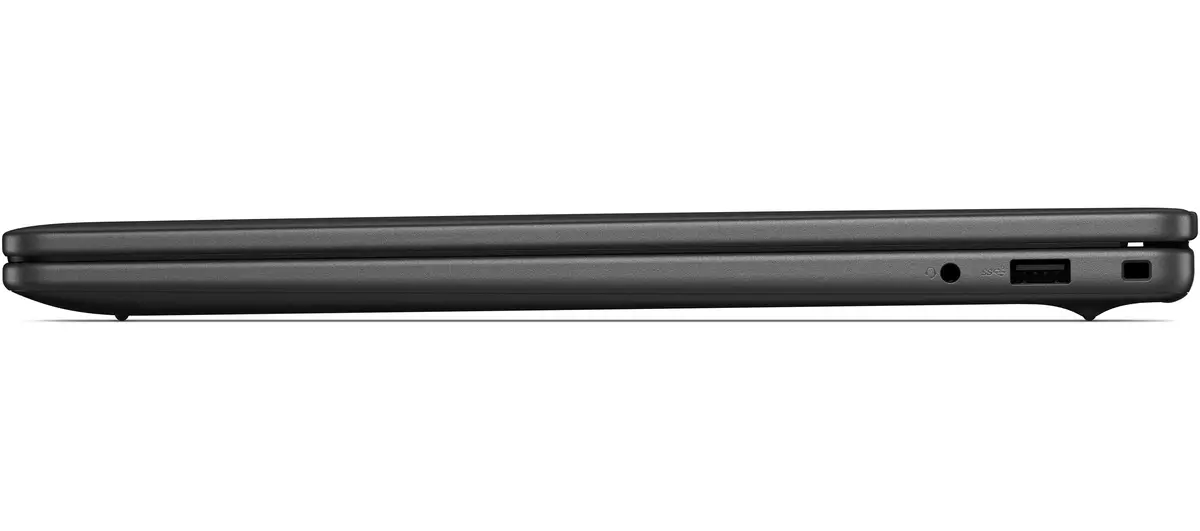
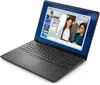
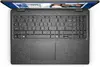
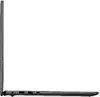
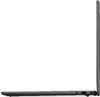
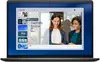
Laptop Dell DC16255 — AMD Ryzen 5 220, 16" WUXGA (1920x1200), 16 GB DDR5, 512 GB SSD, Windows 11 Pro, Black
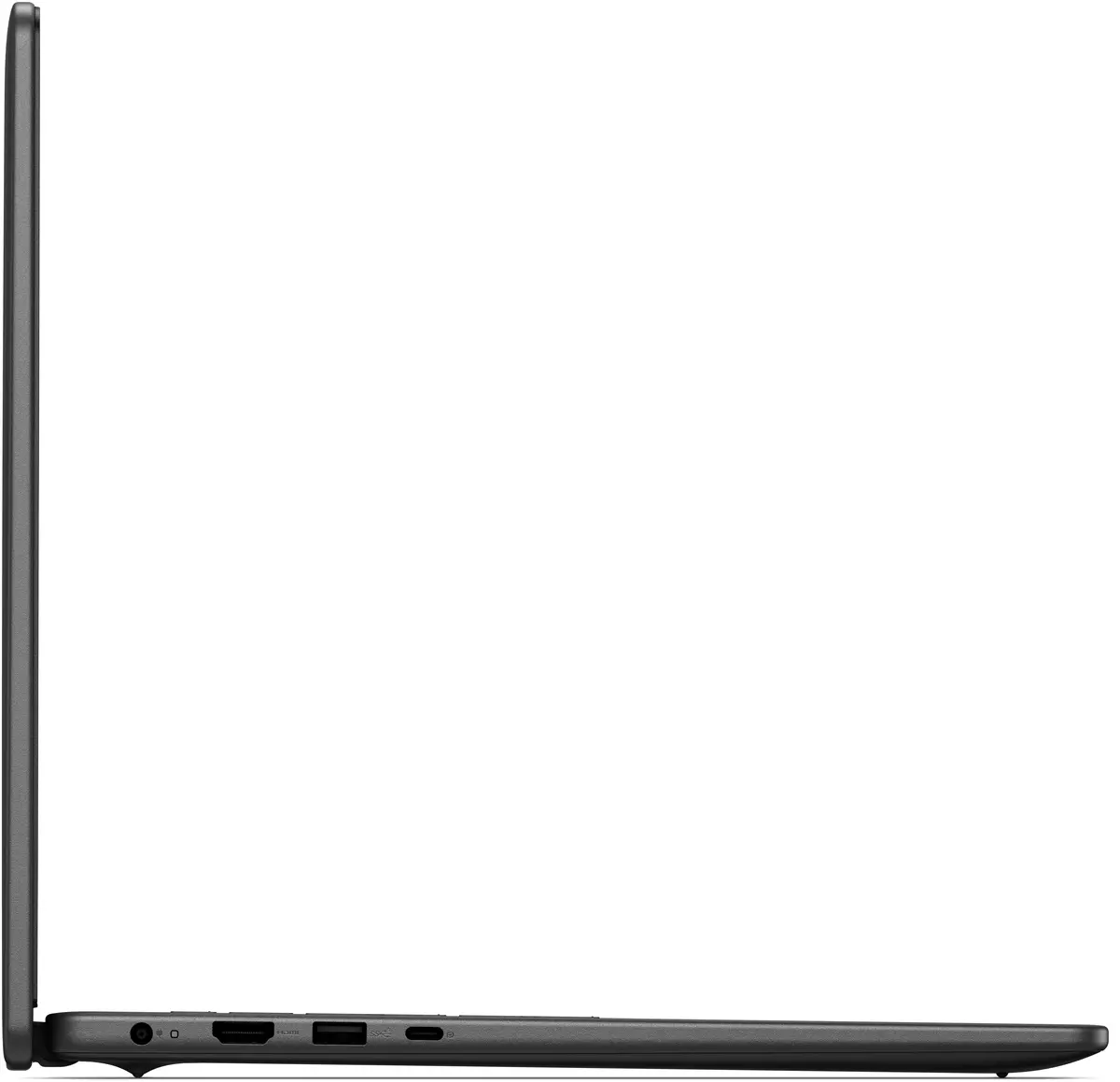
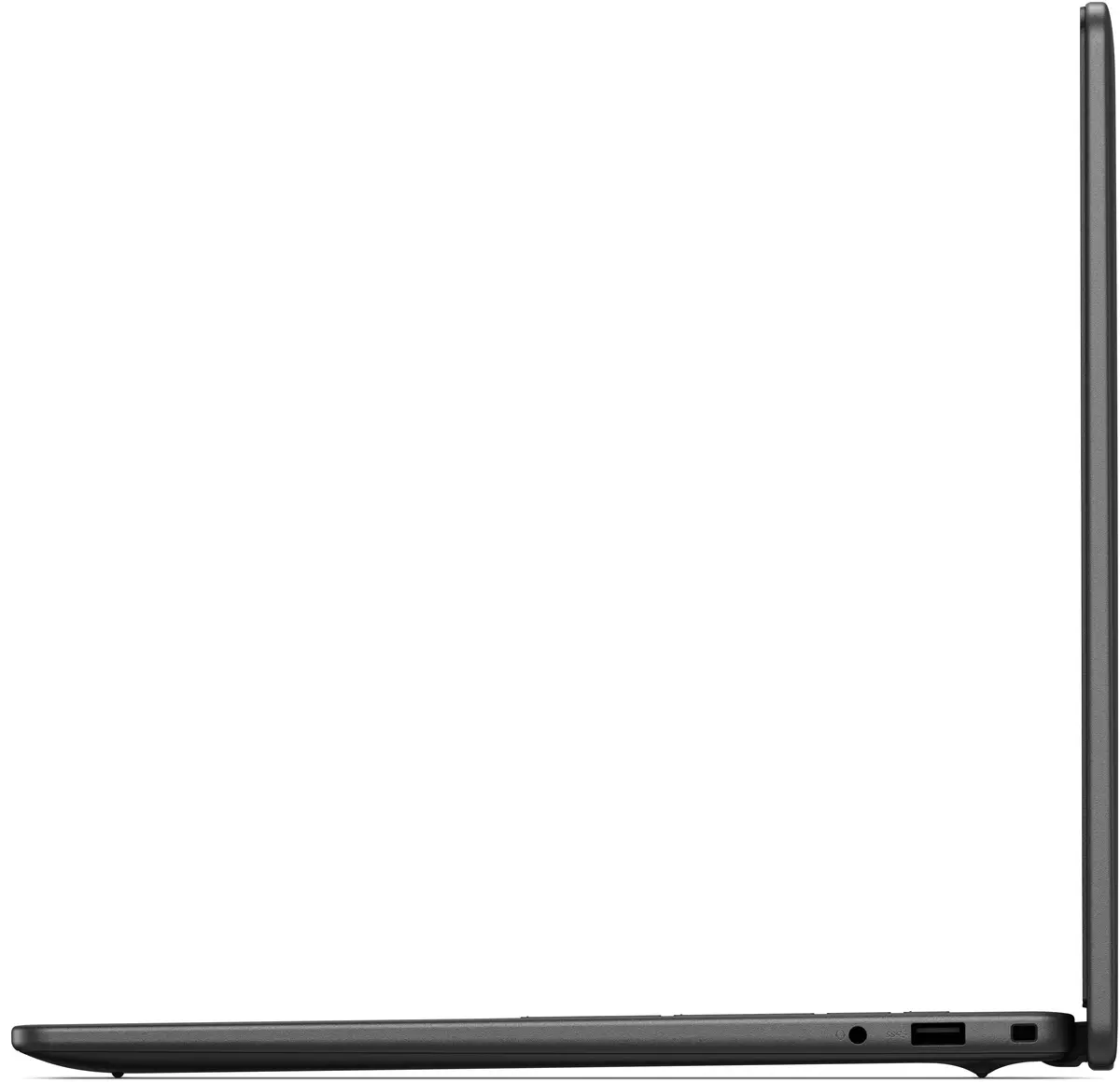
Dell DC16255 is a 16-inch clamshell laptop designed for office work, multitasking and everyday productivity. It is powered by an AMD Ryzen 5 220 processor (up to 3.5 GHz) and equipped with 16 GB of DDR5 memory and a 512 GB SSD. The 16" WUXGA (1920×1200) WVA display offers a 16:10 aspect ratio for more vertical workspace, while integrated AMD Radeon 740M graphics handle common multimedia and business graphics tasks. The device runs Windows 11 Pro and includes modern connectivity such as Wi‑Fi 6 and Bluetooth, all in a black chassis weighing approximately 2.14 kg.
The combination of an AMD Ryzen 5 CPU and 16 GB DDR5 RAM provides responsive performance for multitasking, spreadsheets, web browsing and light content creation. A 512 GB SSD ensures fast boot times and application loading. The 16:10 WUXGA screen increases usable vertical space compared with traditional 16:9 panels, improving productivity when working with documents and web pages. Integrated Wi‑Fi 6 delivers improved wireless throughput and lower latency in supported networks, while Windows 11 Pro offers business-oriented features for security and device management.
Start the laptop by pressing the power button and complete the initial Windows 11 Pro setup, including signing in with a Microsoft account or configuring a local account. Connect to a Wi‑Fi 6 network via Windows network settings to take advantage of higher wireless speeds and lower latency. Install required productivity applications such as office suites, collaboration tools and web browsers. Use the 16:10 display to view more document content vertically and arrange application windows for efficient multitasking. For file storage and backups, use the internal 512 GB SSD and consider configuring cloud sync or external backup solutions.
For sustained performance, keep the operating system and drivers up to date via Windows Update and Dell support resources. When running demanding tasks, ensure adequate ventilation and avoid blocking air vents. Regularly back up important data from the internal SSD and consider using cloud storage for files you need to access from multiple devices. To maximise battery life, use power plans in Windows and reduce screen brightness when appropriate.
{{highlightedFeature.featureTitle}}:
{{getProductFeatureValueById(product, highlightedFeature.featureId)}}
{{ productComparisonGenerationError }}
