
Leave your address - as soon as the price of the product goes down, you'll know about it right away
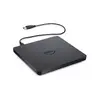
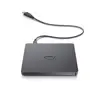
Dell DW316 External DVD±RW Optical Disc Drive, USB 2.0, Black
In cart {{totalProductsCount}} item(s)
Your cart is empty
Dell DW316 External DVD±RW Optical Disc Drive, USB 2.0, Black
Leave your address - as soon as the price of the product goes down, you'll know about it right away
Dell DW316 External DVD±RW Optical Disc Drive, USB 2.0, Black
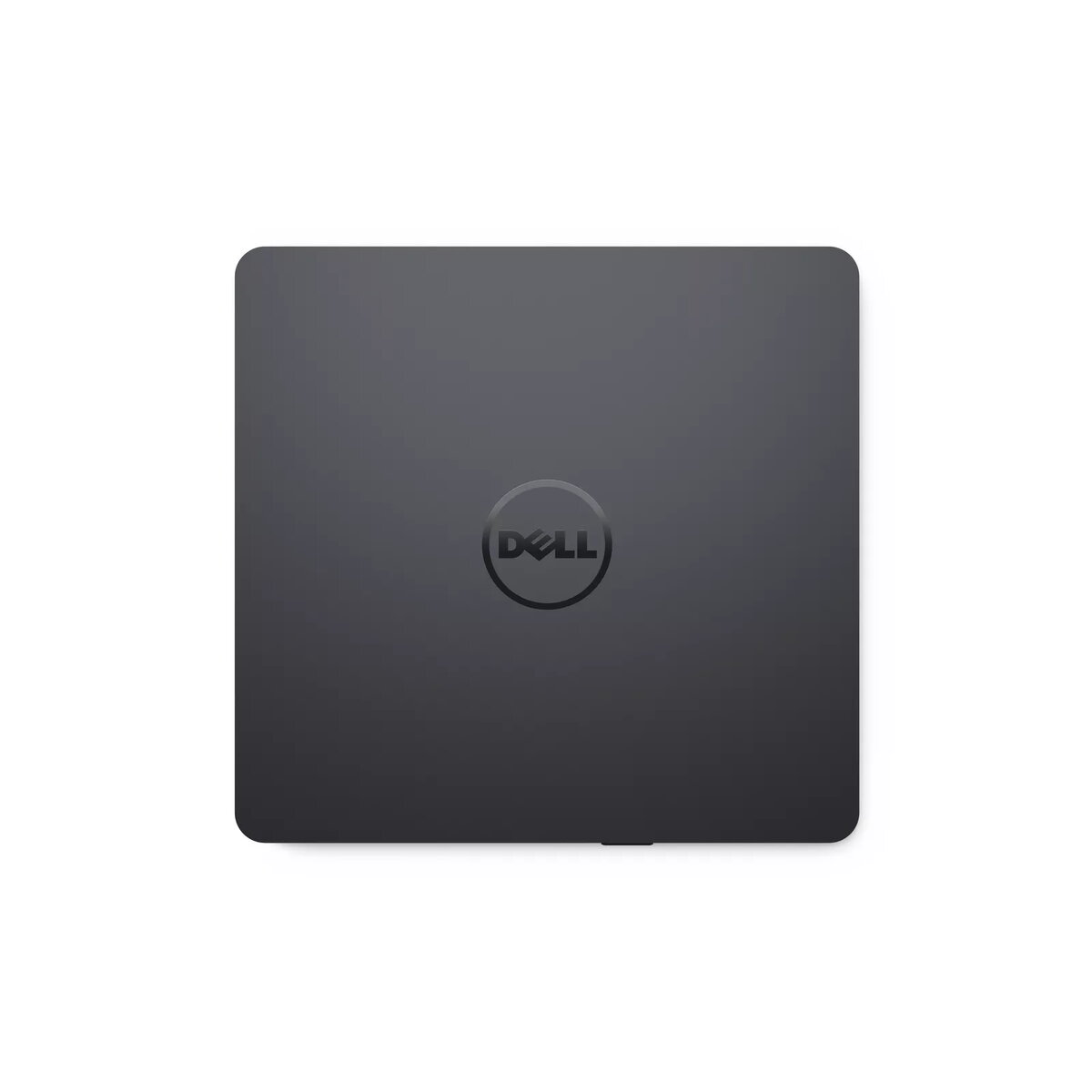
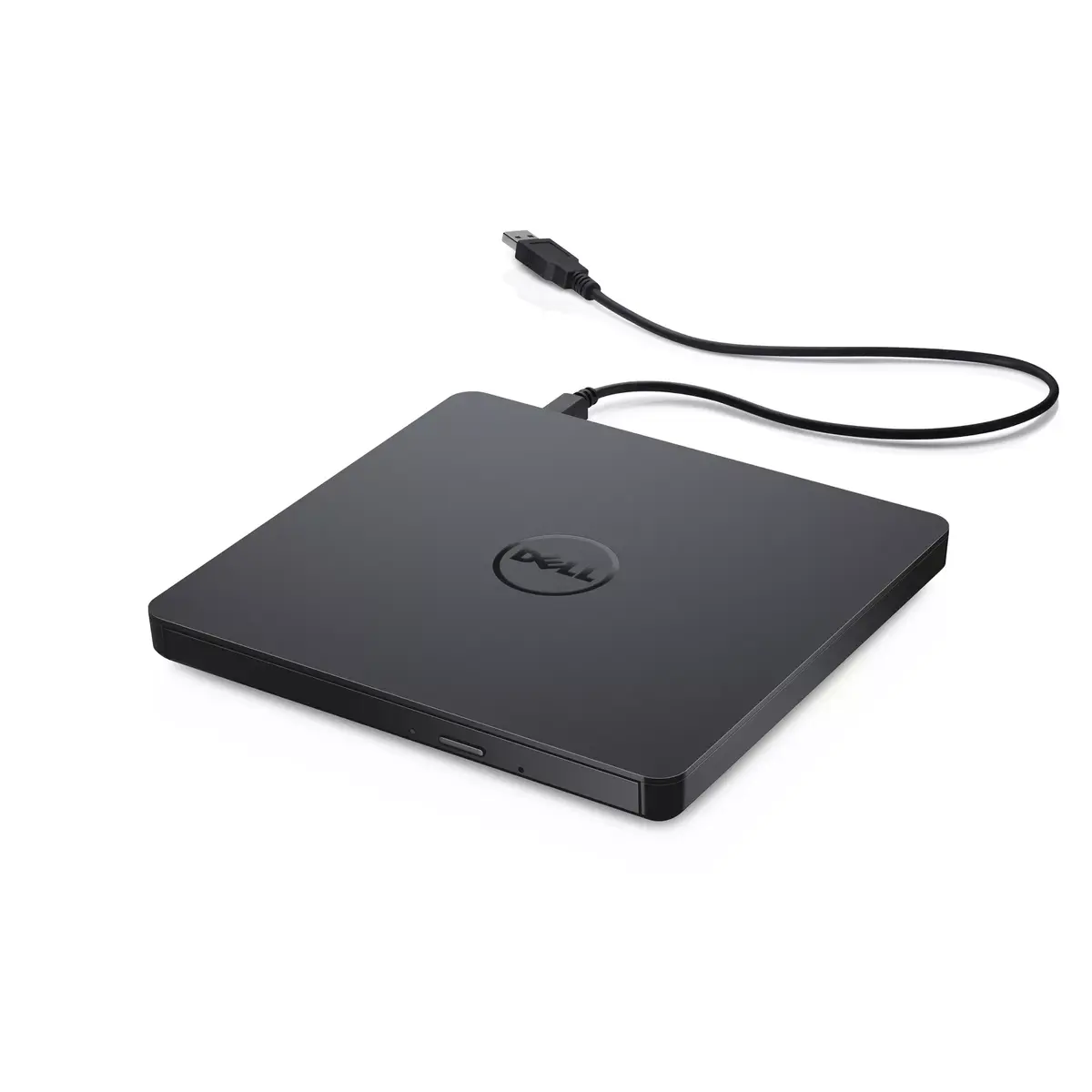
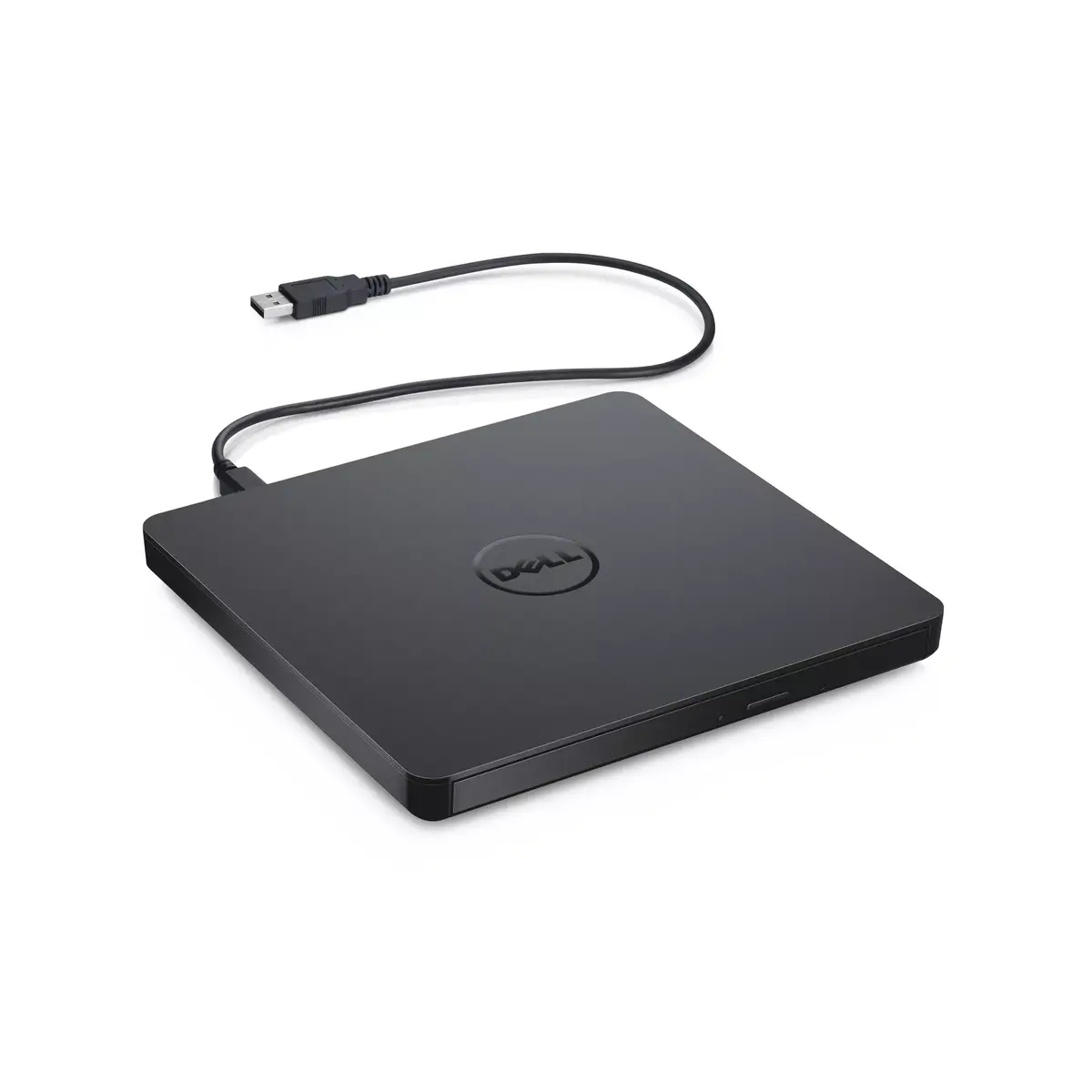
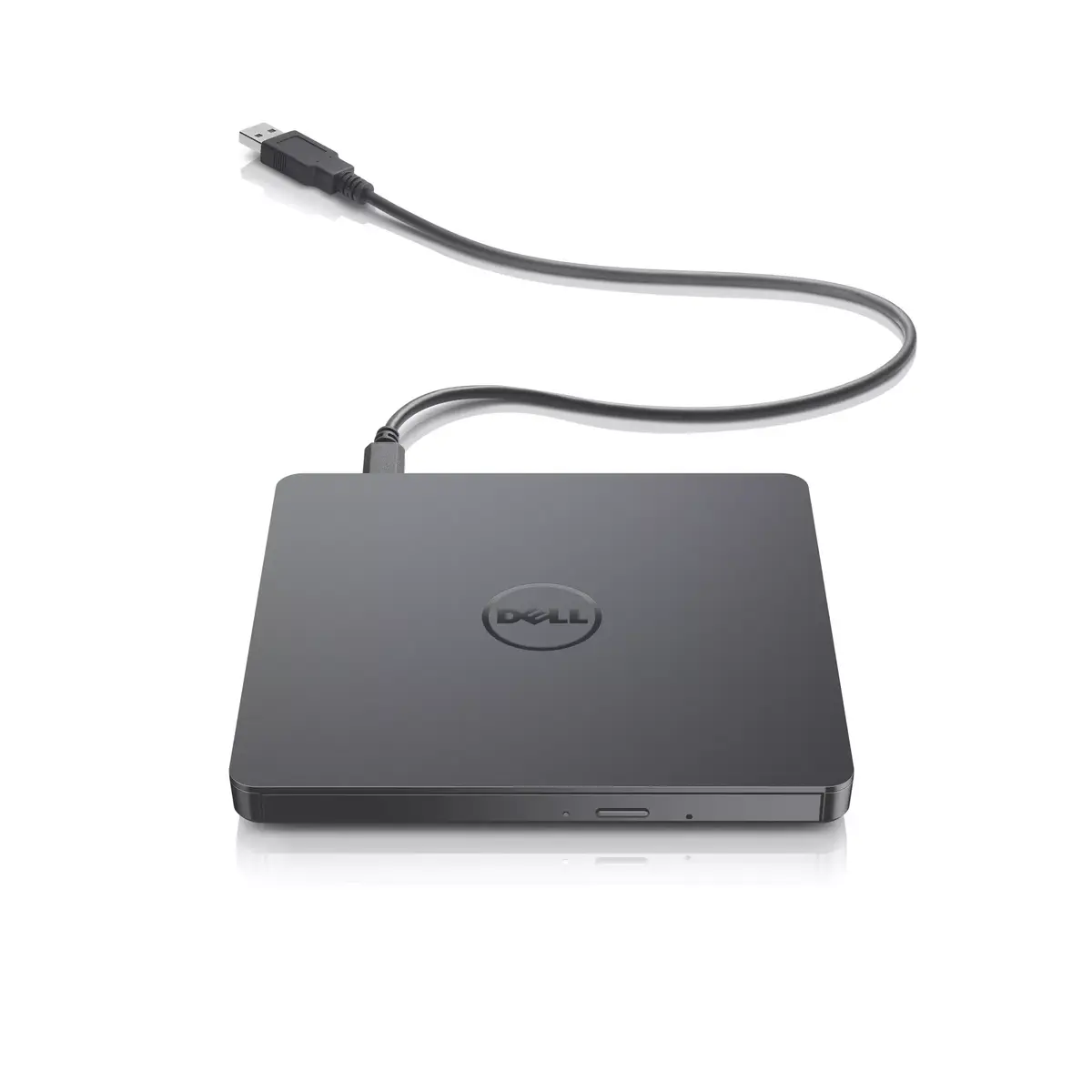
The Dell DW316 is a slim, portable external DVD±RW optical disc drive designed to provide reliable read and write capabilities for users whose computers lack an internal optical drive. This compact device connects via a standard USB 2.0 interface, offering a convenient plug-and-play solution for desktops and notebooks. Its lightweight and low-profile design makes it an ideal accessory for professionals and students who need to manage optical media while working at home, in the office, or while traveling.
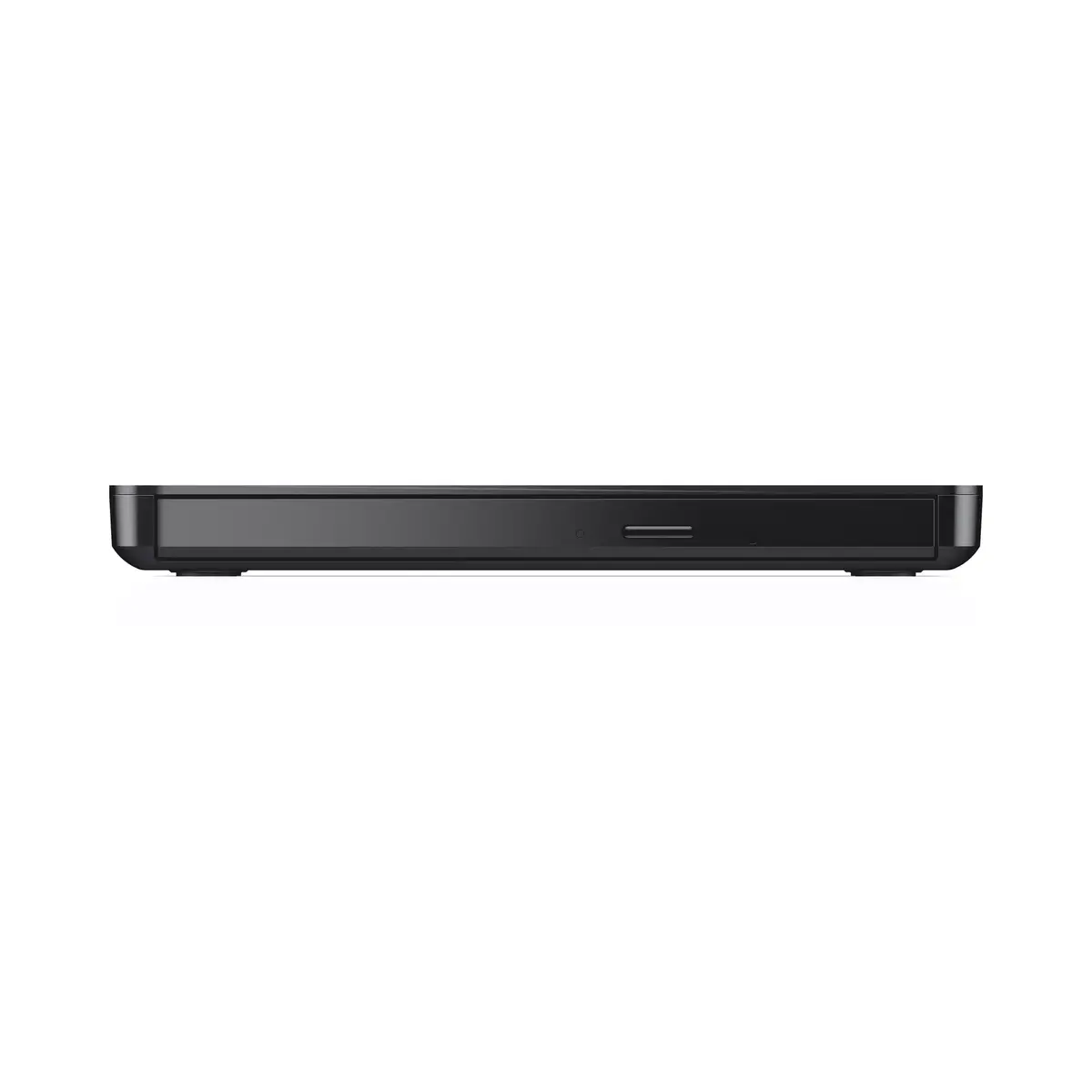
The primary benefit of the Dell DW316 is its exceptional portability, as it weighs only 200 grams and features a slim 14mm profile, allowing it to fit easily into any laptop bag. Because it is powered directly through the USB port of your computer, there is no need for bulky external power adapters or batteries, ensuring a clutter-free workspace. The device is designed for immediate use without complex installation procedures, making it highly accessible for all users. Its sleek black finish provides a professional aesthetic that complements modern computing hardware.
This drive is not suitable for users requiring high-speed Blu-ray playback or recording, as it is strictly limited to CD and DVD formats. Additionally, it may not be compatible with devices that lack a standard USB-A port unless an appropriate adapter is used.
To use the Dell DW316, simply connect the integrated USB cable into an available USB 2.0 port on your computer. The operating system will automatically detect the drive, allowing you to insert a disc and begin reading or writing data immediately. No additional power source is required, as the drive draws all necessary energy from the USB connection.
For optimal performance, always place the drive on a flat, stable surface during operation to ensure the disc spins correctly and to prevent mechanical errors. Avoid moving the device while a disc is actively being read or written.
{{highlightedFeature.featureTitle}}:
{{getProductFeatureValueById(product, highlightedFeature.featureId)}}
